Best AI Tools for Productivity and Education (2026)









Best AI Tools for Productivity and Education in 2026
If you're researching the best AI tools for productivity and education in 2026, the right answer is no longer one tool — it's a small stack that covers chat, research, notes, and automation across both work and learning. Productivity and education aren't separate lanes anymore; the same AI assistants that summarize a strategy doc also tutor a student through calculus, and the same research tool that fuels a market report builds a study guide.
This guide covers the eight AI tools that move the needle for both knowledge workers and learners in 2026: ChatGPT, Claude, Notion AI, Gemini, NotebookLM, Perplexity, Zapier, and Otter.ai. Each is rated for what it actually does well in production, and how it pairs with the others to form a credible productivity and education stack.
The Four Lanes That Matter
Most teams and students researching "AI for productivity" or "AI for education" are solving one of four problems. The right tool depends on which:
- General-purpose AI assistants: chat, writing, summarization, brainstorming, research. Leaders: ChatGPT, Claude, Gemini.
- Knowledge management and notes: capture, organize, and surface what you've learned or written. Leaders: Notion AI, NotebookLM.
- Research and search: find credible information and synthesize it across sources. Leaders: Perplexity, NotebookLM.
- Workflow automation and capture: make repetitive tasks happen without you, capture meetings without typing. Leaders: Zapier, Otter.ai.
The orgs and individuals winning in 2026 don't pick one tool — they run two assistants (typically ChatGPT plus Claude or Gemini), one notes system, and one automation layer. Most of the productivity and education "AI ROI" comes from that combination, not from any single product.
Quick Comparison
| Tool | Best for |
|---|---|
| ChatGPT | General-purpose AI assistant with the broadest capability set (chat, code, image, voice). Best as a default daily-driver. |
| Claude | Anthropic's flagship assistant with strong reasoning and long-context handling. Best for serious writing, research, and analysis tasks. |
| Notion AI | AI built into Notion docs and databases. Best for teams already on Notion who want AI in their existing workflow. |
| Gemini | Google's flagship assistant with Deep Research and Gemini 3. Best for users in Google Workspace who want AI tightly integrated. |
| NotebookLM | Google's research notebook that turns sources into audio overviews and mind maps. Best for students and researchers learning from documents. |
| Perplexity.ai | AI search that answers with citations. Best for fast research and replacing Google for fact-finding queries. |
| Zapier | Workflow automation with AI nodes. Best for connecting your tools and automating repetitive work. |
| Otter.ai | AI meeting transcription and summarization. Best for capturing classes, meetings, and lectures. |
General-Purpose AI Assistants
1. ChatGPT — The Default Daily Driver
ChatGPT is the most-used AI assistant for both productivity and education in 2026 — broadest capability set (chat, code, image, voice, browsing), best free tier, and the assistant most people already know. For students and knowledge workers who want one tool that does most of the things, this is still the default starting point.
What it wins at: broad capability, polished mobile and desktop apps, generous free tier, and the most consumer-grade UX in the category. Custom GPTs make it usable as a tutor or research companion tuned to a specific subject.
Where it falls down: longer-context reasoning and serious writing tasks have a real ceiling — for a 30-page document or a deep analysis project, Claude usually beats it. The free tier rate-limits during peak use.
2. Claude — The Reasoning and Writing Specialist
Claude is the assistant serious writers, researchers, and analysts reach for when ChatGPT plateaus. Anthropic's models excel at long-context analysis (a full book or 50-page report fits in one prompt), nuanced writing, and tasks where careful reasoning matters more than raw breadth. The 2026 Opus 4.7 release widened the lead on hard reasoning work.
What it wins at: long-form writing and editing, document analysis where the input is large, and tasks requiring careful step-by-step thinking. Projects feature lets you keep persistent context across a workstream.
Where it falls down: smaller plugin/tools ecosystem than ChatGPT, no native image generation, and weaker mobile UX. Best paired with ChatGPT as a second opinion rather than as a sole assistant.
3. Gemini — Best for Google Workspace Users
Gemini is the right pick for users already in Google Workspace, with Gemini 3 powering Deep Research, Gmail, Docs, Sheets, and the broader Google productivity stack. Native voice and video understanding, the largest free tier of any major assistant, and integration depth Microsoft and OpenAI can't match in a Google-native shop.
What it wins at: Workspace integration, multimodal handling (voice + video native), Deep Research mode for long-running research tasks, and free-tier generosity that makes it credible for students.
Where it falls down: consumer-app polish trails ChatGPT; the assistant quality varies more across surfaces (Docs vs Gmail vs the standalone app). Best as a second assistant or as the primary choice if Google Workspace is your stack.
Knowledge Management and Notes
4. Notion AI — AI Inside Your Existing Knowledge Base
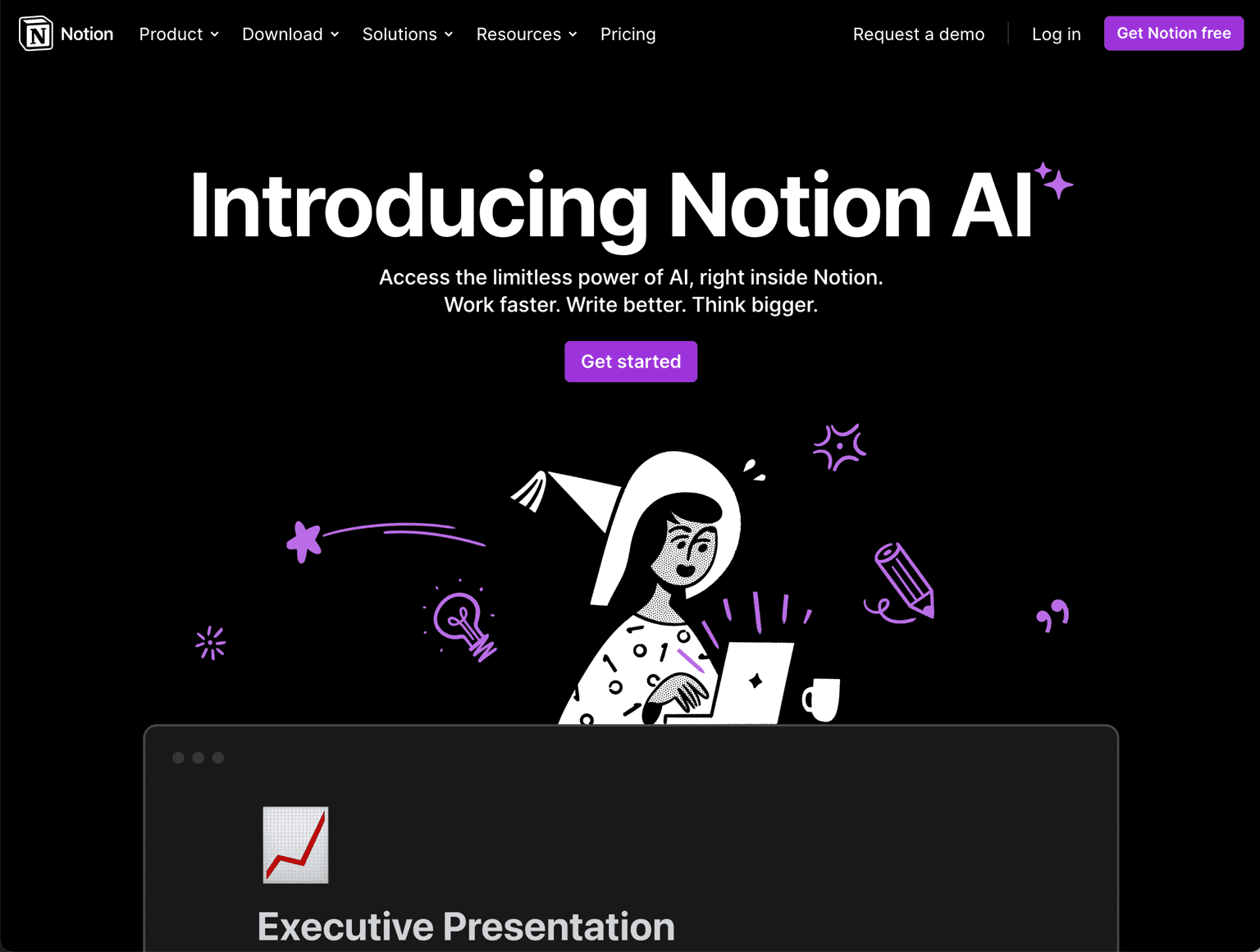
Notion AI brings AI into the Notion docs and databases your team or class already uses — write, summarize, translate, transform, and query across your entire workspace. The 2025 expansion into AI agents that can take actions across Notion (create databases, populate pages, run queries) made it credibly more than "AI typing assistance."
What it wins at: teams and students already on Notion, querying across an existing knowledge base, and getting real value without context-switching to a chatbot tab.
Where it falls down: Notion-only — useless if your knowledge lives elsewhere. The AI quality is competitive but not category-leading; if Notion isn't your default, a standalone assistant is more flexible.
5. NotebookLM — Learn From Your Sources
NotebookLM is Google's research notebook — upload your sources (PDFs, websites, videos, slides) and the AI answers questions grounded only in those sources, generates audio overviews, and builds mind maps. For students and researchers learning from documents, it's the most genuinely new productivity tool of the past year.
What it wins at: studying from textbooks and papers, building reliable answers grounded only in your trusted sources (no hallucinations from the open web), and the audio-overview feature for learning while commuting or walking.
Where it falls down: scoped to documents you upload — not a general-purpose assistant. For broader work, pair with ChatGPT, Claude, or Gemini.
Research and Search
6. Perplexity — AI Search With Citations
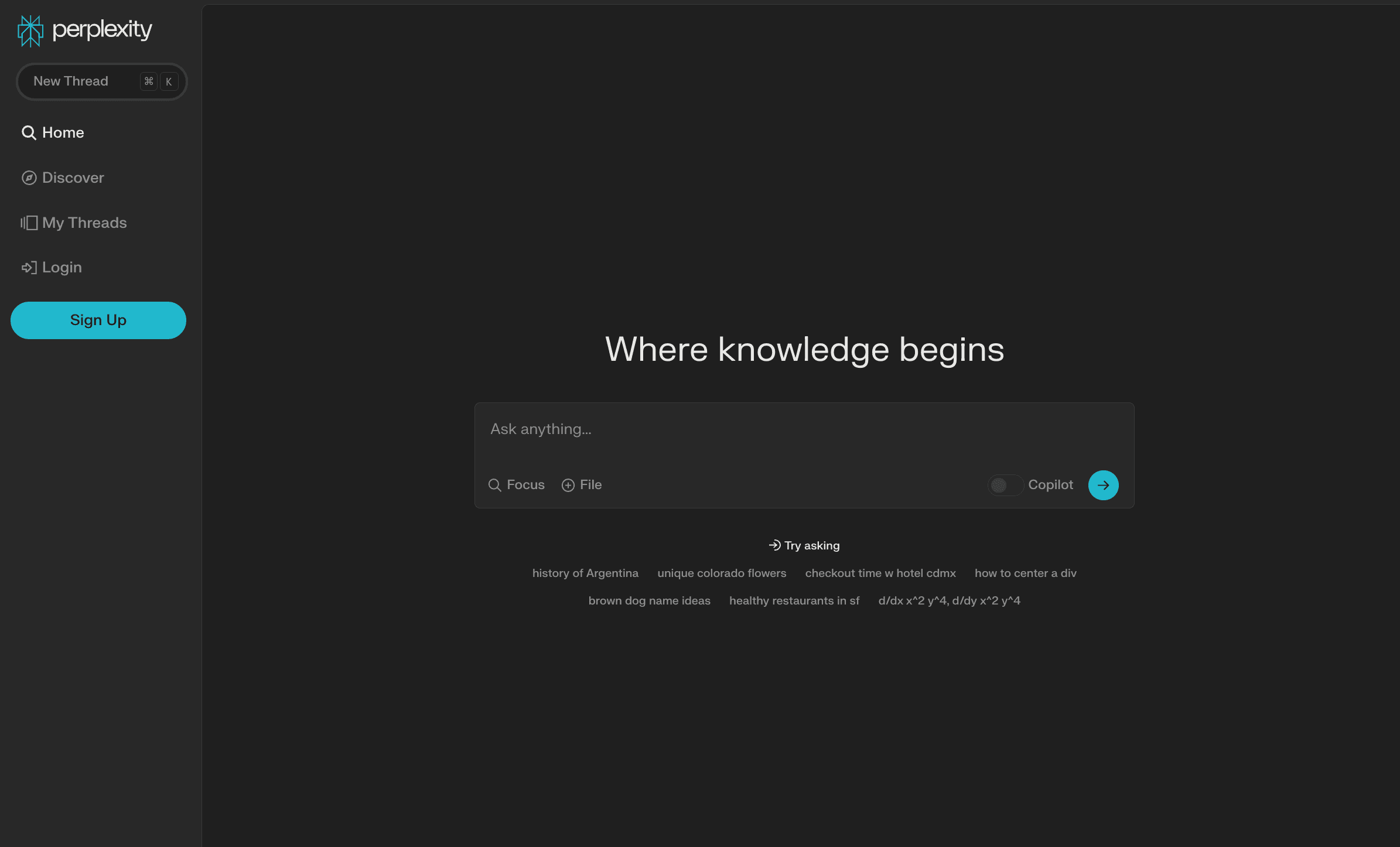
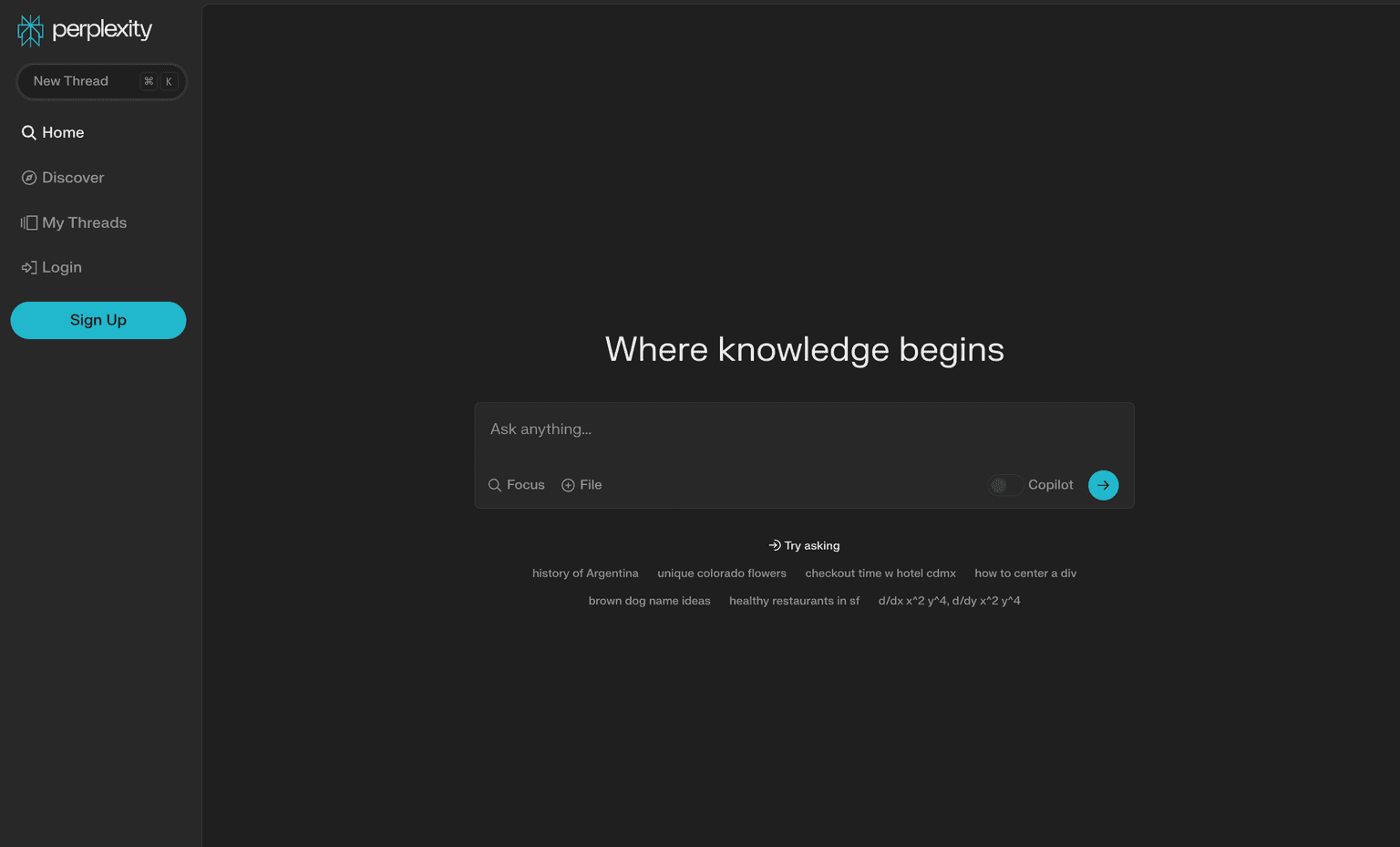
Perplexity.ai is the AI search engine most users now reach for when they'd previously have used Google for research-style queries — quick answers, real citations, follow-up questions in the same thread. The 2025 Comet browser launch extended Perplexity from a search engine into an agentic browser that researches, shops, and takes actions.
What it wins at: fast research, citation-backed answers, and the cleanest "replace Google for serious questions" experience in the category. The free tier is genuinely usable for daily research.
Where it falls down: not a writing or coding assistant — pair with ChatGPT or Claude for those. Citation quality varies with topic; specialist research still benefits from human verification.
Workflow Automation and Capture
7. Zapier — Connect Everything, Automate Anything
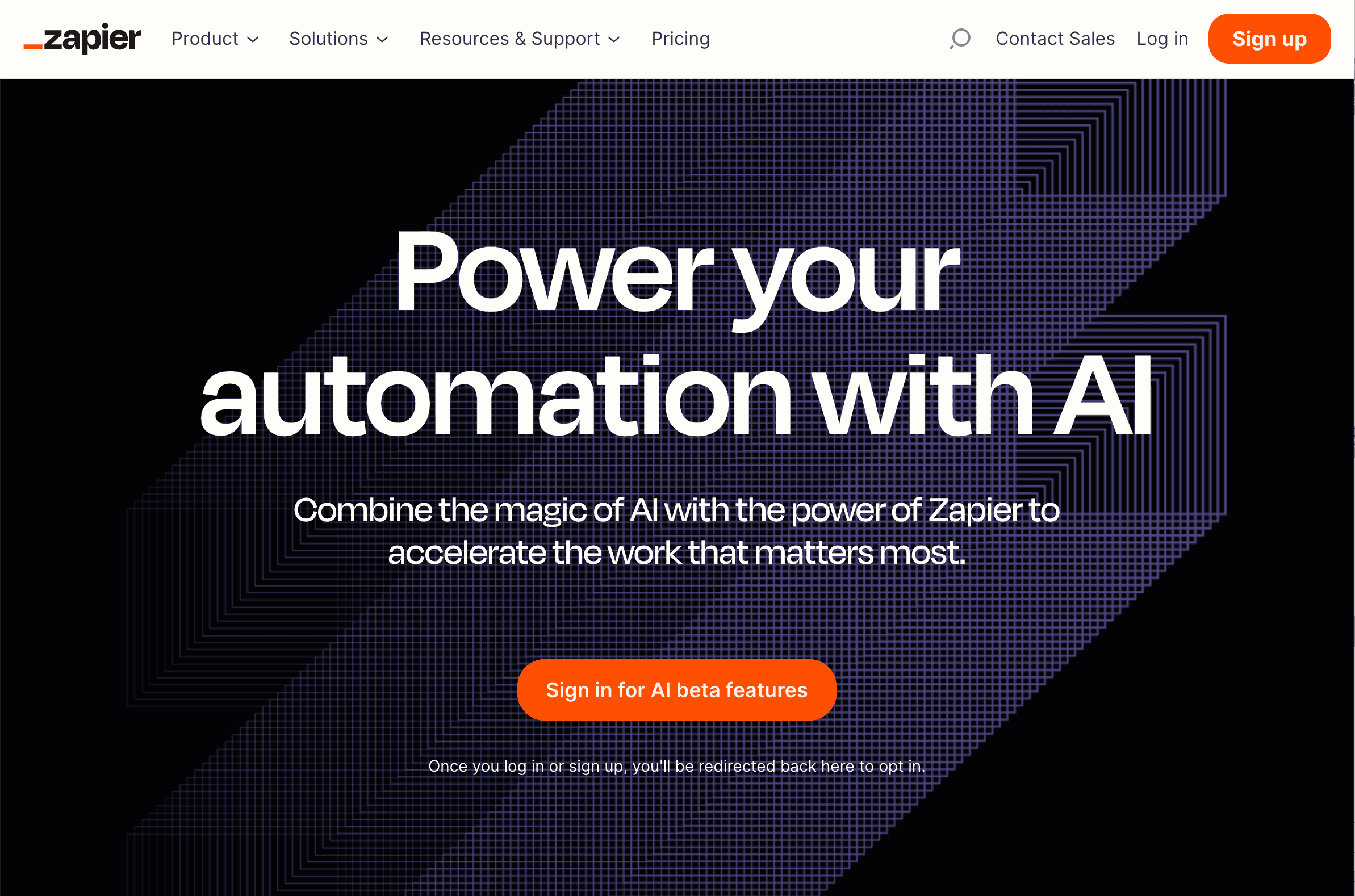
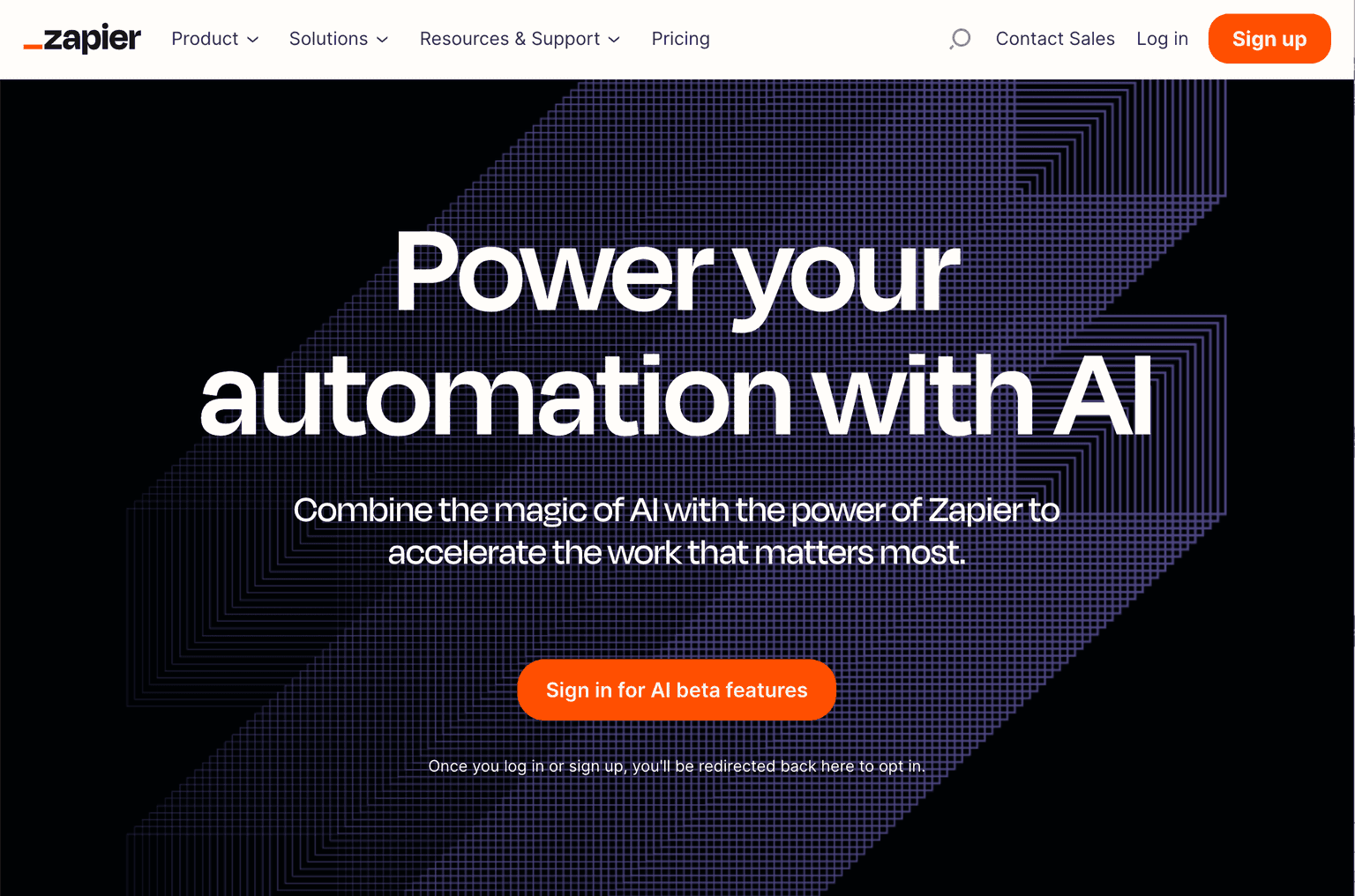
Zapier is still the broadest workflow automation tool for individuals and small teams in 2026, with the largest connector library and a credible AI-agent layer (Zapier Agents) on top. For productivity work where the bottleneck is repetitive cross-app tasks rather than thinking, it's the right level of tool.
What it wins at: connecting your tools, automating repetitive work, and now running AI agents inside the same platform you're already using.
Where it falls down: enterprise governance trails Workato; complex agent workflows trail dedicated agent platforms. For solo users and SMBs, those gaps don't matter.
8. Otter.ai — Capture Without Typing
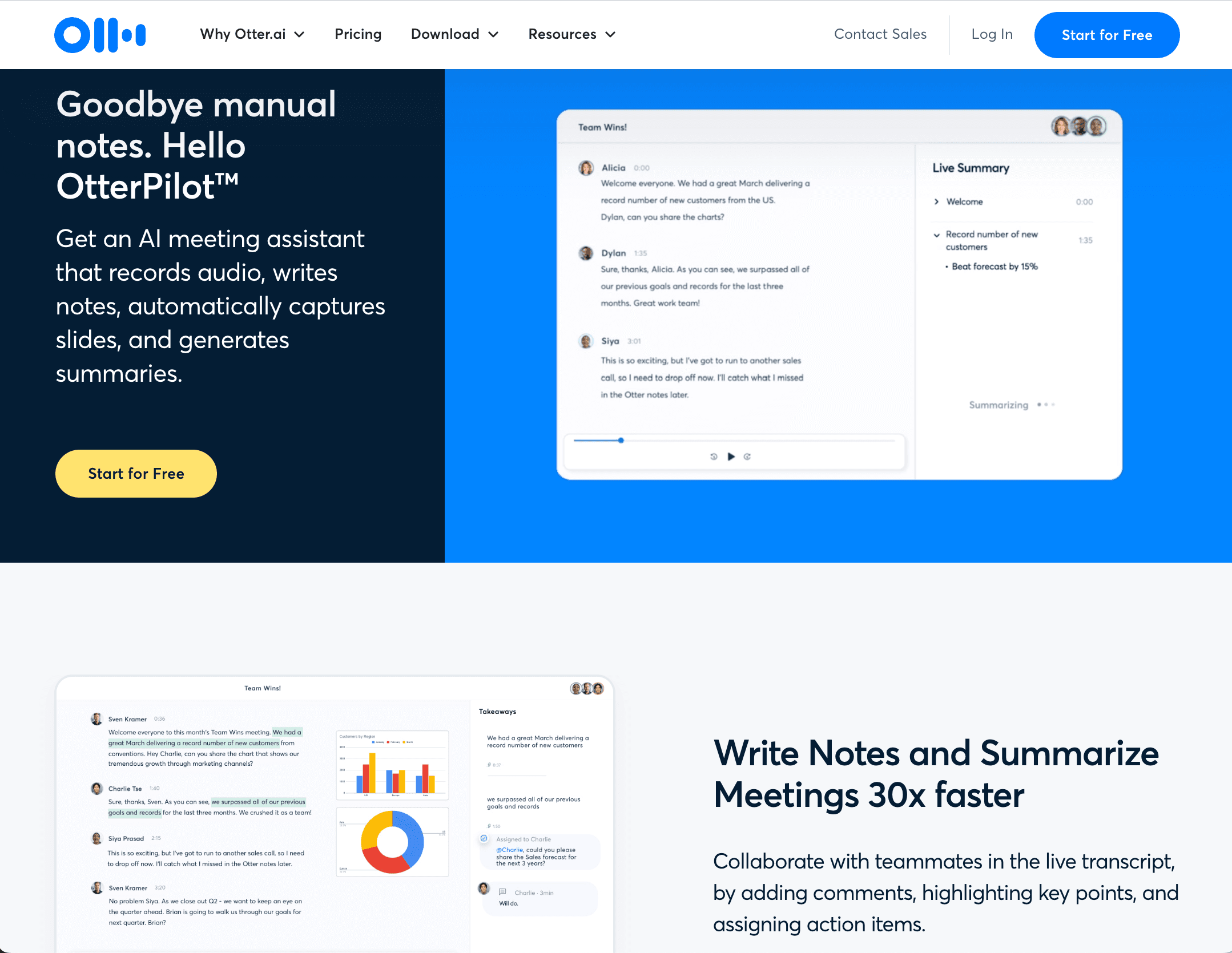
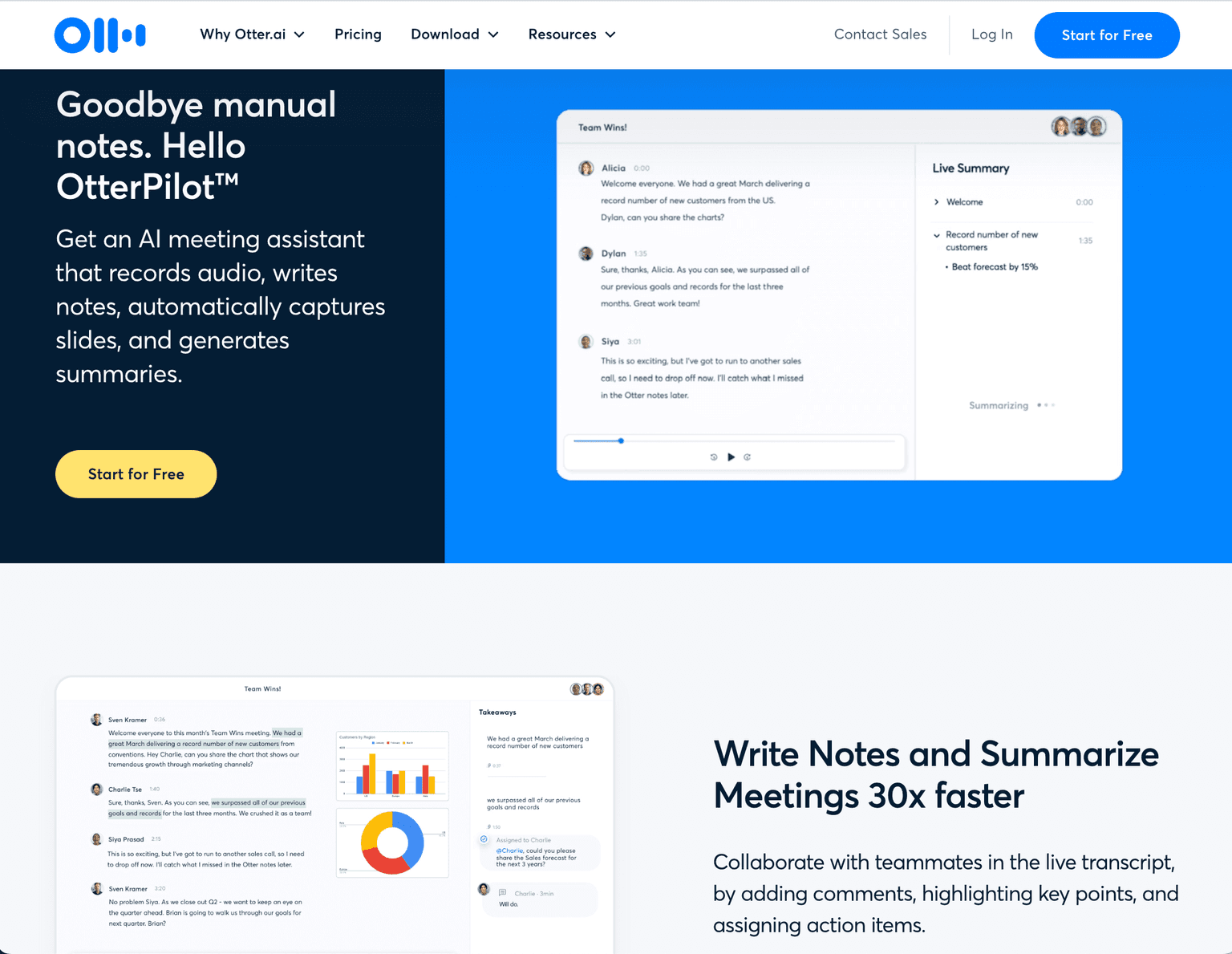
Otter.ai handles the part of productivity and education that's easiest to forget: capturing what was said. Live transcription and AI summaries of meetings, lectures, and interviews — useful for students who want lecture notes without typing, professionals running meetings, and anyone whose ideas live in conversation rather than on paper.
What it wins at: live transcription quality, education and lecture-capture workflows, and the cleanest in-meeting reading experience. The Chrome extension and mobile app are best-in-category.
Where it falls down: post-meeting CRM and pipeline workflow are thinner than dedicated sales tools. If you're a sales team, Fireflies or Granola may serve you better.
How to Build Your 2026 Productivity & Education Stack
For most knowledge workers and students, the strongest 2026 stack looks like:
- Daily driver assistant: ChatGPT, paired with Claude for serious writing/analysis
- Research: Perplexity for quick answers, NotebookLM when learning from documents you upload
- Notes and knowledge: Notion AI if you're already on Notion; NotebookLM for source-grounded study
- Capture: Otter.ai for lectures and meetings
- Automation: Zapier to connect the rest of your tools
The combination above costs under $50/month for most individuals (free tiers cover much of it) and unlocks compounding leverage as you build habits around it.
For adjacent reading, see our Top 7 AI Meeting Note-Takers for the deeper meeting-capture lane, Must-Have Free AI Tools for Developers for the developer-focused free tools, and Best AI Resume Builders & Job Search Tools for the career-transition adjacency.
Frequently Asked Questions
What's the best AI tool for productivity in 2026? For most people, ChatGPT remains the broadest daily driver, with Claude as the strong second for writing and analysis. The biggest productivity gains come from running two assistants and an automation layer (Zapier), not from picking one perfect tool.
What's the best AI tool for students? A combination: ChatGPT for general help, NotebookLM for studying from textbooks and papers, Perplexity for research, and Otter.ai for lecture capture. NotebookLM is the most genuinely new student productivity tool of the past year.
Should I pay for ChatGPT, Claude, or Gemini? If you're using AI daily, pick one paid plan and supplement with the free tiers of the others. ChatGPT Plus is the broadest; Claude Pro is best for serious writing; Gemini is best if you're already on Google Workspace.
Are AI tools allowed in school? Depends on the school and the assignment. Most universities and high schools have moved past blanket bans and now have specific policies on which assignments allow AI assistance and which require disclosure. Check your specific course's syllabus before assuming.
Can these tools replace traditional study methods? No, but they meaningfully change how learning happens. The students getting the most value treat AI as a tutor — explain the concept, ask follow-up questions, work through practice problems — rather than as a homework-completion tool. The latter approach degrades long-term retention.
Is using AI at work cheating? In 2026, no. AI is now a standard knowledge-work tool. The question isn't whether to use it; it's whether you're using it well — for leverage on real work — versus using it to skip thinking that still needs to happen. Companies increasingly expect AI literacy as a baseline skill.
Which assistant is most private? Claude and Anthropic's enterprise tier carry the strongest data-handling guarantees among the major assistants. ChatGPT Team and Enterprise plans add similar protections. Free tiers of all major assistants train on your data unless you opt out — read the data-handling settings before pasting sensitive material.
Final Thoughts
The productivity and education AI category in 2026 is past the experimental phase. The winning pattern isn't picking the perfect single tool — it's running a stack of two or three that complement each other, building habits around them, and letting the compounding leverage show up in week 6, not day 1.
If you haven't paid for a single AI subscription yet, ChatGPT Plus is the right starting point. If you're already on one, the next move is adding a second (Claude or Gemini) and an automation layer (Zapier). For students specifically, NotebookLM is the highest-leverage addition and free for personal use.
Compare tools in this collection
Categories these tools span
More collections you may also like

Sign up for our newsletter
Receive weekly updates so you can stay up-to-date with the world of AI
Sign up for our newsletter
Receive weekly updates so you can stay up-to-date with the world of AI
The AI tools directory for discovering, exploring, and comparing the most innovative AI tools in the industry