Zapier
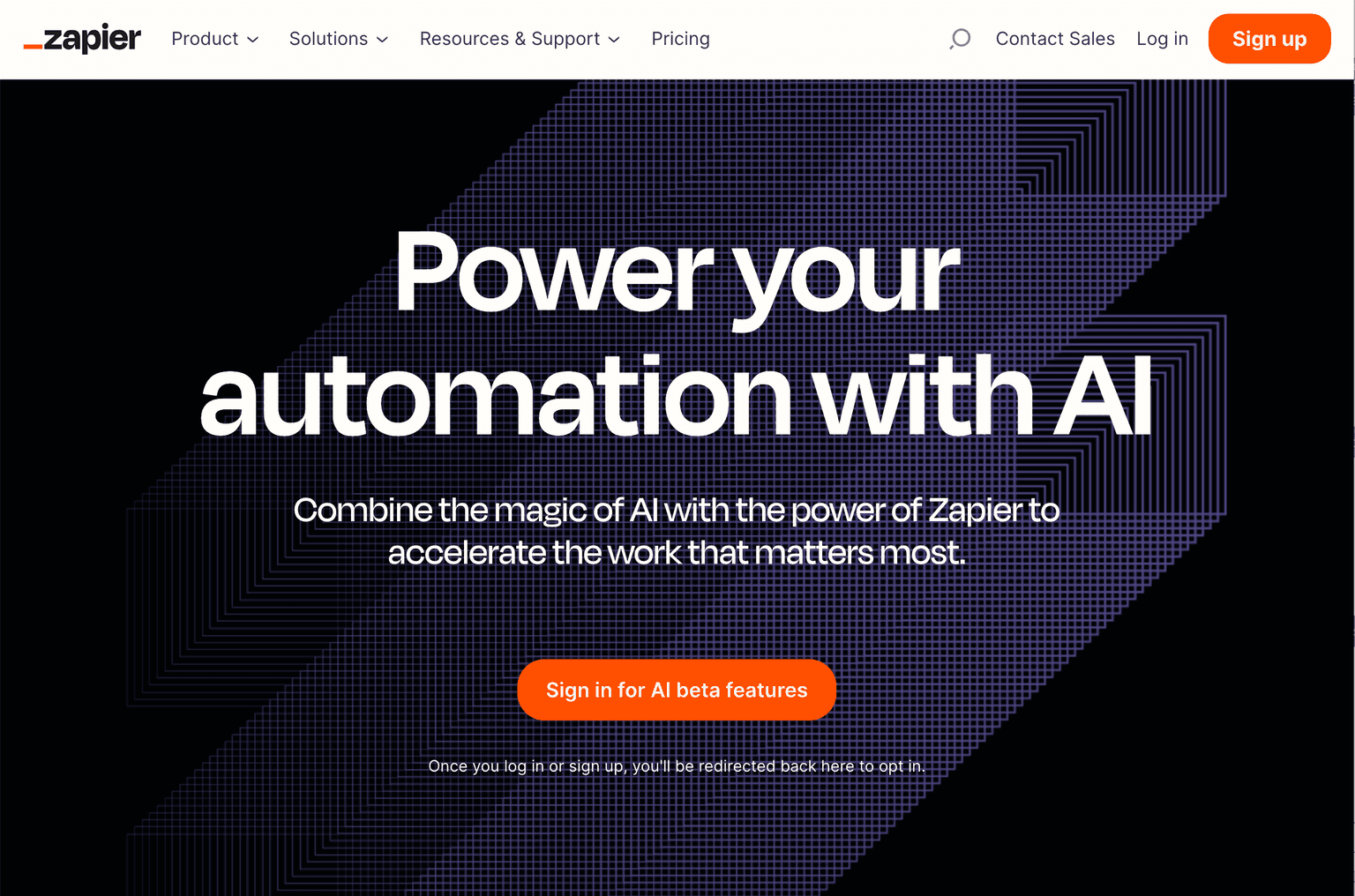
Workflow automation for everyone. Connects your tools to streamline mission-critical processes
Overview
Workflow Automation for Everyone
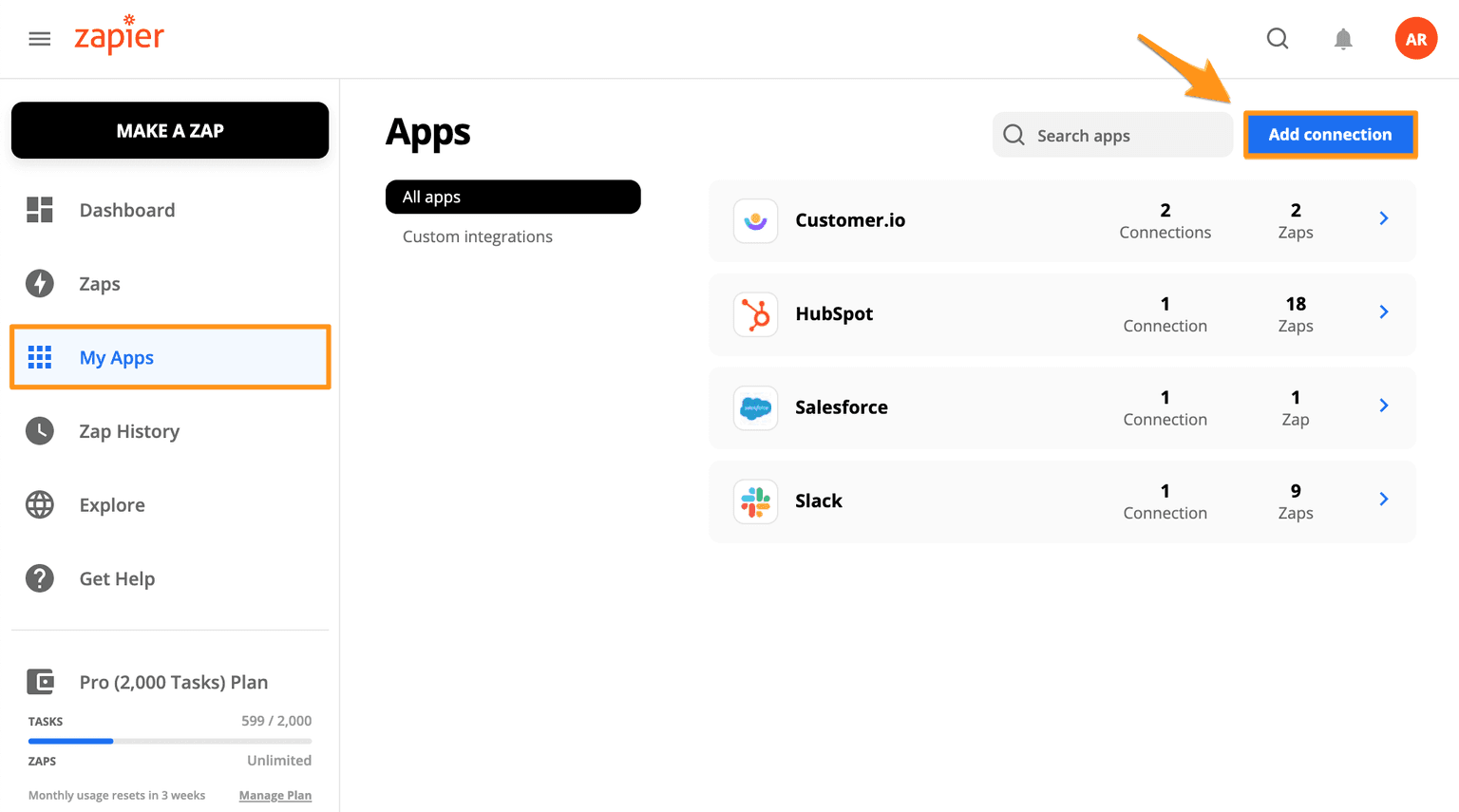
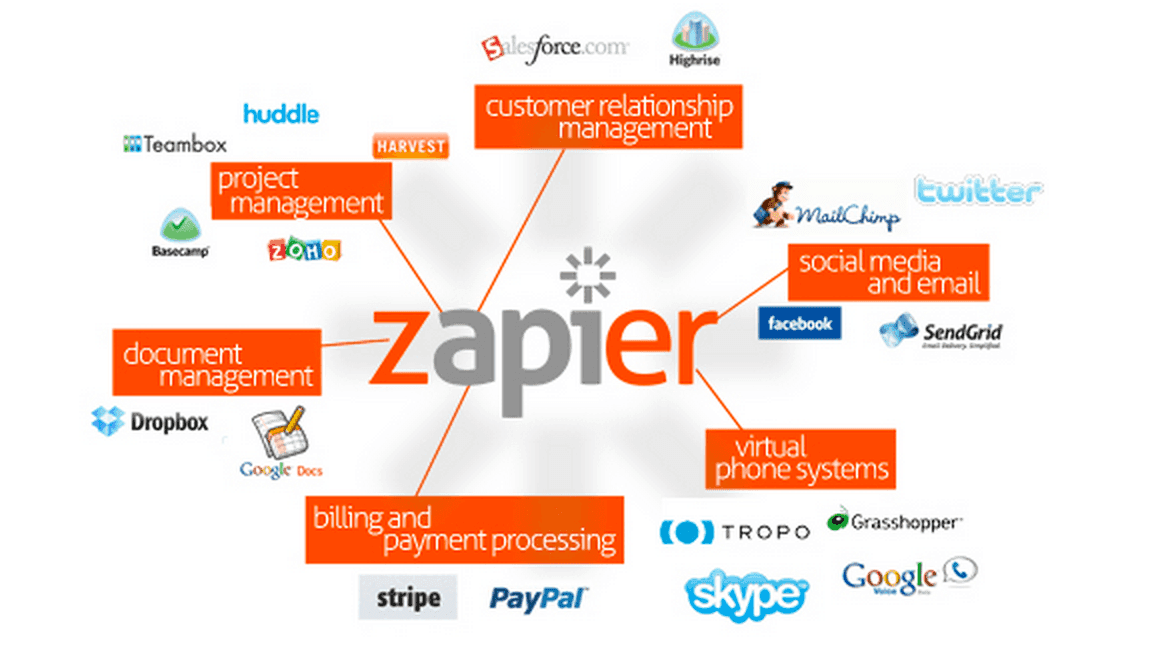
Zapier is a powerful workflow automation platform that allows users to connect over 5,000 apps and automate repetitive tasks. With Zapier, users can create custom workflows, known as "Zaps," that automatically perform actions in one app based on triggers in another app. By automating these tasks, users can save time, reduce manual effort, and focus on more important work. Zapier is designed for everyone, from individuals to businesses, and offers a wide range of integrations with popular apps like Slack, Salesforce, HubSpot CRM, PayPal, Asana, Dropbox, Google Sheets, and more.
Key Features:
- Single-step and Multi-step Zaps: Create simple or complex workflows with triggers and actions.
- No-code Editor: Intuitive no-code editor to build automated workflows.
- Filters and Formatter: Customize workflows with specific criteria and formatting.
- Custom Logic with Paths: Advanced workflows using branching logic.
- Unlimited Premium Apps: Access to select apps exclusively for paid plans.
- Live Chat Support: Real-time human support available.
Ideal Use Case:
Zapier is ideal for businesses and individuals looking to automate repetitive tasks, integrate various apps, and optimize their daily workflows. It's particularly beneficial for those who want to connect different tools without the need for coding.
Why use Zapier:
- Efficiency: Automate the busywork and focus on impactful work.
- Integration: Supports more than 5,000 app integrations.
- Accessibility: Build Zaps in plain English with AI assistance.
- Scalability: Suitable for small businesses to large organizations.
- Affordability: Offers free and various paid plans to suit different needs.
FAQ
What does Zapier do? Zapier is a workflow automation platform that connects your apps and tools together so you can automate repetitive tasks without writing code. It helps streamline processes across your business by enabling apps to share data and trigger actions automatically.
Who should use Zapier? Zapier is designed for anyone looking to save time on repetitive work, whether you're a solo entrepreneur, small business owner, or part of a larger team. You don't need coding experience to build automations, making it accessible to non-technical users.
How much does Zapier cost? Zapier uses a freemium pricing model, meaning you can get started for free with basic features. Visit the Zapier pricing page for current plans and to explore paid options that unlock more advanced capabilities.
How does Zapier compare to similar tools? Zapier focuses specifically on workflow automation and connecting apps, while alternatives like Airtable emphasize database management, Monday.com provides project management features, and ChatGPT Agent offers AI-powered automation. Your choice depends on whether you prioritize app integrations, project tracking, or AI-driven workflows.
tl;dr:
Zapier is a workflow automation platform that allows users to connect over 5,000 apps and automate repetitive tasks. With Zapier, users can create custom workflows, known as "Zaps," that automatically perform actions in one app based on triggers in another app. By automating these tasks, users can save time, reduce manual effort, and focus on more important work.
Related
Looking for more options? Browse the Workflow Automation directory or read our best AI process automation tools listicle. Zapier has a Wikipedia entry and is tracked on Crunchbase.
Why Use Zapier
Editorial Review
Our take on Zapier.

The mature workhorse for connecting SaaS apps — and no longer only a trigger-action tool. Zapier MCP now exposes its 6,000+ integrations as callable tools to Claude, ChatGPT and other agents.
What works
- Thousands of pre-built integrations covering essentially every common SaaS stack
- Zapier MCP turns the whole integration library into callable tools for AI agents
- Reliable execution; handles time-sensitive automation without babysitting
What doesn't
- Scales awkwardly once workflows get genuinely conditional or branching
- Agents are metered separately from Platform plans, so real cost is hard to predict
Zapier does one thing extremely well: it connects disparate SaaS tools without code. Thousands of integrations matter when you are gluing together Slack, Salesforce, HubSpot and whatever else the team runs, and the no-code trigger-action model is straightforward enough that non-engineers can build useful automations on day one.
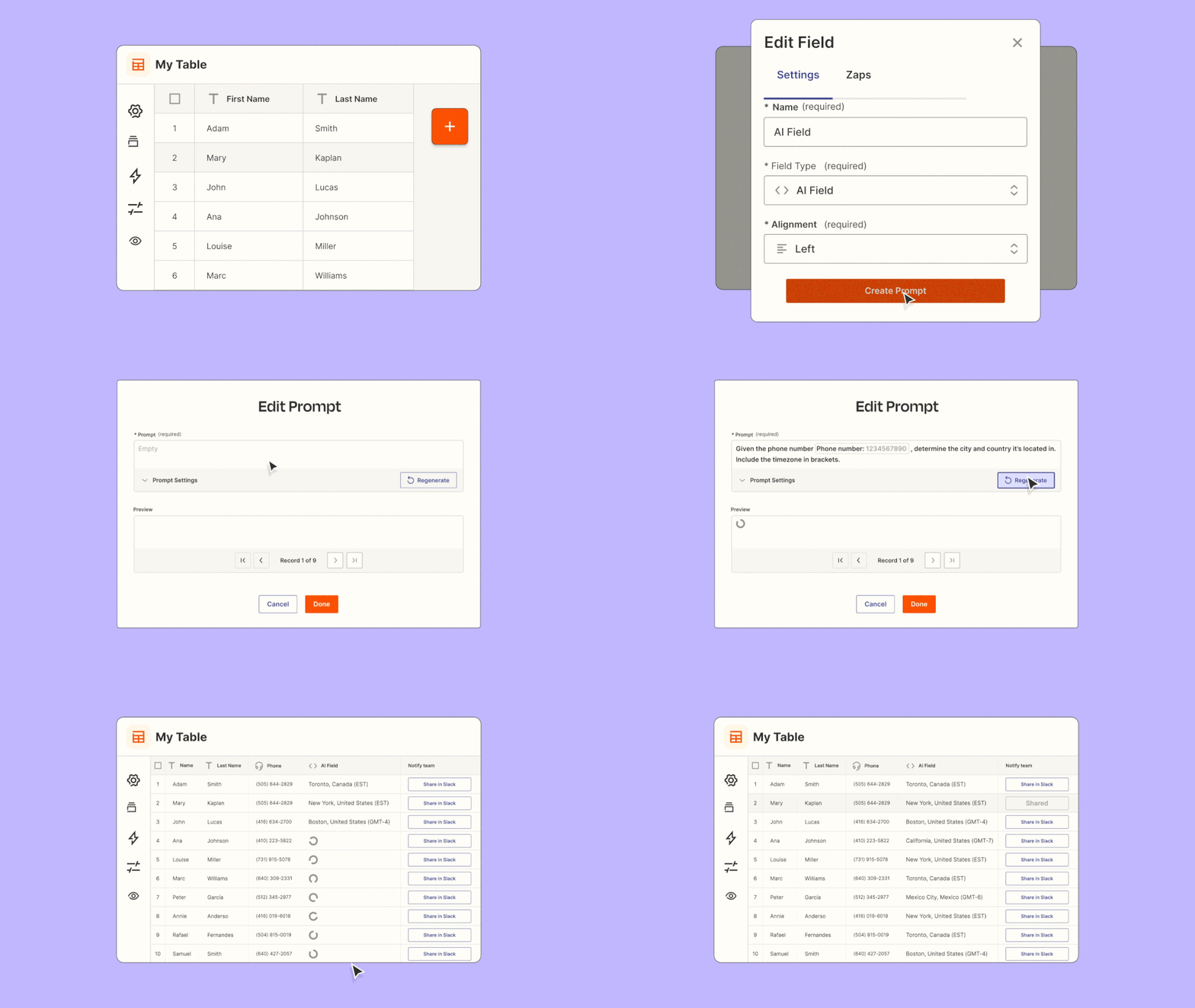
The 2026 product is wider than that reputation suggests. Alongside the classic Zaps sit AI Actions, Chatbots, Tables, Interfaces, and Canvas — a visual workflow planner included on paid plans. The most consequential addition is Zapier MCP, which exposes any Zapier action as a tool an MCP-compatible agent can call, turning the integration library into a toolbelt for Claude or ChatGPT rather than a destination of its own. Zapier Agents (formerly Central) run autonomous multi-step work and are billed separately from the Platform plans, on their own activity allowance.
The old caveat still holds. Zapier is best for workflows you can describe in a sentence. Once you need heavy conditional logic, data transformation or multi-step branching, the abstraction creaks — you end up either fighting the visual editor or dropping into code steps, at which point a developer-oriented tool is the better home. Task limits on the entry tiers also arrive quickly under production load, and the separate metering for Agents makes the total cost harder to predict than the headline plan suggests.
User Reviews
Similar Tools