
Airtable
A low-code platform for building next-gen apps and operationalizing data.
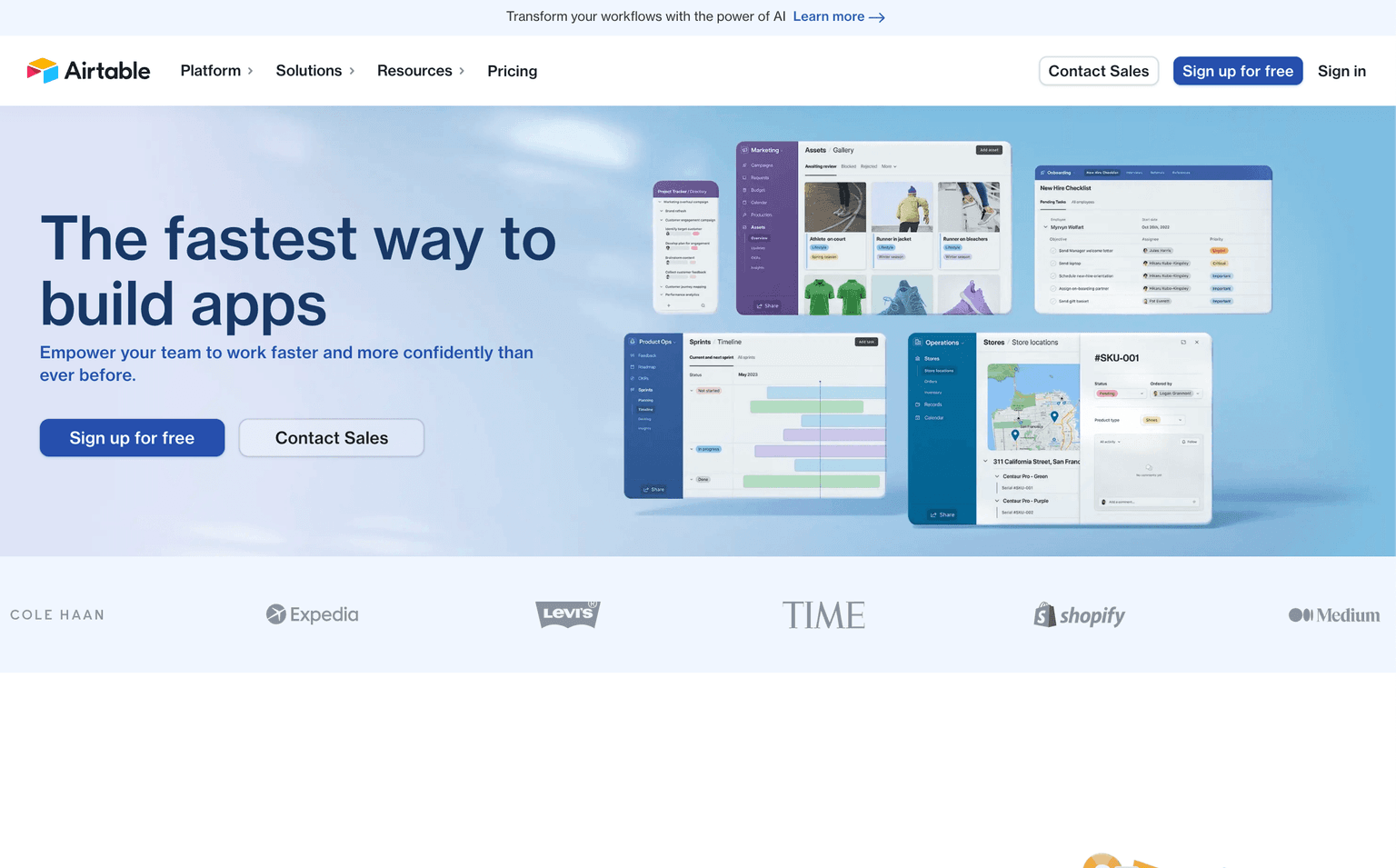
Acquired Airtable
Acquired · August 2026
Still operating. Bending Spoons announced a definitive agreement on August 4, 2026 to acquire Airtable in an all-cash deal valuing it at $1.285 billion enterprise value — around $2.25 billion including net cash. The transaction is expected to close later in 2026, pending regulatory approval. Airtable's low-code app platform continues to run unchanged, with roughly $480 million in annual recurring revenue as of June 2026 and more than 500,000 organizations using it.
Acquired by Bending Spoons.
Last known pricing: Free plan + Team, Business and Enterprise tiers
Is Airtable shut down?
No — Airtable is still operating. Its acquisition by Bending Spoons was announced on August 4, 2026, and the product continues to ship. We list it in the ToolDirectory.AI graveyard's acquired-but-operating section and watch for post-acquisition changes.
What to use instead

Monday.com
AI work platform with native agents — Agent Factory builds custom AI agents, monday vibe turns prompts into apps. The work OS at $10B+ valuation.
Freemium
4.92
460
Featured

Instabase
Unlocks unstructured data and automates manual processes for business transformation
Paid - Inquire
4.92
420

Samsara
Connected Operations Cloud for fleets — AI dashcams, telematics, predictive maintenance, driver coaching. Public on NYSE ($IOT). Built by Meraki founders.
Paid - Inquire
4.92
420
Overview
Airtable: Revolutionizing Workflows with AI-Powered App Building
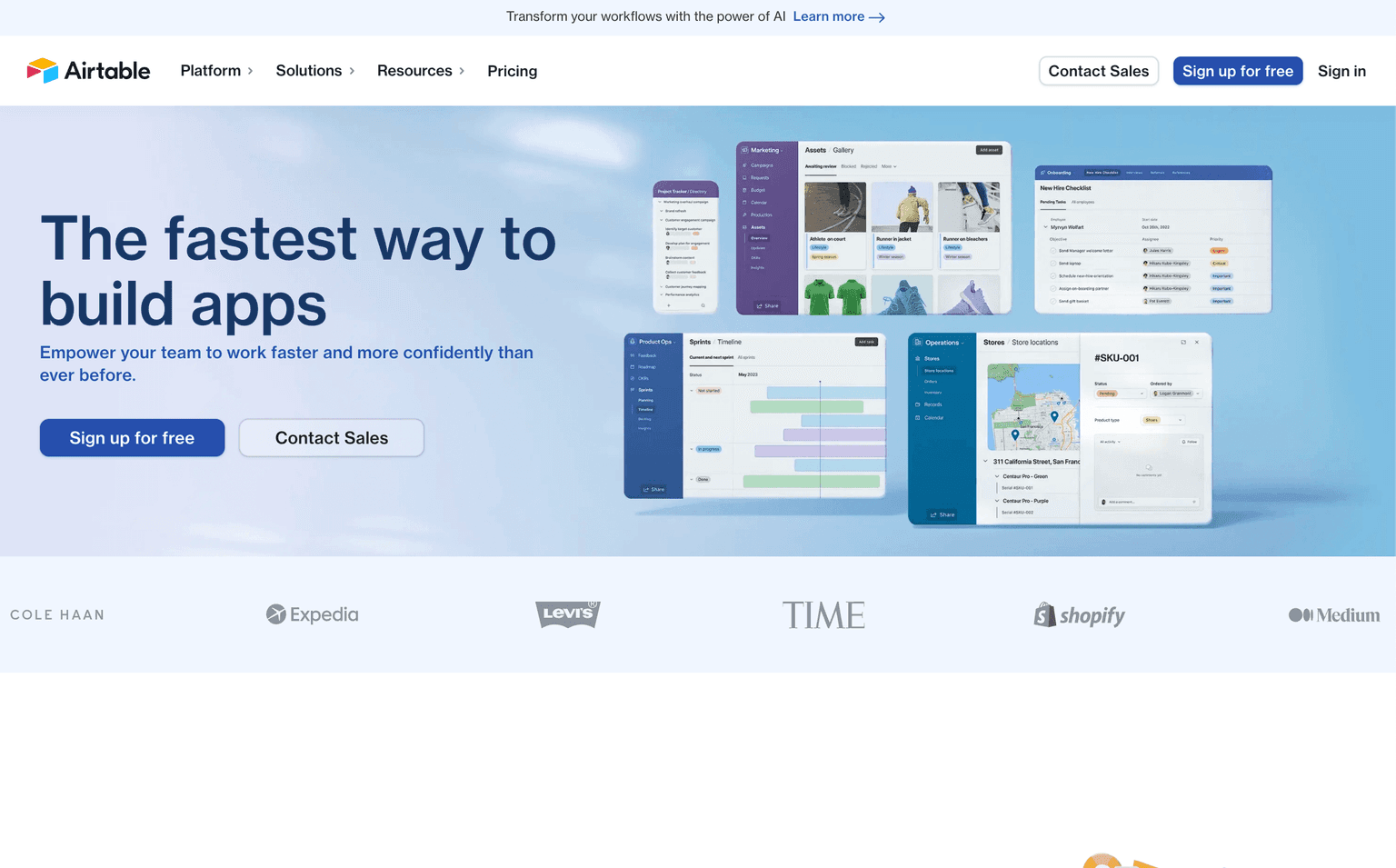
Airtable is a groundbreaking platform that empowers teams to work faster and more confidently than ever before. It offers a unique blend of simplicity and power, allowing users to build custom applications tailored to their specific needs without the need for extensive coding knowledge. By moving beyond traditional rigid tools, Airtable provides a flexible environment where critical data can be operationalized, and workflows can be reimagined with the help of AI.
Acquisition note (August 2026): On August 4, 2026, Bending Spoons (NASDAQ: BSP) announced a definitive agreement to acquire Airtable in an all-cash transaction valuing the company at $1.285 billion enterprise value — roughly $2.25 billion in equity value once Airtable's net cash is included. The agreement was approved unanimously by both boards and is expected to close later in 2026, subject to regulatory approvals and customary closing conditions. Airtable continues to operate and ship normally in the meantime: it reported annual recurring revenue of approximately $480 million as of June 2026, growing over 20% year over year, across more than 500,000 organizations.
Key Features:
- No-Code App Building: Easily create custom applications that fit your business needs.
- AI Components: Integrate dynamic AI functionality in just minutes. Integrations: Connect Airtable with popular tools like Tableau, Zendesk, Jira, and more.
- Custom Workflows: Design workflows that align with your business processes.
- Industry-Specific Solutions: Tailored solutions for Marketing, Product, Operations, Finance, and Human Resources.
Ideal Use Case:
Airtable is perfect for teams and businesses that want to streamline their operations, manage data efficiently, and build custom applications without the complexities of traditional software development. Whether you're in marketing, product development, HR, or finance, Airtable offers solutions tailored to your needs.
Why use Airtable:
- Flexibility: Build exactly what you need without being confined by rigid software.
- Efficiency: Speed up processes and reduce manual tasks with automation.
- Collaboration: Enable seamless collaboration across teams and departments.
- Scalability: As your business grows, Airtable grows with you, adapting to your changing needs.
FAQ
What is Airtable and what can it do? Airtable is a low-code platform that lets you build next-generation applications and operationalize your data without extensive coding. It combines the flexibility of a database with an intuitive interface, making it easy to organize, automate, and manage workflows across your organization.
Who should use Airtable? Airtable works well for teams and businesses that want to streamline operations and build custom applications without deep technical expertise. It's ideal for anyone looking to move beyond spreadsheets and automate data-driven workflows across departments.
How much does Airtable cost? Airtable offers a free trial so you can test the platform before committing. Visit the Airtable pricing page for current plans and to see which option fits your needs.
How does Airtable compare to other no-code platforms? Airtable competes with alternatives like Monday.com and Instabase in the no-code space, each with different strengths in workflow automation and data management. The best choice depends on your specific use case, team size, and the complexity of processes you need to automate.
Who owns Airtable? Bending Spoons, pending close. The Nasdaq-listed app company announced a definitive agreement on August 4, 2026 to acquire Airtable in an all-cash deal valuing it at $1.285 billion enterprise value; the transaction is expected to close later in 2026, subject to regulatory approval. Until then Airtable remains independently operated and its product, plans and support are unchanged. Bending Spoons also acquired AOL in January 2026 and Eventbrite in March 2026.
tl;dr:
Airtable is a dynamic platform that combines the power of AI with the simplicity of no-code app building. It's designed to help teams work faster, streamline operations, and build custom applications tailored to their specific needs.
Related
Looking for more options? Browse the Workflow Automation directory or read our best AI process automation tools listicle. Airtable has a Wikipedia entry and is tracked on Crunchbase.
Why Use Airtable
Editorial Review
Our take on Airtable.

Flexible database-plus-automation layer that works best when you need custom workflows without hiring engineers.
What works
- Visual database design accessible to non-technical users
- Strong automation and third-party integrations
- Omni turns a plain description into a working app on top of your own tables
What doesn't
- Free tier constraints push you toward paid plans quickly
- Relational logic and formulas have a learning curve
Airtable sits in a useful middle ground: it's more structured than a spreadsheet but less rigid than traditional databases. The core appeal is that you can build relational databases, automate repetitive tasks, and connect to external tools—all through a visual interface.
Where it shines: teams managing projects, inventory, or customer data who need to customize workflows without writing code. The UI is intuitive enough that non-technical people can build meaningful automations. Where it gets rough: the free tier is genuinely limited, and pricing scales quickly if you need serious automation or storage. There's also a learning curve once you move beyond basic tables—relational modeling and formula logic require some thought.
It's worth trying on the free tier if you're tired of spreadsheets but wary of rigid software. Just be realistic about whether the paid tier fits your budget before you go too deep.
Two things reframe any 2026 evaluation. Airtable relaunched itself as an AI-native app platform: Omni, a conversational builder that turns a description into a working app, sits on top of Cobuilder and the Hyperagent autonomous agents, with HyperDB behind them for very large record counts. And on 4 August 2026 Bending Spoons announced a definitive all-cash agreement to acquire Airtable, expected to close later in the year - so roadmap continuity is a fair question to put to the vendor before committing.


