Must-Have Free AI Tools for Developers









Best Free AI Tools for Developers in 2026
If you're searching for the best free AI tools for developers in 2026, you're picking from one of the strongest free tiers any software category has ever offered. The category has matured to the point where a serious AI-augmented development workflow — coding agent, IDE assistant, repo-aware chat, prototyping playground — can be assembled from genuinely free or open-source tools without ever entering a credit card.
This guide covers the seven free AI developer tools worth installing today: Cline, Aider, Continue.dev, Windsurf, Sourcegraph Cody, Bolt.new, and Hugging Face. Each is rated by what it does for free, where the free tier breaks, and whether the value holds at zero dollars.
Why "Free" Is Different in 2026
For most of the AI dev tooling era (2022–2024), "free" meant either a 14-day trial, a hobbled feature set, or a tool that worked great until you hit a hard quota in the middle of a real project. That's no longer the default. Three things changed:
- Open-source agents matured. Cline, Aider, and Continue.dev are full-power coding tools where the only "cost" is bringing your own API key — and even that's optional if you self-host a model.
- The closed leaders shipped serious free tiers. Windsurf and Cody both offer free plans you can actually ship work on, not just evaluate.
- The model providers competed on developer access. Free credits and free tiers from Anthropic, Google, OpenAI, Groq, and others mean even the BYOK tools rarely bill you anything.
The practical bar for "must-have free AI dev tools" in 2026 is high: it should be installable today, usable on a real project this week, and not constantly nagging you to upgrade. The seven below clear that bar.
Quick Comparison: Free AI Tools for Developers
| Tool | Best for |
|---|---|
| Cline | Open-source AI coding agent for VS Code. Bring your own API key (or run locally). Plan/Act mode separation is one of the cleanest agent UXs in the category. |
| Aider | Open-source CLI pair programmer. Lives in your terminal, edits files, commits each change with git. Best-in-class for engineers who think in commits. |
| Continue.dev | Open-source AI assistant for VS Code and JetBrains. Model-agnostic, IDE-native, free forever for individuals. |
| Windsurf | Agentic IDE with a generous free tier. Cascade agent and Tab autocomplete work for solo developers without paying. |
| Sourcegraph Cody | Free tier for individual developers, including chat, autocomplete, and limited Sourcegraph code-graph context. |
| Bolt.new | Free credits for prompting up working web apps in the browser. The fastest way to ship a working prototype without a local dev environment. |
| Hugging Face | Free model hub, free Spaces, free Inference API tier. The infrastructure layer most AI engineers use without realizing how much of it is free. |
1. Cline — Open-Source AI Coding Agent for VS Code
Cline is the open-source coding agent that runs inside VS Code, reads your repo, plans changes, and executes them with full file-edit, terminal, and tool access. The Plan/Act mode separation is the cleanest agent UX in the category — you see exactly what the agent intends to do before it does anything. Bring your own API key for Anthropic, OpenAI, OpenRouter, AWS Bedrock, Vertex, or any local model that speaks an OpenAI-compatible API.
What it wins at: transparent agent loops, full vendor flexibility, and the ability to point Cline at whichever model is fastest or cheapest this week. The community fork Roo Code is also strong if you want a different default.
Where it falls down: you're responsible for your own API bill and your own evals. There's no enterprise support phone number when something breaks. Less polished than the closed-source IDEs for the small-edit autocomplete loop.
Free? Fully open-source. Costs are whatever the underlying model API charges — and with Groq, Cerebras, or local models, that can be zero.
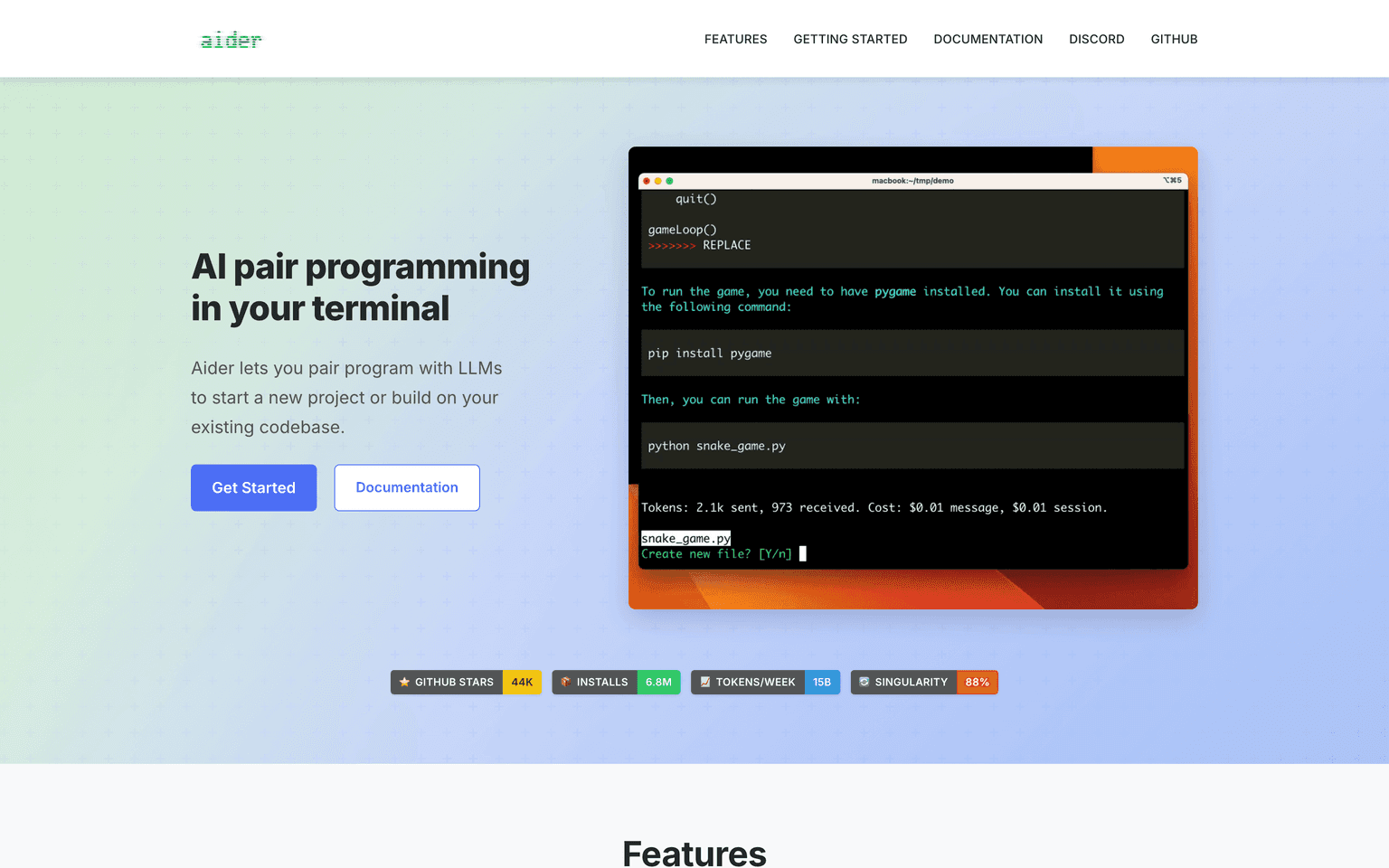
2. Aider — Open-Source AI Pair Programmer for the Terminal
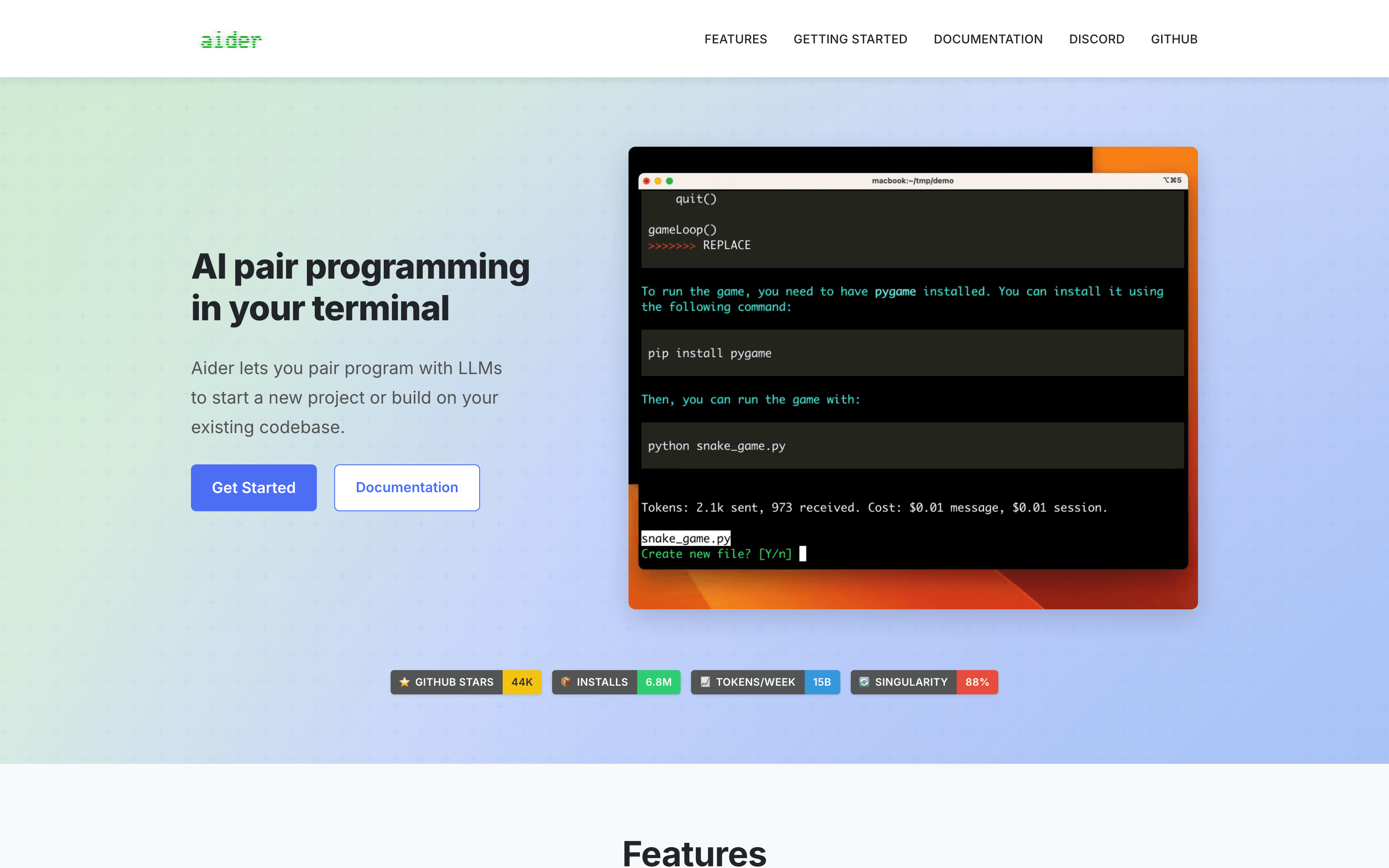
Aider is the most thoughtful tool in the category for engineers whose mental model is git diff. It runs in your terminal, edits files across your repo, runs your tests, and commits each change with a sensible message. Reverting a bad suggestion is git reset — that's it. Aider respects the version-control system instead of fighting it.
What it wins at: small focused changes on disciplined repos, scripted workflows (aider --message "fix the failing test in foo.py"), and the cleanest commit history of any AI dev tool. Repo-map feature gets impressive context efficiency on medium-sized codebases.
Where it falls down: no GUI, no IDE integration, steeper learning curve than the marketing suggests. Rewards engineers who already think in commits and frustrates ones who don't.
Free? Fully open-source. Works with Claude, GPT, Gemini, DeepSeek, Groq, OpenRouter, and local models — bring your own key.
3. Continue.dev — Open-Source AI Assistant for VS Code and JetBrains
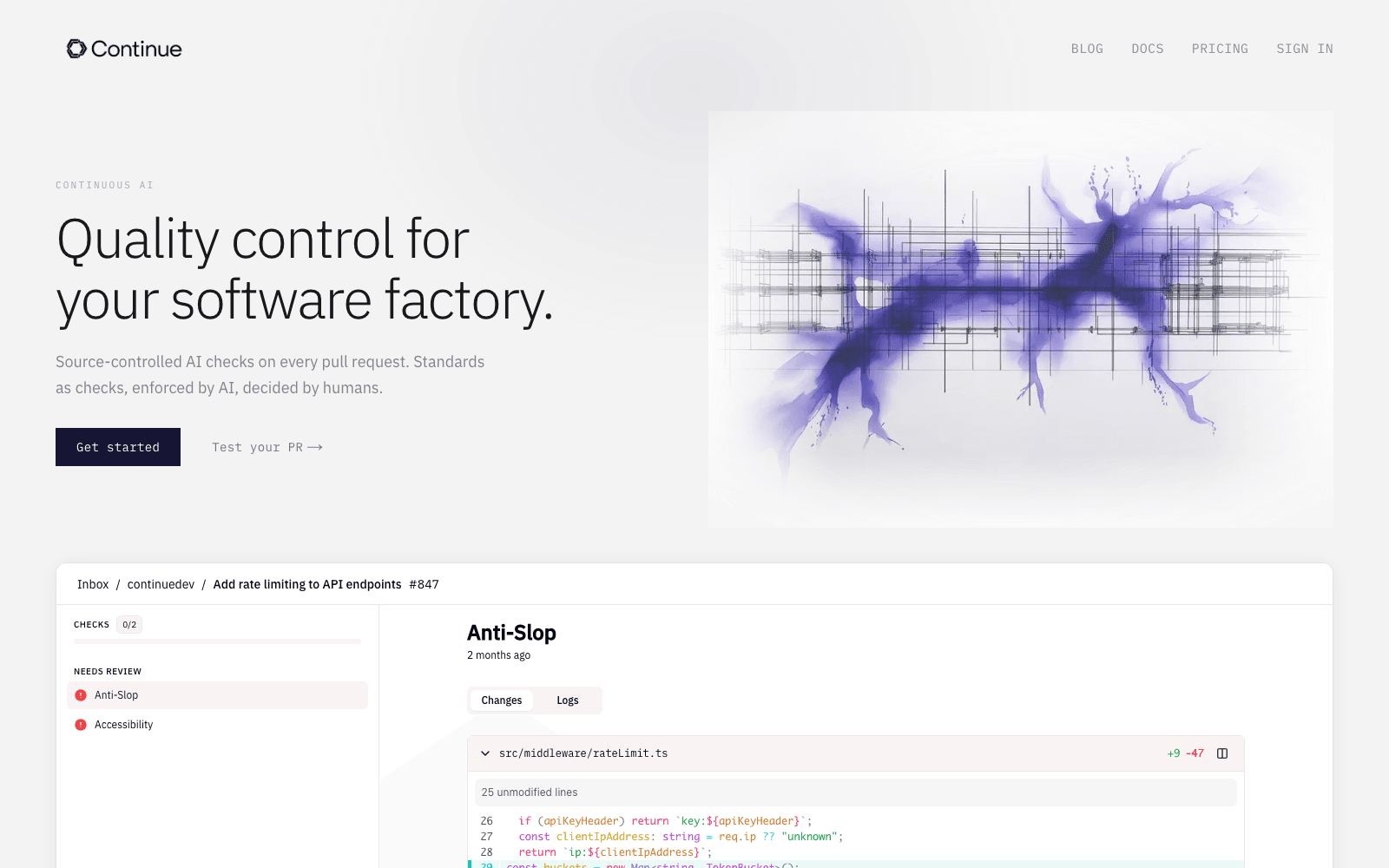
Continue.dev is the leading open-source IDE assistant for engineers who want a Cursor-class experience but don't want to switch IDEs. It plugs into VS Code and JetBrains, supports any model API, and ships chat, autocomplete, and inline editing without the lock-in of the closed-source competitors.
What it wins at: staying in your existing IDE, model-agnostic configuration, and a clean configuration story for teams that want to standardize on a single AI plugin without forcing everyone onto a new editor.
Where it falls down: the agentic capability is younger than Cline's; for full-repo refactors, Cline or Cursor agent are stronger. Best treated as the autocomplete-and-chat layer rather than the agent layer.
Free? Open-source and free for individuals. Team features have a paid tier but the core is genuinely free forever.
4. Windsurf — Agentic IDE With a Real Free Tier

Windsurf (the agentic IDE that absorbed Codeium) ships one of the most generous free tiers in the closed-source side of the category. The Cascade agent works on the free plan, Tab autocomplete is included, and solo developers can do real work without paying anything. Acquired by Cognition AI in 2025, which strengthened the roadmap.
What it wins at: Cursor-class IDE experience without Cursor's pricing pressure on individuals; conservative agent loop that doesn't aggressively rewrite files you didn't ask for; cleanest free-tier UX in the category.
Where it falls down: smaller community than Cursor, so when something breaks the answer is harder to find. Free tier inevitably tightens over time as the product matures.
Free? Yes, with a usable cap. Pro tier exists for power users but most solo work fits inside free.
5. Sourcegraph Cody — Free Code-Graph Context for Individuals
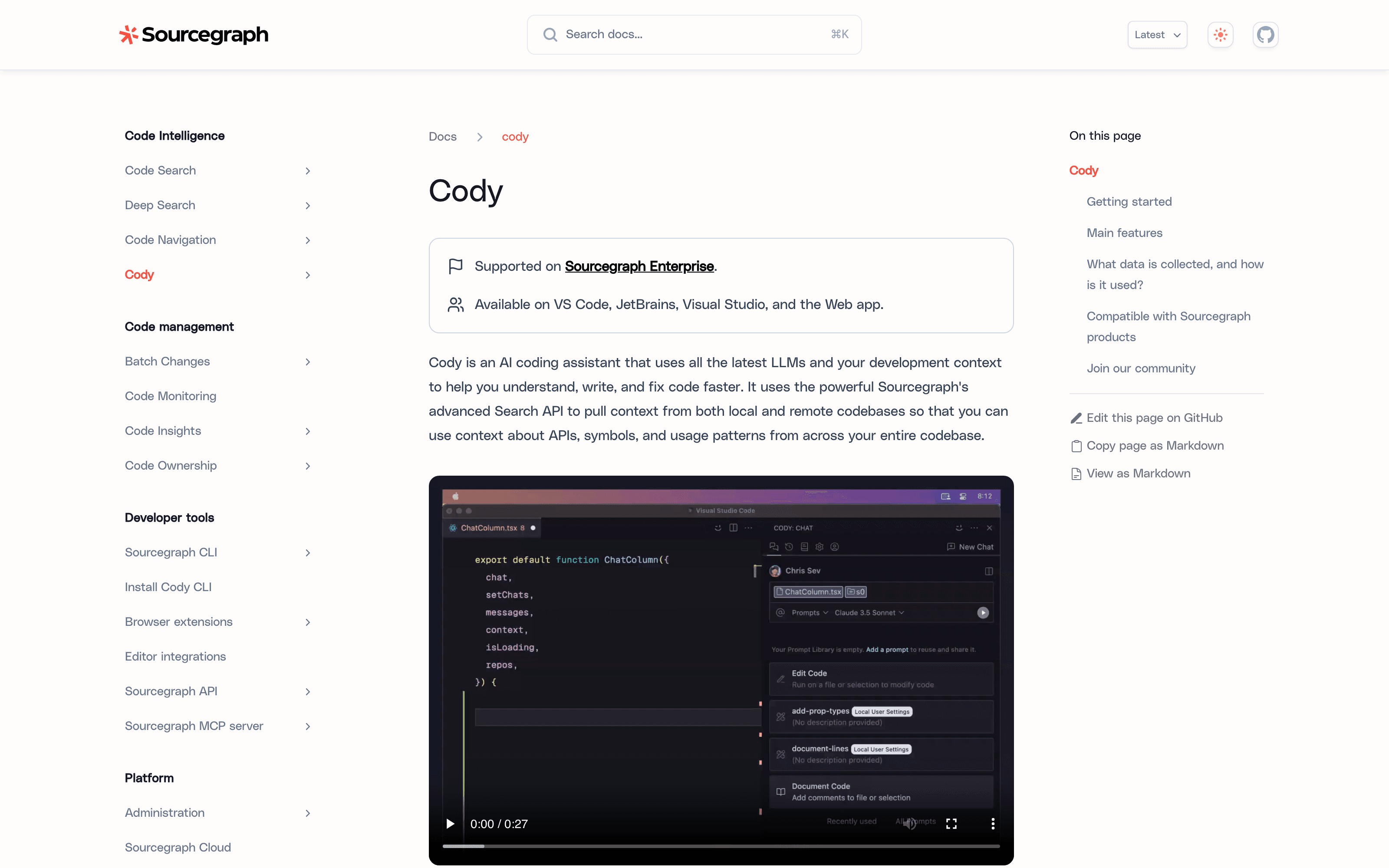
Sourcegraph Cody is the AI assistant that punches above its weight on large codebases — built on Sourcegraph's code-graph infrastructure, it understands cross-file and cross-language relationships in ways that generic assistants miss. The free tier covers chat, autocomplete, and a slice of code-graph context for individual developers.
What it wins at: working on legacy or genuinely large codebases where naive AI assistants get lost; cross-language refactors; "where is X used?" questions that are slow with grep.
Where it falls down: for a 50-file side project, Cody's strengths are wasted and the UX feels heavier than it needs to be. The free tier limits the deep code-graph context that makes the paid tier compelling.
Free? Yes for individuals on personal projects, with caps. Worth installing as a second-opinion tool alongside Cline or Continue.dev.
6. Bolt.new — Free Browser-Based AI App Builder
Bolt.new is the fastest way to turn a sentence into a working web app without leaving the browser. Type a description, watch a working frontend (and often a backend) materialize, edit by prompt, deploy. The free tier includes a meaningful credit allowance — enough to ship a real prototype before you have to think about pricing.
What it wins at: prototyping product ideas without local dev setup, weekend hackathon work, building tools where the friction of "set up the project" used to kill the idea.
Where it falls down: not a replacement for a real IDE on serious projects. The output is functional but typically needs human cleanup before it goes to production.
Free? Yes, with a credit cap. Often more than enough for hobbyist work; if you're building seriously, the paid tier is reasonable.
7. Hugging Face — Free AI Infrastructure
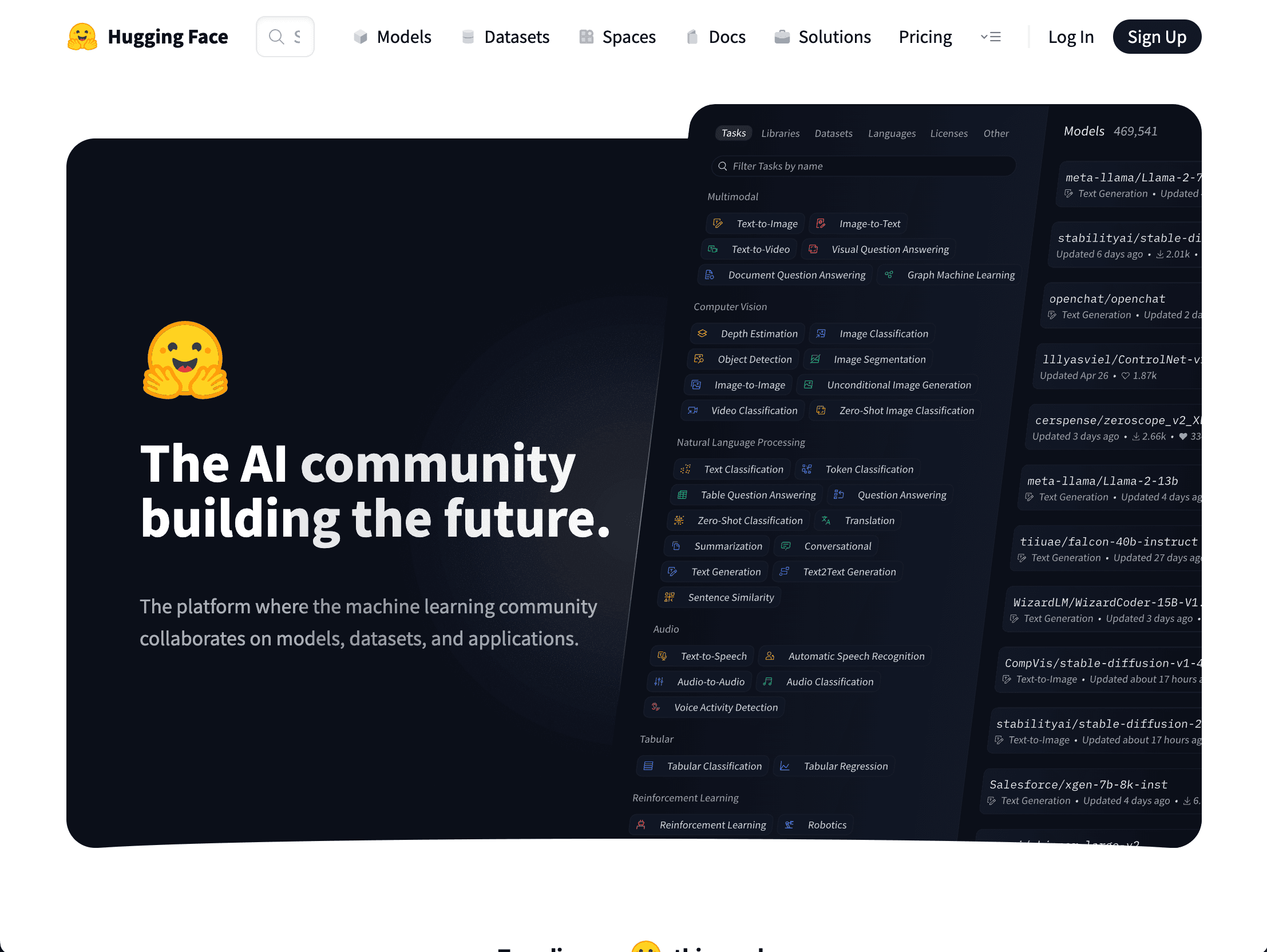
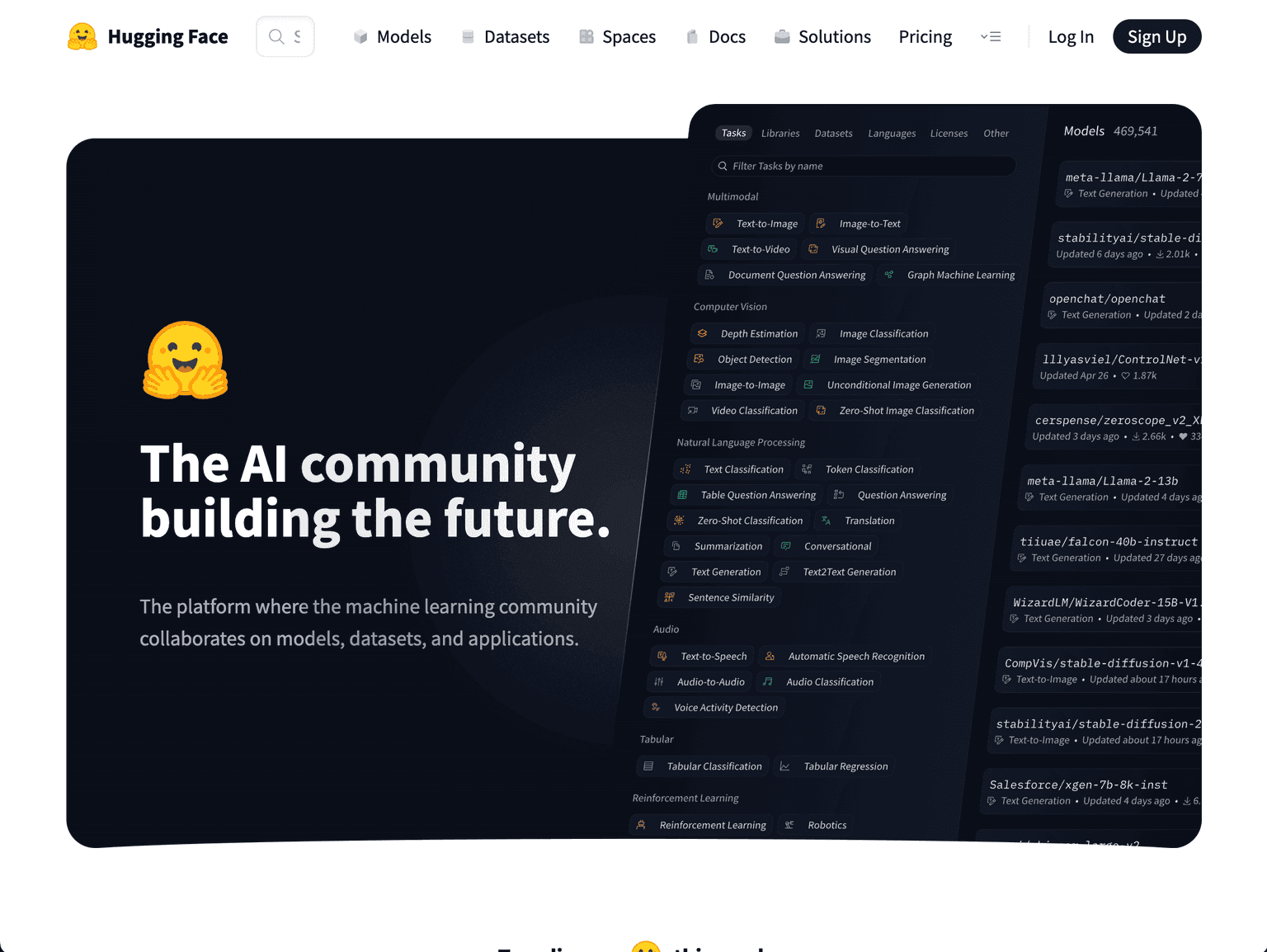
Hugging Face is the under-recognized backbone of free AI development. The model hub (2M+ models), datasets repository (500k+), Spaces (free hosted demos), and Inference API (free tier for testing) are all genuinely usable without paying. For any developer building or experimenting with AI features, Hugging Face replaces what would otherwise be a significant infra bill.
What it wins at: discovering and trying open models (Llama, Mistral, FLUX, Whisper variants), shipping demos as free Spaces, and learning by reading other people's code.
Where it falls down: production inference at scale needs a paid plan or self-hosted infra — the free Inference API is for evaluation, not load. Documentation can be uneven across repos.
Free? Substantially. The platform's core value (browsing, downloading, demoing) is free; production usage is where pricing kicks in.
How to Pick a Free AI Dev Stack
For most working developers in 2026, a credible free AI stack looks like this:
- Pick one agent: Cline (open-source, BYOK) or Windsurf (closed-source, free tier)
- Pick one autocomplete + chat layer: Continue.dev (if you're staying in your existing IDE) or Windsurf's built-in Tab autocomplete
- Add Sourcegraph Cody as a second-opinion tool on large codebases
- Add Aider for terminal/scripted workflows where committing each change matters
- Use Bolt.new for prototyping outside your normal stack
- Use Hugging Face as the default place to find and try open models
The combination above costs zero dollars per month if you use a free model API tier (Groq, Cerebras, Gemini's free tier) and pennies-per-month if you bring your own Claude or GPT key.
For adjacent reading, see our Top 7 AI Coding Assistants for Engineering Teams (covers paid options too) and Best AI Development Frameworks.
Frequently Asked Questions
Are free AI dev tools actually good enough for production work? In 2026, yes. The open-source agents (Cline, Aider, Continue.dev) match or beat closed-source competitors on most tasks because they all use the same underlying models. The differences are UX and polish, not capability.
What's the cheapest model API to pair with Cline or Aider? Groq and Cerebras both offer free tiers with usable rate limits for development work. Google Gemini's free tier is also generous. For paid usage, OpenRouter aggregates dozens of providers and lets you pick by price-per-token.
Can I use these tools on proprietary company code? Depends on the tool and how it's configured. Open-source tools (Cline, Aider, Continue.dev) with a privacy-respecting model provider (a self-hosted Llama, or an enterprise tier with zero-retention) are fine. Free tiers of closed-source tools usually have weaker privacy guarantees — read the data handling page before pasting your monorepo.
What happened to Codeium? Codeium rebranded to Windsurf in 2025 and was acquired by Cognition AI. The autocomplete tool that used to be called Codeium is now part of Windsurf's free tier.
Is GitHub Copilot free in 2026? GitHub Copilot has a limited free tier (2,000 completions and 50 chat requests per month for individuals) introduced in late 2024. Useful for evaluation, not enough for serious daily use. The free tools above are more permissive.
Should I install all seven of these? No. The point is the category is free in 2026, not that every developer needs seven plugins. Pick one agent, one IDE assistant, and add Hugging Face as needed. Three is enough for most workflows.
Final Thoughts
The biggest shift in 2026 isn't that AI dev tools got better — it's that the floor moved. The free tier of this category is now genuinely competitive with what cost $20–40 per developer per month two years ago, and the open-source side is the equal of the closed-source leaders on most tasks.
For solo developers, students, open-source maintainers, or anyone evaluating before committing budget, there's no longer a reason to wait. Install Cline or Continue.dev today, pair it with a free model API tier, and you have a credible AI-augmented development workflow at zero cost.
Compare tools in this collection
Categories these tools span
More collections you may also like

Sign up for our newsletter
Receive weekly updates so you can stay up-to-date with the world of AI
Sign up for our newsletter
Receive weekly updates so you can stay up-to-date with the world of AI
The AI tools directory for discovering, exploring, and comparing the most innovative AI tools in the industry