Top 7 AI Coding Assistants for Engineering Teams (2026)









Best AI Coding Assistants in 2026
Two years ago, "AI coding assistant" meant autocomplete on steroids. In 2026, it means an agent that opens your repo, runs your tests, fixes the failure, and opens a PR while you're in a meeting. The category has moved from suggestion to execution, and the gap between the leaders and the laggards is now measured in shipped features per week, not in keystrokes saved.
The seven tools below are the ones engineering teams keep on their corporate cards — picked for what they're actually best at, not for marketing-page bullet points. Each section calls out the one workflow it wins at and the one place it falls down, because every team we talk to ends up running two of these in tandem rather than picking one winner.
How We Evaluated These Tools
The seven AI coding assistants below were evaluated on five criteria, in priority order:
- Real production usage at named engineering teams — not vendor case studies, but verified deployments where the tool is in active daily use
- Output quality on real codebases — does the AI produce diffs that pass code review, or does it require constant human correction
- Agent reliability — does the long-running agent loop actually finish unsupervised work, or does it stall, loop, or hallucinate context
- Pricing and procurement transparency — published per-seat or per-org pricing that engineering managers can budget against
- 2026 currency — has the product shipped meaningful capability in the last 6 months, or has the roadmap stalled
We did not include AI features bolted onto non-AI-first IDEs (JetBrains AI, Visual Studio IntelliCode), nor agents that haven't yet shipped a stable production release. We also did not include the duplicates-with-different-branding category — Replit Agent, Bolt, v0, and Lovable all serve a different buyer (prototype-builder rather than production engineer) and belong in a separate comparison.
Quick Comparison
| Tool | Best for |
|---|---|
| Cursor | IDE-resident, AI-first VS Code fork. Best for senior engineers who want AI deeply wired into the editor. |
| Claude Code | Terminal-native agent for unattended long-horizon work. |
| GitHub Copilot | The boring correct answer for compliance-heavy enterprises. |
| Windsurf | Cursor-class IDE with a more conservative agent. Best when Cursor felt too aggressive. |
| Sourcegraph Cody | Code-graph-aware. Best for 1M+ line codebases. |
| Cline | Open-source VS Code agent with bring-your-own-key transparency. |
| Aider | CLI tool that respects git. Best for engineers whose mental model is git diff. |
1. Cursor — The Default IDE for AI-First Engineers
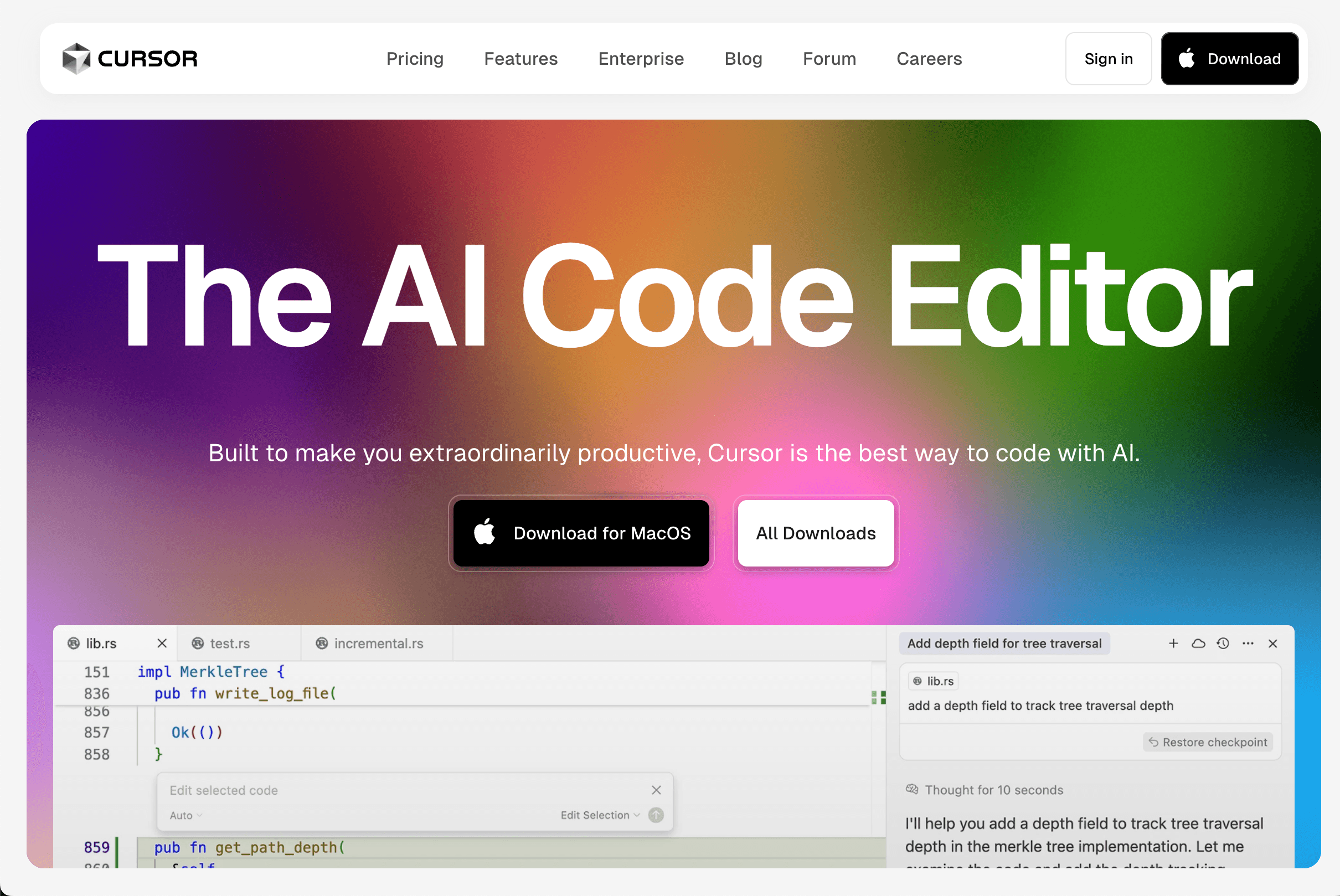
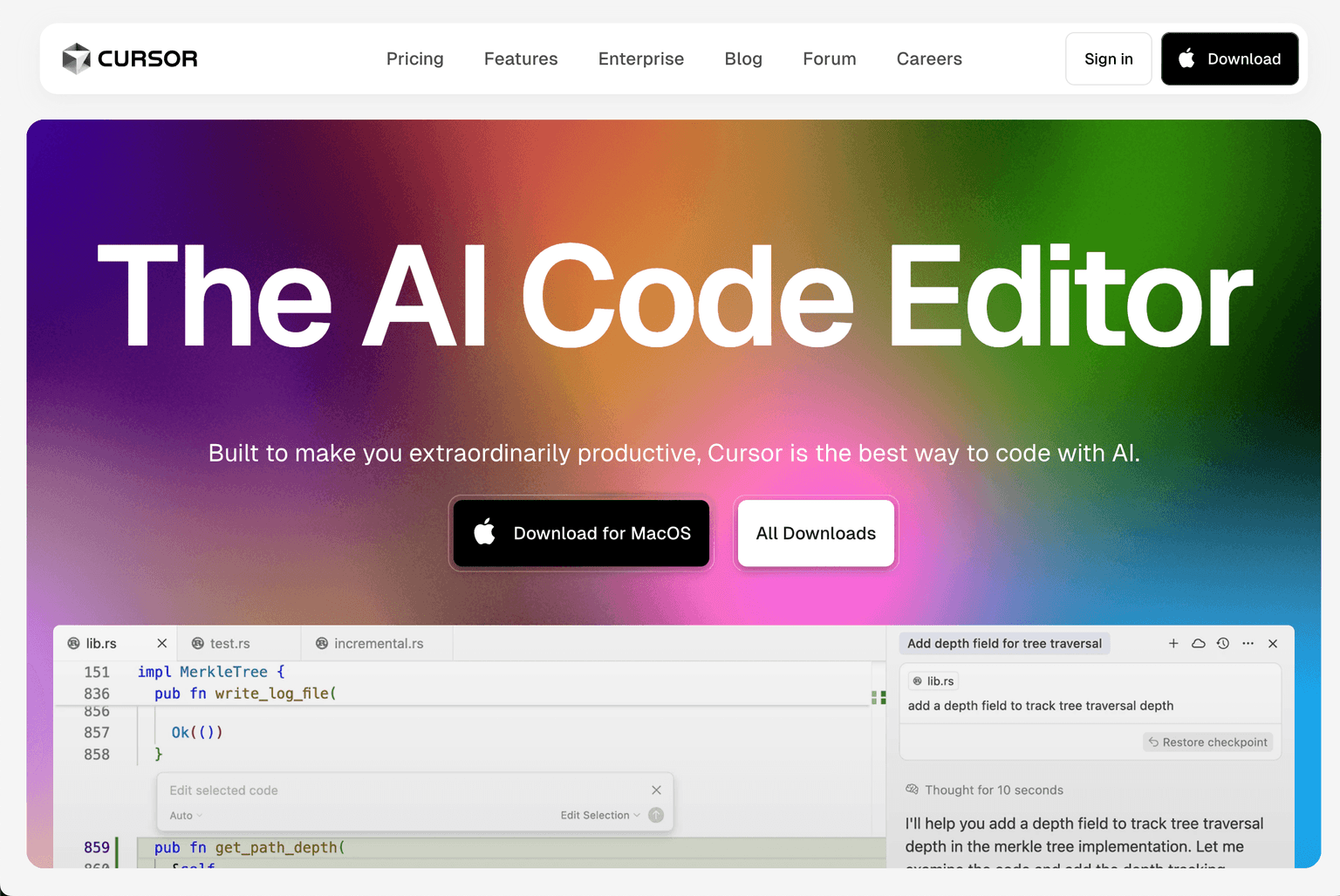
Cursor is what most senior engineers reach for when they want AI in the editor without giving up the editor. It's a VS Code fork, so muscle memory transfers, but the chat panel, multi-file edits, and Cmd-K inline rewrites are wired in deeply enough that it stops feeling like a plugin and starts feeling like the IDE was designed around the model.
Production credibility: raised $900M Series C at a $9.6B valuation in mid-2025; reported $300M+ ARR by late 2025; deployed at Stripe, Shopify, Ramp, OpenAI, Perplexity, and most YC W24+ startups. The fastest enterprise sales velocity of any tool in this list.
What it wins at: tight feedback loops on a known codebase. You highlight a function, ask for a refactor, accept the diff, run the tests. The agent mode added in late 2025 also handles "implement this ticket end-to-end" tasks competently, with the caveat that it works best when scoped to a few files.
Where it falls down: the indexing layer is opinionated and occasionally stale on very large monorepos, and the pricing model has churned three times in 18 months. Teams over 50 engineers should price out the Business tier carefully.
2. Claude Code — The Terminal-Native Agent for Long Tasks
Anthropic's Claude Code is the answer for engineers who'd rather have the agent in a terminal than an IDE. It runs locally, sees your filesystem, executes commands, and is comfortable working unattended for an hour on a clearly-scoped task. The 2026 Opus 4.7 release widened the lead on long-horizon work — refactors that span 40 files, migrations across services, dependency upgrades that require reading changelogs.
Production credibility: shipped to general availability mid-2024; deployed at Anthropic itself, Block, Canva, Replit, and a long tail of platform-engineering teams. Hooks, MCP server support, and the 2026 sub-agent system are the most mature agentic-development primitives in the category.
What it wins at: agentic work where you'd rather check back in 20 minutes than steer every step. Hooks, custom skills, and MCP server support let teams encode their conventions so the agent stops re-asking the same questions.
Where it falls down: there's no GUI, which is a feature for some and a wall for others. Junior engineers ramp slower on it than on Cursor. The Anthropic-only model dependence is also a real procurement constraint for orgs with multi-vendor AI policies.
3. GitHub Copilot — The Safe Enterprise Choice
GitHub Copilot is the boring, correct answer for any company where procurement, SOC 2, and "we already pay GitHub" carry more weight than the bleeding edge. The 2026 model picker (you can route between GPT, Claude, and Gemini per request) closed most of the capability gap with the smaller competitors, and Copilot Workspace is a credible agent for issue-to-PR workflows.
Production credibility: Microsoft-disclosed 1.8M+ paid Copilot subscribers as of late 2025; deployed at >70% of Fortune 500 companies; integrated into the GitHub UI most engineers already use daily. Copilot Business and Copilot Enterprise tiers ship zero data retention guarantees in writing.
What it wins at: org-wide rollout with one invoice, audit logs your security team will accept, and integration with the GitHub UI engineers already live in. The Copilot review bot also catches a meaningful number of bugs before human reviewers see them.
Where it falls down: it's a generalist. Best-in-class at nothing, competent at everything. Power users routinely supplement it with Cursor or Claude Code for hard work.
4. Windsurf — Cursor's Most Serious Competitor

Windsurf (formerly Codeium) is the assistant teams pick when they tried Cursor and found the agent loop too eager to make changes they hadn't asked for. The Cascade agent is more conservative, the inline-edit UX is comparable, and the free tier is genuinely usable for solo developers.
Production credibility: acquired by Cognition (the Devin team) in 2025 in a deal valued in the low billions; combined entity backed by Founders Fund, Khosla, and others; enterprise SSO and on-prem deployment options are more mature than most competitors at this price point. The Cognition acquisition put real engineering muscle behind the roadmap heading into 2026.
What it wins at: teams that want a Cursor-class experience with stricter change boundaries and a friendlier free tier for evaluation. Enterprise SSO, on-prem deployment, and air-gapped variants are first-class options.
Where it falls down: ecosystem and community are smaller than Cursor's, so when something breaks the StackOverflow-equivalent answer is harder to find.
5. Sourcegraph Cody — The Right Answer for Massive Codebases
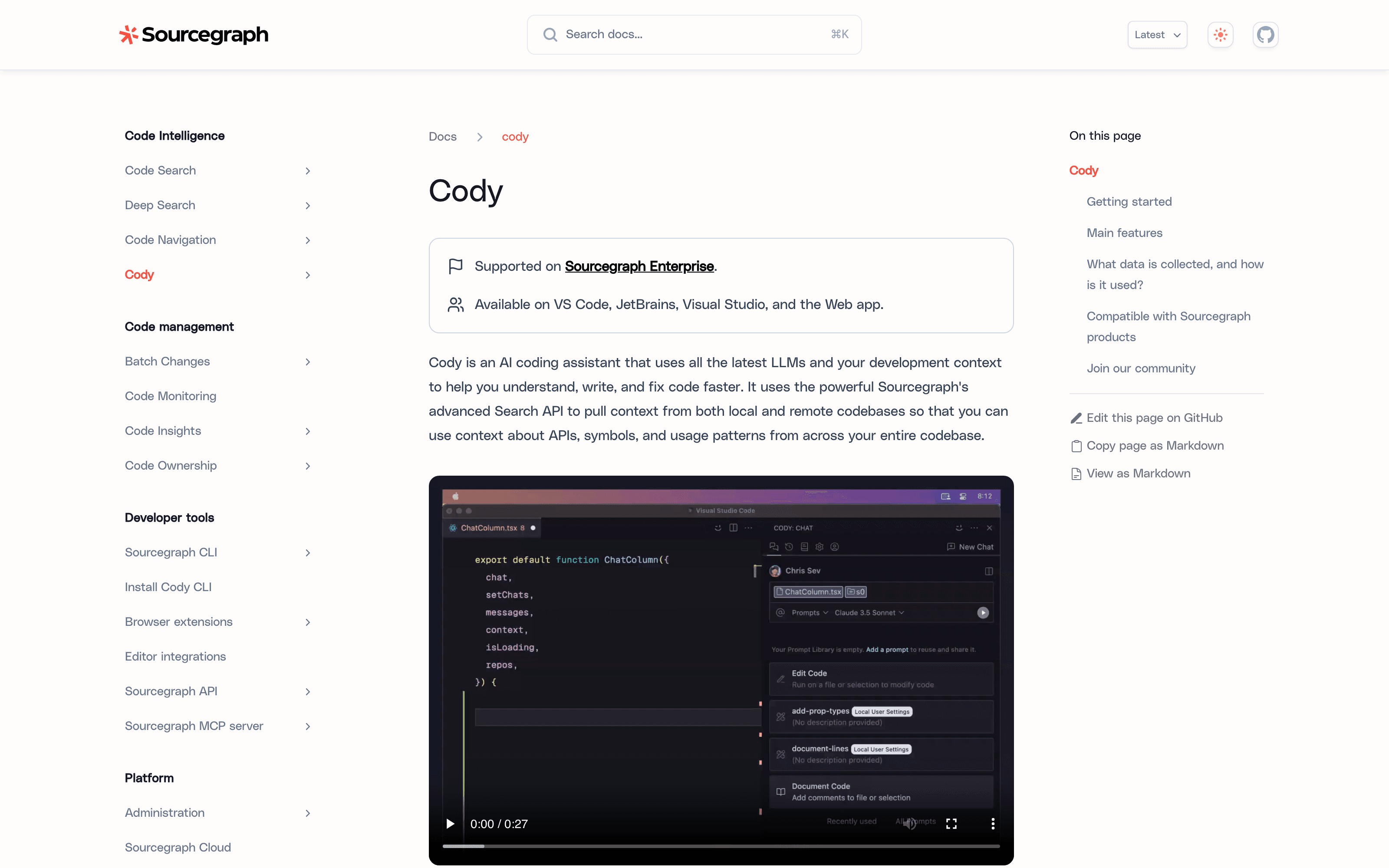
If your repo has 15 million lines of code spread across four languages and a decade of history, generic AI assistants get lost. Sourcegraph Cody is built on Sourcegraph's code-graph infrastructure, which means it actually understands that your User model in Go is the same entity as the users table in your migrations and the IUser interface in the TypeScript frontend. For platform engineering and dev-tools teams at large companies, that context is the entire ballgame.
Production credibility: Sourcegraph itself raised $125M Series D in 2021 and has been EBITDA-positive in recent years; deployed at Uber, Lyft, Indeed, Yelp, Plaid, and Reddit; Cody Enterprise ships with self-hosted deployment as a first-class option, which most competitors can't match.
What it wins at: cross-repo understanding, cross-language refactors, and answering "where is X used?" questions accurately on codebases where grep gives up. Self-hosted deployment is a first-class option.
Where it falls down: for a 50-file side project, Cody's strengths are wasted and the UX feels heavier than it needs to be. This is a tool sized for the enterprise.
6. Cline — The Open-Source Agent That Punches Above Its Weight
Cline (and its fork Roo Code) is the VS Code extension for engineers who want an agent loop, want to bring their own API key, and want to read the source code that's spending their tokens. It supports any model that speaks OpenAI- or Anthropic-compatible APIs, which means you can point it at a local Llama, a Bedrock endpoint, or your own gateway.
Production credibility: crossed 1.8M+ VS Code marketplace installs in early 2026; the extension is open-source on GitHub with 30K+ stars; the team raised seed funding in 2025 to accelerate development. Deployed across mid-market and large engineering teams that prefer transparency to managed agent loops.
What it wins at: full transparency, no vendor lock-in, and the ability to plug into whichever model is cheapest or fastest this quarter. The plan/act mode separation is one of the cleanest agent UXs in the category.
Where it falls down: you're responsible for your own bill, your own rate-limit handling, and your own evals. There's no enterprise support phone number when something goes sideways.
7. Aider — The CLI Tool for Engineers Who Live in Git
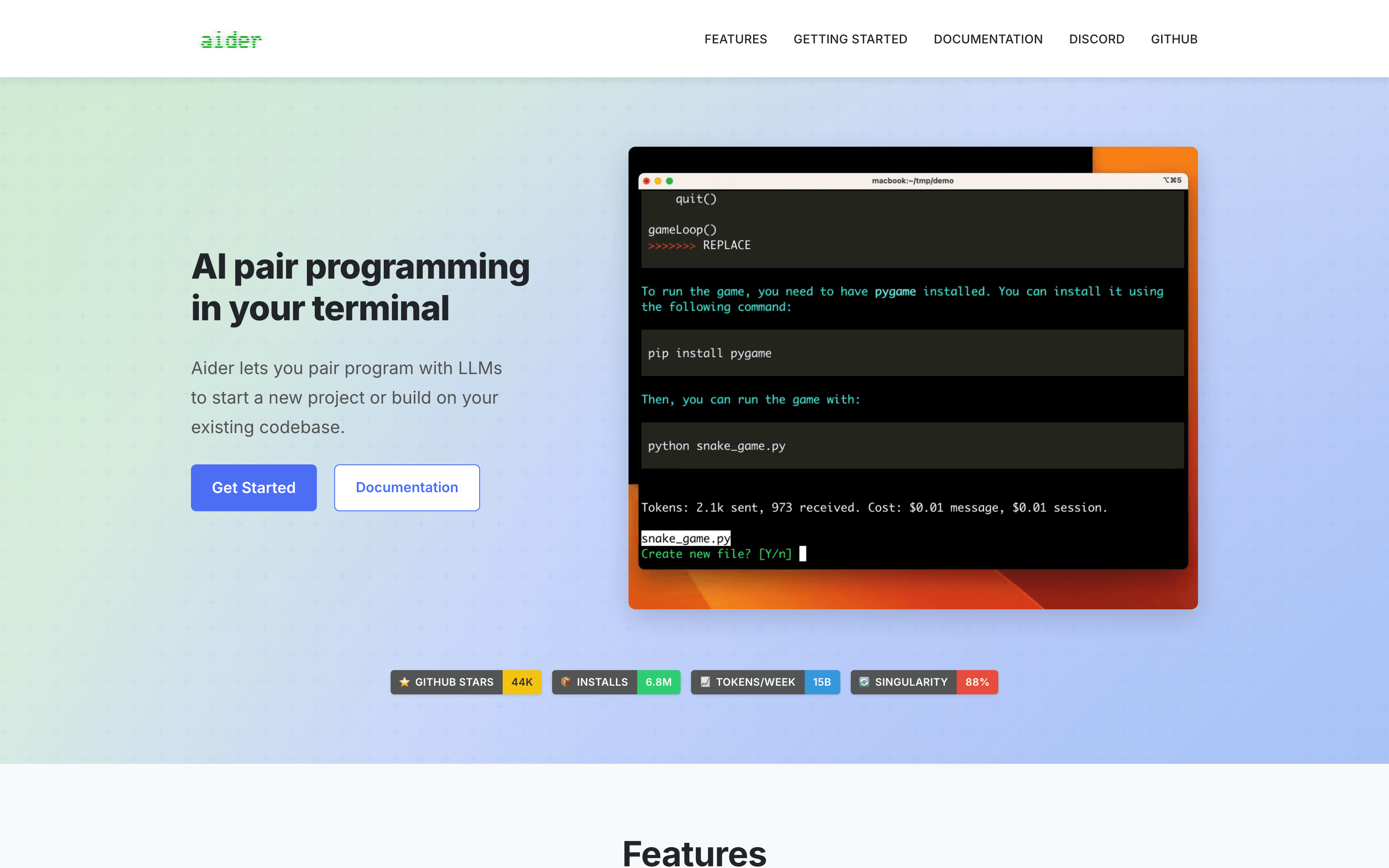
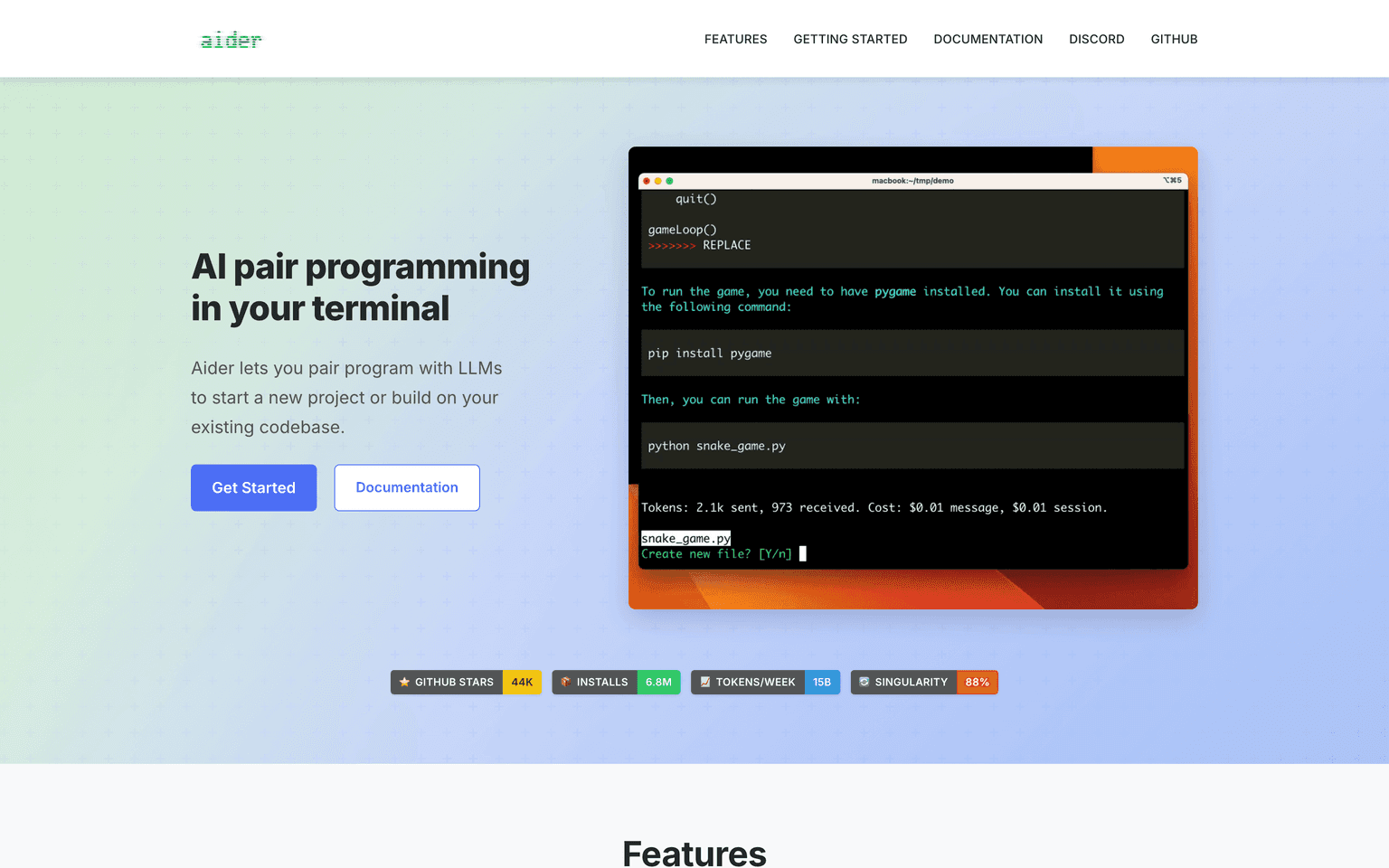
Aider has been quietly excellent since 2023 and remains the most thoughtful tool in the category for engineers whose mental model is git diff. Every change it makes becomes a commit; every commit has a sensible message; reverting a bad suggestion is git reset and you're done. It's the AI assistant that respects the version-control system instead of fighting it.
Production credibility: 30K+ GitHub stars; consistently leads or near-leads the SWE-Bench coding benchmark when paired with the latest Claude or GPT model; the project is open source, MIT-licensed, and maintained by a small team funded primarily through GitHub Sponsors.
What it wins at: small focused changes on repos with disciplined commit history, scripted workflows (aider --message "fix the failing test in foo.py"), and pairing well with whichever model you bring. The repo-map feature gets impressive context efficiency on medium-sized codebases.
Where it falls down: no GUI, no IDE integration, and the learning curve is steeper than the marketing suggests. It rewards engineers who already think in commits and frustrates ones who don't.
How to Choose Between Them
Most teams we talk to end up running two of these in combination — typically one IDE-resident assistant for the editing loop (Cursor or Windsurf) and one agentic tool for longer tasks (Claude Code or Copilot Workspace). The "pick one" framing is largely a vendor convenience. Your engineers will end up with whatever works, so plan the budget for it.
A reasonable starting matrix:
- Solo or small team, mixed work: Cursor + Claude Code
- Enterprise, compliance-heavy: Copilot, with Cody added if the codebase is large
- Cost-sensitive, model-agnostic: Cline + Aider on your own API keys
- Cursor felt too aggressive: Windsurf
- 15M+ LOC, multi-language monorepo: Cody first, Cursor or Claude Code as a second seat
- Platform engineering team building internal tools: Claude Code with custom hooks and MCP servers
Adjacent Reading
- Best AI Development Frameworks (2026) — the orchestration layer that sits underneath whatever assistant you use
- Must-Have Free AI Tools for Developers — the broader free-tools ecosystem developers compose alongside their AI assistant
- Best AI Browsers (2026) — the agentic-browser category for the read/research half of the developer workflow
Frequently Asked Questions
Are AI coding assistants actually replacing engineers? No, but they're meaningfully changing what one engineer can ship in a week. The teams getting the most value treat these tools as leverage on senior engineers, not as a way to ship without them. Code review, architecture decisions, and "is this the right thing to build" remain stubbornly human.
Is it safe to point these tools at proprietary code? Depends on the tool and the tier. Copilot Business, Cursor Business, Cody Enterprise, and Claude Code under an Anthropic enterprise agreement all have zero-retention guarantees in writing. Free tiers and consumer plans usually don't. Read the data-handling page before pasting your monorepo, and run procurement through it for anything regulated.
Which model is best for coding in 2026? For coding specifically, Claude (Opus 4.7 and Sonnet 4.6) and the latest GPT release trade the top spot depending on the benchmark and the language. The honest answer is that model quality is no longer the bottleneck for most teams — tooling, context engineering, and how well the agent recovers from its own mistakes matter more than the model name on the box.
Will these tools work on legacy codebases? Better than you'd expect, worse than the demos suggest. Tools with strong code-graph context (Cody) or aggressive repo indexing (Cursor, Claude Code) hold up well on 1M+ line codebases. Tools without that context degrade quickly. If you have a legacy codebase, evaluate on your legacy codebase, not on a TODO-list app.
Can I use more than one? Yes, and most serious teams do. The seat costs are a rounding error compared to engineering salaries, and different tools win at different parts of the workflow.
What's the typical pricing in 2026? IDE-resident assistants (Cursor, Windsurf, Copilot) run $20–40/month per user at the individual tier and $39–60/month per user at the business tier. Claude Code is included with Anthropic's Pro and Team plans (also ~$20–25/user/month entry). Cody Enterprise is custom-priced. Cline and Aider are free if you bring your own API key (the API spend usually lands at $50–200/month per active developer).
Do these tools work for non-engineering roles? Limitedly. Product managers and designers running Cursor or Copilot to inspect or modify a codebase work fine for read-only tasks. Anything that ships to production should still go through an engineer. The "vibe-coding" workflow has improved but production-grade output still needs review by someone who reads the diff carefully.
Final Thoughts
The AI coding assistant market in 2026 isn't a winner-take-all race; it's a matured tool category where engineering teams pick combinations the way they pick editors and terminal emulators. Cursor and Windsurf own the IDE loop. Claude Code and Copilot Workspace own the long-running agent. Cody owns the giant codebase. Cline and Aider own the open-source, bring-your-own-key end of the market. GitHub Copilot owns the procurement department.
If you haven't given an engineer a budget to evaluate two of these on real work yet, that's the experiment to run this quarter. The teams who did it in 2024 are now noticeably faster than the ones who waited, and the gap is still widening.
Compare tools in this collection
Categories these tools span
More collections you may also like


Sign up for our newsletter
Receive weekly updates so you can stay up-to-date with the world of AI
Sign up for our newsletter
Receive weekly updates so you can stay up-to-date with the world of AI
The AI tools directory for discovering, exploring, and comparing the most innovative AI tools in the industry