Aider
Open-source AI pair programmer that lives in your terminal and uses git.
Overview
Aider: Open-Source AI Pair Programmer That Edits Your Repo in the Terminal
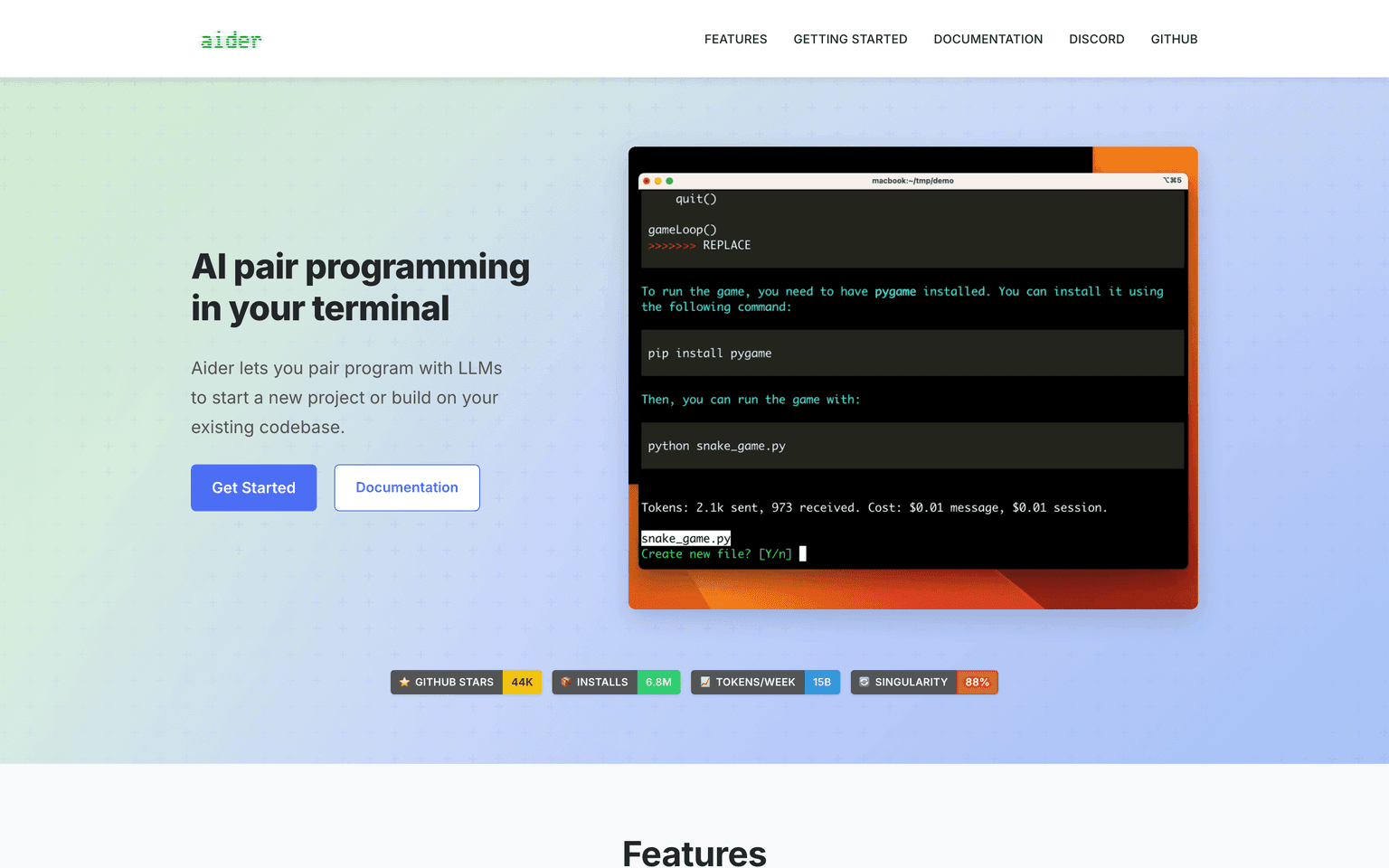
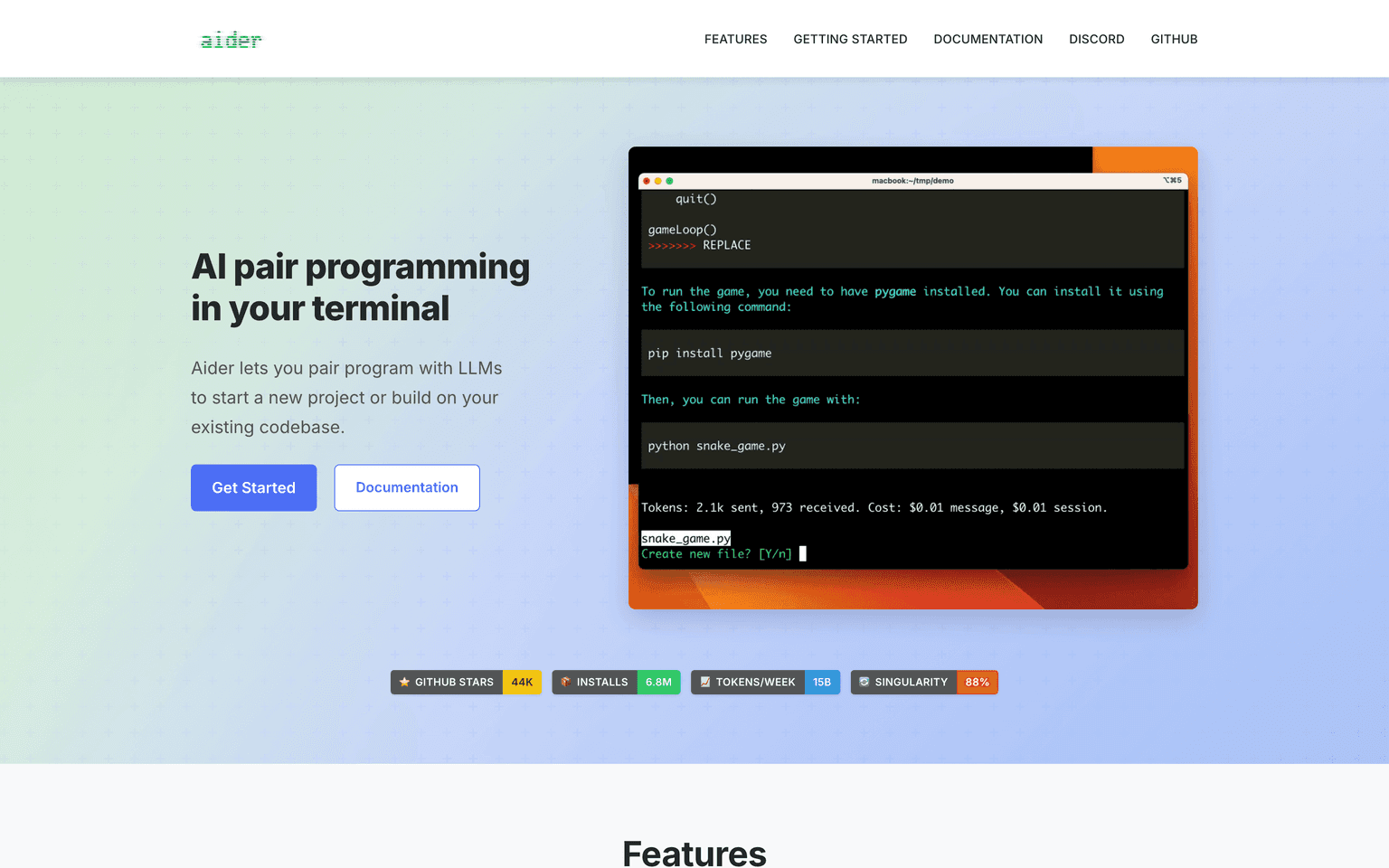
Aider is an open-source AI pair programming tool that runs in your terminal, edits files across your repo, runs your tests, and commits each change with git. Built around a smart repo map and multi-model support, Aider works with Claude, GPT, Gemini, DeepSeek, Groq, OpenRouter, and local models. Engineers use it for refactors, feature work, and one-off scripts, paying nothing for the tool itself and only the API costs of the model they pick.
Key Features:
- Terminal-native AI pair programmer with full repo awareness
- Automatic git commits with descriptive messages on every change
- Repo map for fast, accurate context across large codebases
- Bring-your-own-key for Claude, GPT, Gemini, DeepSeek, Groq, and more
- Voice input, image input, and URL fetch for richer prompts
- Linting, testing, and undo/redo loops built in
- Open source under Apache 2.0 with active GitHub development
- Architect mode and editor mode for plan-then-execute workflows
- Watches files and updates the chat as you edit
Ideal Use Case:
Aider is built for terminal-first developers who want an open-source pair programmer that respects git, runs anywhere, and works with any model. Solo developers, OSS contributors, and engineers on locked-down environments love that it has zero subscription cost and zero lock-in.
Why Use Aider:
- Pair-program from the terminal with full git history baked in
- Use any model you want, including local LLMs and OpenRouter
- Pay only for API usage, never for the tool itself
- Get a clean commit per change for clean diffs and easy review
- Lean on the repo map for accurate context in large codebases
- Zero vendor lock-in with an Apache 2.0 license
FAQ
Is Aider free? Yes. Aider is free and open source. You only pay the API costs of whichever model you connect.
Does Aider work with any model? Aider supports Claude, GPT, Gemini, DeepSeek, Groq, OpenRouter, Mistral, and local models via Ollama.
How does Aider use git? Aider commits each change as a separate git commit with a descriptive message, making review and rollback trivial.
Can Aider work in big repos? Yes. Aider builds a repo map to give the model accurate, scoped context across very large codebases.
Is Aider an IDE plugin? No. Aider is terminal-native and language-agnostic, which is part of why it is fast and portable.
tl;dr:
Aider is the open-source AI pair programmer that runs in your terminal, edits your repo, runs your tests, and commits changes with git on every turn. For terminal-first engineers who want zero lock-in and full model choice, it is the gold standard.
Related
Looking for more options? Browse the Developer Tools directory or read our best AI coding tools listicle. Aider is also tracked on Crunchbase.
Why Use Aider
FAQ
Editorial Review
Our take on Aider.

Aider is an open-source AI pair programmer that runs in your terminal and integrates git, letting you bring your own model API key.
What works
- Bring-your-own-key model; no vendor lock-in
- Git-native; reviews diffs and stages changes transparently
- Free and open source with active community support
What doesn't
- Terminal-only UI; steeper learning curve than IDE plugins
- Requires manual API key management across providers
Aider positions itself as a terminal-native coding assistant that works with multiple LLM providers—Anthropic, OpenAI, DeepSeek, Gemini, Groq, OpenRouter, and local models. You supply the API key, so you're not locked into one vendor. The tool hooks into git directly, which means it can stage changes, read diffs, and let you review edits before commit. That's a meaningful constraint compared to editor-based assistants: it keeps you in control of what lands in version control.
The open-source licensing (Apache 2.0) and active Discord and GitHub community suggest the project has staying power and real users iterating on it. For engineers who live in the terminal and want to avoid vendor lock-in or IDE dependencies, this fits a genuine workflow. The trade-off is friction: you're typing commands and managing chat in a REPL rather than using IDE completion or a polished web UI. That's by design, not a bug, but it does exclude people who prefer graphical coding environments.
A straightforward ask: if you work in bash, tmux, or your shell already, and you want AI that respects your git hygiene, Aider is worth a trial. If you expect VSCode or Cursor-level IDE integration out of the box, this won't be it.
User Reviews
Similar Tools