Sourcegraph
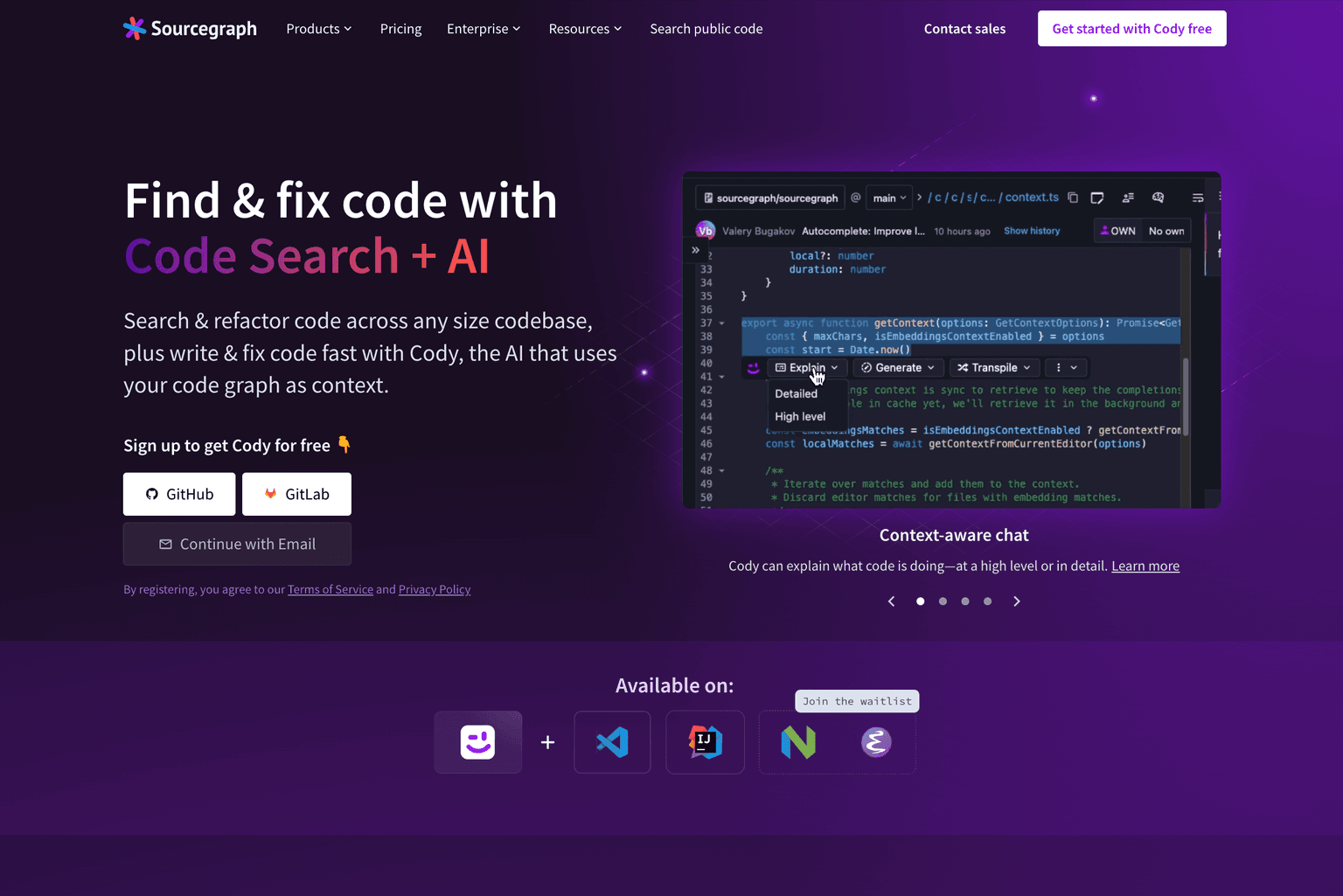
Code AI platform for enhanced search, AI coding assistance, and code understanding.
Overview
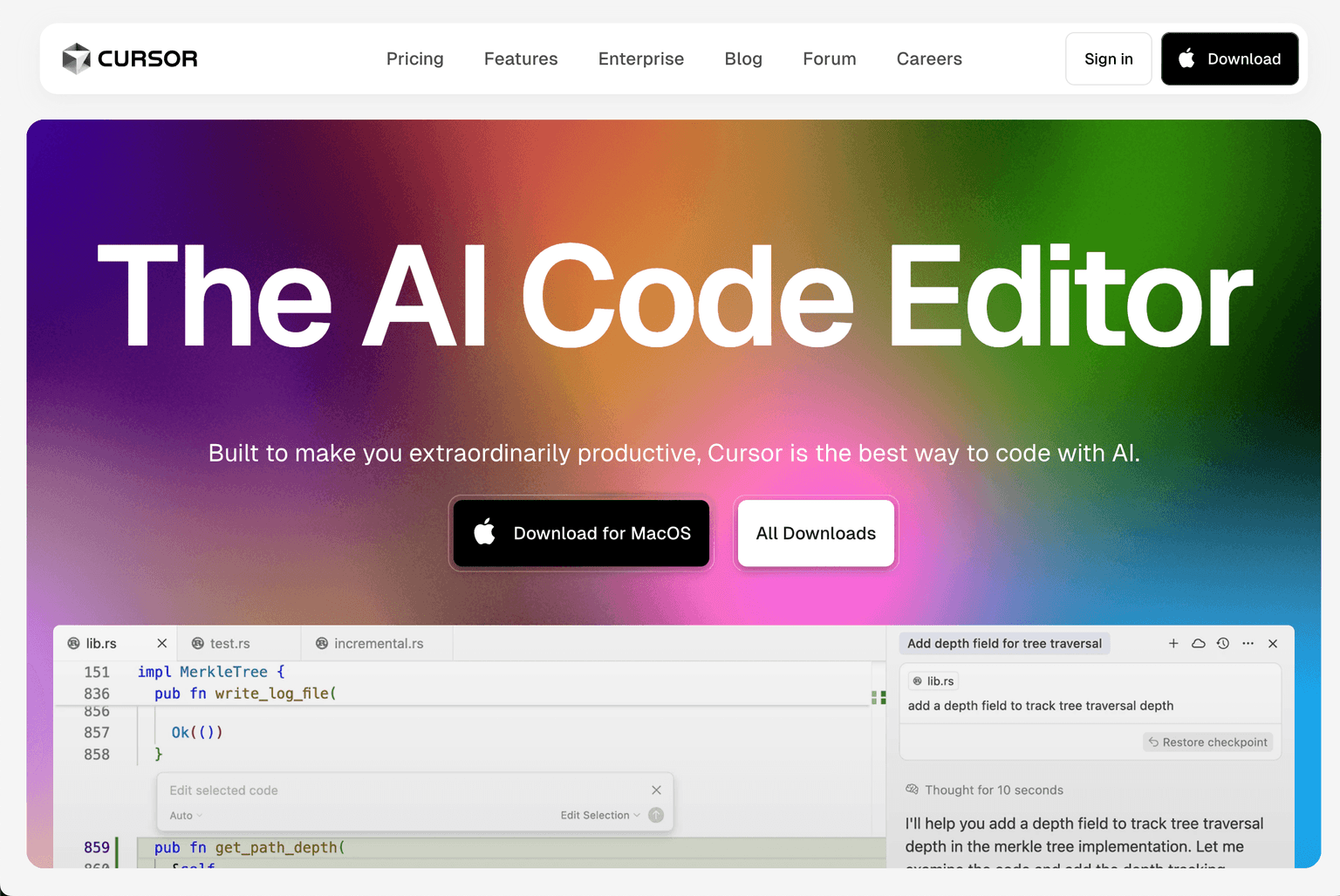
Boost Your Coding Efficiency with Cursor's AI-Powered Code Editor
Cursor is an AI-driven integrated development environment (IDE) designed to streamline the coding process for developers across various platforms. Built as a fork of Visual Studio Code, Cursor integrates advanced AI capabilities to assist in code generation, refactoring, and understanding, thereby enhancing developer productivity.
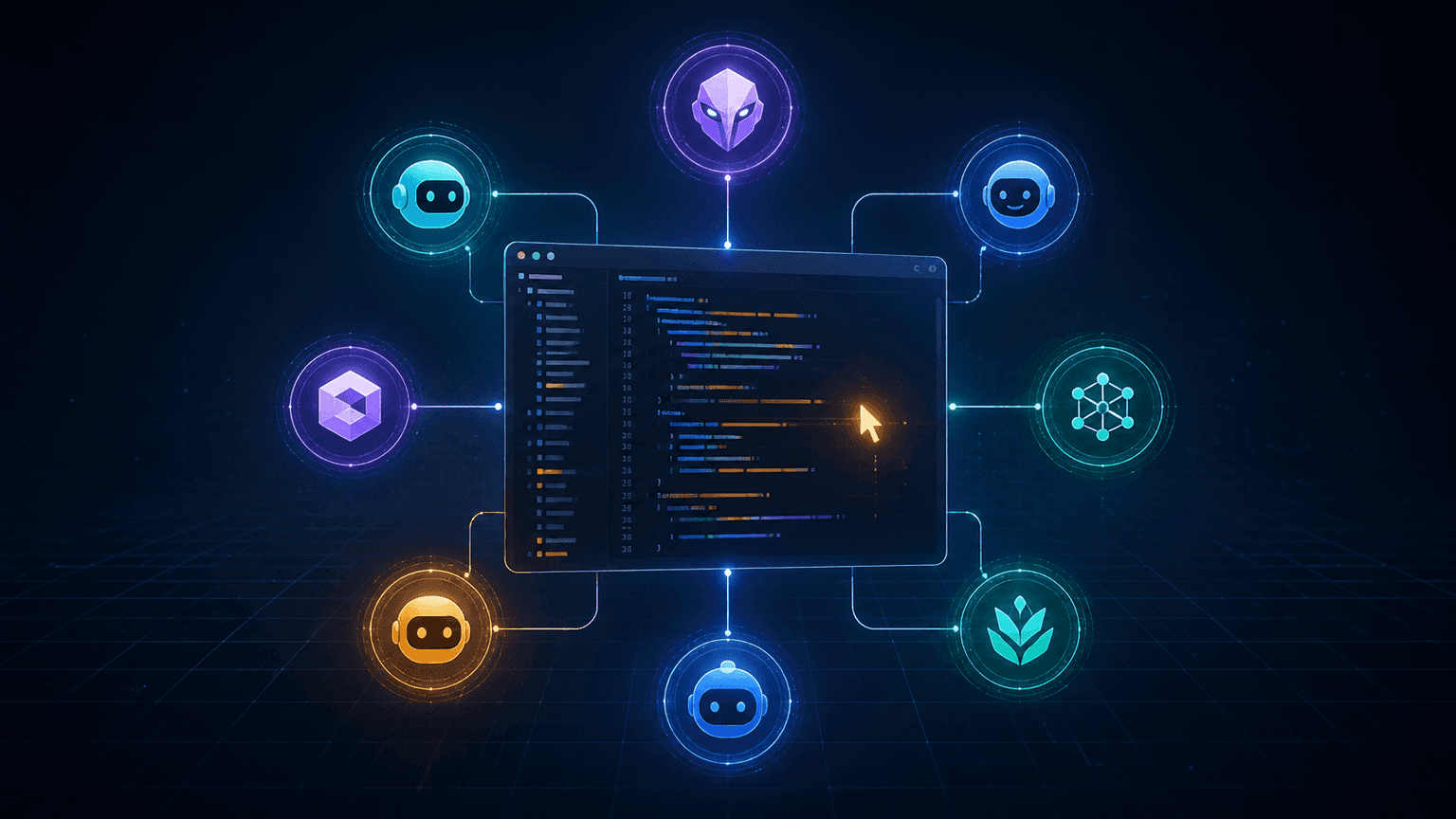
With Cursor, developers can write code using natural language prompts, allowing for rapid development and modification of codebases. The platform's AI models, including GPT-4, Claude 3.5 Sonnet, and others, provide intelligent code completions, suggestions, and the ability to understand and navigate large codebases efficiently
Cursor's features are tailored to support a wide range of programming tasks, from simple code edits to complex project-wide changes. Its integration with various AI models ensures that developers have access to powerful tools for code analysis, generation, and optimization.
Key Features:
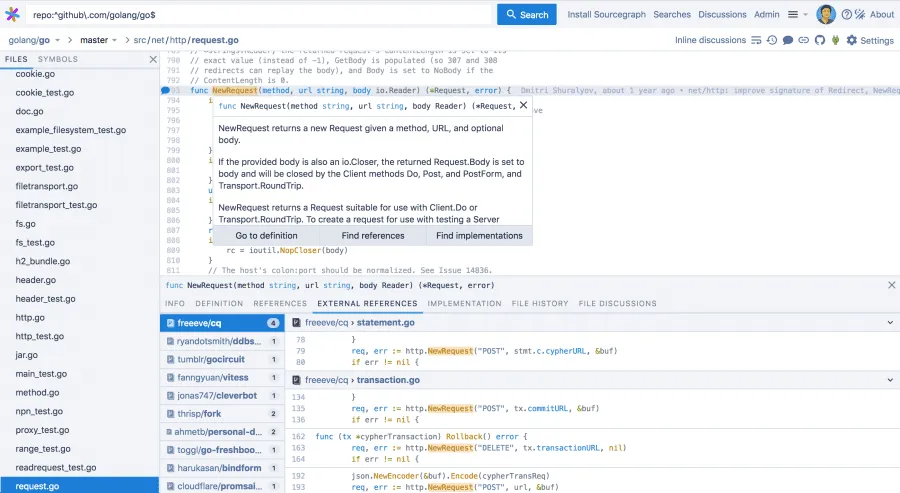
- Code Search: A robust search functionality that allows developers to swiftly navigate through any size codebase.
- AI Content Editor (Cody): An AI-powered coding assistant that aids in writing, fixing, and maintaining code, using the code graph for context.
- Backlinks Analysis: Understand the interdependencies and links within your codebase.
- Keyword Gap Analysis: Gain insights into potential areas of code improvement or refactoring.
- White-labeled Reporting: Generate reports with personalized branding, ideal for agencies and larger teams.
Ideal Use Case:
Sourcegraph is tailor-made for developers, software engineers, and tech teams who are looking to elevate their coding practices. Whether it's navigating a sprawling codebase, understanding complex code structures, or getting AI-powered coding assistance, Sourcegraph is the tool of choice.
Why use Sourcegraph:
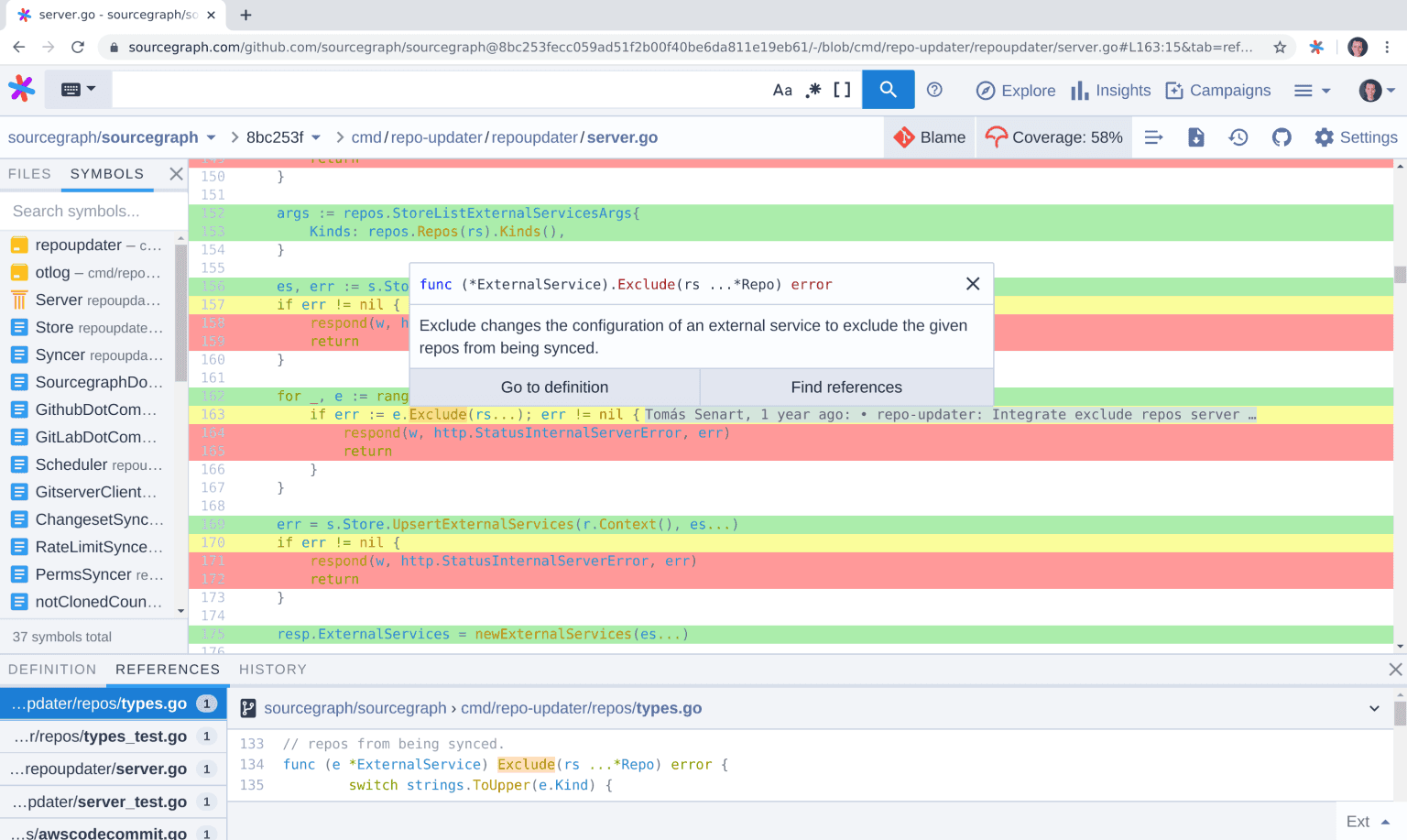
- Enhanced Code Understanding: Dive deep into your code with AI-powered insights and explanations.
- Efficient Coding with Cody: Let the AI assistant guide you in writing optimized and functional code.
- Stay Ahead of Issues: With advanced code search and analysis, preemptively identify and address potential code issues.
- Collaborative Coding: Invite team members, share insights, and collaborate on coding projects seamlessly.
- Trusted by Millions: Sourcegraph is the go-to platform for developers worldwide, looking to elevate their coding practices.
FAQ
What does Sourcegraph do? Sourcegraph is a code AI platform that helps developers search through code, get AI-powered coding assistance, and understand complex codebases more effectively. It's designed to make code navigation and development faster and more intuitive.
Who should use Sourcegraph? Sourcegraph is built for software developers and engineering teams who need to understand, navigate, and work with large codebases quickly. It's particularly useful for organizations managing complex code repositories across multiple projects.
How much does Sourcegraph cost? Sourcegraph uses a paid pricing model. Visit the Sourcegraph pricing page for current plans and to inquire about costs that fit your team's needs.
How does Sourcegraph compare to other coding tools? Unlike GitHub Copilot, Cursor, and v0 which focus primarily on code generation, Sourcegraph emphasizes code search, understanding, and AI-assisted navigation alongside coding assistance. This makes it particularly strong for teams that need better visibility into existing codebases.
tl;dr:
Sourcegraph offers a comprehensive Code AI platform, enabling developers to search, understand, and write code efficiently with the help of AI-powered tools and insights.
Related
Looking for more options? Browse the Developer Tools directory or read our best AI coding tools listicle. Sourcegraph has a Wikipedia entry and is tracked on Crunchbase.
Why Use Sourcegraph
Editorial Review
Our take on Sourcegraph.

Serious code intelligence platform that goes beyond autocomplete—search and understanding layer that actually scales to large codebases.
What works
- Code search and understanding at enterprise scale; real productivity win for large teams
- Context-aware AI suggestions beat pure hallucination for established codebases
- Honest enterprise positioning; not overselling to solo developers
What doesn't
- Pricing opaque and likely expensive; narrow fit for small teams or individuals
- Onboarding complexity and vendor lock-in risk on codebase indexing
Sourcegraph positions itself as a code AI platform, but the core value isn't in the coding assistant piece (which exists, but isn't the draw against Copilot or Cursor). The real work is code search and codebase understanding at scale—think rapid navigation and dependency mapping across millions of lines. For teams managing large, complex repos or polyglot systems, that's genuinely useful when the alternative is grep and grep-adjacent frustration.
The AI layer does coding assistance, but that's Table Stakes now. Where it differentiates is context: it understands your codebase structure deeply enough to give you better suggestions because it knows what's actually there, not just what language models hallucinate. That matters most in established systems where hallucination risk is highest.
Pricing is paid and opaque (contact sales), which suggests enterprise positioning. That's honest—this is built for teams large enough to feel the pain of code discovery and navigation at scale, not individual developers.
Biggest friction: setup and onboarding are nontrivial for large codebases, and you're betting on their AI quality staying competitive. The search and indexing layer is the moat, not the models.
User Reviews
Similar Tools