Claude Code
Anthropic terminal coding agent that edits, tests, and ships from your shell.
Overview
Claude Code: Anthropic Terminal-Native Coding Agent for Real Engineering
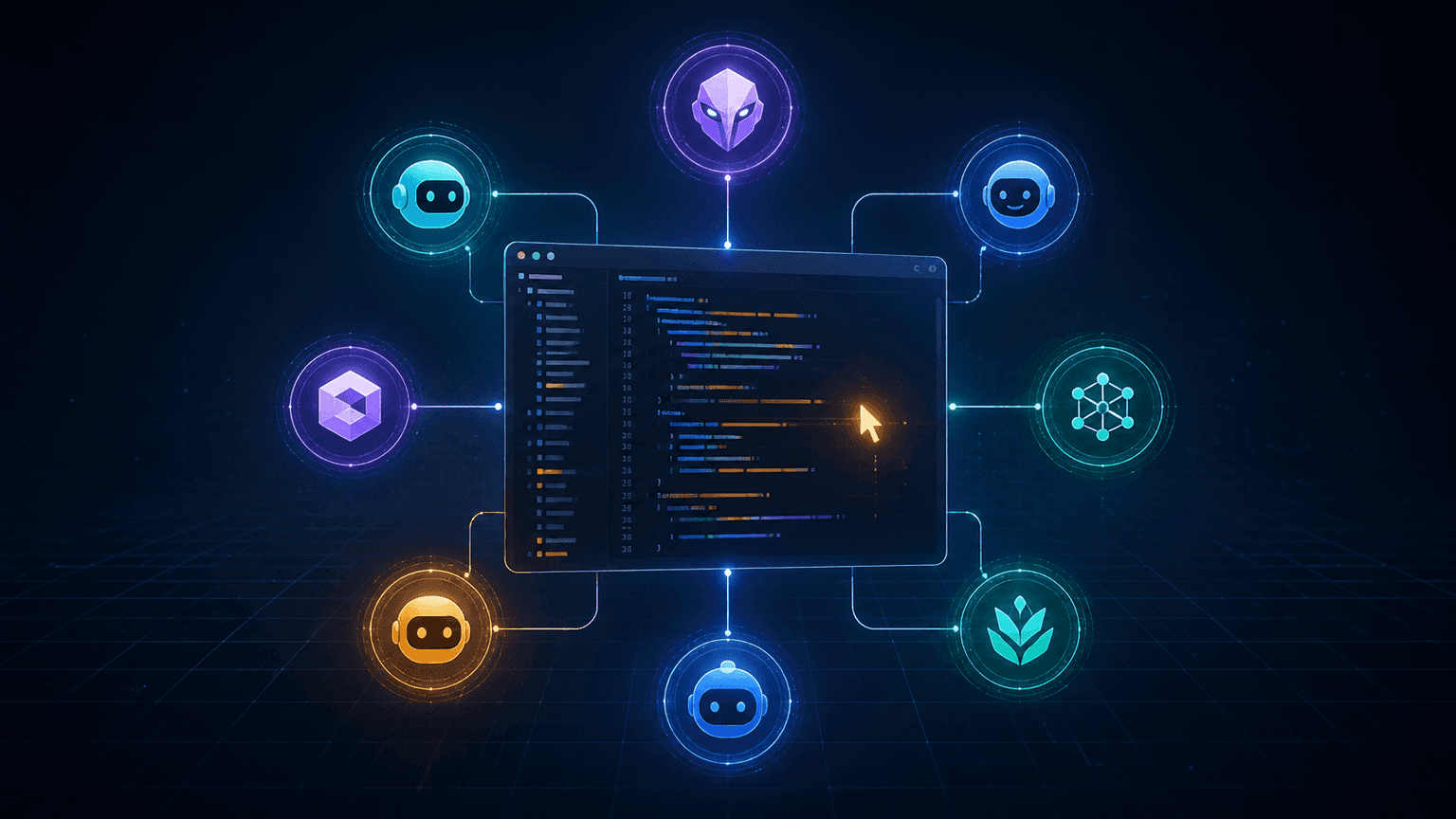
Claude Code is Anthropic's terminal-native coding agent that brings the Claude family of models directly into your shell, your IDE, and your CI. It reads your repo, edits files, runs tests, executes shell commands, and explains its plan as it goes. Engineering teams use Claude Code for everything from quick refactors to multi-file feature work and full-blown background agents that ship PRs while you sleep. Because it speaks the terminal natively, it slots into existing developer workflows without forcing a new IDE or platform.
Key Features:
- Terminal-native coding agent with full file edit, run, and test access
- Powered by the Claude model family with strong long-context reasoning
- IDE plugins for VS Code, JetBrains, and Cursor
- Background agents that run async, ship PRs, and report back
- Hooks, skills, and custom slash commands for repeatable workflows
- MCP (Model Context Protocol) support for first-class tool integrations
- Plan mode for safe exploration before any file or shell change
- Project memory and CLAUDE.md files for repo-specific guidance
- Worktree isolation for risky or experimental changes
Ideal Use Case:
Claude Code is built for engineers and engineering teams who already live in the terminal and want an agentic teammate without leaving the shell. It is especially strong for refactors, debugging, multi-file feature work, and writing missing tests, and it pairs naturally with existing Git, CI, and IDE workflows.
Why Use Claude Code:
- Get an agentic coding teammate without leaving the terminal
- Use the same Claude models that power top-tier reasoning benchmarks
- Wire in custom slash commands, hooks, and skills for repeatable workflows
- Run background agents that ship PRs while you focus on harder work
- Plug into VS Code, JetBrains, and Cursor with first-class IDE support
- Use MCP servers to give the agent first-class access to your tools
FAQ
Is Claude Code free? You can try Claude Code with a free Claude account. Paid usage is included with Claude Pro from $20/month, Claude Max plans from $100/month, and pay-as-you-go via the API.
Where does Claude Code run? In your terminal, with optional IDE plugins for VS Code, JetBrains, and Cursor.
What models power Claude Code? The Claude model family, including Opus and Sonnet variants, with long-context reasoning.
How is Claude Code different from Cursor or Copilot? Cursor and Copilot are IDE-centric assistants. Claude Code is terminal-native and treats your shell, files, and tests as first-class surfaces.
Can Claude Code work in the background? Yes. Background agents run async and can open PRs, monitor processes, and report back on completion.
FAQ
What does Claude Code do? Claude Code is a terminal coding agent from Anthropic that can edit files, run tests, and deploy code directly from your shell, streamlining the development workflow.
Who should use Claude Code? Claude Code is built for developers who want an AI agent integrated into their command-line environment to handle coding tasks like editing, testing, and shipping without leaving the terminal.
How much does Claude Code cost? Claude Code is available as a free trial through a Claude account, and is included with Claude Pro and Claude Max subscription plans as well as Claude for Work team plans. You can also access it through pay-as-you-go API usage. Visit the Claude Code pricing page for current plans.
How does Claude Code compare to other AI coding tools? Unlike general-purpose AI assistants like ChatGPT, Gemini, or Perplexity, Claude Code is specifically designed as a terminal agent with built-in capabilities to edit, test, and ship code directly from your shell rather than requiring manual implementation of suggestions.
FAQ
What does Claude Code do? Claude Code is a terminal coding agent from Anthropic that can edit files, run tests, and deploy code directly from your shell, streamlining the development workflow.
Who should use Claude Code? Claude Code is built for developers who want an AI agent integrated into their command-line environment to handle coding tasks like editing, testing, and shipping without leaving the terminal.
How much does Claude Code cost? Claude Code is available as a free trial through a Claude account, and is included with Claude Pro and Claude Max subscription plans as well as Claude for Work team plans. You can also access it through pay-as-you-go API usage. Visit the Claude Code pricing page for current plans.
How does Claude Code compare to other AI coding tools? Unlike general-purpose AI assistants like ChatGPT, Gemini, or Perplexity, Claude Code is specifically designed as a terminal agent with built-in capabilities to edit, test, and ship code directly from your shell rather than requiring manual implementation of suggestions.
tl;dr:
Claude Code is Anthropic's terminal-native coding agent that reads, edits, runs, and tests your code with the Claude model family. For engineers who already live in the shell, it is the most natural way to add an agentic teammate to existing Git, CI, and IDE workflows.
Related
Looking for more options? Browse the Productivity directory or read our best AI productivity tools listicle. Claude Code has a Wikipedia entry and is tracked on Crunchbase.
Why Use Claude Code
FAQ
Editorial Review
Our take on Claude Code.

No longer terminal-only: web, desktop, and IDE surfaces plus agent teams make this the most complete coding agent Anthropic ships. Sonnet 5 is the default; Fable 5 returned July 1 for multi-day runs. Entry is $20/mo Pro -- watch the shared usage limits.
What works
- Runs the full loop -- edit, test, ship -- across terminal, web, desktop, and IDE surfaces; the terminal-only limitation is gone
- Agent orchestration is the deepest in the category: subagents, experimental agent teams, and scheduled managed agents in public beta
- Clear pricing ladder from $20/mo Pro through $100/$200 Max to metered API, with Sonnet 5 as a capable default
What doesn't
- Usage limits are shared across Claude and Claude Code (five-hour rolling window on Pro, weekly caps on Max); agent teams burn them fast
- Frontier-model availability has been bumpy -- Fable 5 was suspended and only restored July 1, 2026 -- so production workflows need pinned fallbacks
Claude Code in mid-2026 is a different product from the terminal experiment it launched as. It now runs in the terminal, on the web, in a desktop app, and inside IDEs, and the pricing ladder is clean: Pro at $20/month covers most individual developers, Max at $100 or $200/month for heavier use, or pay-per-token on the API. The fine print matters -- usage limits are shared across Claude and Claude Code, Pro works on a rolling five-hour session window, and Max plans carry weekly caps -- so heavy agent use burns allocation faster than the sticker price suggests.
The model story moved twice in the past month. Sonnet 5 shipped in June 2026 as the default model, billed as the most agentic Sonnet yet: Anthropic publishes 85.2% on SWE-bench Verified for it, and on the harder SWE-bench Pro it moves to 63.2% from Sonnet 4.6's 58.1%. Intro API pricing of $2/$10 per million tokens runs until August 31, reverting to $3/$15 on September 1. One caveat the rate card hides: the updated tokenizer counts roughly 1.0–1.35x more tokens for the same text, so real per-task spend can land above Sonnet 4.6 even while the headline rate matches. And Fable 5 -- Anthropic's frontier model, suspended earlier in 2026 under export-control restrictions -- was restored on July 1, 2026 with tightened safeguards; it targets exactly the Claude Code use case of multi-day autonomous sessions, though through July 7 it's capped at 50% of your plan's weekly limit before requiring credits. The orchestration layer matured too: subagents for scoped delegation, experimental agent teams (independent sessions coordinating under a lead, each with its own context window), and scheduled managed agents in public beta.
The skeptical read: the capability is real, but so is the churn. Agent teams are experimental and the API under them has already changed once (the June 15 release removed the TeamCreate/TeamDelete tools in favor of implicit teams), and the Fable 5 pull-and-restore cycle is a reminder that frontier model availability can change under your workflows -- pin fallback models for anything production-shaped. Against Codex and Cursor, the differentiation is depth of the agent harness rather than editor polish. If you ship from the shell or want agents that run the full loop -- edit, test, commit -- this is the strongest option in the category right now.
User Reviews
Similar Tools