Best AI Browsers (2026): Comet, Dia, and Agentic Browser Infrastructure






Best AI Browsers in 2026
If you're researching the best AI browsers in 2026, the category has split fast into two distinct lanes that solve different problems and have different audiences. Consumer AI browsers — Comet from Perplexity, Dia from The Browser Company — are reshaping how end users browse, summarize, and act on the web. Cloud browser infrastructure for AI agents — Browserbase, Browser Use — is the substrate that makes autonomous AI agents capable of using the web at all. Both are "AI browsers" in the literal sense; they serve completely different buyers.
This guide covers the four AI browsers and browser-infrastructure tools that matter in 2026: Comet by Perplexity, Dia, Browser Use, and Browserbase. Each is rated for what it does, who it's for, and how the consumer and infrastructure lanes are starting to converge.
The Two Lanes of AI Browsers in 2026
- Consumer AI browsers: browsers built for human users, with AI assistance integrated as the primary feature (chat with your tabs, summarize pages, take actions on your behalf). Leaders: Comet by Perplexity, Dia. ChatGPT's Atlas browser also competes here but is too new for full evaluation.
- Cloud browsers for AI agents: infrastructure that gives AI agents (built with frameworks like LangChain, AutoGPT, custom code) the ability to use a browser. Sub-second startup, session management, auth handling, captcha solving, screenshot capture. Leaders: Browserbase, Browser Use.
The lanes are converging — consumer AI browsers increasingly use agent capabilities under the hood, and infrastructure providers are starting to build consumer products. But for picking a tool today, the choice depends entirely on whether you are using the browser or your AI agent is using the browser.
Quick Comparison
| Tool | Best for |
|---|---|
| Comet by Perplexity | Consumer AI browser. Best for power users who want Perplexity's AI search built into the browsing experience as a first-class feature. |
| Dia | Consumer AI browser. Best for The Browser Company's design-conscious user base; tab-based AI chat with strong UX polish. |
| Browser Use | Open-source AI browser agent framework. Best for engineers building AI agents that need to use the web, with the highest WebVoyager benchmark in the category. |
| Browserbase | Production cloud headless browsers. Best for AI agents in production where reliability, session management, and auth handling matter. |
Consumer AI Browsers
This is the lane reshaping how human users interact with the web. The pitch: AI as a first-class browser feature rather than a sidebar plugin or an external chat tab. Both leaders below are real attempts to redefine the browser, with different design philosophies.
1. Comet by Perplexity — Search-First AI Browser

Comet by Perplexity brings Perplexity's AI search as the primary surface of a browser — every page is interpreted, summarized, and queryable through the same AI that powers Perplexity's standalone search engine. The agentic capabilities (research, shopping, taking actions on your behalf) extend the search-first metaphor: you tell Comet what you want done; Comet does it across multiple sites.
What it wins at: users who already love Perplexity's AI search and want it as the browsing primitive, agentic research workflows that span multiple tabs, and deep integration with Perplexity's knowledge stack.
Where it falls down: newer than Chrome/Safari/Firefox; ecosystem of extensions and developer tooling is thin. Best as a complementary browser to a primary one, not a full replacement.
2. Dia — Tab-Centric AI Browser From The Browser Company
Dia is The Browser Company's follow-up to Arc, with AI as the central design metaphor — chat with your open tabs, write inside the browser with AI, ask the browser questions about pages you're reading. Same design taste as Arc (which was widely loved by power users) with AI capabilities baked into the workflow rather than bolted on.
What it wins at: design-conscious users who valued Arc's UX, tab-based AI workflows where conversations span the content you're actually reading, and a polished consumer-app feel that the search-first competitors don't match.
Where it falls down: smaller user base than Comet (which inherits Perplexity's existing audience). Some Arc users have been mixed on the AI-first pivot. Mac-first; Windows and Linux support trails the platform leaders.
Cloud Browsers for AI Agents
This is the infrastructure lane. When you build an AI agent — using LangChain, AutoGPT, Claude's computer use, or any custom code — and the agent needs to actually browse the web (read pages, fill forms, click buttons, log into sites), it needs a browser. Running headless Chrome on your own server gets you ~10% of the way; the leaders below handle the other 90% (auth, captchas, session persistence, latency, scaling).
3. Browser Use — Open-Source AI Browser Agent Framework
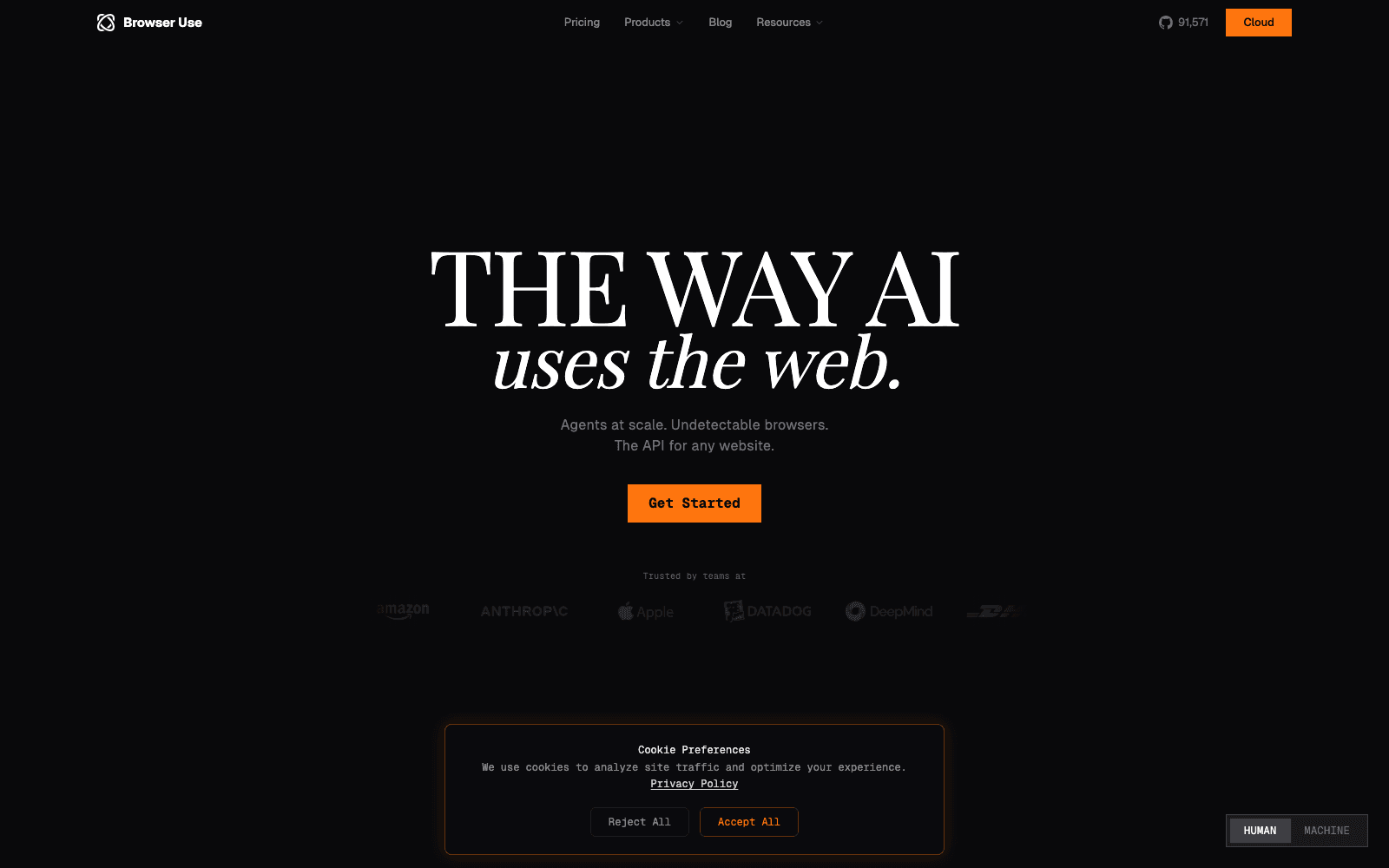
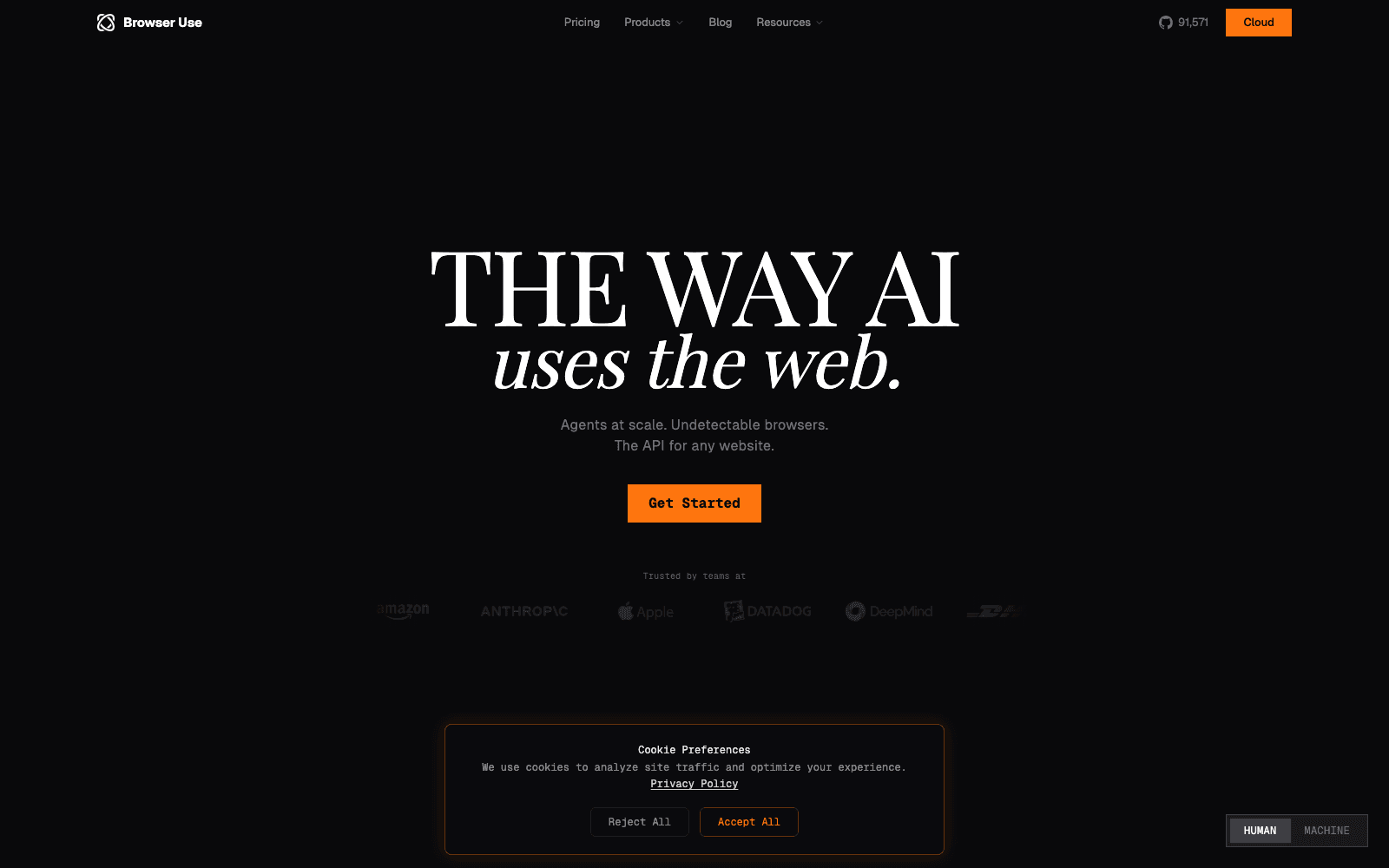
Browser Use is the open-source framework most engineers reach for when they want to build an AI agent that uses a browser. The library handles the LLM-to-browser communication patterns, page understanding, action execution, and error recovery — and scores 89% on the WebVoyager benchmark, the highest in the category as of 2026.
What it wins at: open-source flexibility, the highest benchmark score on the standard WebVoyager evaluation, and an active community publishing patterns and integrations.
Where it falls down: you're managing the runtime yourself — for production reliability, pair with Browserbase for the actual browser infrastructure. Best as the framework, with cloud infra underneath.
4. Browserbase — Production Cloud Headless Browsers
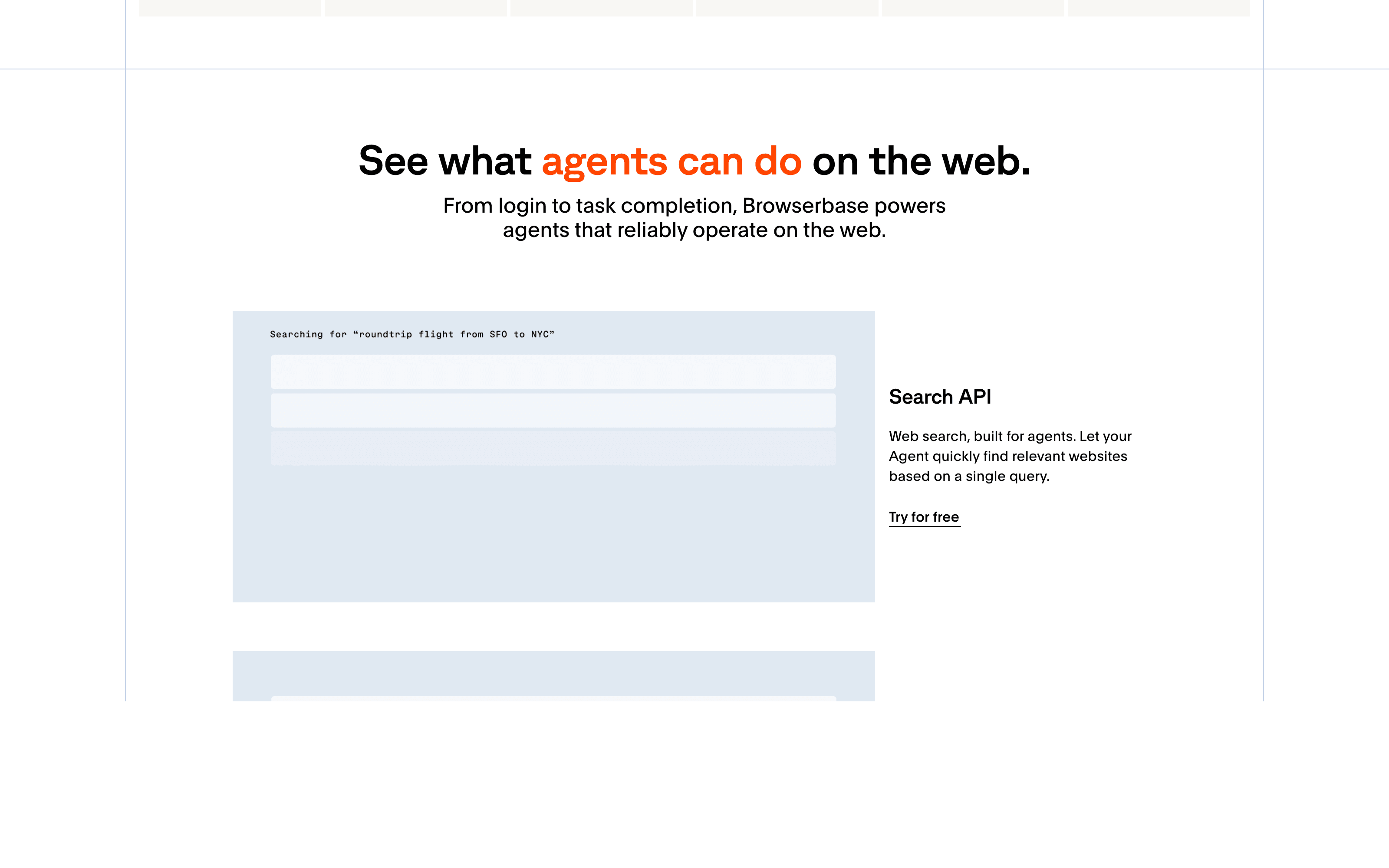
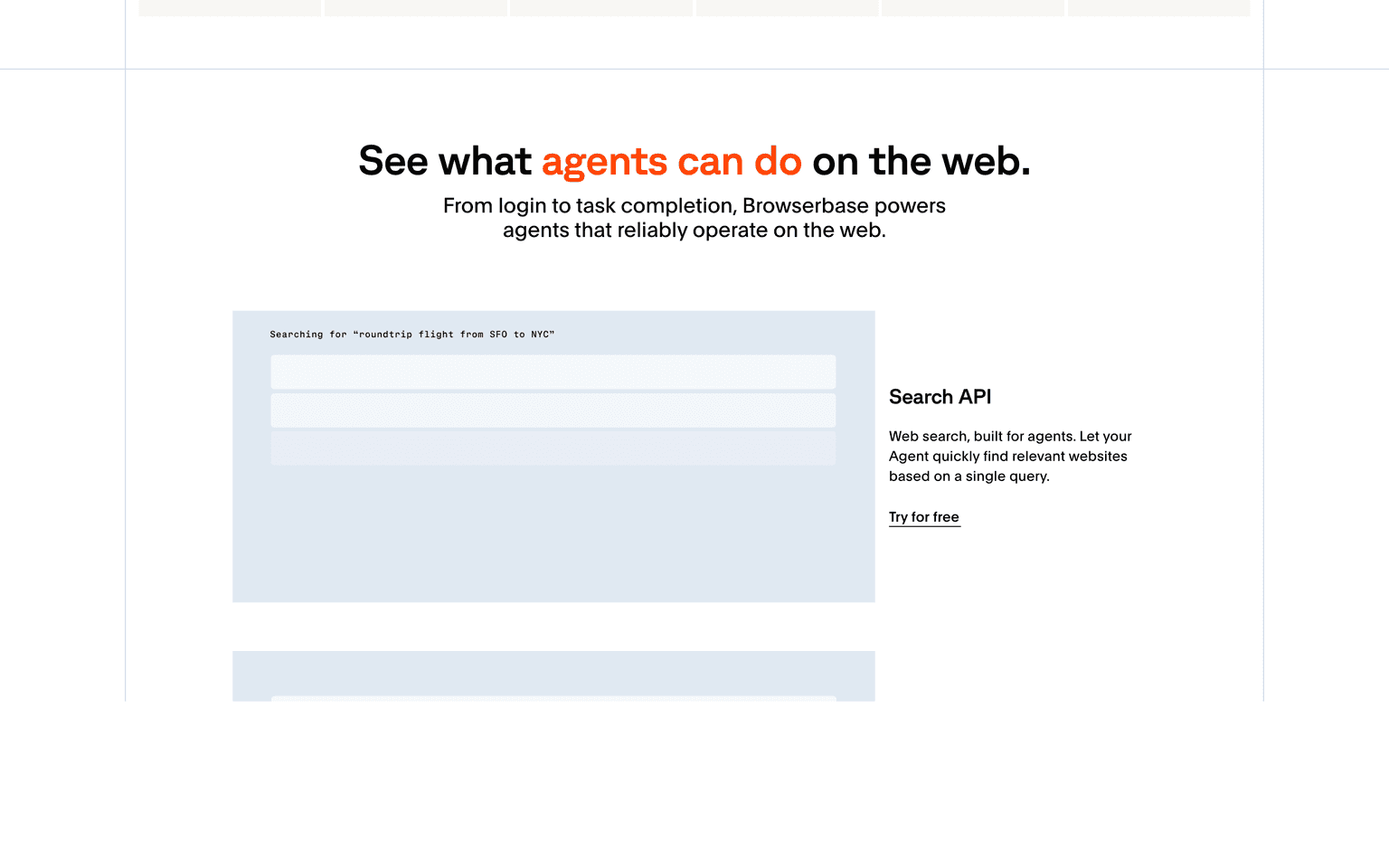
Browserbase handles the production-grade infrastructure side: cloud headless browsers with session management, authentication storage, captcha solving, residential proxies, and the operational reliability that engineering teams need for agents running in production rather than as demos. The most-deployed cloud browser infrastructure in serious AI agent production stacks.
What it wins at: production AI agents at scale, complex auth and session-persistence requirements, and the cleanest enterprise-procurement story in the cloud-browser category.
Where it falls down: priced for production usage; for hobby projects or thin proofs-of-concept, the cost and setup overhead are real.
How to Choose Your AI Browser
Match the tool to who's actually using the browser:
- You (a human user) want AI assistance while browsing: Comet (if you live in Perplexity's ecosystem) or Dia (if you valued Arc's design)
- You (an engineer) are building an AI agent that uses a browser: Browser Use as the framework, plus Browserbase as the cloud infrastructure underneath
- Your team is evaluating browsers for the office: the consumer AI browsers aren't yet ready to replace Chrome at organizational scale; treat them as personal tools
The consumer-AI-browser category is moving fast. ChatGPT's Atlas browser, rumored in 2026, may reshape the landscape; Microsoft Edge's Copilot Mode keeps adding AI features. The infrastructure lane is more stable — Browserbase is the established leader.
For adjacent reading, see our Best AI Tools for Marketing & SEO (the GEO section covers AI browsers as the citation surface), Top 7 AI Coding Assistants for Engineering Teams, and Must-Have Free AI Tools for Developers for adjacent dev tooling.
Frequently Asked Questions
What is an AI browser? Two distinct things in 2026. (1) A consumer browser with AI as a primary feature — chat with pages, AI search, agentic actions on your behalf (Comet, Dia). (2) Cloud browser infrastructure that AI agents use to browse the web themselves (Browserbase, Browser Use). Same name, different audiences.
Is Comet better than Dia? Different design philosophies. Comet is search-first — built around Perplexity's AI search as the browsing primitive. Dia is tab-first — built around chatting with your open tabs and the content inside them. Comet wins for research-style workflows; Dia wins for design-conscious users who valued Arc's UX. Try both if you can; both are credible.
Will AI browsers replace Chrome? Not yet. Consumer AI browsers (Comet, Dia) are credible alternatives for power users but lack the extension ecosystem, developer tooling, and enterprise admin capabilities that make Chrome the default. Most users in 2026 are using AI browsers as a complementary second browser, not a replacement.
What's WebVoyager and why does it matter? WebVoyager is the standard benchmark for evaluating AI agents' ability to complete real-world tasks on the web — booking flights, finding information across multiple sites, completing forms. Browser Use leads at 89% as of 2026. Higher scores mean the framework can complete more tasks autonomously without falling over on real-world web complexity.
Do I need cloud browser infrastructure if I'm just running an AI agent locally? For experiments and small projects, no — you can run headless Chrome on your machine. For production agents that need reliability, auth handling, captcha solving, and concurrent scaling, yes — Browserbase, or similar are the difference between a demo and a production system.
Can AI browsers see what's on my screen and access my data? Depends on the browser. Consumer AI browsers (Comet, Dia) operate on the pages you're actively viewing and only with your authorization for actions. Read each privacy policy specifically. Cloud browser infrastructure runs in isolated environments — your AI agent has access only to what you explicitly authorize.
What about ChatGPT Atlas? Rumored / partially launched in 2026 — OpenAI's entry into the consumer AI browser space. Too early for a confident evaluation as of this guide; we'll add it to the comparison when there's enough production usage data to evaluate fairly.
Final Thoughts
The AI browser category in 2026 is one of the fastest-moving SaaS lanes — both halves of the market (consumer browsers and cloud infrastructure) are seeing meaningful funding, real product releases, and growing usage. For most users today, the practical move is to install one consumer AI browser (Comet or Dia) as a complement to your existing Chrome or Safari, and evaluate whether the AI features change your daily workflow enough to switch primary browsers.
For engineers building AI agents, the cloud-browser infrastructure question is less optional — running headless Chrome yourself works for experiments but breaks at production scale. Browserbase plus Browser Use is the standard 2026 stack.
This category will look meaningfully different in 12 months. The bet worth making today: build your workflow around the lane (consumer or infrastructure) you actually need, not the specific vendor — vendors are likely to consolidate or differentiate further by 2027.
Categories these tools span
More collections you may also like

Sign up for our newsletter
Receive weekly updates so you can stay up-to-date with the world of AI
Sign up for our newsletter
Receive weekly updates so you can stay up-to-date with the world of AI
The AI tools directory for discovering, exploring, and comparing the most innovative AI tools in the industry