tl;dv
GPT-powered meeting software for video recording, transcription, and sharing.
Overview
AI-Powered Meeting Recorder for Zoom and Google Meet - tl;dv
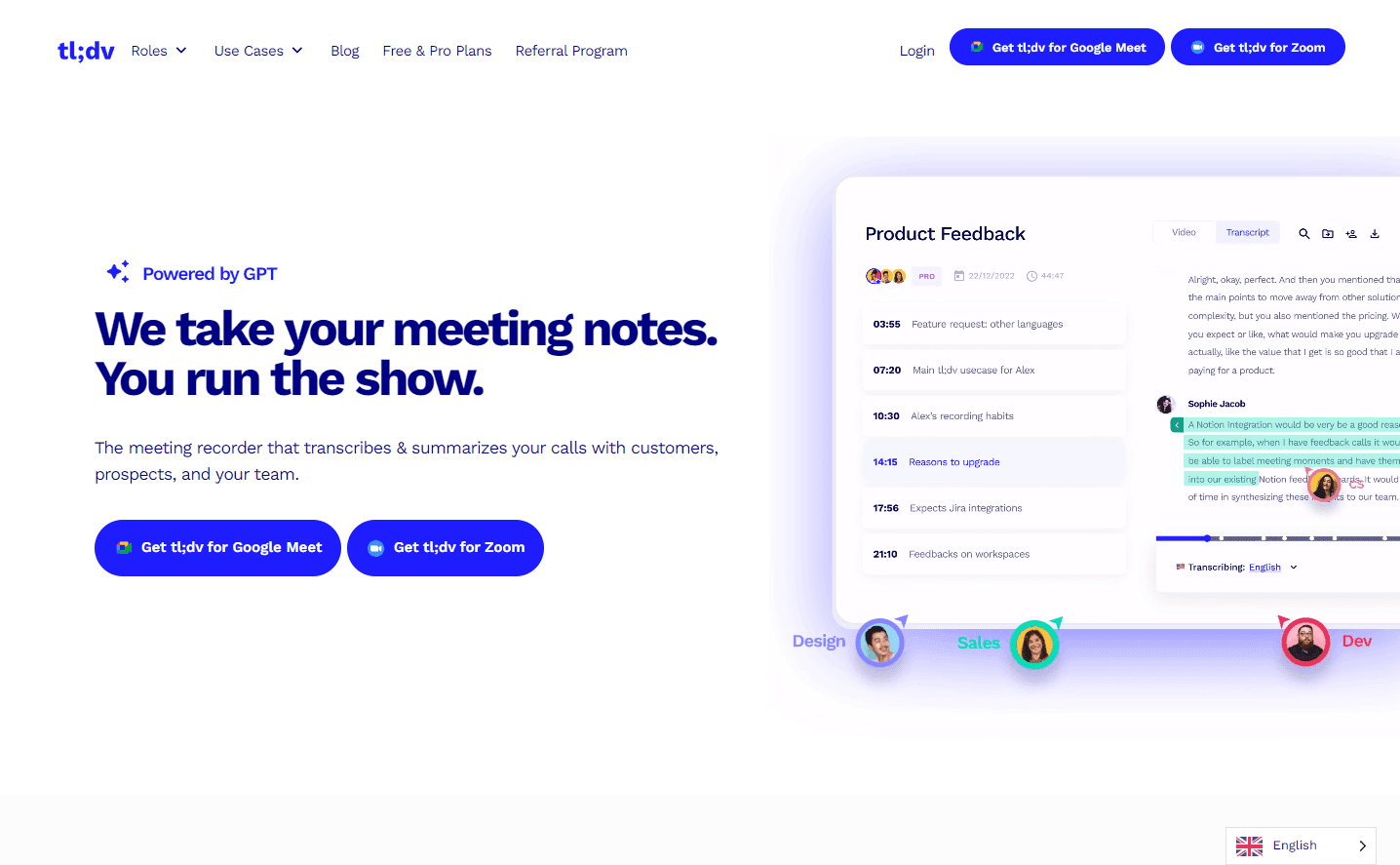
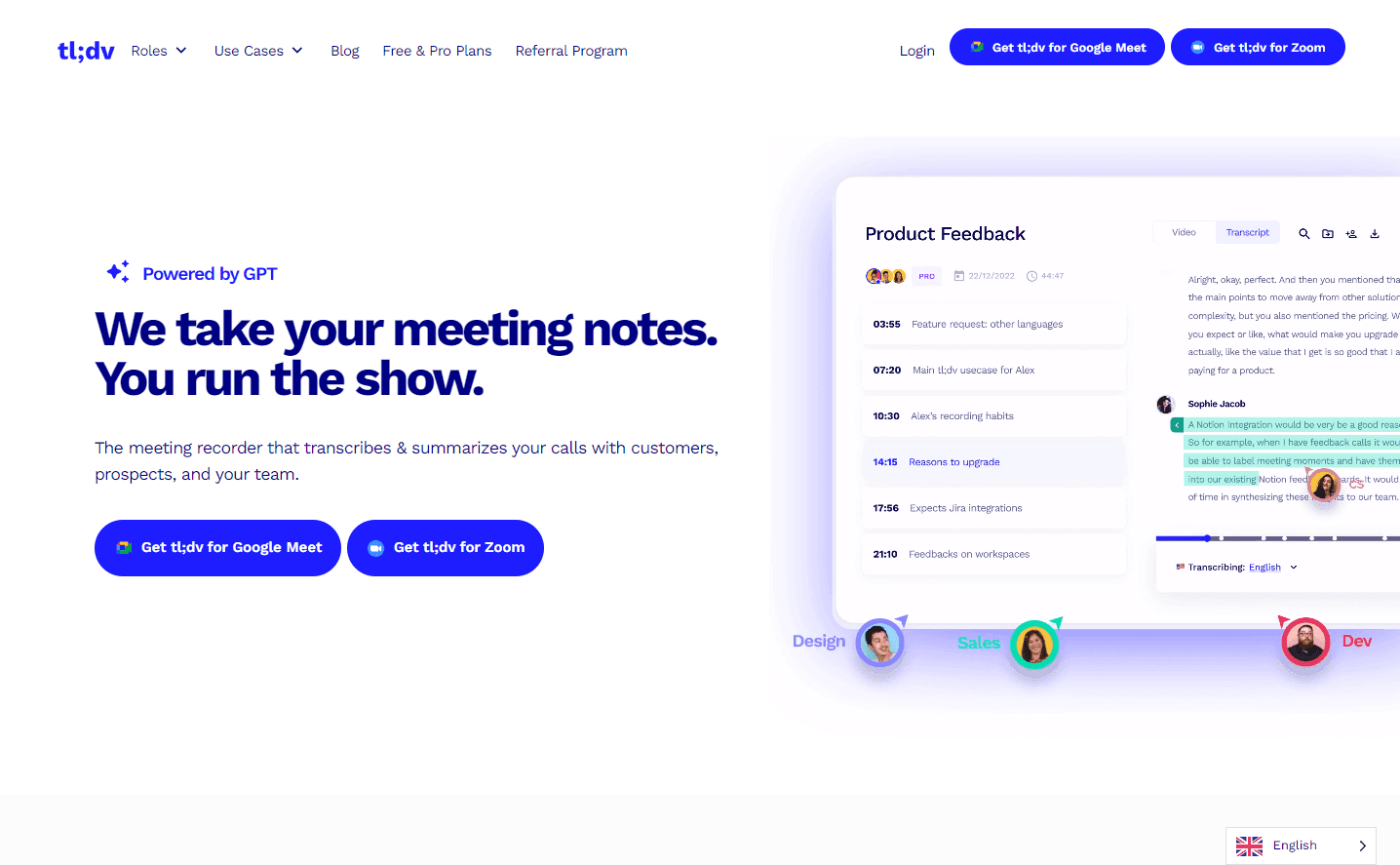
tl;dv is a revolutionary meeting recorder designed to capture, transcribe, and summarize your online meetings, whether they're on Zoom or Google Meet. With the power of GPT, it offers automated transcription in over 30 languages, ensuring that every word spoken in your meetings is captured accurately. Beyond just recording and transcribing, tl;dv allows users to timestamp key moments, create bite-sized video clips, and even search for specific topics discussed during meetings. The platform integrates seamlessly with popular tools like Notion, Google Docs, Slack, Salesforce, and HubSpot, making it easier than ever to share meeting insights directly with your team.
Key Features:
- High-quality video and sound recording for Zoom and Google Meet.
- Automatic transcription in 30+ languages with speaker detection.
- Timestamping of key meeting moments.
- Creation of bite-sized video clips from longer calls.
- Keyword-based search across meetings.
- Seamless integration with popular collaboration platforms and CRMs.
Ideal Use Case:
For professionals who conduct regular online meetings and require an efficient way to record, transcribe, and share insights from those meetings with their team.
Why use tl;dv:
- Capture every word with accurate transcription.
- Easily share insights and moments with your team.
- Reduce the need for manual note-taking.
- Enhance collaboration with seamless tool integration.
- Access a repository of all your meetings, making it easy to revisit discussions.
FAQ
What does tl;dv do? tl;dv is a meeting software powered by GPT that records video meetings, automatically transcribes them, and makes it easy to share recordings with your team. It helps you capture and organize important discussion points without manual note-taking.
Who should use tl;dv? tl;dv works well for teams and professionals who conduct frequent video meetings and need to keep accurate records, share insights with colleagues, or reference conversation details later. Sales teams, project managers, and remote workforces find it particularly useful for accountability and knowledge retention.
How much does tl;dv cost? tl;dv offers a free trial so you can test the platform before committing. Visit the tl;dv pricing page for current plans and to see what features are available at each tier.
How does tl;dv compare to similar tools? tl;dv competes with tools like Google Veo, Hailuo AI, and Kling AI in the video creation space, but it focuses specifically on meeting recording and transcription rather than general video generation. Its GPT integration and sharing features make it a purpose-built solution for teams managing recorded conversations.
tl;dr:
tl;dv is an AI-powered tool that transforms the way you handle online meetings. Record, transcribe, and share key moments seamlessly, all while integrating with your favorite tools.
Related
Looking for more options? Browse the Video Creation directory or read our best AI video tools listicle. tl;dv is also tracked on Crunchbase.
Why Use tl;dv
Editorial Review
Our take on tl;dv.

tl;dv is a GPT-powered meeting software that records, transcribes, and shares video calls with minimal setup friction.
What works
- Transcription + AI summary reduces manual meeting note-taking
- Freemium model lets you test before deciding
- Clip and sharing workflow is straightforward
What doesn't
- Transcription accuracy depends on audio quality and speaker clarity
- Summaries require well-structured meetings to be reliable
tl;dv handles the three things that make meetings useful: it records your video calls, automatically transcribes them, and makes sharing clips straightforward. The GPT integration means you're not just getting a transcript—the tool can summarize key points, pull action items, and surface decisions without you having to comb through an hour of video. It's freemium, so you can test whether it actually fits your workflow before committing.
What makes tl;dv feel practical is that it doesn't demand much from you. Install, hit record, and the transcription and basic analysis happen in the background. If you're drowning in Zoom recordings that nobody actually watches, this removes some of the friction. The sharing piece matters too—clipped and timestamped highlights are easier to circulate than full videos.
The trade-off is typical for AI-assisted tools: transcription quality depends on audio clarity, and the summaries are only as useful as your meeting structure. If your calls are chaotic or heavily accented, you'll still need to verify what the tool pulled out. For focused one-on-ones and structured team meetings, it works well.
User Reviews
Similar Tools