Google Veo
Google DeepMind cinematic text-to-video model with native audio and long shots.
Overview
Google Veo by DeepMind: Cinematic AI Video Model With Native Audio and Long Shots
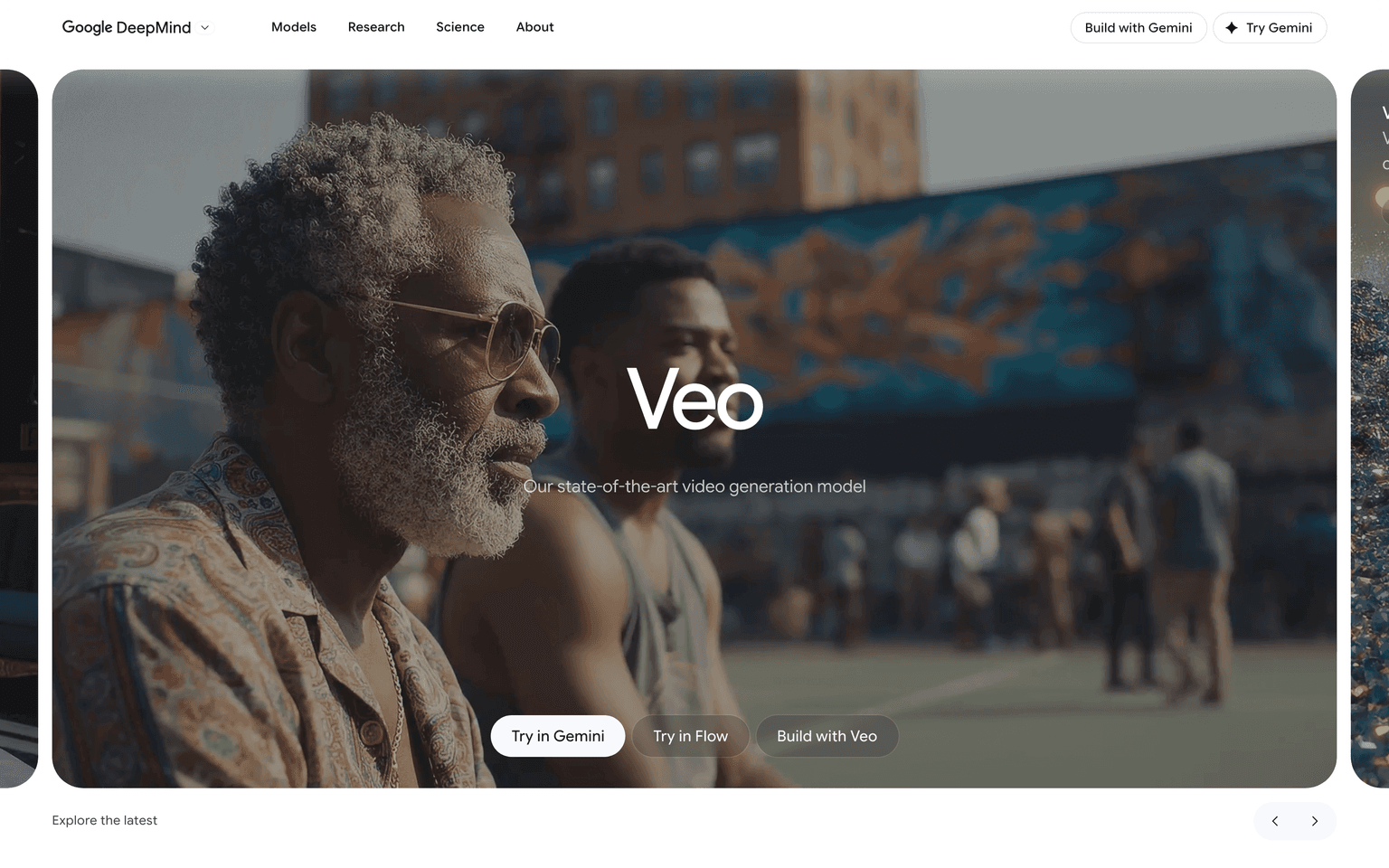
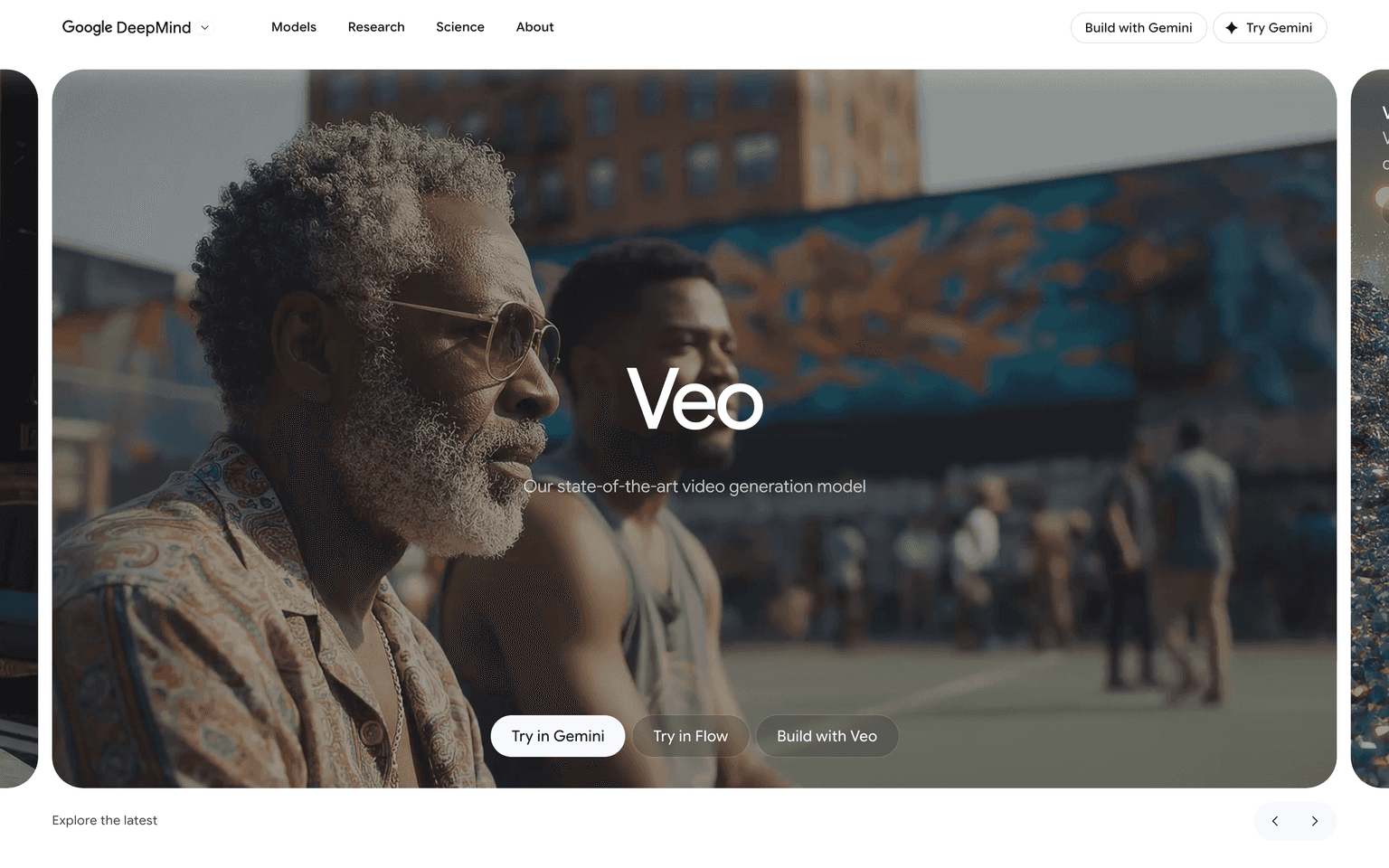
Google Veo is DeepMind's flagship video model, used inside the Gemini app, Google AI Studio, Vertex AI, YouTube Shorts, and Google Vids. Veo 3 generates cinematic, physically realistic video clips with native audio and strong prompt following, supporting both text-to-video and image-to-video. Filmmakers, marketers, ad teams, and developers building on the Gemini API tap Veo for shots that hold up against the best AI video models in the market, with Google's safety and watermarking infrastructure built in.
Key Features:
- Cinematic text-to-video and image-to-video generation
- Native audio generation, including dialogue, ambience, and sound effects
- Strong motion realism, lighting, and prompt fidelity
- Available in the Gemini app, Google AI Studio, and Vertex AI
- API access for developers via Gemini and Vertex AI
- Powers parts of YouTube Shorts and Google Vids
- SynthID watermarking for AI-generated content provenance
- Integration with the rest of Google AI tooling
- Enterprise-grade safety, governance, and compliance options
Ideal Use Case:
Google Veo is built for marketers, ad teams, filmmakers, and developers who want a cinematic video model backed by Google's infrastructure. It is especially valuable for teams already on the Gemini, Vertex AI, or YouTube ecosystems.
Why Use Google Veo:
- Generate cinematic AI video with native audio and prompt fidelity
- Use the same model that powers Gemini, YouTube Shorts, and Vids
- Build on the Gemini API or Vertex AI for production workloads
- Ship enterprise-grade video AI with SynthID provenance built in
- Tap into Google's safety, governance, and compliance posture
- Iterate inside the Gemini app or Google AI Studio
FAQ
Is Google Veo free? Veo access is included with Google AI Pro ($20/month) and Google AI Ultra ($250/month). Developers can use it pay-as-you-go via Gemini API and Vertex AI.
What versions of Veo are out? Veo 3 is the current cinematic flagship, with native audio and longer clip support. Versioning evolves through DeepMind releases.
Where does Veo live? In the Gemini app, Google AI Studio, Vertex AI, parts of YouTube Shorts, and Google Vids.
Does Veo have an API? Yes. Developers access Veo through the Gemini API and Google Cloud Vertex AI.
How does Veo compare to Sora or Kling? Veo is consistently top-tier on motion realism and audio, alongside Sora and Kling, with Google's ecosystem and safety infrastructure baked in.
FAQ
What does Google Veo do? Google Veo is a cinematic text-to-video model from Google DeepMind that generates videos from written descriptions. It supports native audio and can create extended shots, making it useful for filmmakers, creators, and developers building video applications.
Who should use Google Veo? Google Veo is designed for video creators, content producers, and developers who want to generate cinematic video content from text prompts. It's integrated into YouTube Shorts and Google Vids, so existing Google users may already have access to parts of its capabilities.
What's the pricing structure for Google Veo? Google Veo operates on a freemium model with access included in subscription tiers and pay-as-you-go options via the Gemini API and Vertex AI. Visit the Google Veo pricing page for current plans and API rates.
How does Google Veo compare to other text-to-video tools? Google Veo competes with alternatives like Hailuo AI, Kling AI, and Pika. It's distinguished by its deep integration with Google's ecosystem and its focus on cinematic quality with native audio support.
FAQ
What does Google Veo do? Google Veo is a cinematic text-to-video model from Google DeepMind that generates videos from written descriptions. It supports native audio and can create extended shots, making it useful for filmmakers, creators, and developers building video applications.
Who should use Google Veo? Google Veo is designed for video creators, content producers, and developers who want to generate cinematic video content from text prompts. It's integrated into YouTube Shorts and Google Vids, so existing Google users may already have access to parts of its capabilities.
What's the pricing structure for Google Veo? Google Veo operates on a freemium model with access included in subscription tiers and pay-as-you-go options via the Gemini API and Vertex AI. Visit the Google Veo pricing page for current plans and API rates.
How does Google Veo compare to other text-to-video tools? Google Veo competes with alternatives like Hailuo AI, Kling AI, and Pika. It's distinguished by its deep integration with Google's ecosystem and its focus on cinematic quality with native audio support.
tl;dr:
Google Veo is DeepMind's cinematic video model with native audio, available across Gemini, Vertex AI, YouTube Shorts, and Google Vids. For teams already on Google's stack, it is the most natural way to ship world-class AI video.
Related
Looking for more options? Browse the Video Creation directory or read our best AI video tools listicle. Google Veo has a Wikipedia entry and is tracked on Crunchbase.
Why Use Google Veo
FAQ
Editorial Review
Our take on Google Veo.

Google's cinematic video model that handles long shots and native audio—serious capability wrapped in a freemium model that actually lets you try it.
What works
- Native audio integration saves compositing steps
- Longer-form sequences designed in, not tacked on
- True freemium access lets you test before spending
What doesn't
- Locked into Google's ecosystem rather than standalone
- Pricing opaque across multiple tiers and APIs
Google Veo is a text-to-video engine from DeepMind that's built to handle longer sequences and integrated audio, which sets it apart from shorter-form competitors. The cinematic framing suggests it's engineered for professional-grade shots rather than quick clips. Access comes through multiple routes: bundled with higher-tier Google AI subscriptions, available via pay-as-you-go on the Gemini API and Vertex AI, and embedded into YouTube Shorts and Google Vids for those tools' users. That layered distribution is intentional—it's not a standalone app, but rather infrastructure that reaches you through Google's broader ecosystem.
The freemium shape is genuine: you can experiment without committing to a plan, which matters for creators figuring out whether video generation fits their workflow. The inclusion in YouTube Shorts and Vids means many people are already using it indirectly. For serious production work or API integration, you'll move into paid tiers, but the on-ramp is forgiving. The model's focus on longer sequences and native audio suggests thoughtfulness about what creators actually need versus gimmicky short-form output.
User Reviews
Similar Tools