Kling AI
Cinematic text-to-video generator with realistic motion and long shots.
Overview
Kling AI: Cinematic Text-to-Video and Image-to-Video Generator
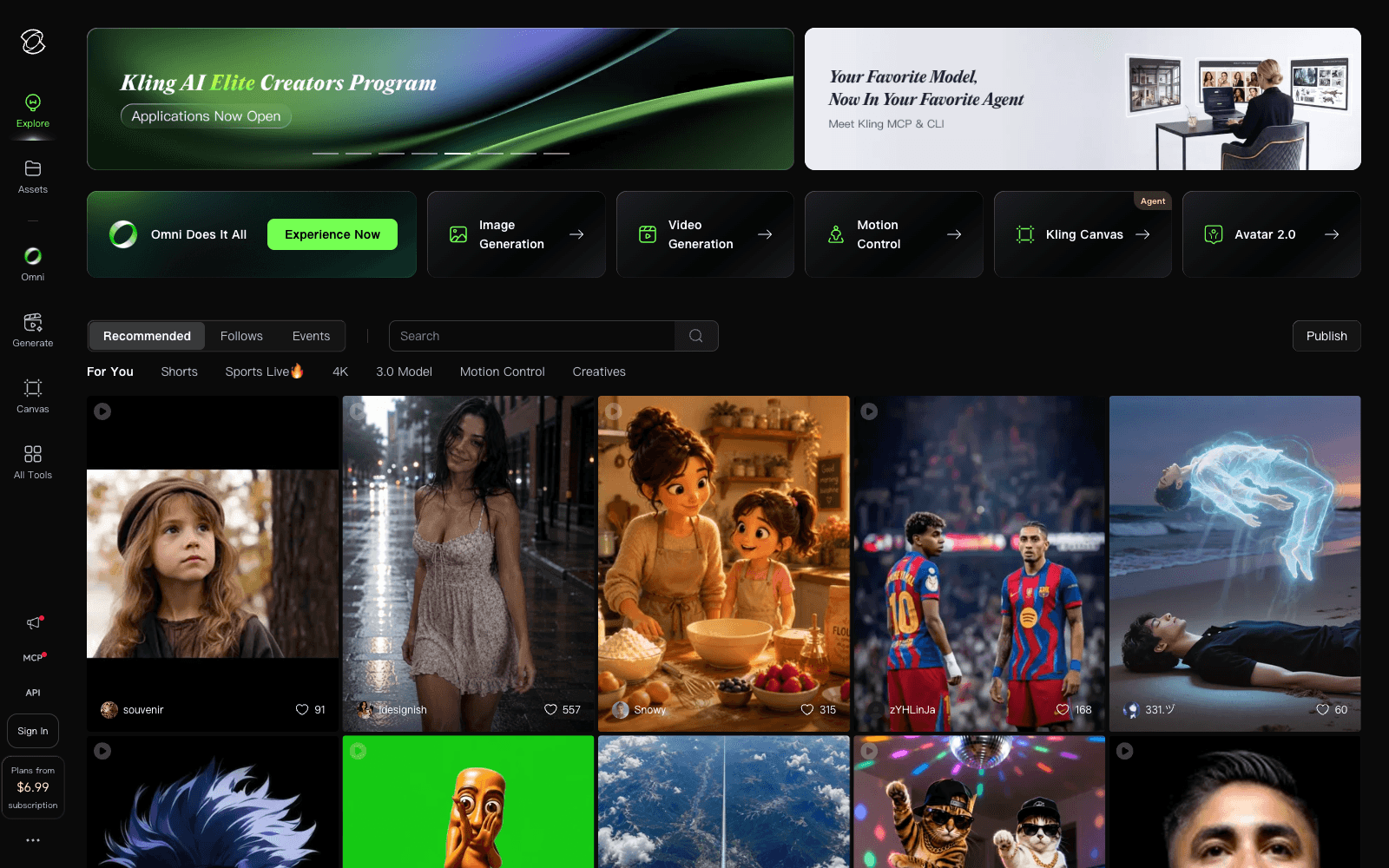
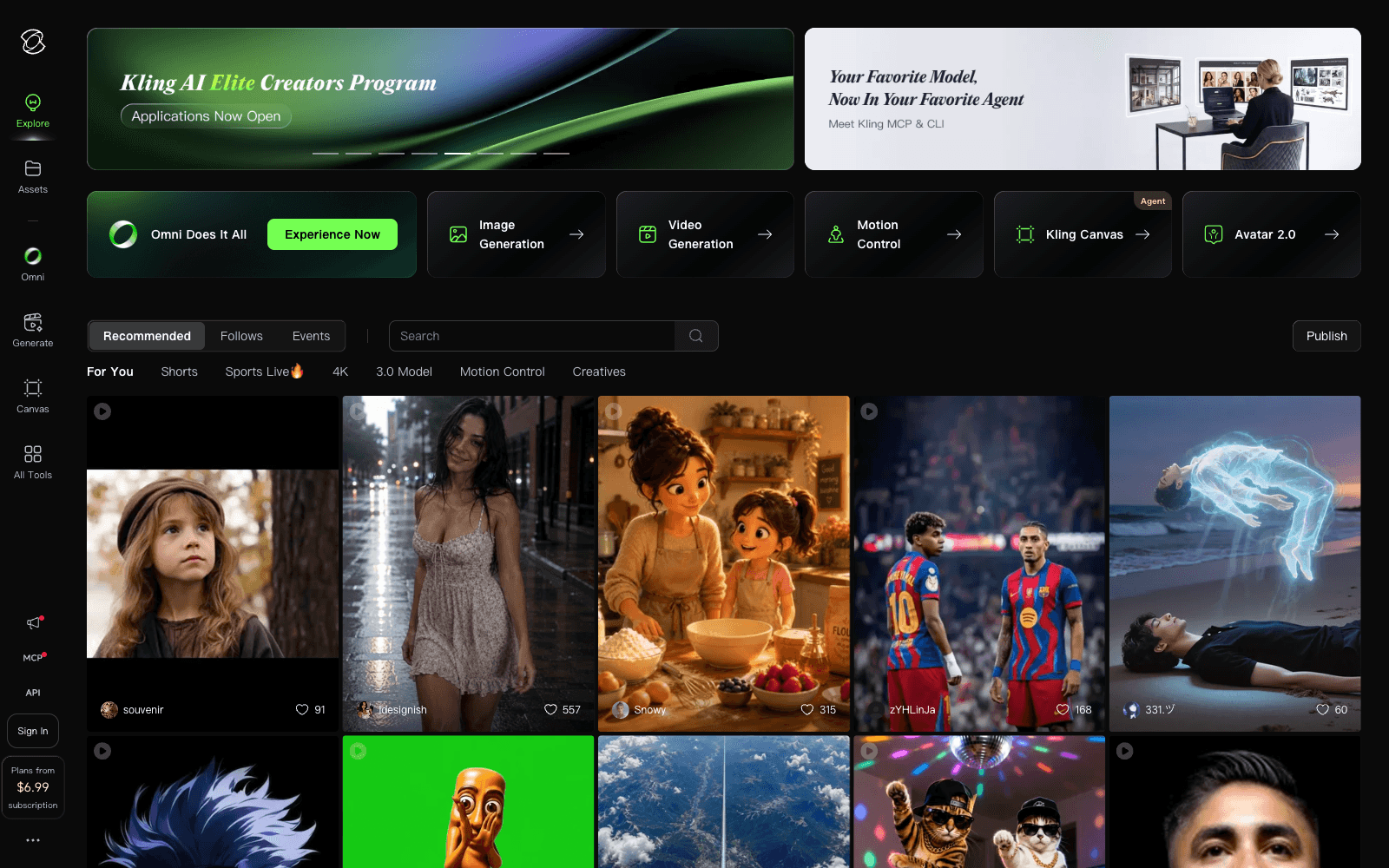
Kling AI is a top-tier text-to-video and image-to-video generator from Kuaishou that produces cinematic, physically realistic clips with strong motion, character consistency, and impressive long-shot stability. Filmmakers, marketers, social creators, ad agencies, and indie storytellers use Kling to turn a single sentence or reference image into a watchable shot, then extend, edit, lip-sync, and stitch clips together into longer videos. The combination of fidelity, controllability, and a built-in editing surface puts Kling alongside Sora and Veo as one of the leading generative video platforms.
Key Features:
- Text-to-video and image-to-video generation up to cinematic quality
- Long-shot generation with stable character and scene consistency
- Motion brush, camera control, and start/end frame conditioning
- Lip sync with custom audio for talking-head and dialogue scenes
- Image generation, style references, and visual style packs
- Built-in clip editing, extension, and timeline composition
- Mobile app for iOS and Android plus a full web app
- Community gallery for prompts, references, and remix workflows
- Tiered subscription with credits scaling for higher resolution and longer clips
Ideal Use Case:
Kling AI is built for video creators who want cinematic output without a camera, marketers producing fast social and ad content, and storyboarders or filmmakers exploring shots before shooting. The mobile app makes it usable on the go for creators who shoot, prompt, and edit in one place.
Why Use Kling AI:
- Generate cinematic, realistic AI video from a single sentence or reference image
- Produce long, stable shots with consistent characters across cuts
- Lip-sync dialogue with custom audio for character-driven scenes
- Use motion brush and camera controls instead of pure prompt roulette
- Edit, extend, and compose clips inside the same product
- Work on mobile or web with the same account and library
FAQ
Is Kling AI free? Yes. Kling has a free tier with daily credits. Paid plans start at $6.99/month for Standard.
What can Kling generate? Text-to-video, image-to-video, AI images, lip-synced dialogue scenes, and longer composed clips.
Who makes Kling? Kling is built by Kuaishou, one of the largest short-video companies in the world.
Is Kling on mobile? Yes. Kling has dedicated iOS and Android apps in addition to its web app.
How does Kling compare to Sora or Veo? Kling is widely considered top-tier on motion realism and long-shot stability, often tested head-to-head with Sora and Google Veo.
FAQ
What does Kling AI do? Kling AI is a text-to-video generator that creates cinematic videos from written descriptions, focusing on realistic motion and extended shot sequences. It's designed to help creators produce video content without needing traditional filming equipment.
Who should use Kling AI? Kling AI is ideal for content creators, filmmakers, marketers, and anyone who wants to generate video content quickly from text prompts without extensive video production experience.
What is the pricing structure for Kling AI? Kling AI operates on a freemium model with a free tier that includes daily credits, plus paid subscription options at different feature levels. Visit the Kling AI pricing page for current plans and annual discount options.
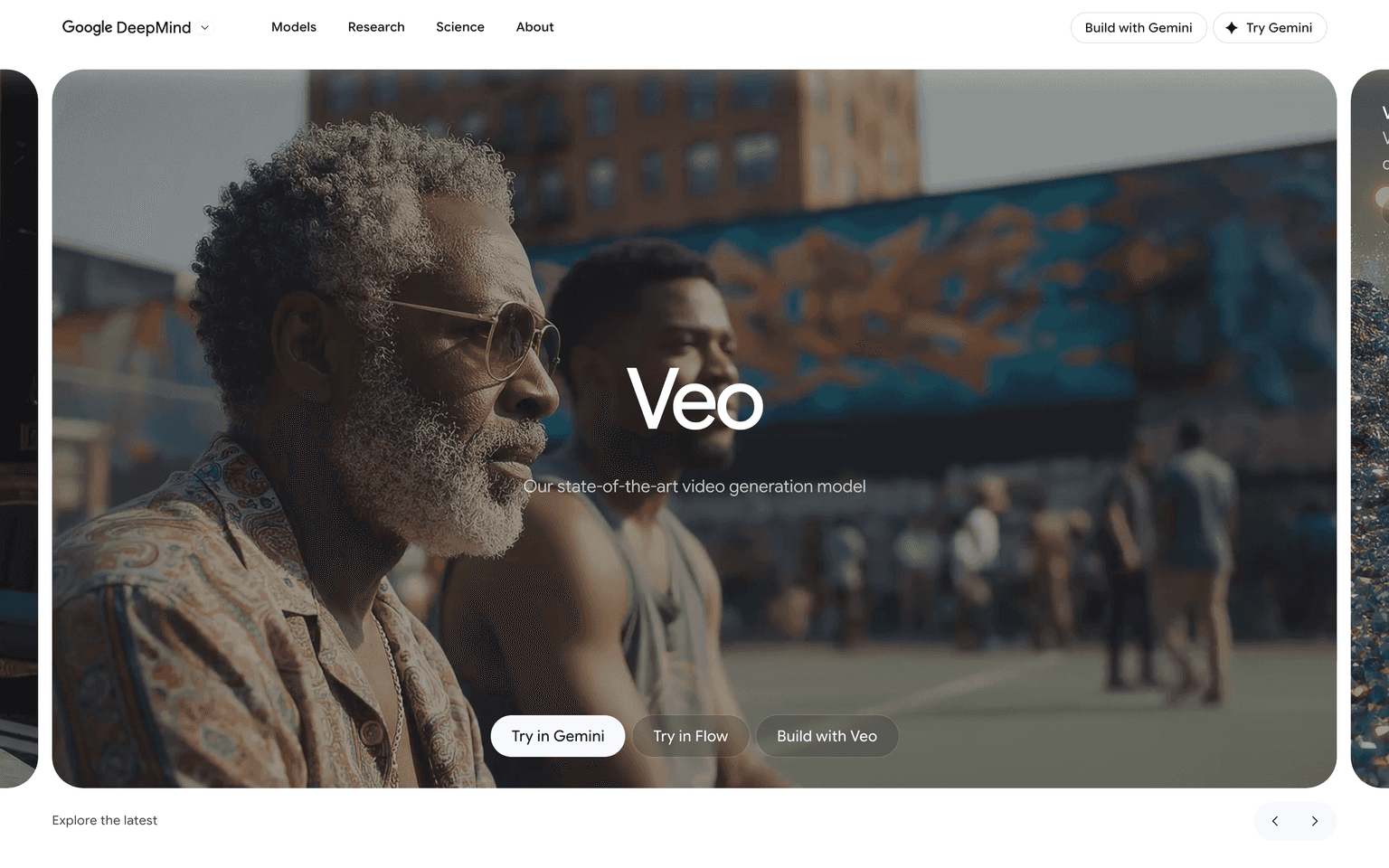
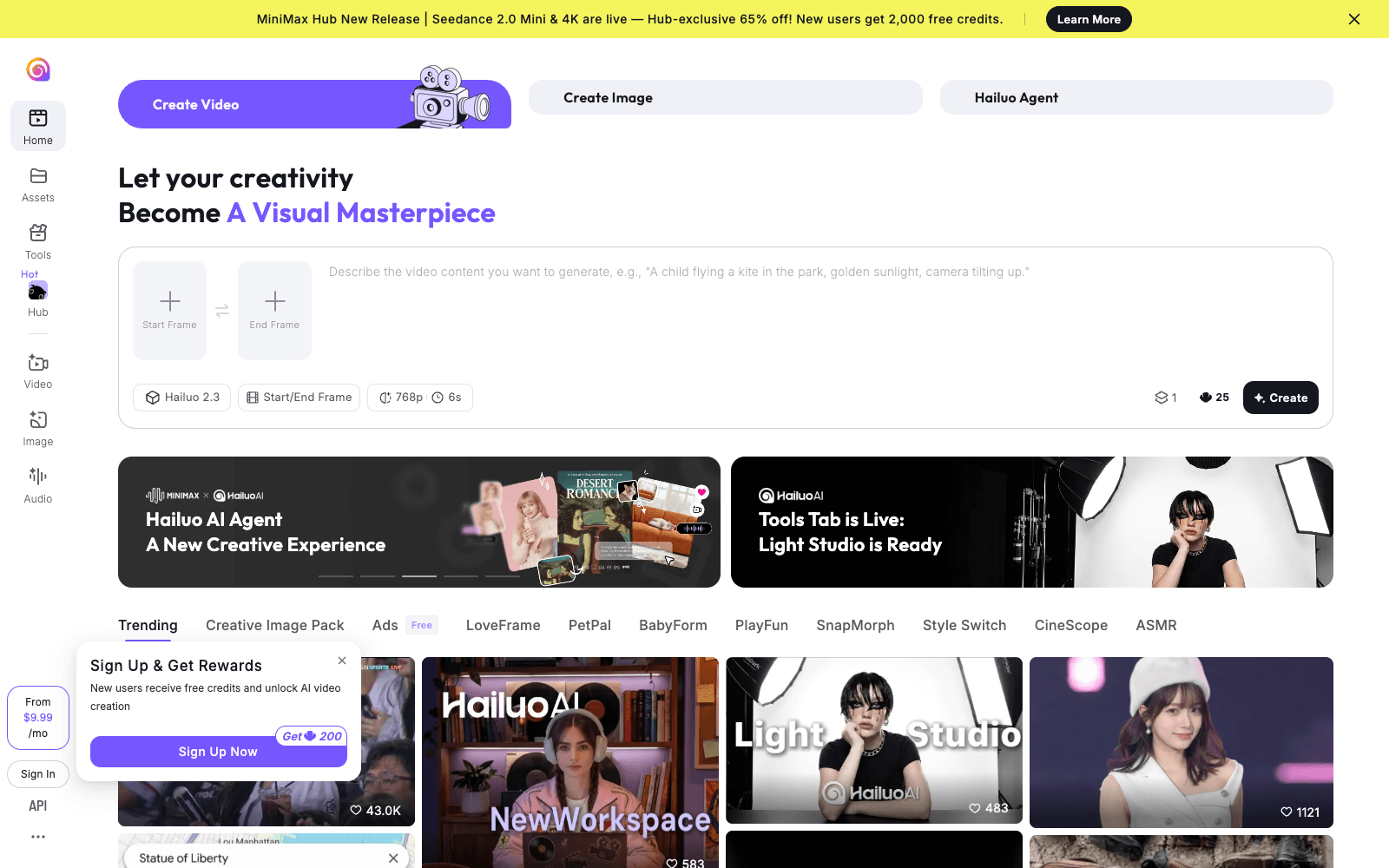
How does Kling AI compare to other text-to-video tools? Kling AI competes with other cinematic video generators like Google Veo, Hailuo AI, and Pika, each offering different approaches to AI-powered video creation with varying strengths in motion realism and shot composition.
FAQ
What does Kling AI do? Kling AI is a text-to-video generator that creates cinematic videos from written descriptions, focusing on realistic motion and extended shot sequences. It's designed to help creators produce video content without needing traditional filming equipment.
Who should use Kling AI? Kling AI is ideal for content creators, filmmakers, marketers, and anyone who wants to generate video content quickly from text prompts without extensive video production experience.
What is the pricing structure for Kling AI? Kling AI operates on a freemium model with a free tier that includes daily credits, plus paid subscription options at different feature levels. Visit the Kling AI pricing page for current plans and annual discount options.
How does Kling AI compare to other text-to-video tools? Kling AI competes with other cinematic video generators like Google Veo, Hailuo AI, and Pika, each offering different approaches to AI-powered video creation with varying strengths in motion realism and shot composition.
tl;dr:
Kling AI turns prompts and images into cinematic, realistic videos with strong motion, character consistency, and built-in editing tools. For creators, marketers, and filmmakers, it is one of the fastest paths from idea to a watchable, polished AI video.
Related
Looking for more options? Browse the Video Creation directory or read our best AI video tools listicle. Kling AI has a Wikipedia entry and is tracked on Crunchbase.
Why Use Kling AI
FAQ
Editorial Review
Our take on Kling AI.

Competent text-to-video with real motion appeal; free tier lets you test before spending.
What works
- Realistic motion and longer shot capability stand out
- Free tier with daily credits removes friction to try it
- Freemium tiers scale reasonably for regular use
What doesn't
- Crowded market—not a clear best-in-class winner
- Quality consistency depends on prompt clarity like competitors
Kling generates video from text prompts and handles longer shots better than some rivals. The motion looks cinematic rather than floaty, which matters if you're tired of the typical AI-video jank. It's freemium—you get daily credits on the free tier, enough to kick the tires without a card.
The paid tiers scale predictably if you're doing this regularly. Kuaishou's backing means the infrastructure is real. That said, we're in the thick of text-to-video wars right now—Google Veo, Pika, Hailuo AI are all in the ring. Kling isn't a clear winner on all fronts, just a solid player with motion quality worth testing.
The free tier is your actual entry point; you'll know fast if the output suits your work. If it does, the pricing doesn't sting. If it doesn't, you've lost nothing but time.
User Reviews
Similar Tools