Top 7 AI Video Generators (2026)







Best AI Video Generators in 2026
If you're researching the best AI video generators in 2026, the category looks dramatically different than it did 12 months ago. Google Flow paired with Veo 3 became the creator-facing leader after OpenAI's Sora was wound down. Kling and Hailuo from China crossed parity with the US leaders on photorealism. Runway pushed Gen-4.5 deeper into the director's-tool lane. Pika and Luma kept the accessible-creator-UX flag flying. The category went from "plausible 5-second clips" to "finished 1-minute scenes that hold up."
This guide covers the seven AI video generators that actually move the needle in 2026: Google Flow, Google Veo, Runway, Kling AI, Pika.Art, Luma Labs AI, and Hailuo 02. Each is rated by what it ships in production today, where the licensing and copyright lines sit, and which workflow shape it fits.
Updated August 2, 2026. Model versions re-checked across the field — Veo is now on 3.1, Runway on Gen-4.5, Kling on 3.0 — and every pick re-verified as active.
The Three Lanes of AI Video in 2026
Most teams researching AI video are solving one of three problems. Mixing the lanes is the most common mistake — the leaders in one don't necessarily lead in the others.
- General-purpose cinematic generation: text-to-video and image-to-video for cinematic-feeling shots. Leaders: Google Flow (with Veo 3 underneath), Runway, Kling, Hailuo.
- Accessible creator UX: approachable apps for hobbyist and creator-tier users who want to ship something fast. Leaders: Pika.Art, Luma Labs AI.
- Director-and-agency tooling: finer-grained control, professional editor integrations, agency-friendly workflows. Leader: Runway.
Most serious creators in 2026 use two generators — one for the broad shot generation, one as a second-opinion when the first one's output isn't quite right. The differences are big enough that swapping per-shot is worth the friction.
Quick Comparison
| Tool | Best for |
|---|---|
| Google Flow | Google's creator-facing video product. Best for cinematic generation with seamless storytelling, advanced editing, and native audio. Built on Veo 3. |
| Google Veo | The model layer. Best for developers and creators wanting direct API access to the Veo 3 model rather than the Flow editor on top of it. |
| Runway | The director's tool. Best for agencies, filmmakers, and creators who need fine-grained control over camera, motion, and editing. |
| Kling AI | Photorealistic motion specialist. Best for shots where realistic human and physical motion matters most. |
| Pika.Art | Accessible creator app. Best for hobbyists and short-form social content with a friendly UX. |
| Luma Labs AI | Dream Machine plus Ray2. Best for cinematic shots with strong camera-motion control and Apple-friendly UX. |
| Hailuo 02 | MiniMax's flagship. Best for photorealistic video with strong adherence to image-to-video prompts. |
General-Purpose Cinematic Generation
This is the most contested lane. The five tools below all generate text-to-video and image-to-video at credible cinematic quality, with the differences showing up in motion realism, audio support, prompt adherence, and licensing posture.
1. Google Flow — The Creator-Facing Video Product
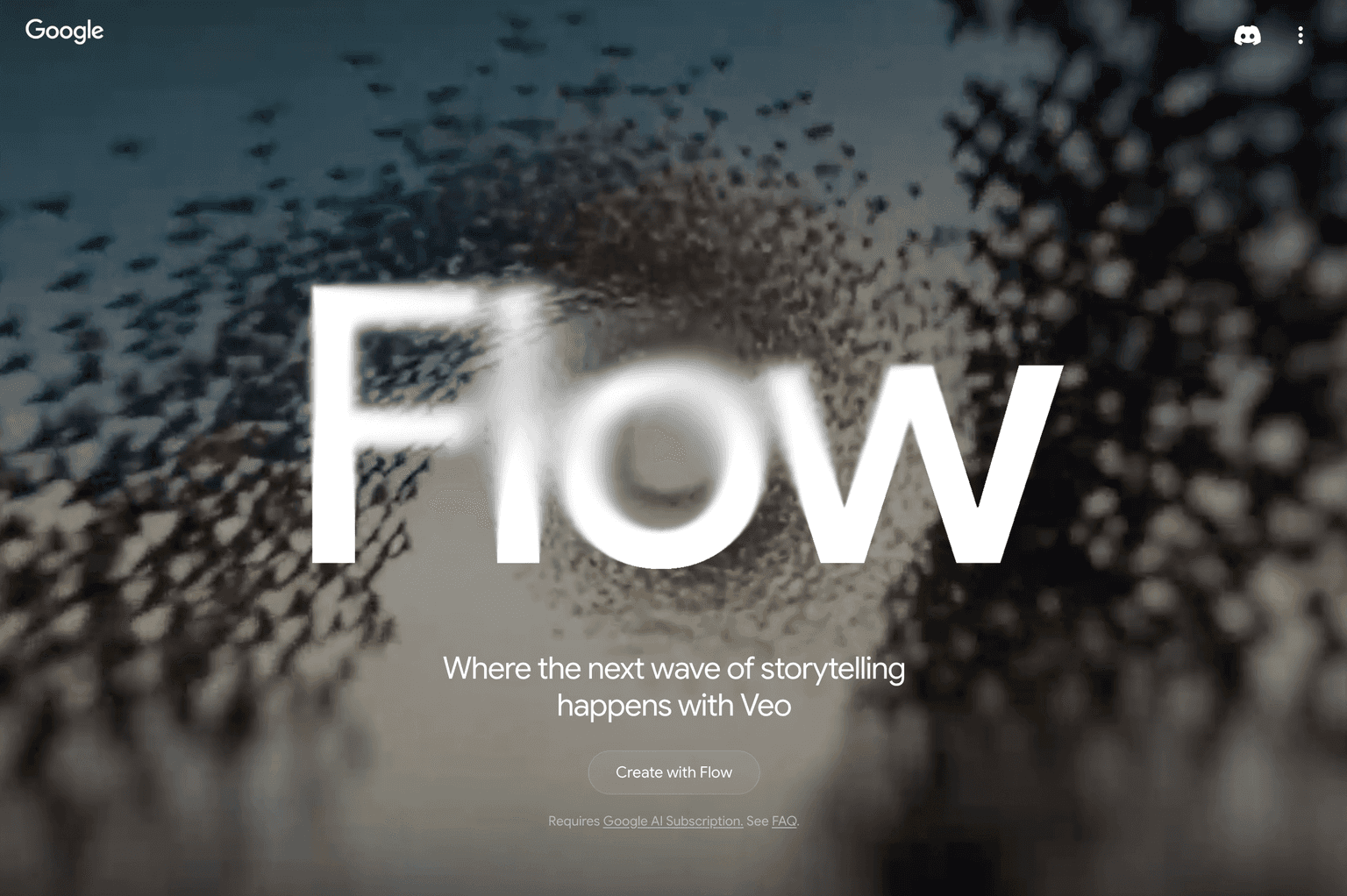
Google Flow is Google's creator-facing AI video product, built on top of the Veo 3 model. Flow handles the full creative storytelling workflow — generation, editing, scene-stitching, advanced editing tools — in a single creator-friendly UI rather than a raw model API. After OpenAI wound down Sora, Flow paired with Veo 3 became the most-adopted creator-facing video product in 2026, particularly among teams that want polished output without managing the full model-engineering side.
What it wins at: end-to-end creator storytelling workflows, seamless scene-to-scene continuity across multiple generations, native audio that matches the visual content, and tight integration with the broader Google creative stack (Photos, YouTube, Workspace).
Where it falls down: Google's content filters are conservative and reject some legitimate creative briefs. Less flexible than the raw model API for engineers building custom video workflows — for that, use Veo directly. Newer than Runway in the production-tooling lane.
2. Google Veo — The Model Layer
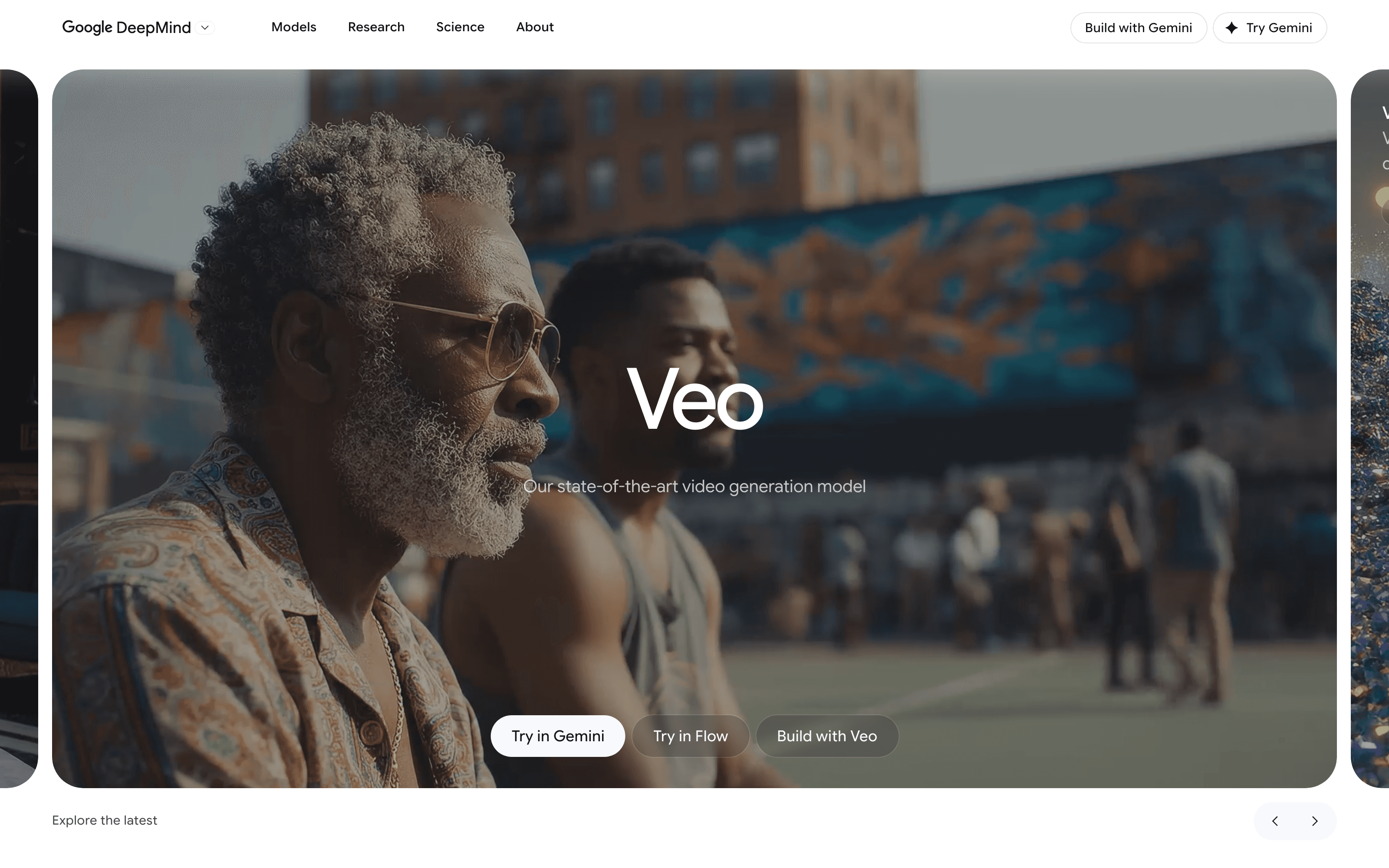
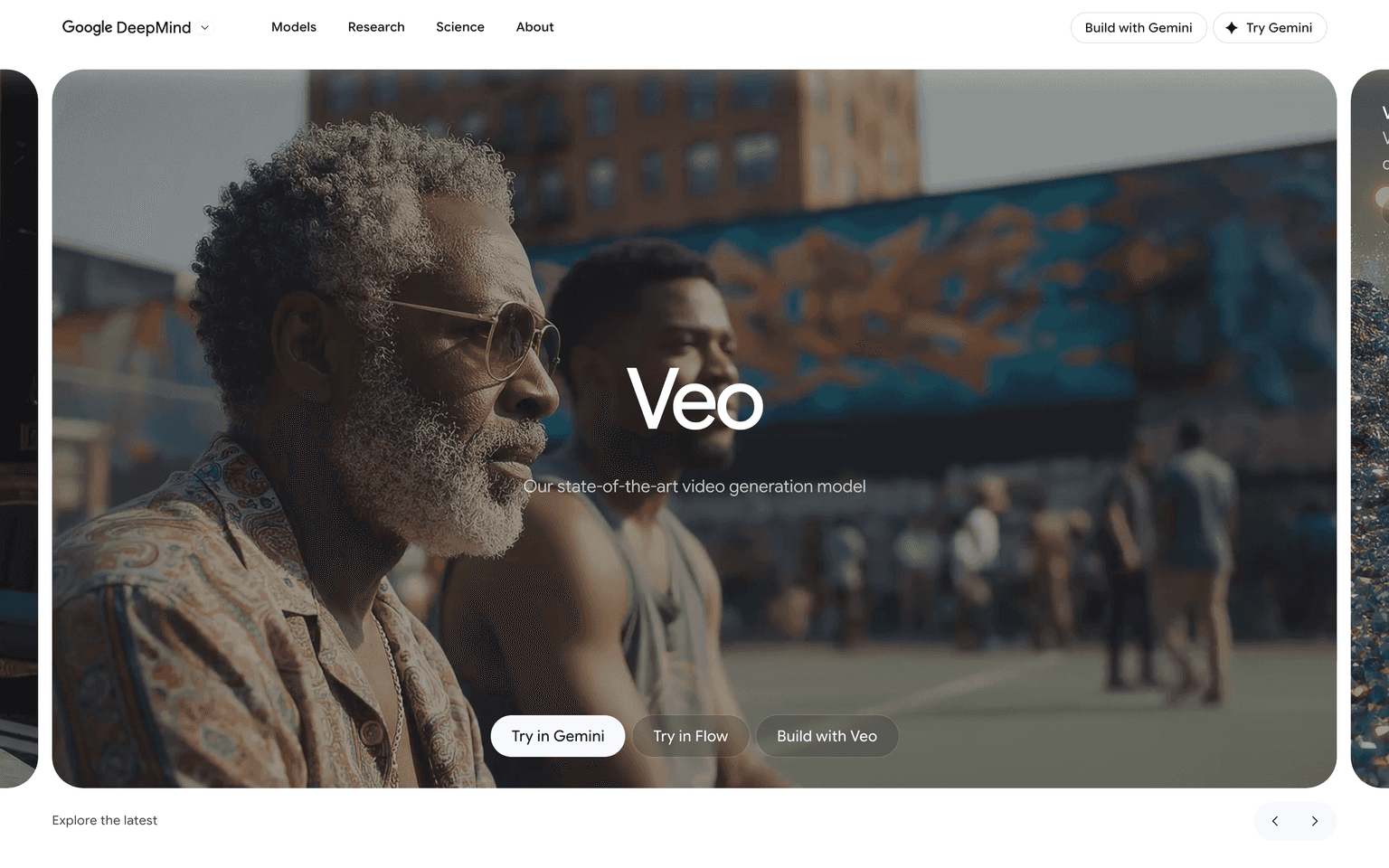
Google Veo is the underlying Google DeepMind model that powers Flow — accessed directly via API for developers and creators who want raw model output rather than the Flow editor on top of it. Veo 3 (live in 2026) is the strongest single update in the category since the Sora era — comparable quality on most benchmarks, with the additional advantage of being built into Gemini directly so you can iterate on a clip via conversation in the same place you generate it. Free tier is unusually generous for the model class.
What it wins at: developer and engineering workflows wanting direct model access, the iterate-via-conversation workflow that Gemini's chat interface enables, generous free tier for evaluation, and bypassing the Flow UI when you want to embed video generation in your own product.
Where it falls down: for non-engineers wanting a finished-output workflow, Flow is the better entry point. Some genres (highly stylized animation, certain aesthetic styles) trail Runway and Kling by a perceptible margin.
3. Runway — The Director's Tool

Runway was the first AI video tool serious creators adopted (2022–2023) and they've earned that lead. Gen-4 era tooling adds camera control, motion brushes, character reference, and editor integrations that other tools don't match. Used in production by feature films (notably Everything Everywhere All at Once VFX work) and high-end agency creative.
What it wins at: professional production workflows, fine-grained shot control (camera moves, motion direction, character references), agency procurement (the most enterprise-ready commercial terms in the category), and the deepest creator-tooling stack alongside the model.
Where it falls down: consumer-tier accessibility trails Pika and Luma. Pricing is the highest in the category at scale. For hobbyists and casual creators, Runway is overkill.
4. Kling AI — Photorealistic Motion Specialist
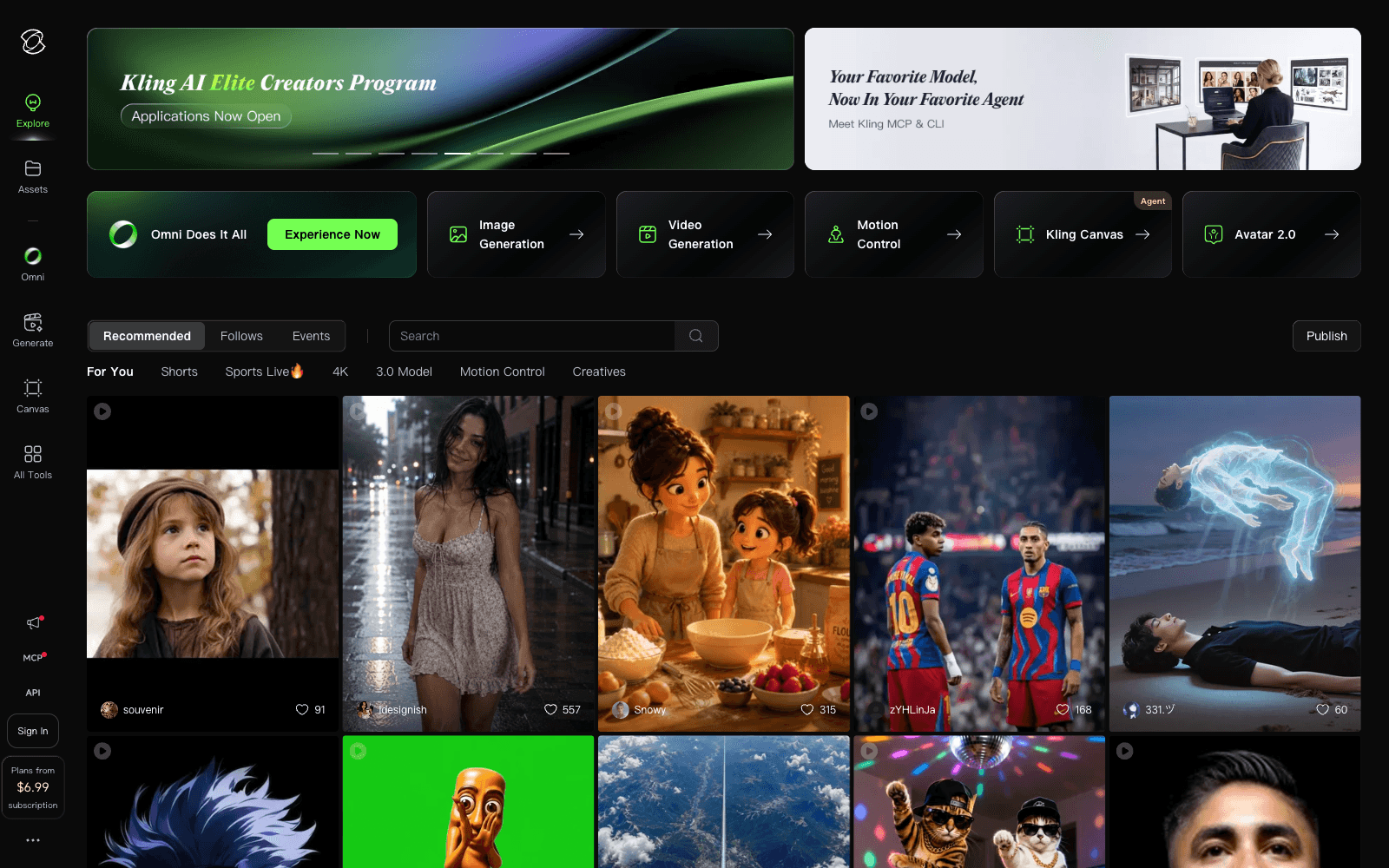
Kling AI is Kuaishou's flagship video model and the leading non-US contender in 2026. The differentiator is realistic physical motion — humans walking, water flowing, cloth movement, complex object interactions — that the US-centric models still occasionally trip over. Used heavily in markets where Kuaishou's broader ecosystem dominates.
What it wins at: photorealistic human and physical motion, prompts where realism matters more than stylization, and competitive pricing relative to Flow and Runway.
Where it falls down: English-language prompt nuance trails the US leaders for some creative briefs (the model is trained heavily on Chinese-language data). Commercial-use terms are less favorable for international users; verify licensing for your specific use case.
5. Hailuo 02 — MiniMax's Flagship
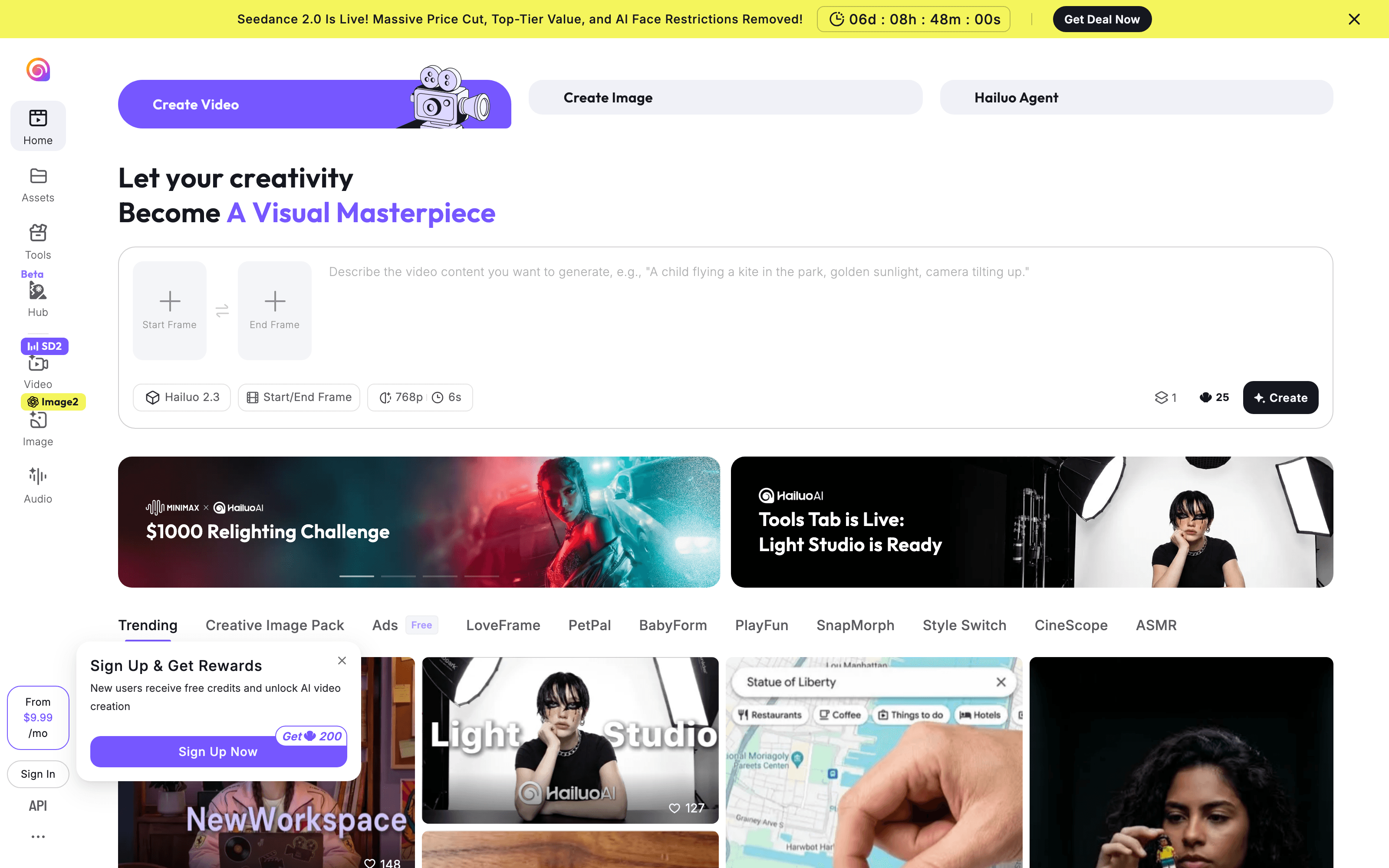
Hailuo 02 is MiniMax's cinematic-quality video model with both text-to-video and strong image-to-video capabilities. Photorealism on par with Kling, with image-to-video adherence that some creators prefer for storyboarded workflows where they're providing reference frames rather than just text descriptions.
What it wins at: image-to-video workflows where prompt adherence to the source image matters, photorealistic motion alongside Kling, and creator-tier pricing competitive with Pika and Luma.
Where it falls down: smaller community and prompt-technique knowledge base than the bigger names. Long-shot coherence trails Flow and Veo at the very top end.
Accessible Creator UX
6. Pika.Art — The Friendly Creator App
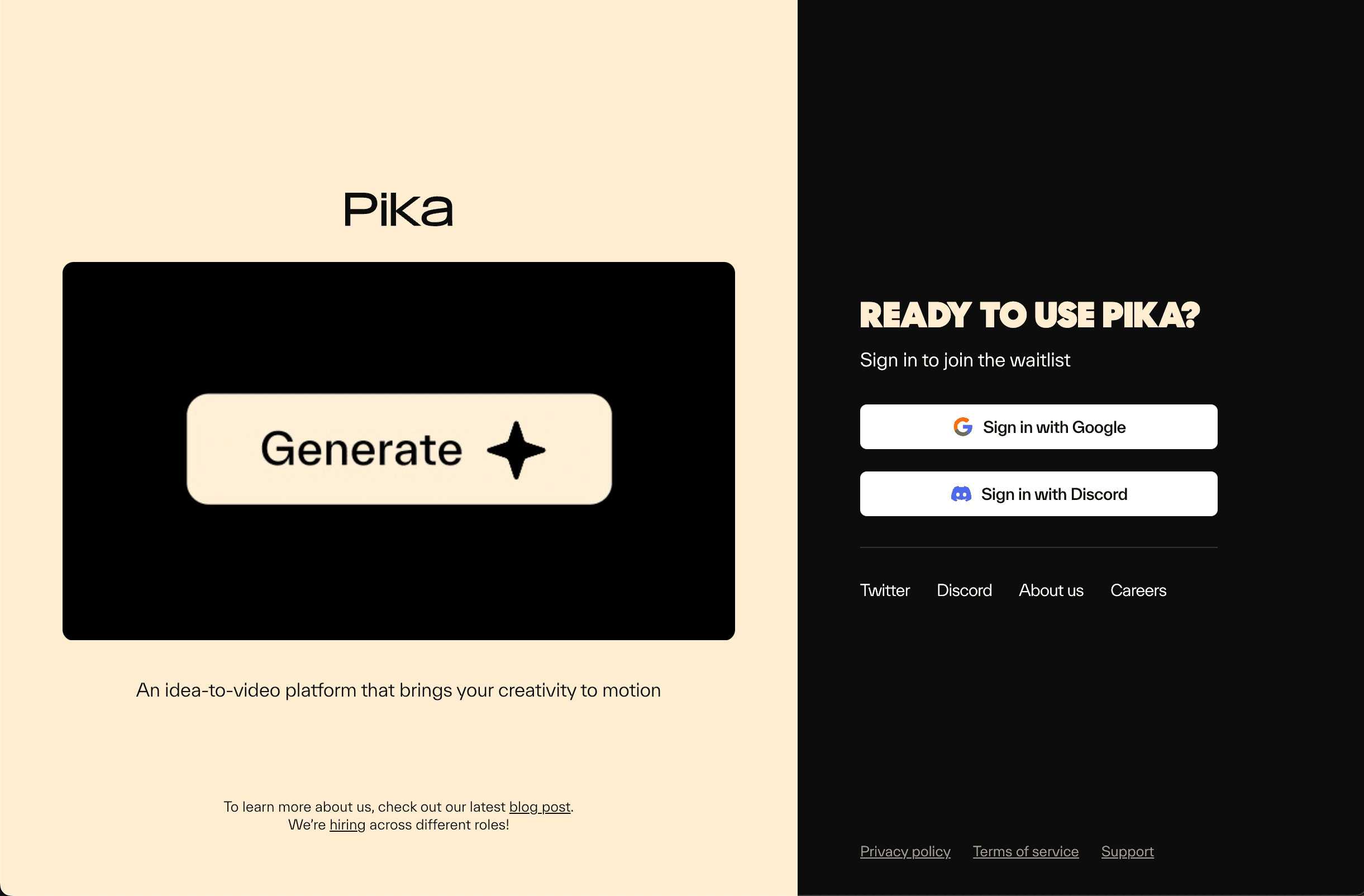
Pika.Art made the bet that accessibility wins more users than raw model quality. The product is the friendliest UX in the category — preset effects ("Pikaffects"), simple prompt boxes, social-share workflows — built for creators who want to ship a clip in minutes, not iterate for hours on the perfect prompt. Pika 2.0 closed most of the quality gap with the leaders without sacrificing the approachable UX.
What it wins at: hobbyists and casual creators, short-form social content where ship-speed matters more than cinematic quality, and the most beginner-friendly entry into AI video generation.
Where it falls down: for serious cinematic or agency work, the model trails Flow and Runway by a perceptible margin. Best for casual use, not professional production.
7. Luma Labs AI — Dream Machine + Ray2
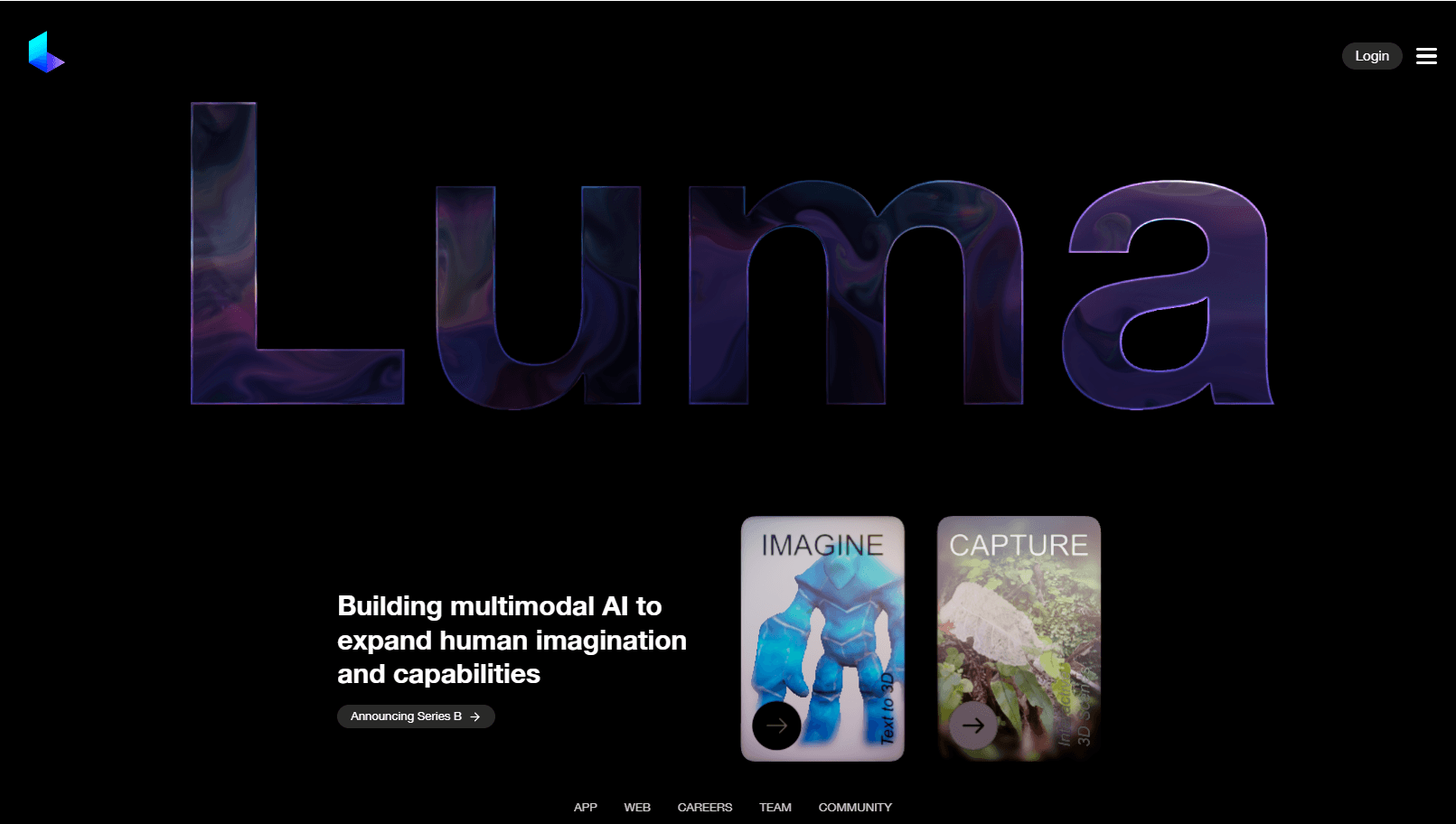
Luma Labs AI ships Dream Machine (their cinematic video model) and Ray2 (the upgraded model released in 2025). Strong on camera-motion control, with an Apple-friendly UX that's especially polished on iOS and macOS. Trades a bit of model peak-quality for one of the cleanest creator UX experiences in the category.
What it wins at: Apple-ecosystem creators, camera-motion control as a first-class feature, and a polished mobile-first experience that the US leaders haven't matched.
Where it falls down: raw model quality on hardest prompts trails Flow and Runway. Pricing-tier limits are tighter than competitors at the same monthly cost.
How to Choose Your AI Video Generator
Match the tool to the actual workflow:
- Default for most cinematic prompts: Google Flow (built on Veo 3) for finished creator output; Veo direct API for engineers
- Professional production / agency work: Runway
- Photorealistic motion specifically: Kling AI or Hailuo 02
- Hobbyist or casual creator: Pika.Art
- Apple-ecosystem creator who values mobile UX: Luma Labs AI
- Image-to-video from existing storyboard frames: Hailuo 02
For most serious creators in 2026 the practical move is two generators — typically Google Flow plus one of Runway, Kling, or Hailuo, run on the same prompt in parallel and pick the winner. The seat costs are a rounding error compared to the time saved on the shots that come back wrong from a single generator.
For adjacent reading, see our Top 6 AI Image Generators Compared for static-image work, Best AI Tools for Audio Creation and Editing for the audio side, and Top 7 AI Tools for Social Media Management for short-form video distribution (Opus Clip, Captions).
Frequently Asked Questions
Which AI video generator is best in 2026? For cinematic prompts with native audio, Google Flow (built on Veo 3) leads the creator-facing category after OpenAI's Sora was wound down. For professional production with fine-grained control, Runway. For photorealistic motion, Kling and Hailuo. There isn't one winner across all use cases — pick by what you're actually trying to make.
Can I use AI-generated video commercially? Depends on the tool's tier. Google Flow's paid tier, Runway, Pika paid tiers, and Luma paid tiers grant commercial-use rights to the user. The training-data legal landscape is still evolving (multiple lawsuits across the category), but as of 2026 commercial use under proper licensing tier is the norm. For high-stakes commercial work (advertising, broadcast), get legal review.
How long are the clips these tools can generate? Google Flow's scene-stitching workflow reaches multi-minute coherent storylines by chaining Veo 3 generations. Veo 3 raw output hits 30+ seconds per generation. Runway Gen-4, Kling, and Hailuo do 10–20 seconds reliably with longer outputs requiring stitching or extension. Pika and Luma sit at 5–10 seconds for most outputs. Multi-clip storytelling at scene length still requires either Flow's editor or human stitching.
Are AI videos copyright-safe? The safe answer in 2026 is: yes for output you generated yourself under a paid tier with proper licensing, no for outputs that depict identifiable real people, copyrighted characters, or trademarked content without permission. Multiple US states and the EU AI Act now have specific provisions on AI-generated likenesses; production work should run legal review before shipping.
Can these tools generate video with sound? Google Flow and Google Veo 3 generate native synchronized audio with the visuals. Runway, Kling, Hailuo, Pika, and Luma generate video only — pair with ElevenLabs, Suno, or Stable Audio for the soundtrack and sound design.
Will AI video replace traditional filmmaking? Not replacing — extending. The 2026 production workflow on serious creative projects increasingly uses AI for previz, b-roll, VFX shots that would otherwise be CG, and rapid iteration on creative briefs. Hero shots, performance, and craft remain human-led. The teams shipping the most interesting work treat AI as a tool in the kit, not a replacement for filmmaking.
What's the cheapest credible AI video stack? Google Veo's free Gemini tier covers casual use; Pika and Luma's free tiers handle hobbyist work. For paid: Google Flow's creator tier or Runway's standard plan ($15–20/month) bundles a meaningful credit allowance. Most serious creators land at $50–100/month across two tools.
Final Thoughts
AI video in 2026 is the fastest-moving creative-AI category — the tools that were category leaders 12 months ago aren't necessarily the leaders today, and the cadence of meaningful model releases means a 2025 review is dated by mid-2026. The winners on each axis (Veo for ecosystem and all-round quality, Runway for craft, Kling and Hailuo for realism, Pika and Luma for accessibility) are differentiated enough that picking based on actual use case beats picking based on category benchmark numbers.
If you haven't generated a real clip in any of these in the last six months, you're working with a stale model of what AI video can do. Google Flow on Veo 3 specifically crossed thresholds that matter; the time to test against a real creative brief is now.
Compare tools in this collection
Categories these tools span
More collections you may also like
Sign up for our newsletter
Receive weekly updates so you can stay up-to-date with the world of AI
Sign up for our newsletter
Receive weekly updates so you can stay up-to-date with the world of AI
The AI tools directory for discovering, exploring, and comparing the most innovative AI tools in the industry