CUDA
A comprehensive development environment for GPU-accelerated applications.
Overview
NVIDIA CUDA Toolkit: Powering GPU-Accelerated Applications
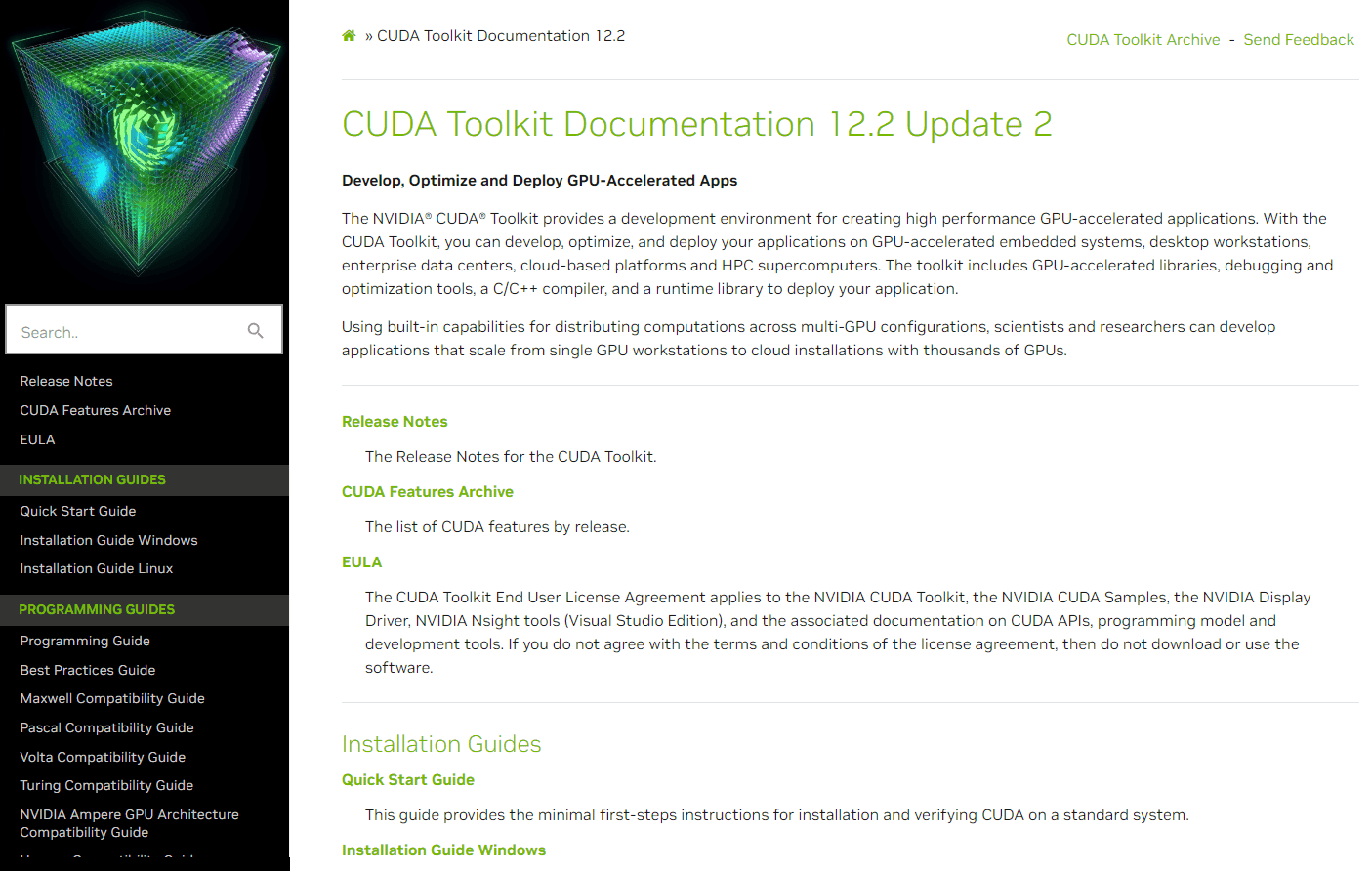
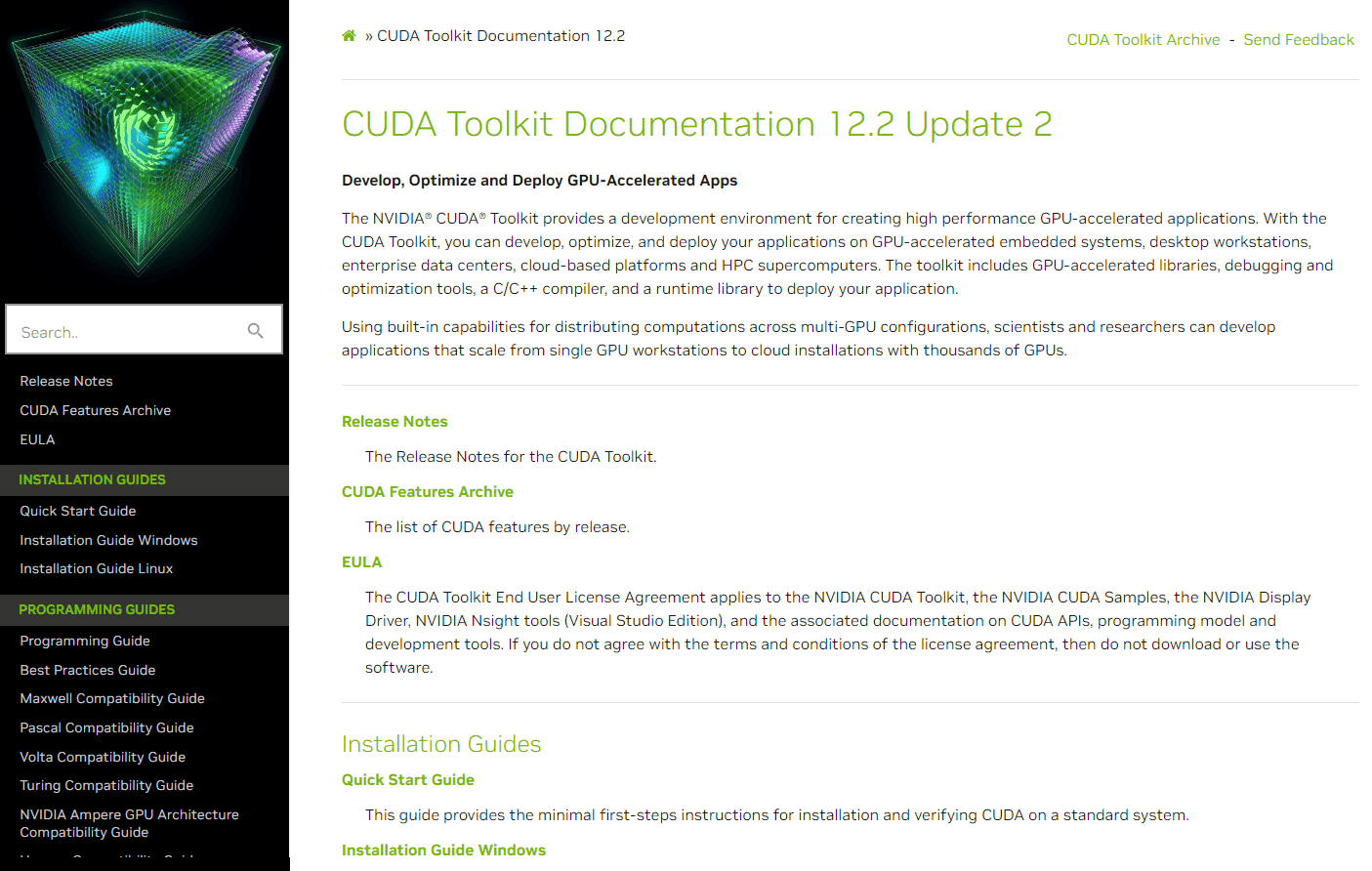
The NVIDIA® CUDA® Toolkit offers a robust development environment designed to facilitate the creation of high-performance GPU-accelerated applications. With the CUDA Toolkit, developers can harness the power of NVIDIA GPUs for a wide range of applications, from embedded systems and desktop workstations to enterprise data centers, cloud platforms, and HPC supercomputers. The toolkit encompasses GPU-accelerated libraries, optimization tools, a C/C++ compiler, and a runtime library, ensuring seamless deployment of applications.
Key Features:
- GPU-Accelerated Libraries: Enhance the performance of applications with GPU-optimized libraries.
- Debugging and Optimization Tools: Identify performance bottlenecks and optimize code for better performance.
- C/C++ Compiler: Compile and optimize CUDA code for NVIDIA GPUs. Runtime Library: Deploy GPU-accelerated applications seamlessly.
Ideal Use Case:
Developers and researchers aiming to leverage the computational capabilities of NVIDIA GPUs for applications ranging from single GPU workstations to large-scale cloud installations.
Why use NVIDIA CUDA Toolkit:
- High Performance: Achieve significant speedups in applications by leveraging GPU acceleration.
- Versatility: Suitable for a wide range of applications, from AI and scientific simulations to graphics and gaming.
- Scalability: Built-in capabilities for distributing computations across multi-GPU configurations.
- Comprehensive Development Environment: All-in-one toolkit with libraries, tools, and APIs for GPU computing.
FAQ
What is CUDA used for? CUDA is a development environment that enables you to build applications that run on graphics processing units (GPUs) for accelerated computing. It's designed for developers who need to leverage GPU power for computationally intensive tasks.
Who should use CUDA? CUDA is ideal for software engineers, researchers, and organizations working on AI, machine learning, scientific computing, or other GPU-intensive applications that benefit from parallel processing.
How much does CUDA cost? CUDA uses a paid pricing model. For specific pricing details and to discuss your needs, visit the CUDA documentation and contact NVIDIA directly about licensing options.
How does CUDA compare to other GPU development tools? While alternatives like Grok, fal.ai, and Vercel AI SDK offer different approaches to GPU acceleration and AI development, CUDA provides a comprehensive, lower-level development environment directly from NVIDIA for maximum control and optimization of GPU-accelerated applications.
tl;dr:
The NVIDIA CUDA Toolkit provides a comprehensive environment for developers to create, optimize, and deploy GPU-accelerated applications, ensuring high performance and scalability across various platforms.
Related
Looking for more options? Browse the AI Infrastructure directory or read our best AI infrastructure tools listicle. CUDA has a Wikipedia entry and is tracked on Crunchbase.
Why Use CUDA
Editorial Review
Our take on CUDA.

Essential GPU toolkit for developers, but steep learning curve and hardware lock-in limit accessibility.
What works
- Mature ecosystem with deep GPU optimization options
- High community trust for production ML/scientific work
- Direct hardware access for specialized performance needs
What doesn't
- Steep learning curve and significant setup complexity
- Locks you into NVIDIA hardware and ecosystem
CUDA is the foundational platform if you're serious about GPU-accelerated computing—it's where the math actually runs fast. You get direct access to NVIDIA hardware capabilities and a mature ecosystem of libraries and tools that have had years to stabilize.
That said, this isn't a grab-and-go tool. You need NVIDIA GPUs, you need to understand parallel computing concepts, and you'll spend time on setup and debugging. It's also a lock-in: your code becomes tied to NVIDIA architecture. If you're prototyping or exploring, alternatives like Vercel AI SDK or fal.ai might let you move faster without the hardware and learning overhead.
Where CUDA shines is in specialized performance work—machine learning training, scientific computing, real-time graphics. For that specific use case, the investment pays off. For casual AI tinkering or cross-platform work, it's overkill.
User Reviews
Similar Tools