The Top AI Tools Every Student Should Use (2026)







Best AI Tools for Students in 2026
If you're researching the best AI tools for students in 2026, the practical answer is no longer one app — it's a stack of three or four that cover writing, research, study, and lecture capture. Universities and high schools have largely moved past the 2023 "ban AI" reaction and now teach students to use these tools responsibly. The students getting the highest grades in 2026 aren't the ones avoiding AI; they're the ones who use it well.
This guide covers the eight AI tools that meaningfully improve a student's workflow in 2026: ChatGPT, Claude, NotebookLM, Perplexity, Wolfram Alpha, QuillBot, Gamma, and SciSpace. Each is rated for what it does for students specifically, where the academic-integrity line sits, and how the tools combine into a real student stack.
How to Use AI in School Without Cheating
The academic-integrity question is the first thing every student should figure out — and most schools have moved past blanket policies into something more nuanced. Two principles that hold up:
- AI as tutor, not as ghostwriter. Use AI to explain concepts, work through problems with you, and check your understanding. Don't have it write your essay or do your homework for you. The first builds knowledge; the second decays it.
- Disclosure when required. Many courses now allow AI assistance with disclosure ("I used ChatGPT to brainstorm structure") and forbid it without. Read your specific syllabus before assuming.
The tools below are evaluated assuming you're using them to learn, not to skip learning.
Quick Comparison
| Tool | Best for |
|---|---|
| ChatGPT | General-purpose AI tutor. Best for explanations, brainstorming, study questions, and homework help (used as a tutor). |
| Claude | Long-context writing and analysis. Best for essays, research papers, and analyzing long documents. |
| NotebookLM | Source-grounded study tool. Best for studying from textbooks, papers, and lecture slides without hallucinations. |
| Perplexity.ai | AI search with citations. Best for fast research that requires real sources. |
| Wolfram Alpha | Computational knowledge engine. Best for math, physics, chemistry, and engineering. |
| QuillBot | Paraphrasing and grammar checking. Best for clarity editing and rephrasing for tone. |
| Gamma | AI presentation builder. Best for slides, project decks, and visual reports. |
| SciSpace | AI for understanding research papers. Best for graduate students and STEM majors reading academic literature. |
General-Purpose AI Assistants
1. ChatGPT — The Default Tutor
ChatGPT is the most-used AI tool among students worldwide and the right default starting point. Used as a tutor — "explain this concept, give me a worked example, ask me a follow-up question to check my understanding" — it's an enormous productivity boost. Used as a homework-completion machine, it's a habit that hurts long-term performance. The free tier is generous; ChatGPT Plus adds GPT-5, image generation, and faster responses.
What it wins at: explaining concepts at any level, brainstorming, generating practice questions, language learning, and serving as a 24/7 office-hours substitute.
Where it falls down: can hallucinate confidently — never trust ChatGPT for facts, dates, or citations without verifying. For research that needs real sources, pair with Perplexity or NotebookLM.
2. Claude — Best for Essays and Long Documents
Claude is the assistant serious students reach for when ChatGPT plateaus on long-form work. The 200K-token context window means an entire textbook chapter or 50-page paper fits in one prompt; the writing quality on essays and analytical work consistently beats most competitors. Anthropic's Projects feature lets you keep persistent context across an entire course or research project.
What it wins at: essay writing, document analysis, long research papers as input, and tasks where careful reasoning matters more than image generation or plugins.
Where it falls down: weaker on math and code than ChatGPT or Wolfram Alpha. No native image generation. Best as a second assistant alongside ChatGPT.
Source-Grounded Study and Research
3. NotebookLM — The Killer Student Tool
NotebookLM is the most genuinely new student productivity tool of the past year. Upload your textbook, lecture slides, papers, and notes; the AI answers questions grounded only in those sources, generates audio overviews you can listen to while commuting, and builds mind maps that help you see the structure of a topic. Free for personal use.
What it wins at: studying from textbooks and papers without hallucinations, audio overviews that turn dense material into commute-friendly podcasts, and mind maps that surface the actual structure of a course.
Where it falls down: scoped to documents you upload — not a general-purpose assistant. Pair with ChatGPT or Claude for broader work.
4. Perplexity — Research With Real Citations
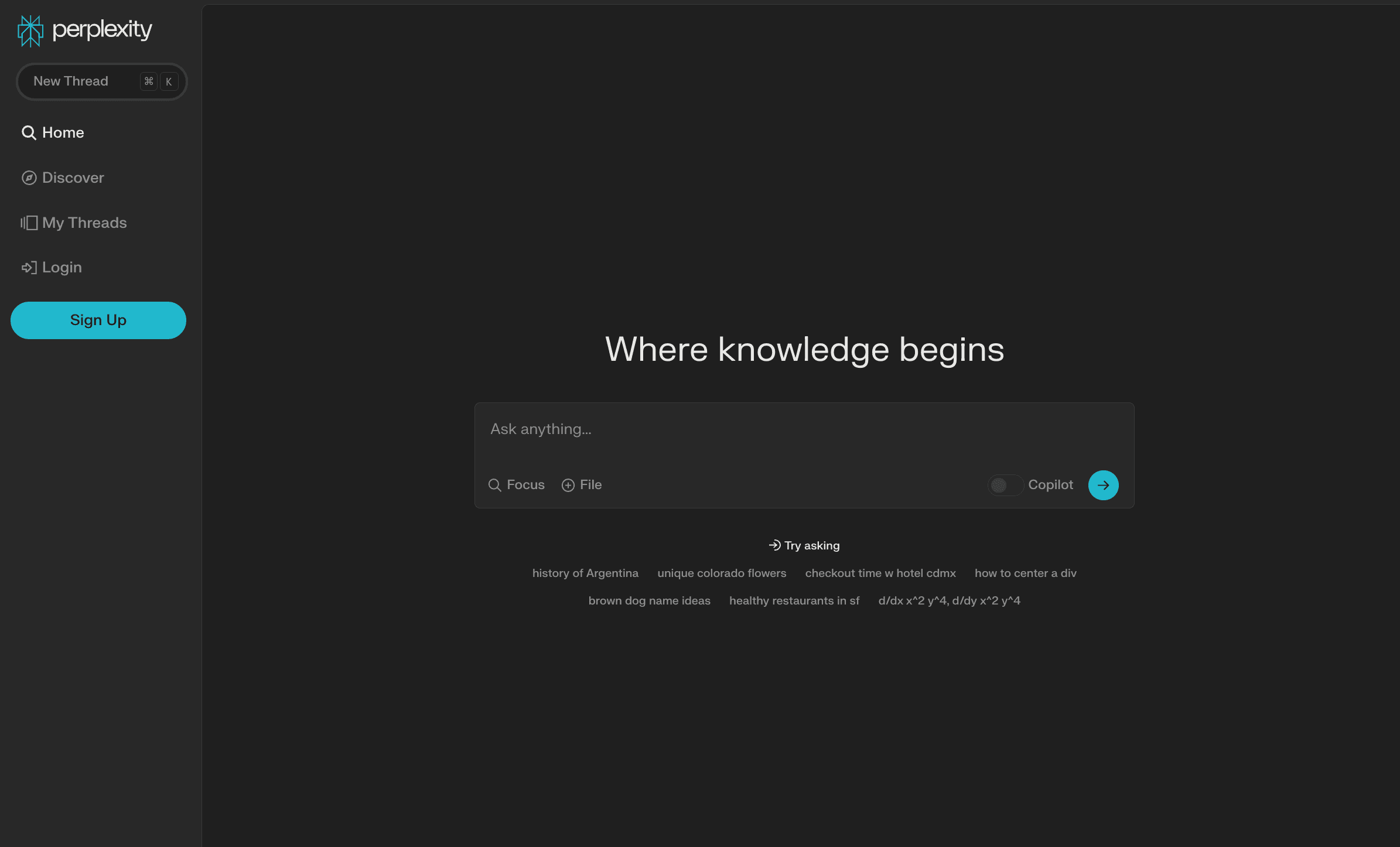
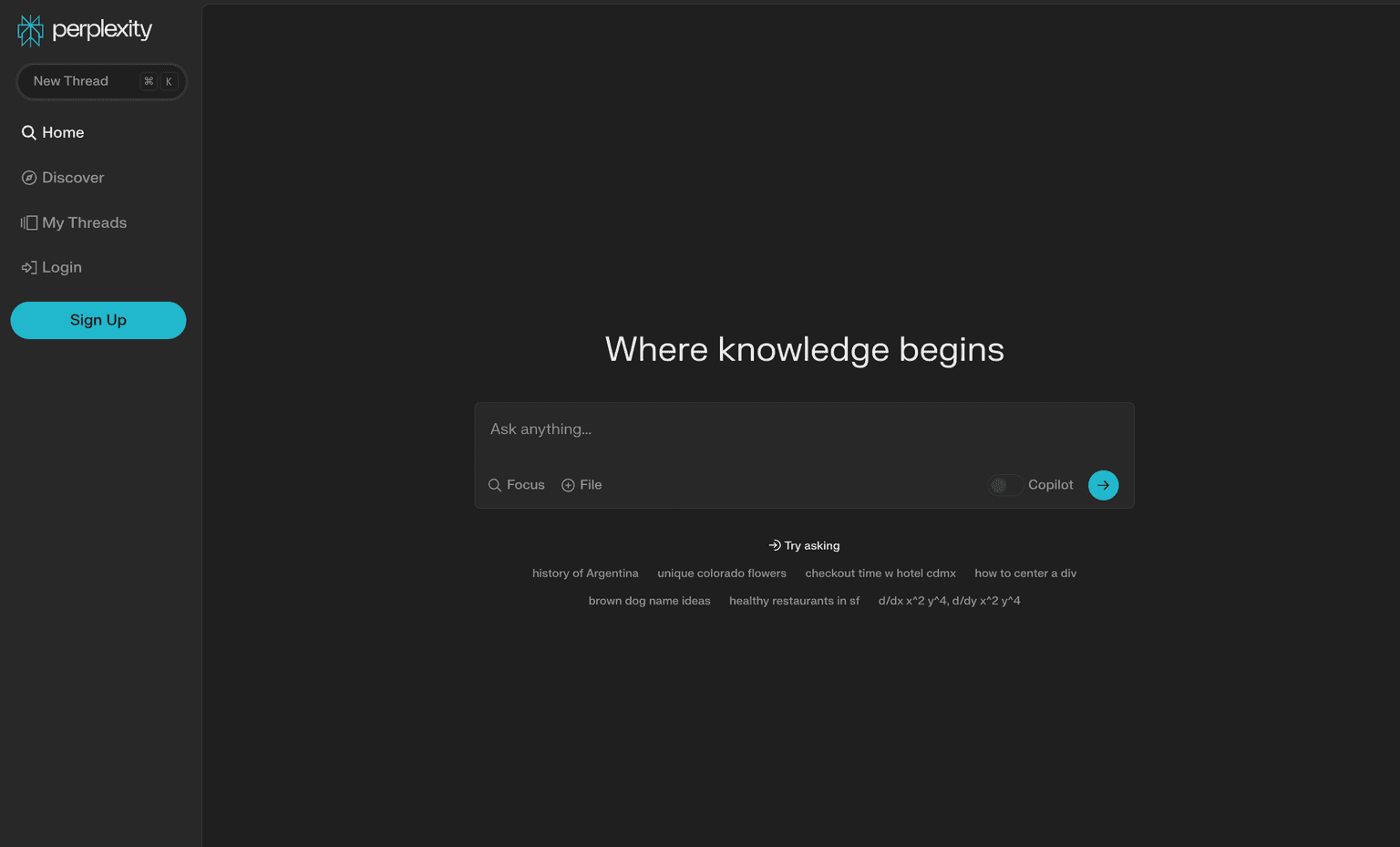
Perplexity.ai is the right tool for research-style queries that need real sources — "what does the recent literature say about X," "what are the strongest critiques of Y," "who first proposed Z." Real citations attached to every answer, follow-up questions in the same thread, and a free tier that's genuinely usable for daily research.
What it wins at: fast research, source-cited answers, and replacing Google for any "I need to cite this" query.
Where it falls down: citation quality varies by topic — for graduate-level academic research, verify Perplexity's sources before citing them in a paper.
5. SciSpace — For Reading Research Papers
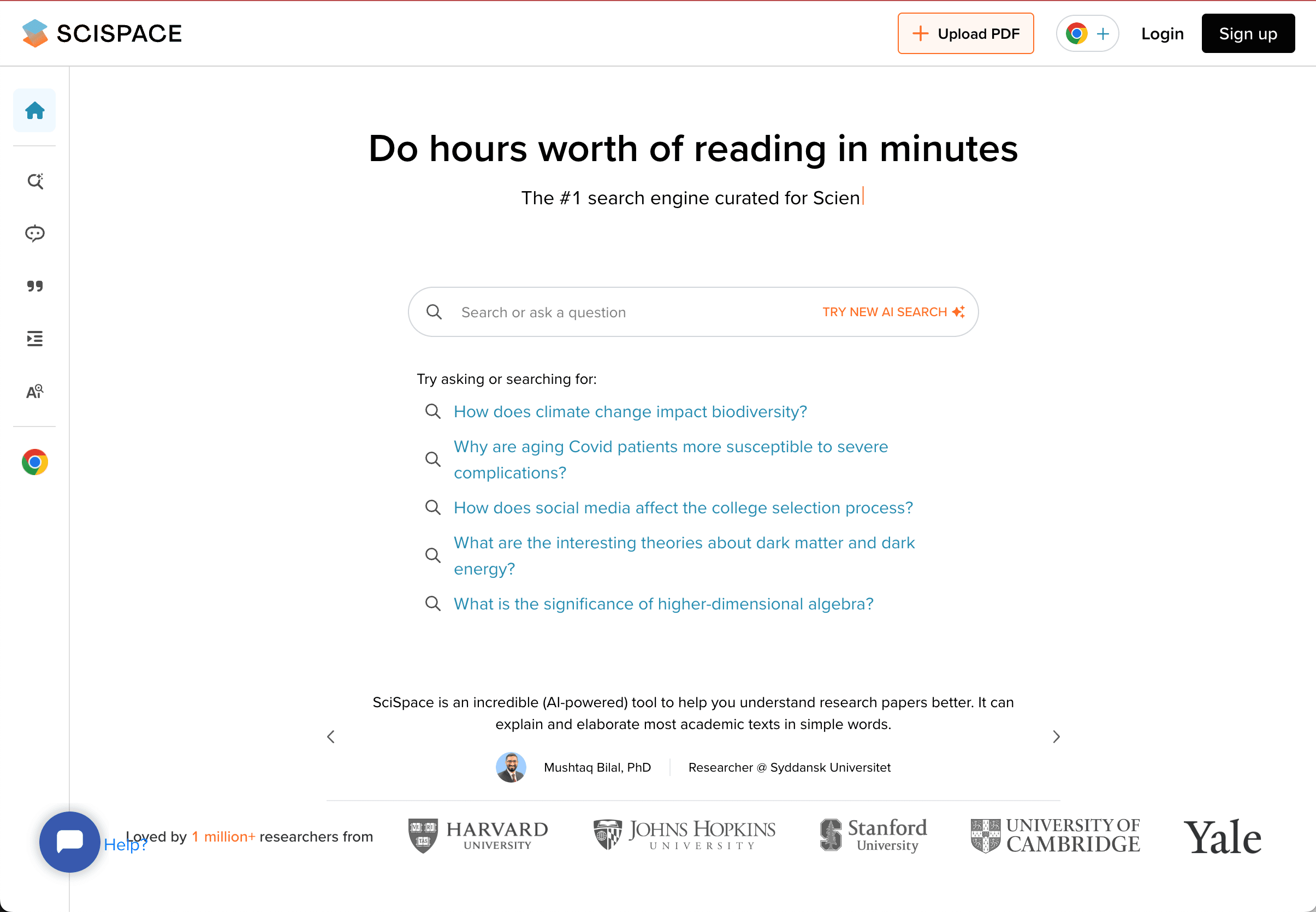
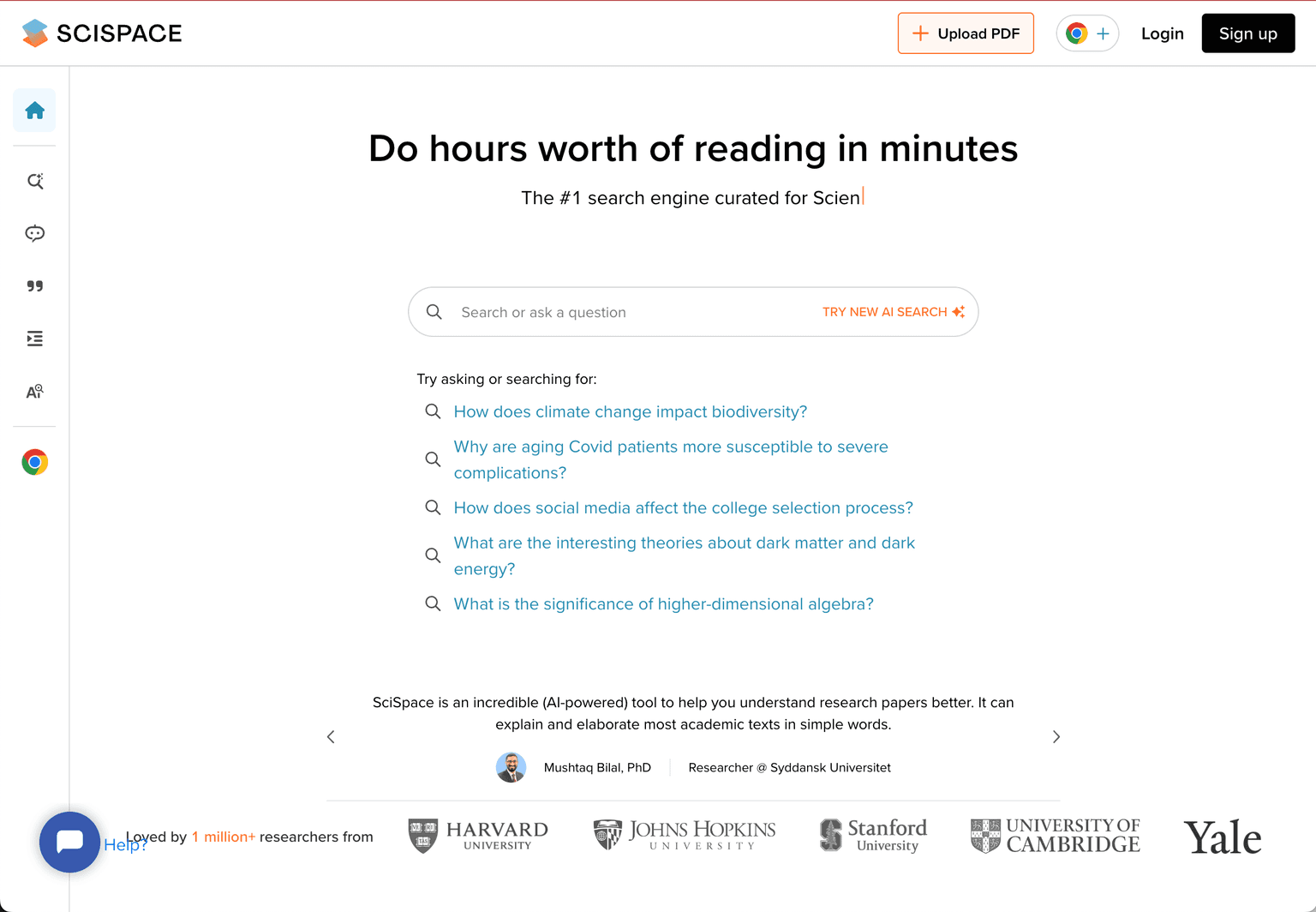
SciSpace is purpose-built for reading academic papers — explain dense passages in plain language, summarize methodology, find related papers, and answer questions grounded in the paper you're reading. For graduate students, STEM majors, and anyone whose syllabus assigns peer-reviewed papers, SciSpace eats a meaningful chunk of reading time.
What it wins at: explaining academic-paper sections in plain language, finding related papers, and accelerating literature reviews.
Where it falls down: narrow focus on academic papers — for textbook study or general research, NotebookLM is more flexible.
Subject-Specific and Production Tools
6. Wolfram Alpha — Math, Physics, and STEM Computation
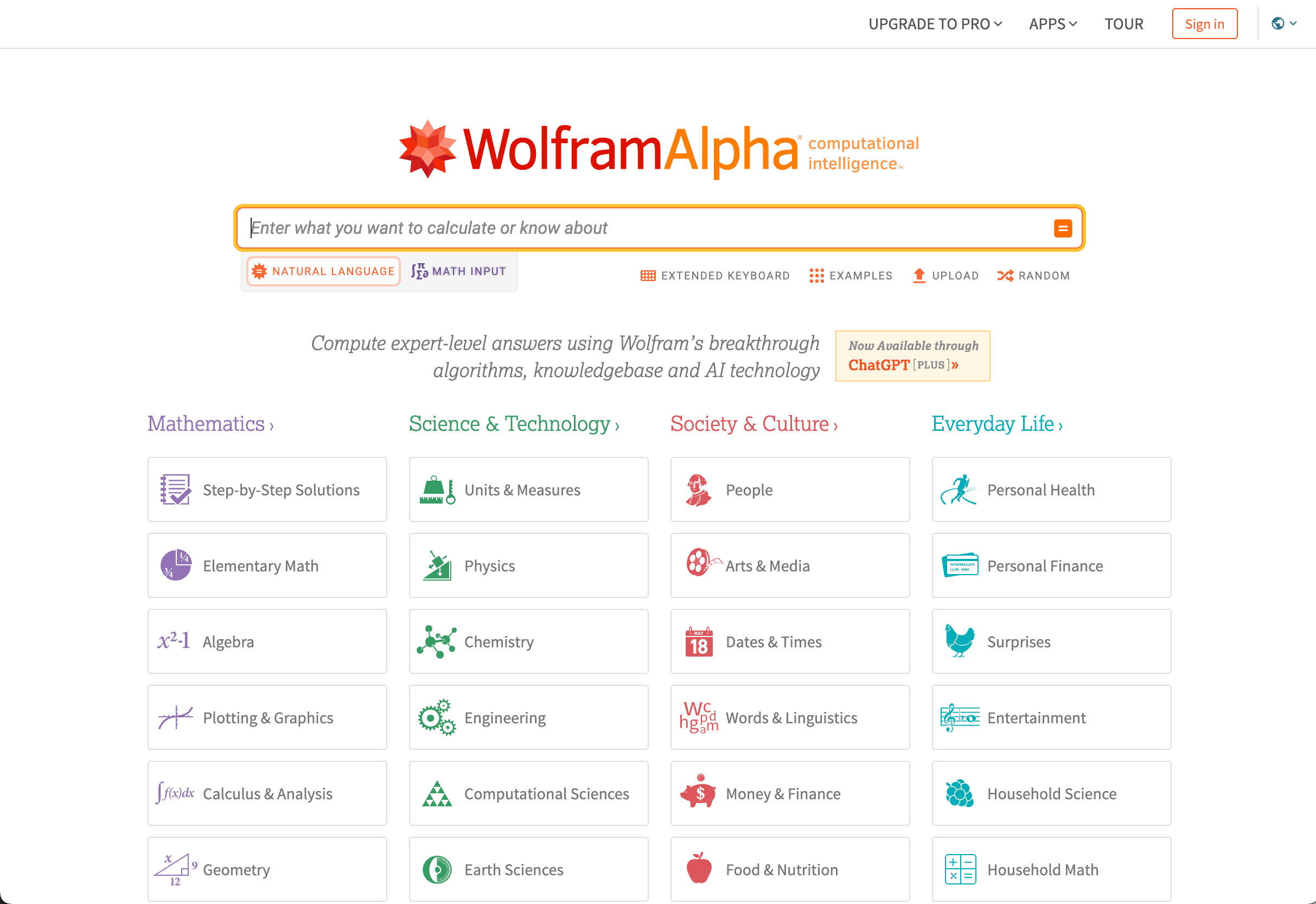
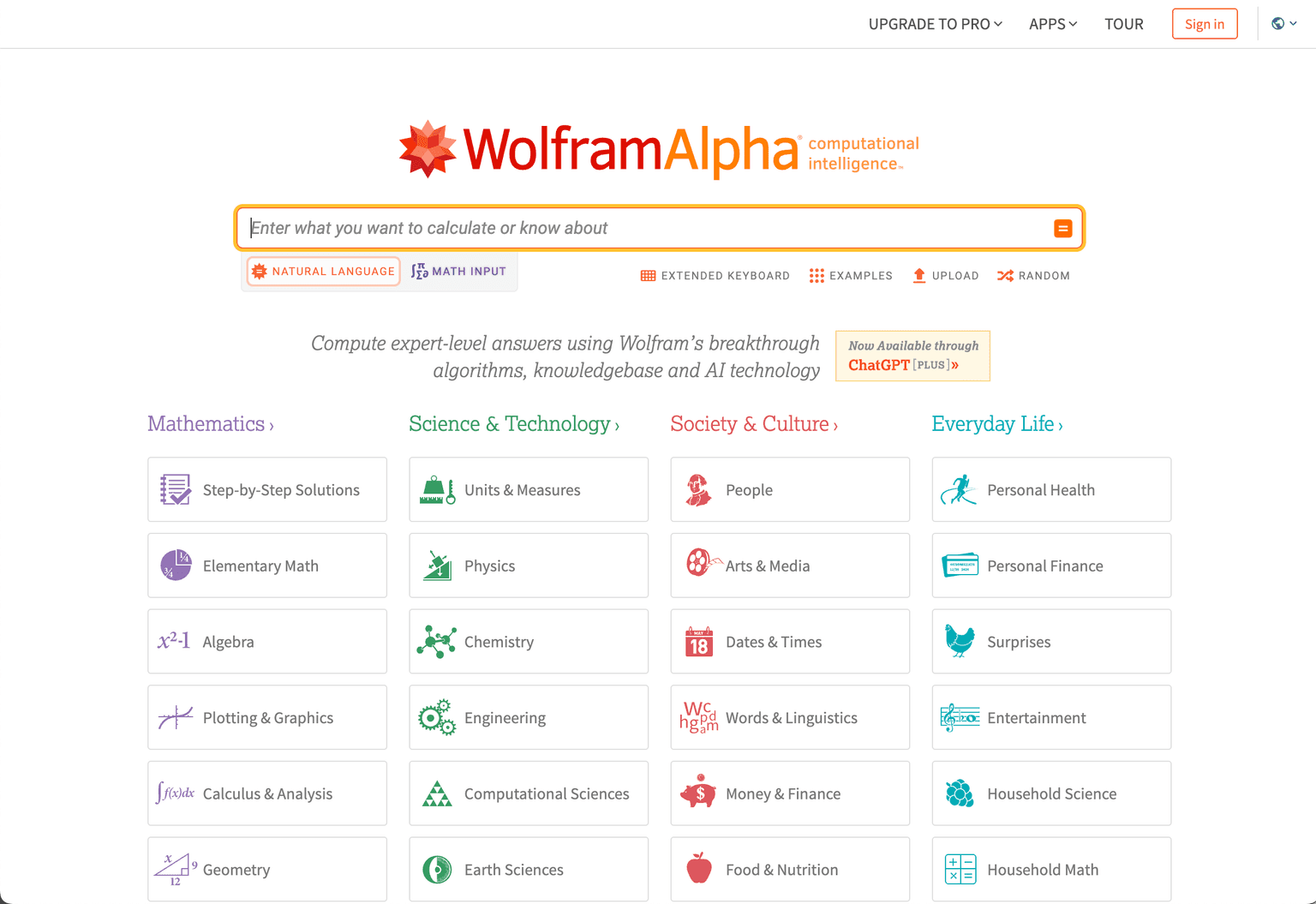
Wolfram Alpha remains the right tool for math, physics, chemistry, and engineering work where you want a computed answer with step-by-step reasoning rather than an LLM hallucinating algebra. Calculus, differential equations, statistics, unit conversions, plotting — all faster and more reliable than asking ChatGPT.
What it wins at: STEM coursework where the answer is computational rather than conceptual, step-by-step problem solving, and visualizations of math/physics/chemistry problems.
Where it falls down: not a chat tool — phrasing queries in Wolfram's expected format takes some learning. For conceptual questions about math ("why does this proof work?"), use ChatGPT or Claude instead.
7. QuillBot — Paraphrasing and Grammar
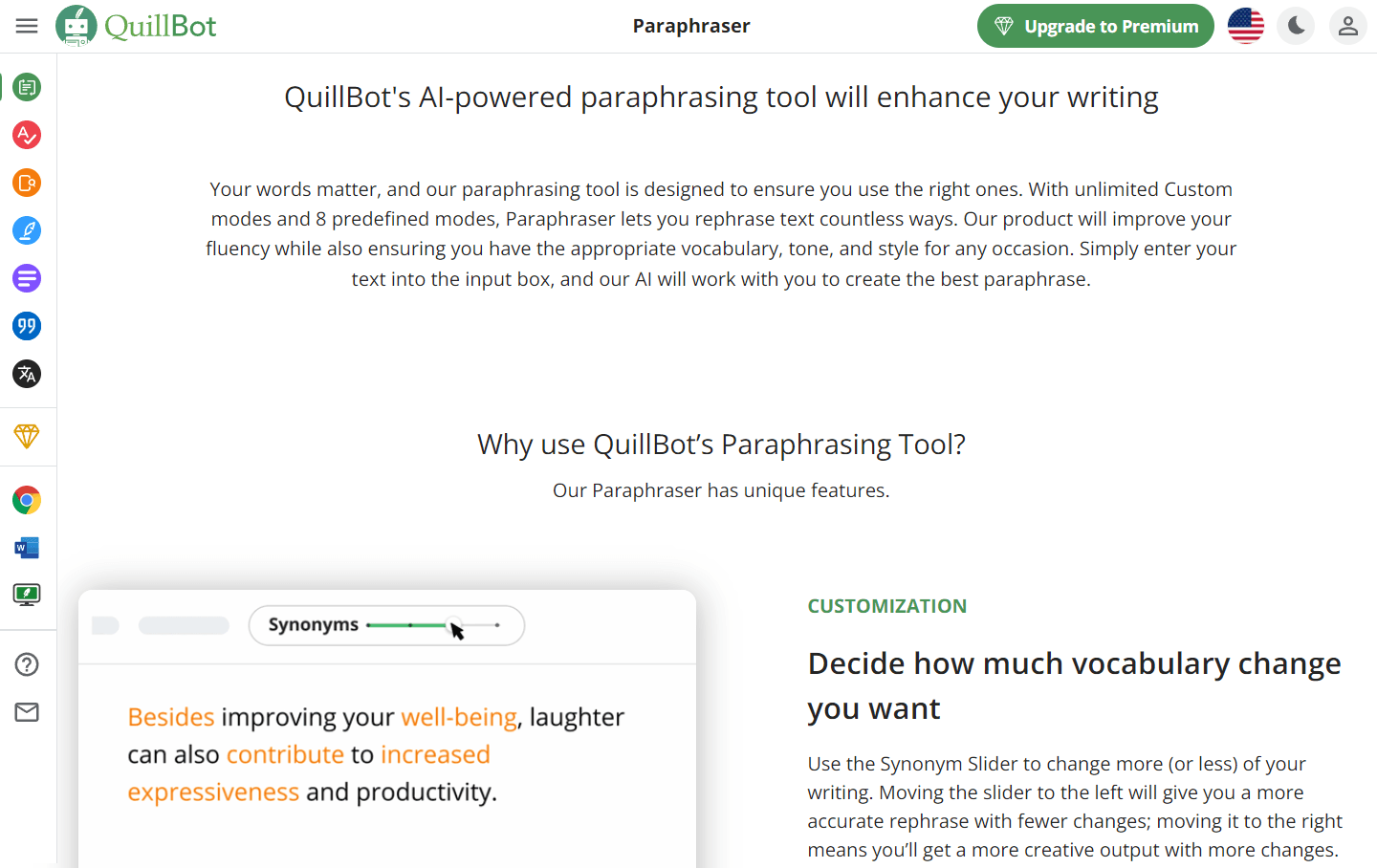
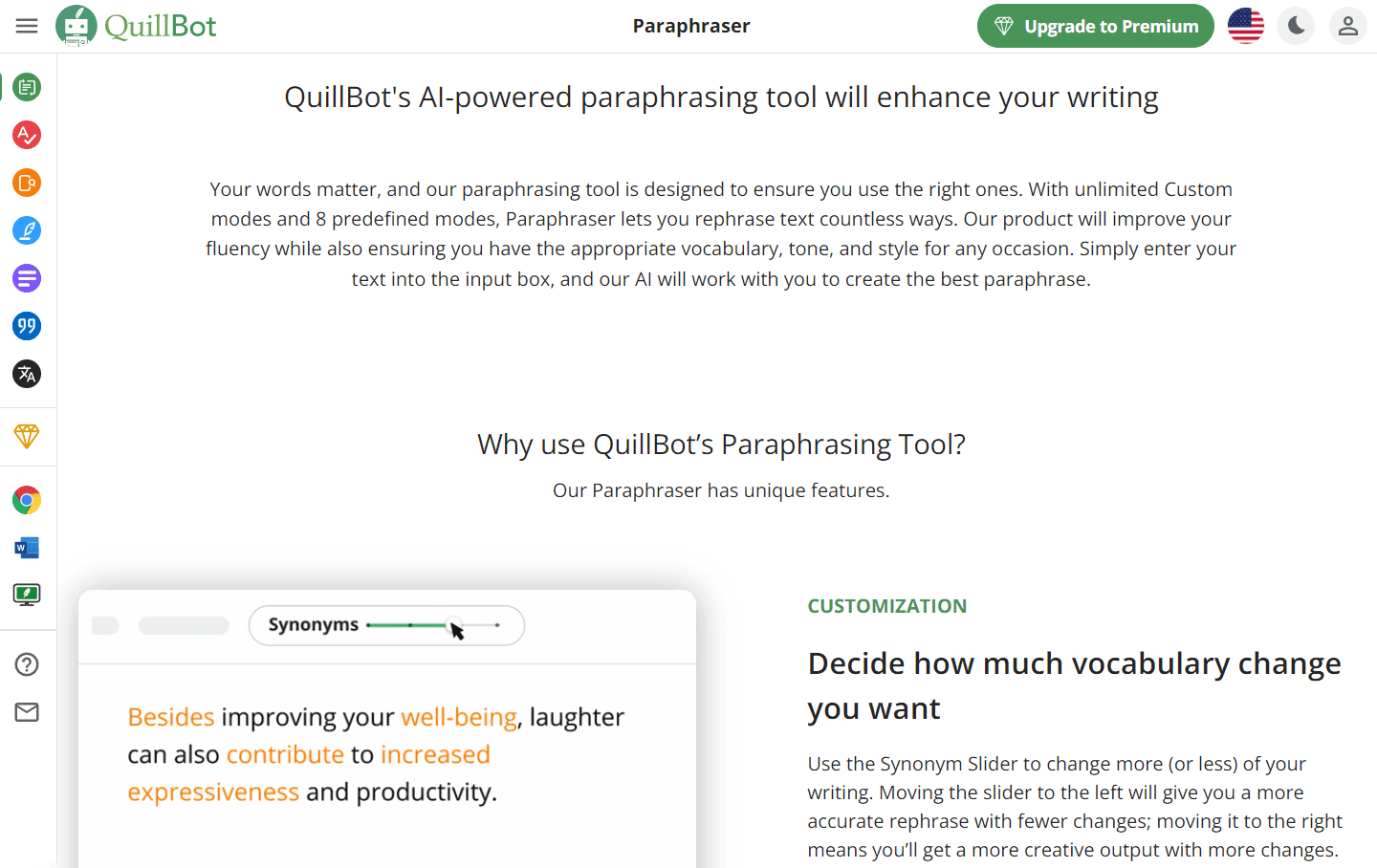
QuillBot is the most-used paraphrasing and grammar tool among students. Useful for tightening your own draft, rephrasing for tone (formal, casual, simple), and catching grammar issues a basic spellchecker misses.
What it wins at: clarity editing on student writing, rephrasing tools for tone adjustment, and a simple grammar checker that's better than the one built into Word.
Where it falls down: paraphrasing existing text isn't a writing strategy — for serious academic writing, Claude or ChatGPT produce better drafts. Use QuillBot for polish, not for original drafting. Note: many universities now flag AI-paraphrased text in plagiarism-detection tools — paraphrasing someone else's work is still plagiarism.
8. Gamma — AI Presentation Builder
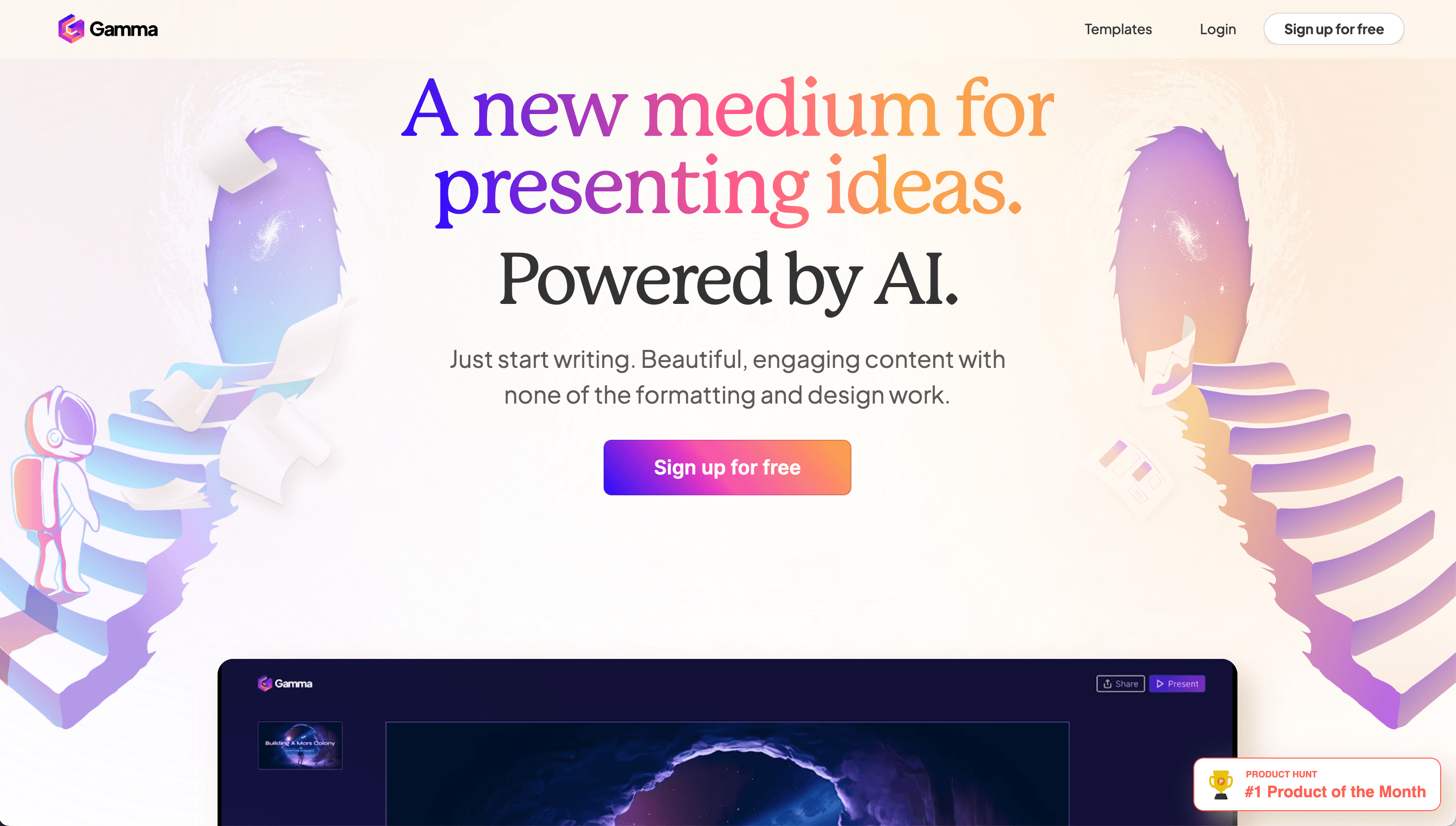
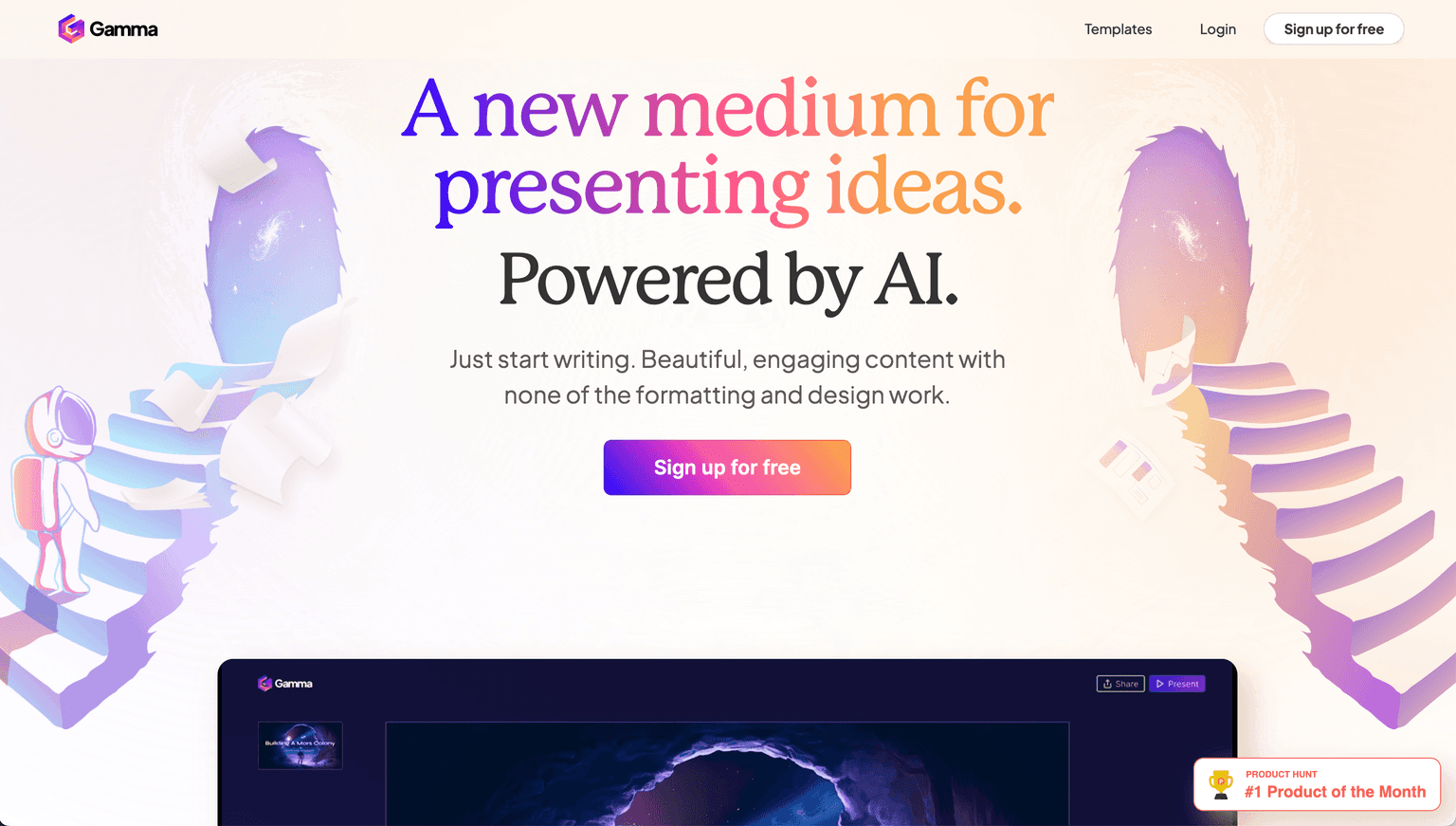
Gamma builds polished presentations from a prompt or document — useful for class projects, group presentations, and any assignment where slides matter. The output is closer to professional-grade than what most students would produce in PowerPoint without significant time investment.
What it wins at: turning a paper or outline into a presentable deck in minutes, design quality that doesn't require you to learn slide design, and shareable web-first format.
Where it falls down: for highly-customized academic posters or technical diagrams, traditional tools (PowerPoint, Keynote, LaTeX) still win on flexibility. Best for presentation slides specifically.
How to Build Your 2026 Student AI Stack
For most students, the practical move is:
- One general-purpose assistant: ChatGPT (free or Plus); add Claude for serious essay/long-document work
- One source-grounded study tool: NotebookLM for textbook and paper study
- One research tool: Perplexity for cited answers
- One subject-specific tool: Wolfram Alpha for STEM students; SciSpace for graduate students reading papers
- As needed: QuillBot for clarity editing; Gamma for presentations
The whole stack costs around $20/month if you pay for ChatGPT Plus or Claude Pro and use the free tiers of everything else. For students on a strict budget, ChatGPT free + NotebookLM free + Perplexity free + Wolfram Alpha free covers most use cases.
For adjacent reading, see our Best AI Tools for Productivity and Education collection for the broader productivity stack, and Best AI Resume Builders & Job Search Tools for when graduating students transition into the job hunt.
Frequently Asked Questions
Is using AI for homework cheating? Depends on the school, the assignment, and how you're using it. Using AI as a tutor (explanations, practice questions, checking your understanding) is generally fine and increasingly encouraged. Using AI to write your essay or do your problem set without engaging with the material is what most academic-integrity policies forbid. Read your specific course's syllabus.
Can my professor detect AI-written essays? AI-detection tools have a meaningful false-positive rate and most professors are skeptical of them — but professors also recognize the patterns of AI-written work (generic phrasing, no specific examples, lack of personal voice). The reliable way not to get flagged is to do the work yourself; if you used AI as a tutor, your final draft will read like your writing.
Which AI tool is best for writing essays? Claude for serious essays — better long-form writing than ChatGPT, larger context for handling source material, and Projects for keeping persistent context across a course. ChatGPT is fine for shorter assignments. Both work best when you supply your own argument and use the AI to refine — not when you ask it to write the essay from scratch.
Is NotebookLM really free for students? Yes — NotebookLM is currently free for personal use, including for students. There's a paid Plus tier for higher limits and team features that most students won't need.
Can AI tools replace tutoring? For concept explanations and practice problems, yes — AI tutors are surprisingly good at meeting students where they are. For complex personalized teaching (test anxiety, severe gaps, learning differences), human tutors remain better. For most students, an AI tutor handles 80% of what a human tutor would, at near-zero cost.
Are these tools allowed during exams? No, generally. AI tools during in-class exams or proctored assessments are universally treated as cheating. The acceptable use is for homework, study, and pre-submission work — not during exams themselves.
What if my school bans AI? The number of schools with blanket AI bans has dropped significantly through 2025–2026 as institutions developed more nuanced policies. If your school still has a hard ban, follow it for graded work. Use AI for personal study and learning that isn't being submitted, where the policy doesn't apply.
Final Thoughts
The AI-for-students category in 2026 is more useful and more nuanced than it was in 2023. The students getting the most leverage aren't the ones who use AI to skip learning — they're the ones who use it to learn faster, understand deeper, and hit their assignments with better-developed thinking.
If you're not yet using AI for school, ChatGPT and NotebookLM are the right starting points and both have free tiers. Use them as tutors, build the habit of asking follow-up questions until you actually understand the material, and you'll see compounding gains over a semester that no homework hack can match.
Compare tools in this collection
Categories these tools span
More collections you may also like

Sign up for our newsletter
Receive weekly updates so you can stay up-to-date with the world of AI
Sign up for our newsletter
Receive weekly updates so you can stay up-to-date with the world of AI
The AI tools directory for discovering, exploring, and comparing the most innovative AI tools in the industry