5 AI Tools That Will Revolutionize Your Work (2026)






5 AI Tools That Will Revolutionize Your Work in 2026
If you're looking for the AI tools that will revolutionize your work in 2026, the honest answer is that the category has matured past the long lists of 30 tools that filled 2023–2024 articles. The work-changing impact comes from a small stack of 4–5 tools, each leading its lane, that compound when used together. The teams getting the highest leverage in 2026 aren't running every AI tool — they're running the right 5 deliberately.
This guide covers the five AI tools that have most reshaped knowledge work in 2026: ChatGPT, Cursor, NotebookLM, Gamma, and Otter.ai. Each is the leader of a distinct work modality (chat, code, research, presentations, meetings) and each has crossed a real productivity threshold in the last 12–18 months.
Why These Five
Most "top AI tools" lists fail the same way: they pile up tools that all do the same thing (six chatbots, five image generators) without acknowledging that real work has more than one modality. The five below are picked specifically because they hit different modalities — combining them produces meaningfully more leverage than running five tools in the same lane.
- General-purpose assistant: ChatGPT — the daily driver
- Coding: Cursor — the IDE that's reshaping software development
- Research: NotebookLM — the most genuinely new productivity tool of the past year
- Presentations: Gamma — turning ideas into shareable decks in minutes
- Meetings: Otter.ai — capturing conversation without typing
Most knowledge workers have at least three of these modalities in their week. Adopting one strong tool per modality changes more about how you work than adopting ten tools in any single lane.
1. ChatGPT — The Default Daily Driver
ChatGPT is still the most-used AI tool worldwide and the right entry point for anyone who hasn't yet built AI into their work routine. The breadth is the point — chat, writing, coding help, image generation, voice mode, browsing — and the free tier covers most casual use. ChatGPT Plus adds the latest models and faster responses; the Team and Enterprise tiers add data-handling guarantees that matter for regulated work.
What changes when you start using it: drafting time on emails, briefs, and outlines collapses. The first-draft work that used to consume the morning is replaced with a 5-minute prompt + edit loop. The compounding gain isn't in any single output — it's in the volume of work you can ship with the same time budget.
Where it falls down: can hallucinate confidently. Never trust ChatGPT for facts, dates, or citations without verification. For research that needs real sources, pair with NotebookLM or Perplexity.
2. Cursor — The AI-First IDE Reshaping Software Development
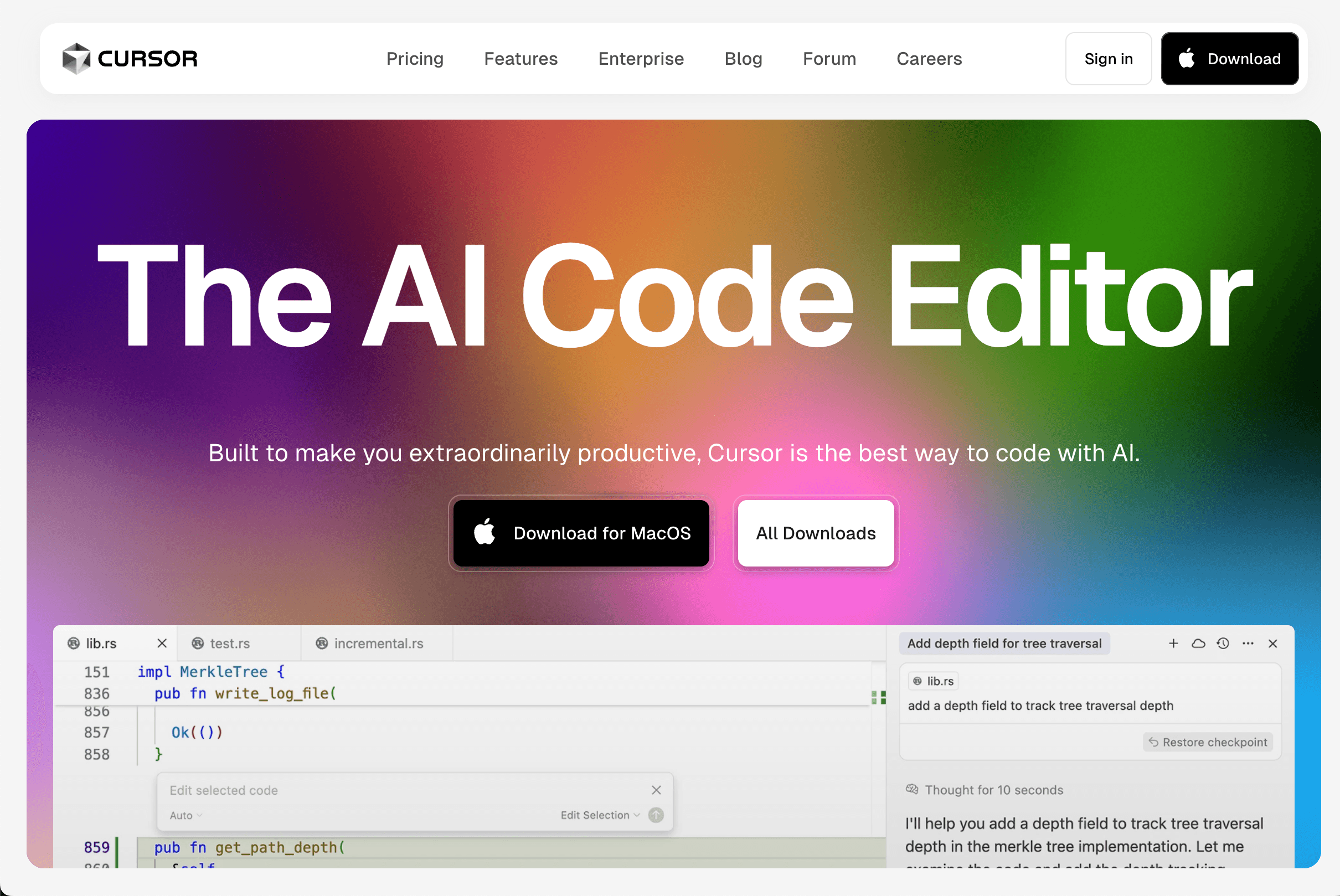
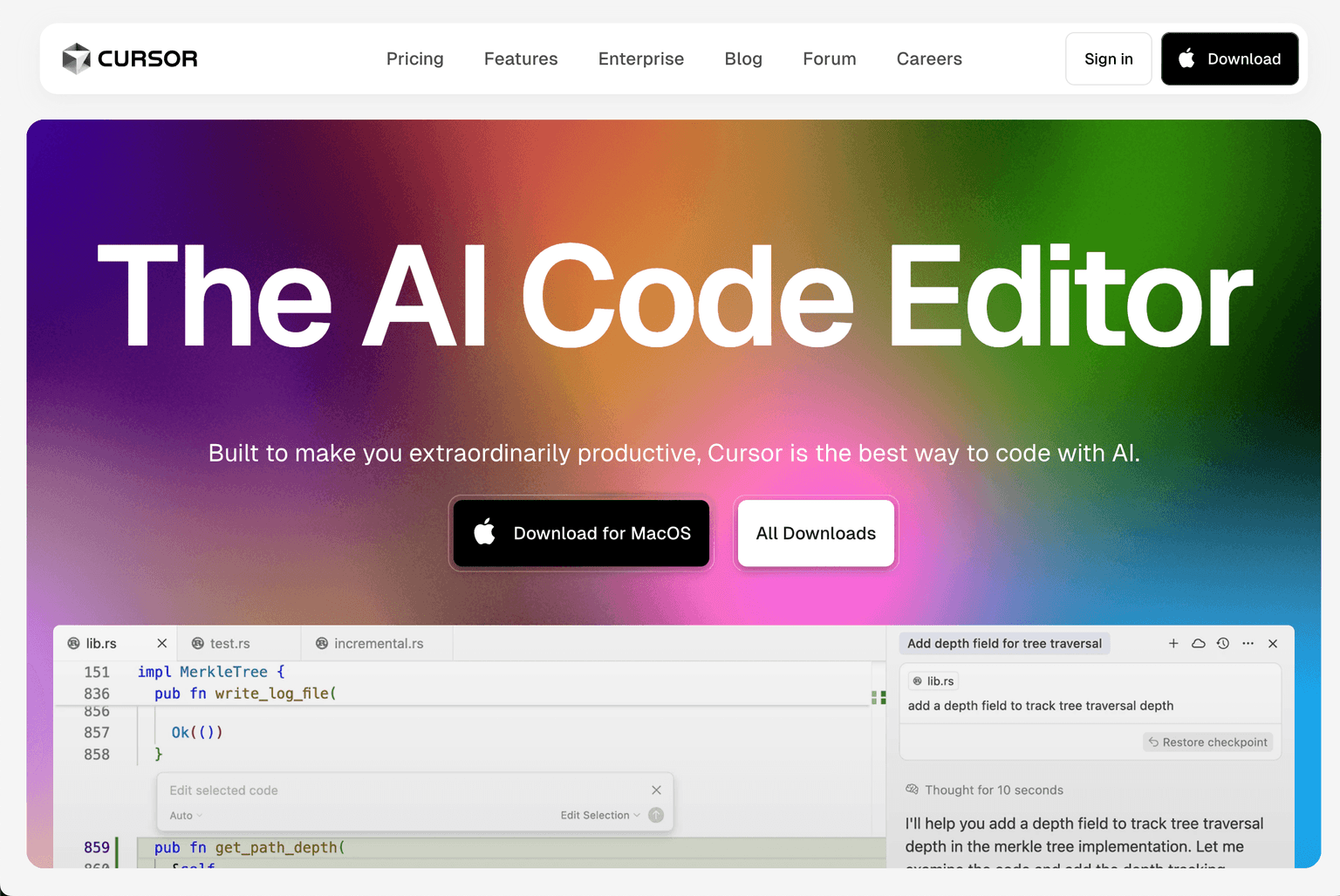
Cursor is the AI-first code editor that crossed a real productivity threshold in 2024–2025 and is now the default IDE for a meaningful percentage of senior software engineers. Where ChatGPT and GitHub Copilot were AI-assisted text completion bolted onto an existing editor, Cursor is built around the AI from the ground up — multi-file edits, agent mode for whole-feature implementations, and a chat that has full repository context.
What changes when you start using it: features that took a day take an afternoon. Refactors that used to be put off because of tedium happen in minutes. The compounding gain shows up over weeks as engineers ship at higher cadence and with less cognitive load.
Where it falls down: large monorepo indexing is sometimes flaky. Pricing has churned multiple times. For engineers happy in their existing IDE, Continue.dev or GitHub Copilot offer most of the value without switching editors. See our Top 7 AI Coding Assistants for Engineering Teams for the full coding lane.
3. NotebookLM — The Research Tool Everyone Underestimated
NotebookLM is the most genuinely new AI productivity tool of the past 12 months and the one that surprises people the most. Upload your sources (PDFs, websites, documents, slides); the AI answers questions grounded only in those sources, generates audio overviews you can listen to like podcasts, and builds mind maps that surface the structure of a topic. Free for personal use.
What changes when you start using it: "reading the report" becomes "asking the report." Long-form documents, dense research papers, and meeting minutes get queryable in minutes instead of hours. The audio-overview feature alone has changed how knowledge workers consume material on commutes and walks.
Where it falls down: scoped to documents you upload — not a general-purpose assistant. Pair with ChatGPT for broader work. Audio overviews occasionally simplify nuance from technical sources.
4. Gamma — Turning Ideas Into Shareable Decks in Minutes
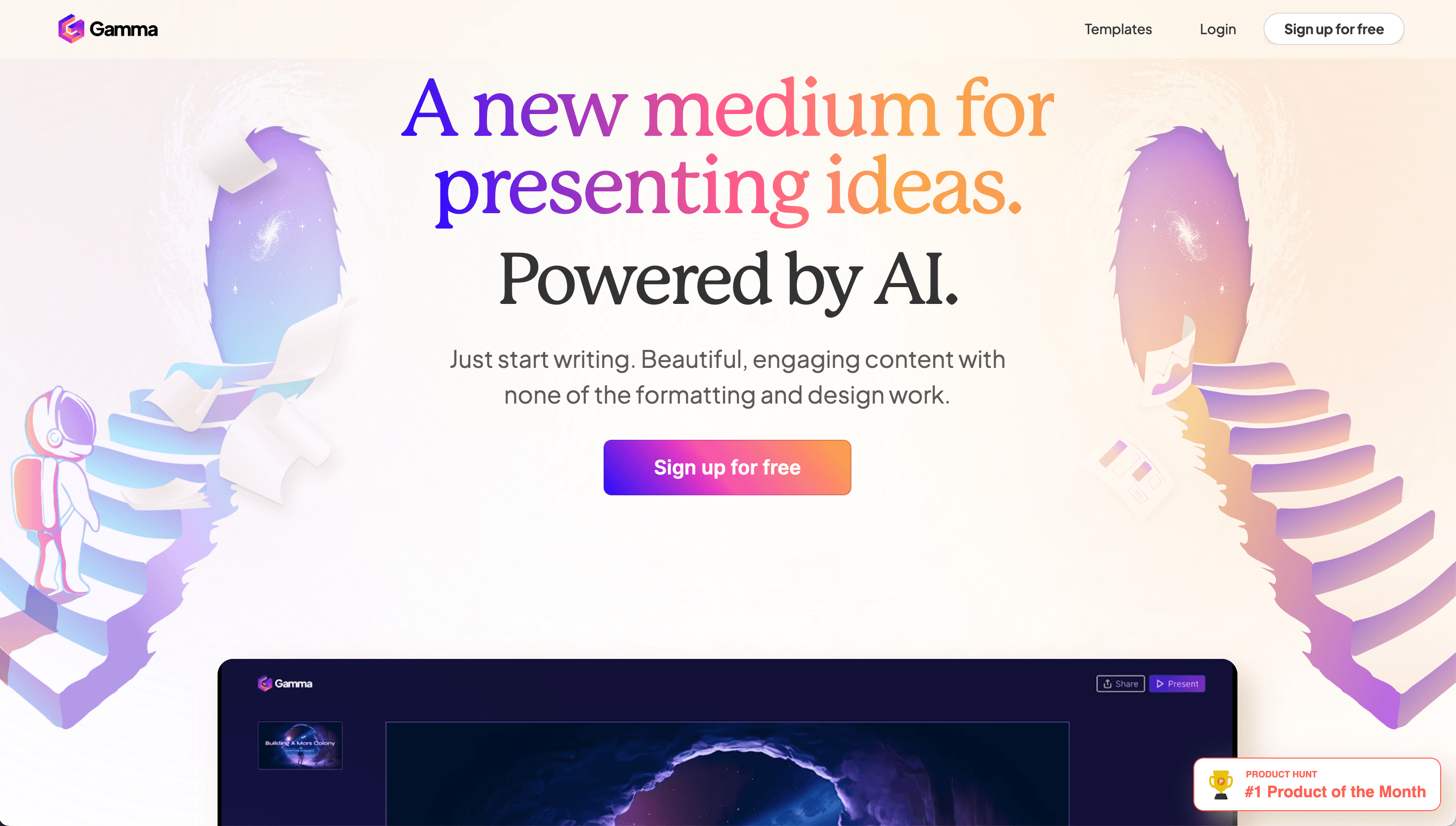
Gamma handles the part of work that used to consume entire afternoons: making things look presentable. AI-generated presentations, documents, and websites from a prompt or a paste of source material — with design quality you'd otherwise need to learn slide design or hire a designer for. Gamma's 2025 "Gamma Agent" expansion added conversational document creation that compresses the back-and-forth iteration loop further.
What changes when you start using it: the time from "I should turn this into a deck" to "the deck is in the team's inbox" drops from a half day to twenty minutes. Personal-brand and LinkedIn-style content becomes feasible at a cadence that wasn't before.
Where it falls down: highly customized academic posters or pixel-perfect brand decks still benefit from PowerPoint, Keynote, or Figma. Best for fast turnaround over deep customization.
5. Otter.ai — Meetings Without Typing
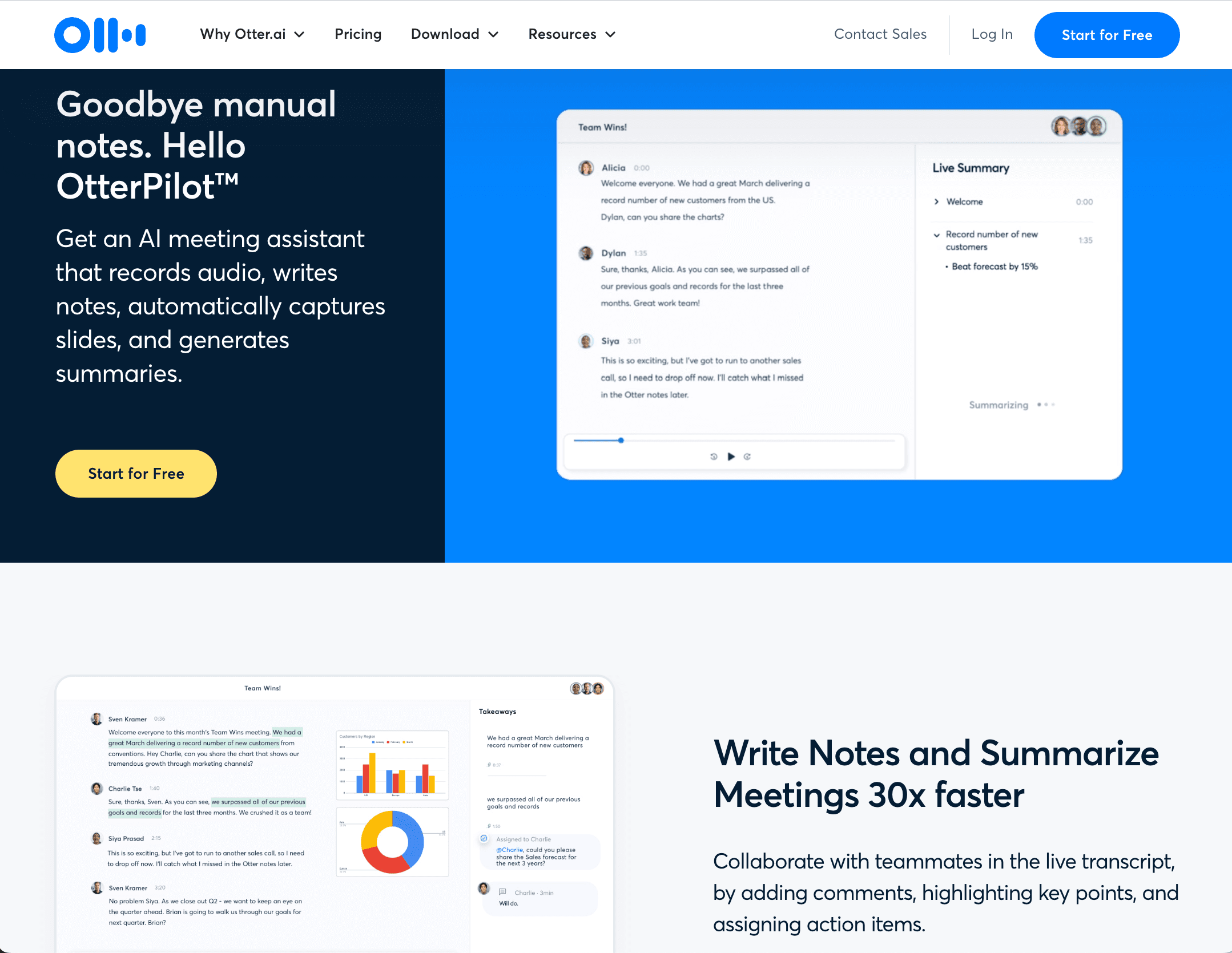
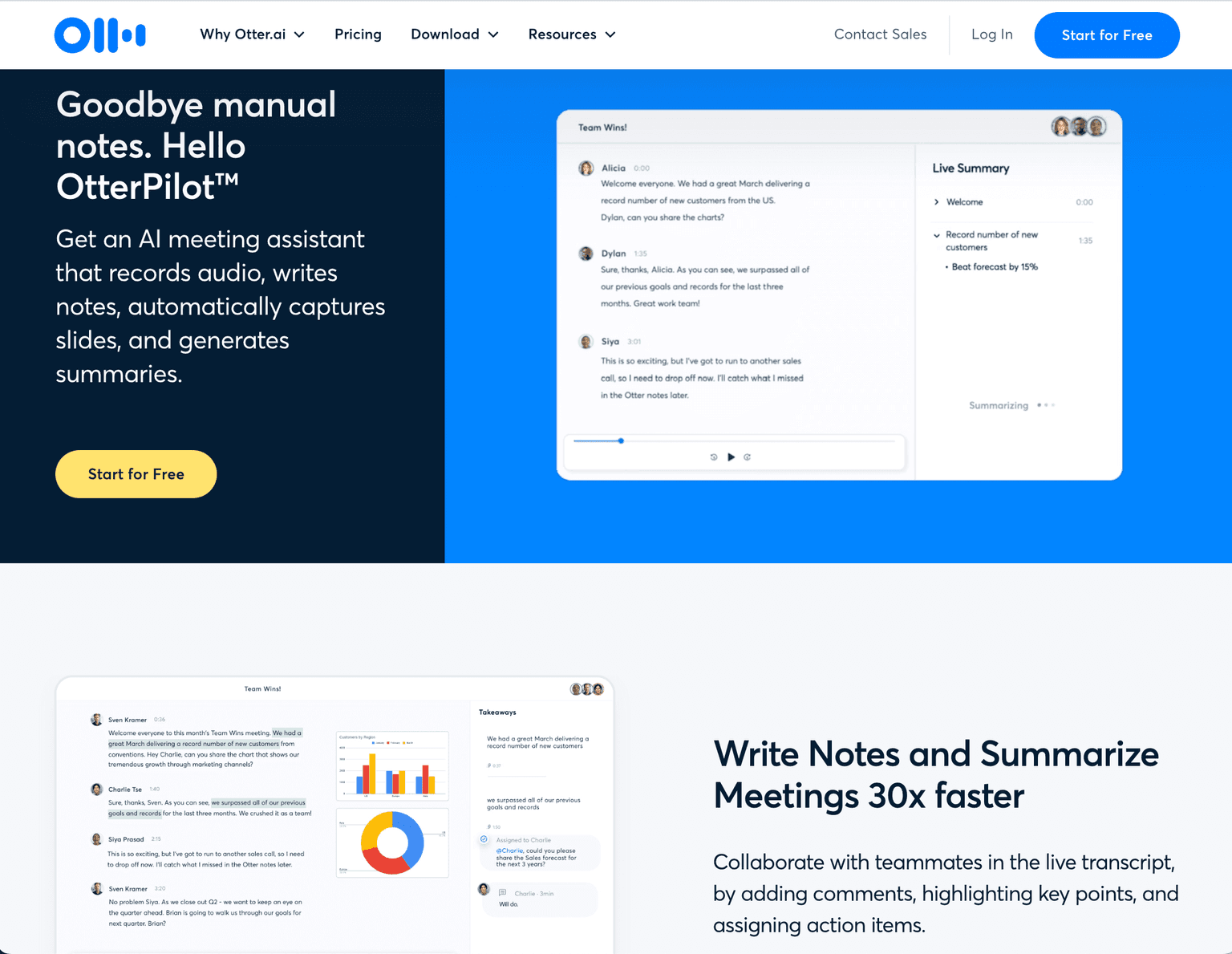
Otter.ai is the most-used live transcription tool — automated meeting notes, real-time captions, AI-generated summaries with action items. The product's been around long enough to feel mature; what changed in 2024–2026 is that the transcription quality crossed the threshold where the notes are actually useful rather than directionally accurate.
What changes when you start using it: active note-taking during meetings stops. You can be present in the conversation instead of typing. Lecture-heavy roles (students, journalists, consultants) get the largest lift; sales roles get a meaningful follow-up benefit. See our Top 7 AI Meeting Note-Takers for the broader lane (Fireflies, Granola, Fathom, etc.).
Where it falls down: transcription quality varies on accents, technical jargon, and overlapping speakers. For sales call coaching, dedicated tools like Gong have richer downstream features.
How to Build Your 2026 AI Work Stack
For most knowledge workers, the practical rollout is:
- Start with ChatGPT (free tier or Plus) — daily driver for the next month, build the habit
- Add Otter.ai for meeting capture — instant compounding gain on lecture/meeting-heavy weeks
- Add NotebookLM when you have documents to learn from — research projects, course material, reports
- Add Gamma when you have to ship visual content — decks, one-pagers, internal docs
- Add Cursor if you write code — biggest lift for software engineers specifically
Total cost: free for most casual users, $50–80/month if you go paid on all five. The compounding payback shows up in week 2-3 once the habits form.
For adjacent reading, see our Best AI Tools for Productivity and Education for a deeper 8-tool stack, Top 7 AI Meeting Note-Takers for the meetings lane, and Top 7 AI Coding Assistants for Engineering Teams for the developer-specific picks.
Frequently Asked Questions
Are these the only 5 AI tools that matter? No — these are the 5 that hit the most-distinct knowledge-work modalities. There are dozens of credible AI tools in 2026. The argument for these five is that they cover different lanes, so adopting all five produces compounding leverage that adopting five tools in the same lane wouldn't.
Do I need to pay for all of these? No. ChatGPT free, NotebookLM free, Otter.ai free tier, Gamma free tier all cover casual use. Cursor's free tier is more limited but works for evaluation. Most knowledge workers can run this stack for $0–20/month and only need to upgrade specific tools when they hit limits.
Is this list out of date in six months? Probably not. ChatGPT, Cursor, NotebookLM, Gamma, and Otter.ai are mature category leaders unlikely to be displaced quickly. The model versions inside each will improve, but the tools themselves are durable picks for 2026 and likely 2027.
What about Claude, Gemini, Notion AI, and the other big names? All legitimate. Claude is the strongest writing/analysis assistant; Gemini is the right choice if you live in Google Workspace; Notion AI is essential if you already run on Notion. Our Best AI Tools for Productivity and Education collection covers the broader 8-tool stack including these.
Will AI tools replace human work? Replacing the volume of repetitive work, not replacing the workers themselves. Most teams adopting these tools shift staff toward judgment-heavy work (analysis, decisions, relationships, original creation) and away from the repetitive draft-and-edit cycle. The teams that try full replacement consistently see quality collapse.
Are these tools safe for company data? The paid tiers (ChatGPT Team/Enterprise, Cursor Business, Otter Business, Gamma Plus) all offer SOC 2 compliance and data-handling guarantees. Free tiers usually train on your inputs unless you opt out. Read the data-handling settings before pasting anything sensitive.
What's the single best one to start with? ChatGPT. It's free, it's broad, it builds the AI-tool intuition that helps you decide which of the other four to adopt next.
Final Thoughts
The "5 AI tools that will revolutionize your work" framing has been done to death since 2023, and most lists from that era recommend tools that are now displaced or irrelevant (Shakespeare Toolbar, Oxolo, Vidyo). The 2026 version of this list is shorter, more deliberate, and built around modalities rather than features. The compounding leverage is real — knowledge workers using all five report meaningful changes in what they ship per week.
If you're not yet using any of these, ChatGPT and Otter.ai are the right two-tool starting point. Both have free tiers, both produce compounding gains in week 2, and both build the habit that makes adopting the rest easier.
Categories these tools span
More collections you may also like


Sign up for our newsletter
Receive weekly updates so you can stay up-to-date with the world of AI
Sign up for our newsletter
Receive weekly updates so you can stay up-to-date with the world of AI
The AI tools directory for discovering, exploring, and comparing the most innovative AI tools in the industry