VEED.IO
Browser-based AI video editor with avatars, lip-sync, auto-subtitles, and one-click dubbing.
Overview
VEED.IO is an AI-first video editor that turns prompts and scripts into finished video
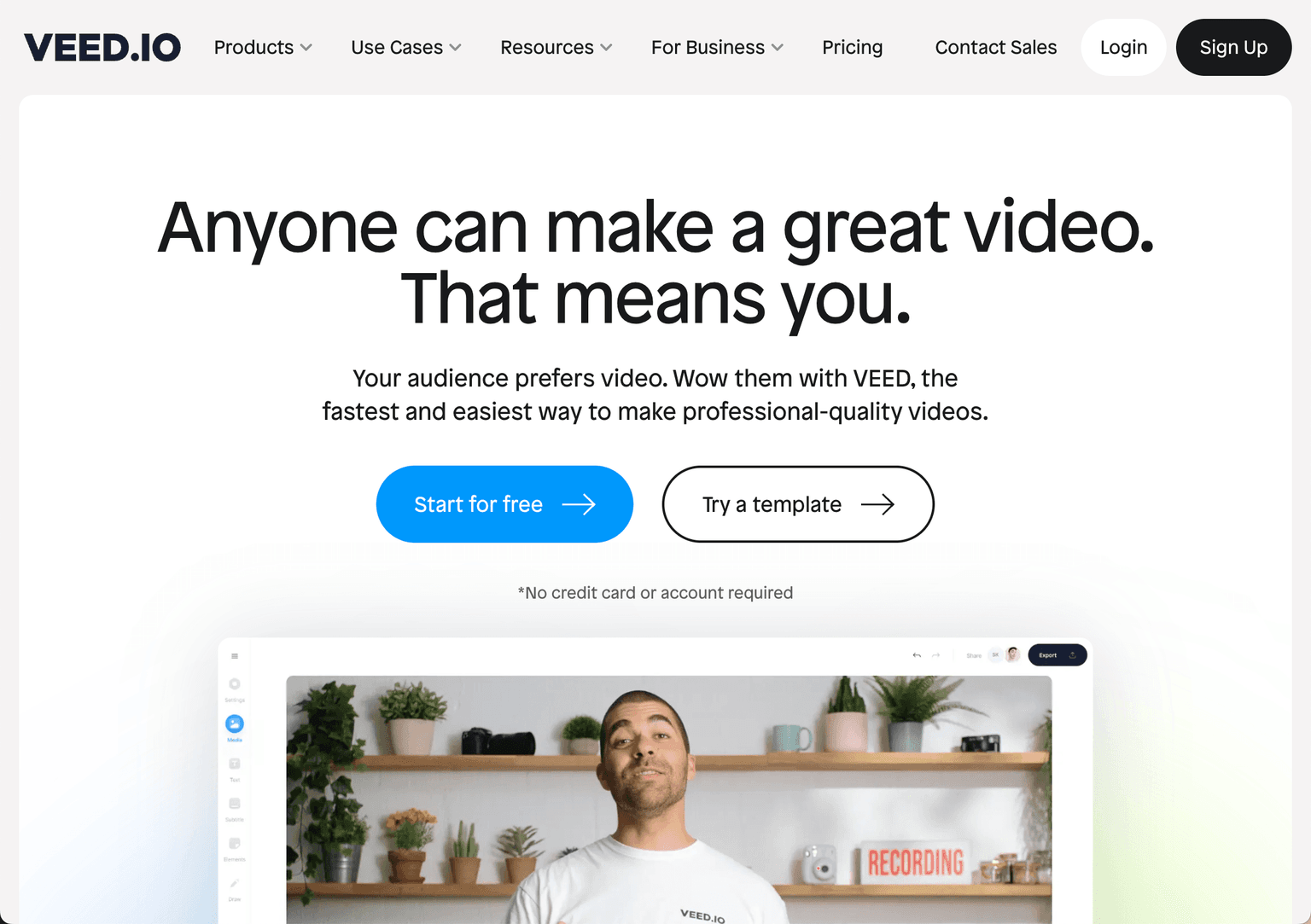
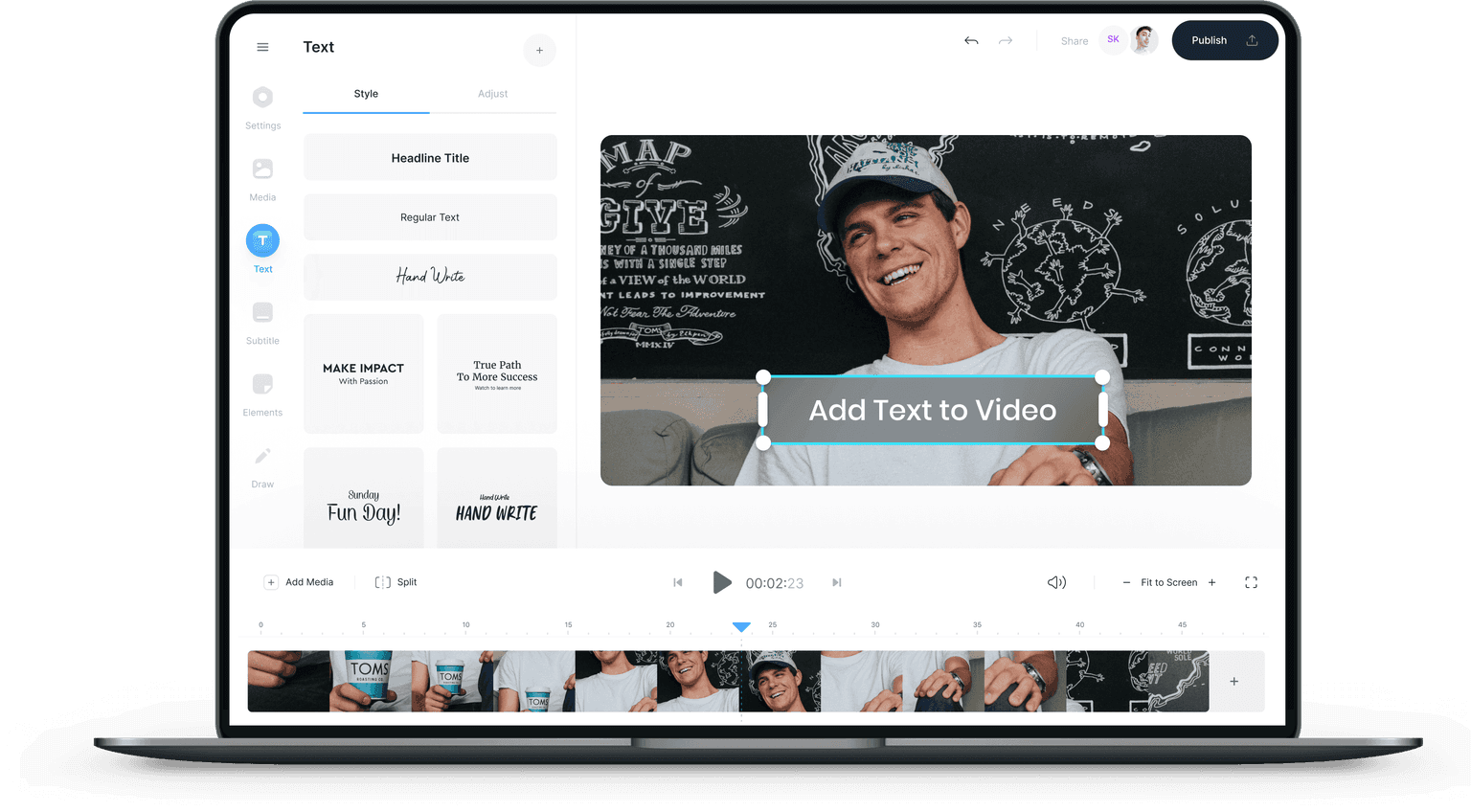
VEED.IO is a browser-based video editor that's pivoted hard into AI over the past two years. As of 2026, it combines a traditional drag-and-drop timeline with a deep AI suite — auto-subtitles in 100+ languages, AI Avatars, Fabric 1.0 (image-to-talking-video), one-click dubbing into 50+ languages, Eye Contact correction, and a generative AI Studio for text-to-video. Used by content creators, marketers, and remote teams to produce polished video without studio gear.
Key Features (2026)
- AI Avatars — pick a presenter or upload your face; the avatar reads your script with lip-sync, natural expressions, and body language.
- Fabric 1.0 — generate a studio-quality talking-head video from a single image plus a script.
- Lip Sync API — programmatic lip-syncing for video at scale; one of the strongest in the market.
- Auto-Subtitles — word-by-word captions in 100+ languages with ~95% accuracy.
- AI Dubbing — translate and dub videos into 50+ languages with voice matching.
- Eye Contact correction — adjusts the speaker's gaze to face the camera, even when reading off-script.
- Clean Audio — one-click background-noise and silence removal.
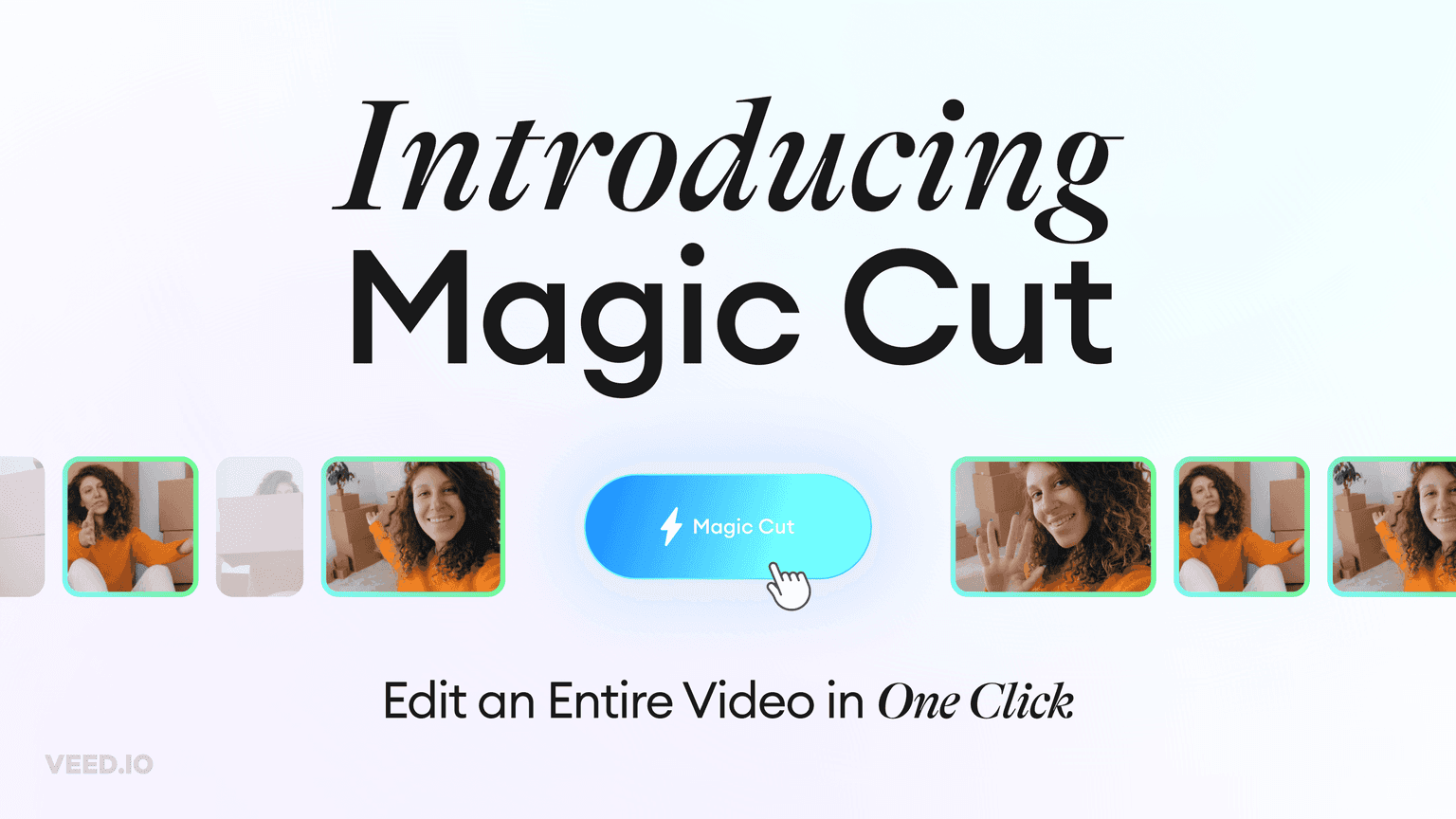
- AI Clips — auto-cut long videos into short-form social clips.
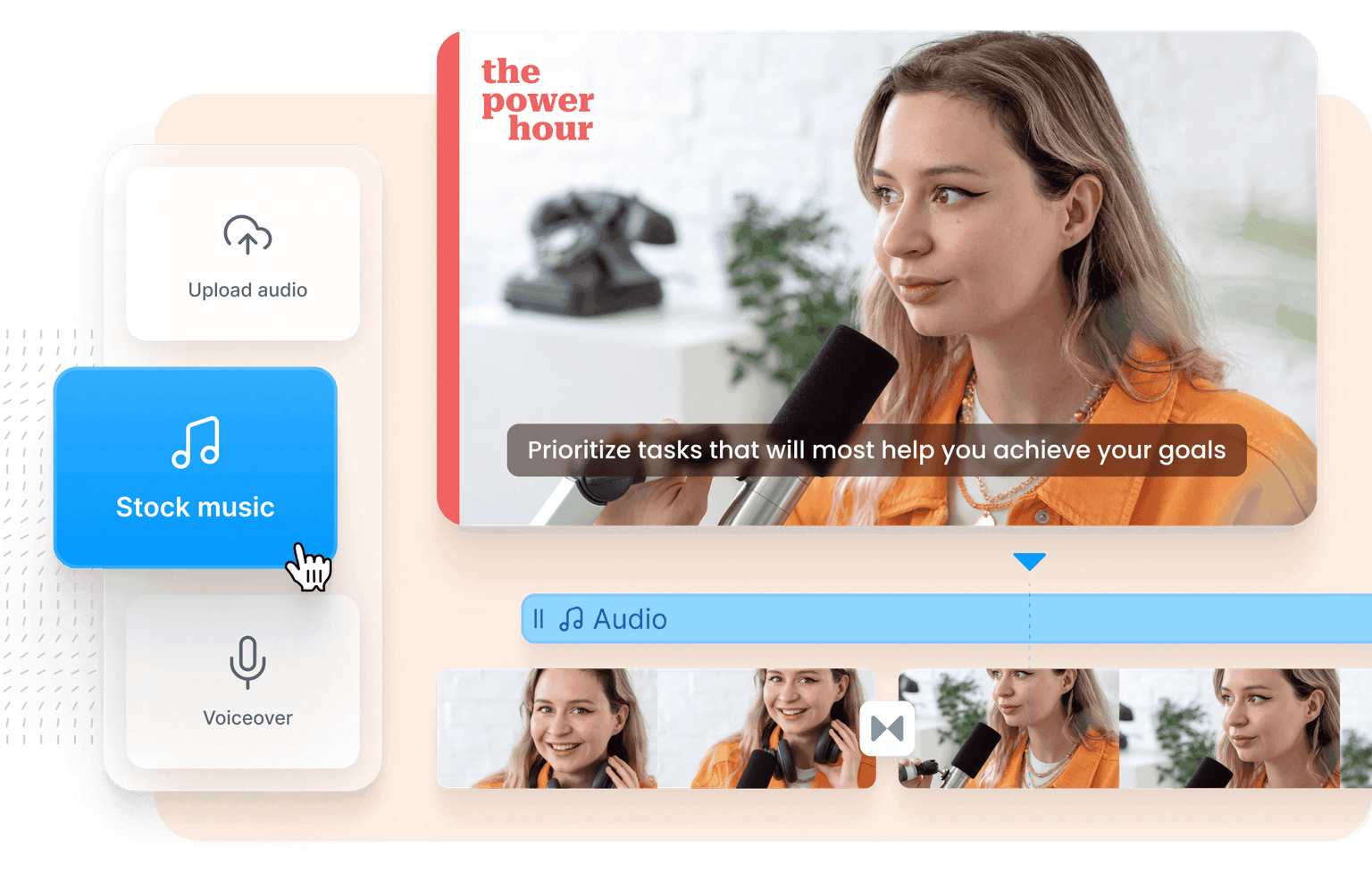
- Screen + webcam recorder, drag-and-drop timeline, brand kits, auto-resize for every platform format.
- Stock library — 2M+ video, audio, and image assets.
Pricing (April 2026)
- Free — $0. 720p exports, 2 GB storage, 10-min video limit, VEED watermark.
- Lite — $12/mo. Watermark removed, 1080p, 12 hrs/mo subtitles, 5 Gen-AI videos/day, full stock library.
- Pro — $24/mo (annual). Unlimited Gen-AI Studio, 20 min/mo translation to 50+ languages, 15+ AI tools (Clean Audio, Eye Contact, AI Clips), full Brand Kit.
- Business — custom per-editor pricing. 4K exports, unlimited storage and subtitles, expanded AI avatar minutes, up to 2,000 AI-generated videos/month.
Best For
- Content creators and YouTubers — fast subtitling, AI Clips for shorts, brand kits for consistent visual style.
- Marketers and SaaS teams — AI Avatars for explainer videos and product demos at scale.
- Localization / training teams — one-click dubbing into 50+ languages for global audiences.
- Sales and outbound teams — Fabric 1.0 generates personalized talking-head outreach from a single photo.
- Educators and L&D — auto-subtitles, screen recorder, and translation cover most training-video workflows.
VEED.IO vs. Descript vs. Captions vs. HeyGen
- VEED.IO — best balance of traditional editing + AI; strong dubbing and avatars in one tool.
- Descript — text-based editing with strong audio; smaller AI-avatar surface than VEED.
- Captions — mobile-first, AI-avatar focused; less full-featured as a general editor.
- HeyGen — pure AI-avatar studio; deeper avatar quality, but VEED is broader as an editor.
FAQ
Is VEED.IO free? Yes. The Free tier exports at 720p with a 10-minute cap and adds a VEED watermark. Lite ($12/mo) removes the watermark and lifts limits.
Can VEED translate my video? Yes. AI Dubbing translates and dubs videos into 50+ languages with voice matching. Pro includes 20 min/mo of translation; Business adds expanded minutes.
What is Fabric 1.0? VEED's flagship image-to-video model: you provide one photo and a script, and Fabric generates a studio-quality talking-head video with accurate lip-sync.
Does VEED have an AI avatar tool? Yes. Choose from a library of stock avatars, or upload your own face for a custom avatar. The avatar reads your script with lip-sync and natural body language.
What's Eye Contact correction? An AI tool that adjusts the speaker's gaze to face the camera even when they're reading from off-screen — useful for tutorials and remote-recorded interviews.
Related
Looking for more options? Browse the Video Creation directory or read our best AI video tools listicle. VEED.IO is also tracked on Crunchbase.
Why Use VEED.IO
FAQ
Editorial Review
Our take on VEED.IO.

Solid browser-based video editor that handles the basics well; avatar and dubbing features work, but don't expect professional-grade control.
What works
- No installation; works in browser, low friction to start
- Avatar and dubbing features bundled; saves stitching tools together
- Auto-subtitles and one-click dubbing reduce manual labor
What doesn't
- AI video tools are crowded; unclear how VEED.IO differentiates long-term
- Browser-based limits editing depth and professional-grade controls
VEED.IO is a no-install video editor built for the browser, which means you're trading some power for convenience. The feature set is reasonable: auto-subtitles, one-click dubbing, avatar synthesis, and lip-sync all hit the checklist. For quick social clips or internal comms, it gets the job done without firing up a desktop app. The freemium model is approachable—you can kick the tires without a credit card.
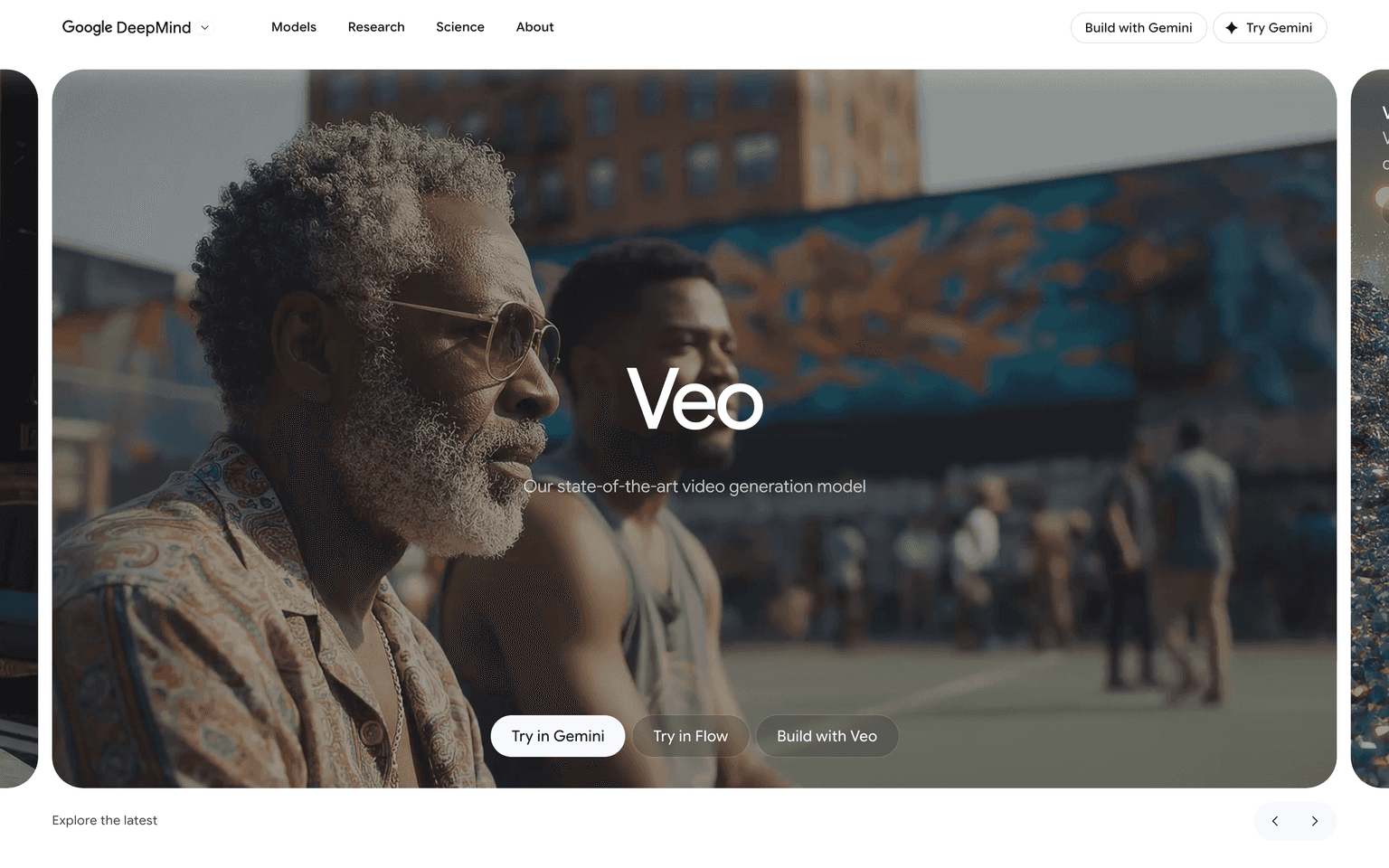
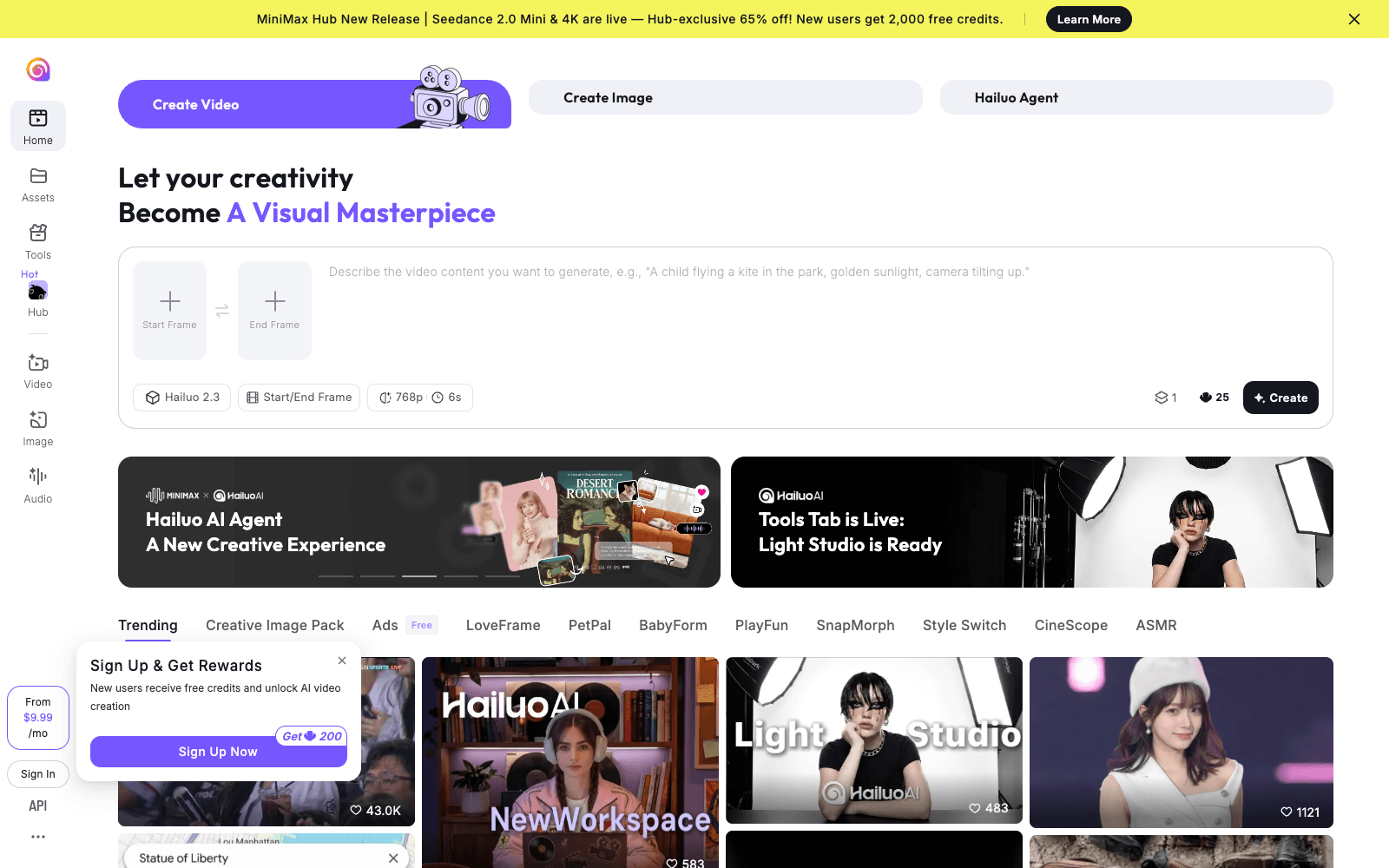
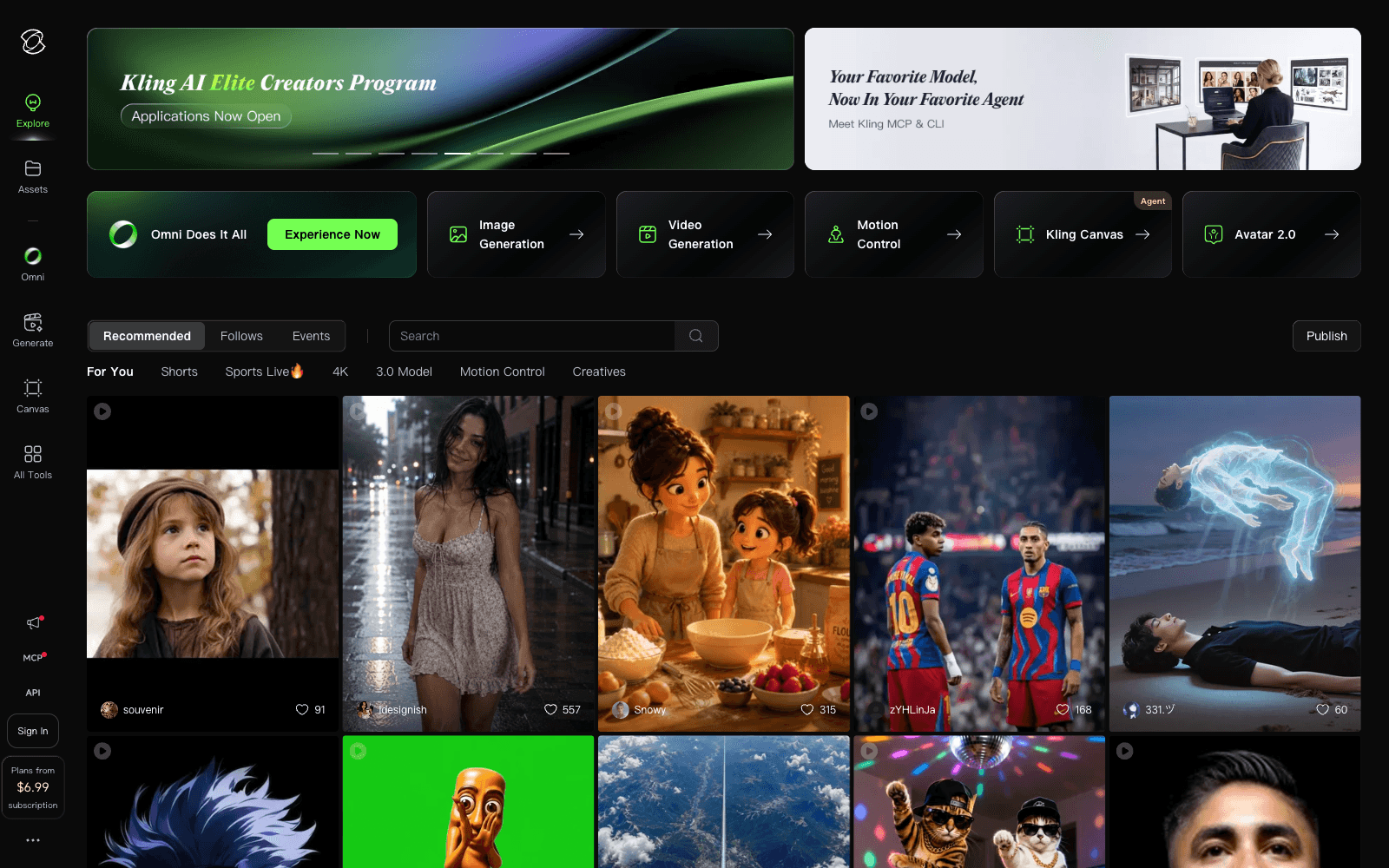
Where it gets fuzzy: AI video tools are a crowded space now. Google Veo, Hailuo, and Kling are all chasing the same problem from different angles. VEED.IO's advantage is usability and the avatar/dubbing combo in one place, but whether that justifies choosing it over alternatives depends on what your workflow actually needs.
If you're doing lightweight video creation and don't need fine-grained editing or color grading, VEED.IO is worth a 15-minute trial. If you're building serious video content or need pixel-level control, you'll outgrow it fast.
User Reviews
Similar Tools