Template.net
Template.net revolutionizes content creation with an AI-powered editor that generates fully editable documents, presentations, diagrams, charts.
Overview
Template.net AI Template Generator — Create Documents, Designs, and Business Assets Instantly
Template.net is an all-in-one AI-powered platform that allows users to generate, customize, and export professional templates, documents, and designs instantly. It combines a massive library of over 200,000 templates with an intelligent AI editor that transforms simple text prompts into fully editable assets — including business documents, marketing materials, presentations, and visual designs.
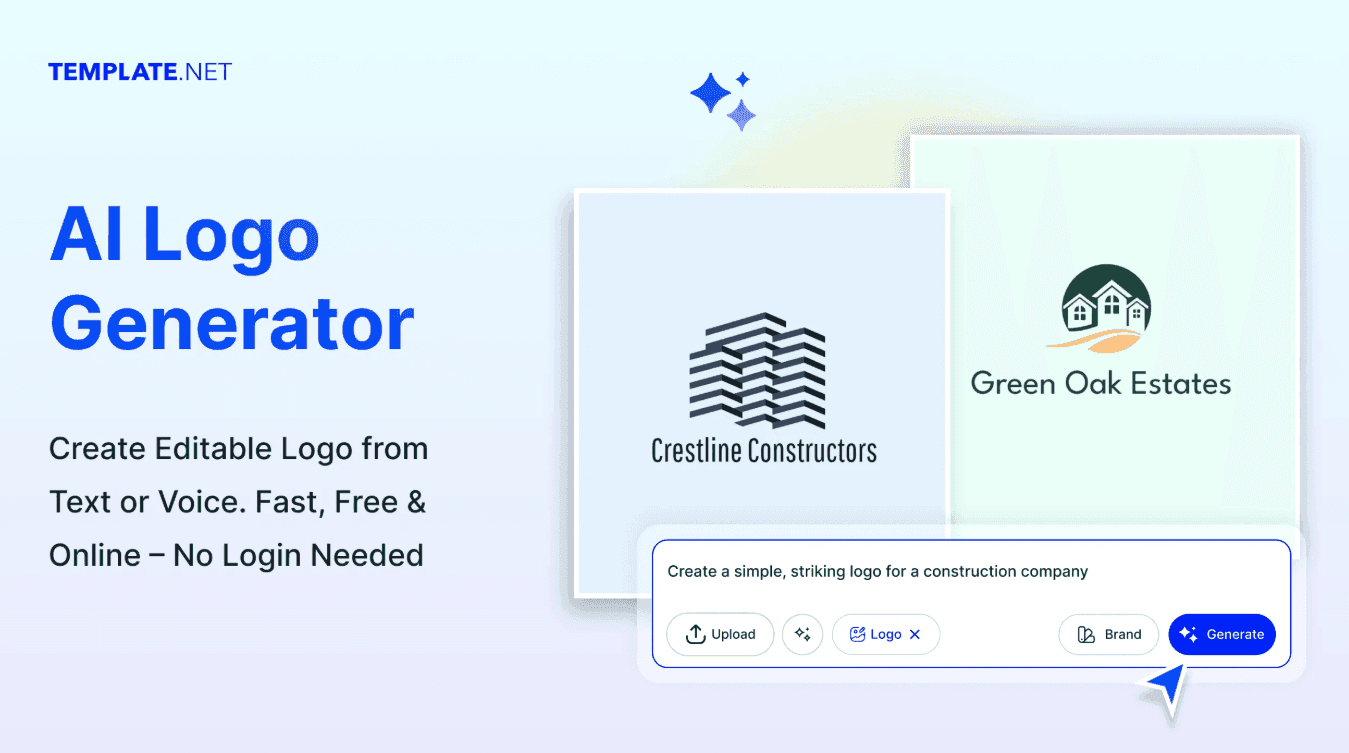
Unlike traditional template libraries that only provide static downloads, Template.net goes further by offering a prompt-to-production workflow. Users can describe what they need — such as a business proposal, invoice, social media post, or pitch deck — and the platform generates structured, ready-to-edit outputs with text, layout, and visuals already in place. These outputs are not just previews but fully functional files that can be exported and used immediately in formats like Word, Excel, PowerPoint, PDF, and more.
The platform supports a wide variety of use cases across industries, including HR documents, legal forms, marketing assets, educational materials, presentations, and design templates. This versatility makes it a go-to resource for freelancers, startups, small businesses, and enterprise teams who need to create professional assets quickly without starting from scratch.
Template.net’s built-in editor allows users to customize every element of a template — including text, colors, layouts, and branding — while maintaining professional design quality. Teams can also standardize branding across assets by saving templates and applying consistent logos, fonts, and styles across documents.
Another major advantage is its interoperability. Template.net integrates with common platforms like Google Docs, Microsoft Office, Figma, and cloud storage tools, allowing users to seamlessly move between systems without disrupting workflows.
For everyday use, a user might input a request like “create a sales proposal” or “design a social media campaign,” receive a ready-made template, customize it in minutes, and export it for immediate use. This dramatically reduces the time spent on formatting, structuring, and designing documents — turning hours of work into minutes.
With its combination of AI generation, massive template library, and easy customization, Template.net positions itself as a productivity engine for anyone creating business or creative assets regularly.
KEY FEATURES:
•	AI template generator — Turn prompts into fully editable documents and designs
•	200,000+ templates library — Access business, legal, marketing, and creative templates
•	All-in-one editor — Customize text, layout, visuals, and branding in one place
•	Multi-format export support — Export to Word, Excel, PDF, PNG, HTML, and more
•	Cross-platform compatibility — Works with Google Docs, Office tools, and cloud storage
•	Brand asset management — Save and reuse brand styles across templates
•	Collaboration & sharing — Share and publish content directly to platforms
• Daily template updates — Constantly refreshed library with new designs 
IDEAL USE CASE:
Template.net is ideal for business professionals, marketers, HR teams, freelancers, startups, and educators who need to quickly create polished documents, presentations, and designs without starting from scratch. It’s especially useful for teams that produce high volumes of content and want consistency and speed.
WHY USE TEMPLATE.NET:
•	Save hours on document creation with ready-to-use templates
•	Generate content instantly using AI prompts
•	Maintain professional design quality without a designer
•	Access a massive template library across industries
•	Customize everything easily without complex tools
•	Standardize branding across assets for consistency
•	Reduce reliance on multiple tools by using one platform
tl;dr:
Template.net is basically your “shortcut button” for business content. Type what you need, get a fully structured document or design instantly, tweak it, export it, done. No blank pages. No formatting headaches. Just faster output across everything from invoices to pitch decks.
FAQ
Q: What is Template.net's purpose? A: Template.net revolutionizes content creation with an AI-powered editor that generates fully editable documents, presentations, diagrams, charts.
Q: Is Template.net free? A: Template.net offers a free trial. See the Template.net pricing page for current tier details.
Q: Who uses Template.net? A: Template.net serves operations and automation teams working on AI-driven workflows.
Q: What are alternatives to Template.net? A: Top alternatives to Template.net include Airtable, Monday.com, and ChatGPT Agent. Explore alternatives in the same category for more options.
Related
Looking for more options? Browse the Workflow Automation directory or read our best AI process automation tools listicle. Template.net is also tracked on Crunchbase.
Why Use Template.net
User Reviews
Similar Tools