Synthesia
Transform text into professional videos effortlessly.

Overview
Transforming Text into Engaging Videos with Synthesia
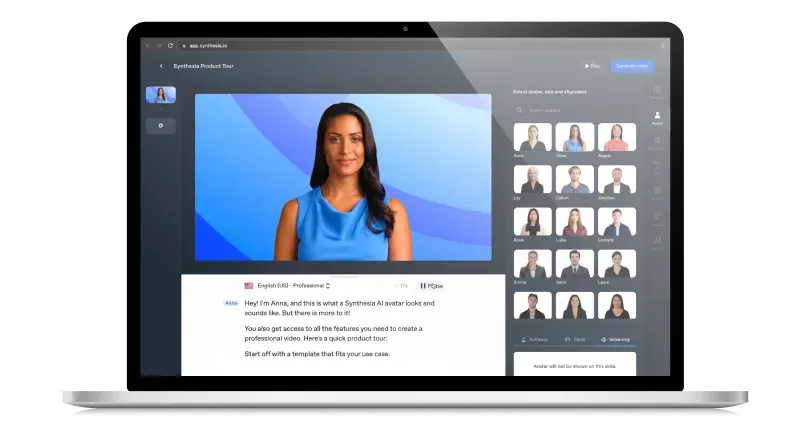
Synthesia is a cutting-edge platform that revolutionizes the video content creation process. By leveraging advanced AI capabilities, Synthesia allows users to produce professional-grade videos without the need for mics, cameras, or actors. The platform's AI Video Generator offers a plethora of features, from AI avatars in diverse languages to automatic voiceovers, making video creation scalable, affordable, and of high quality.
Key Features: -
- AI Avatars: Choose from over 140 diverse AI avatars to represent your content.
- AI Voices: Automatic voiceovers available in more than 120 languages and accents.
- Video Templates: Over 60 pre-designed templates to kickstart your video creation.
- Custom AI Avatars: Personalize your videos by creating your own AI avatar.
- PowerPoint to Video: Convert your presentations into engaging video content.
Ideal Use Case:
Synthesia is perfect for professionals, educators, marketers, and businesses aiming to create engaging video content without the complexities of traditional video production. Whether it's for training, marketing, sales outreach, or educational purposes, Synthesia simplifies the process, making it accessible to all.
Why use Synthesia:
- Efficiency: Produce videos in minutes, not hours.
- Cost-Effective: Eliminate the need for expensive equipment and actors.
- Diversity: Create videos as diverse as your audience with a wide range of AI avatars.
- Multilingual: Reach a global audience with voiceovers in over 120 languages.
FAQ
What does Synthesia do? Synthesia transforms text into professional videos without requiring cameras, actors, or complicated editing. You write a script and the tool generates a finished video with AI avatars and voiceovers.
Who should use Synthesia? Synthesia is ideal for businesses, educators, and content creators who need to produce polished videos quickly for training, marketing, or communication purposes without video production experience.
How much does Synthesia cost? Synthesia operates on a paid subscription model. Visit the Synthesia pricing page for current plans and to see which option fits your video creation needs.
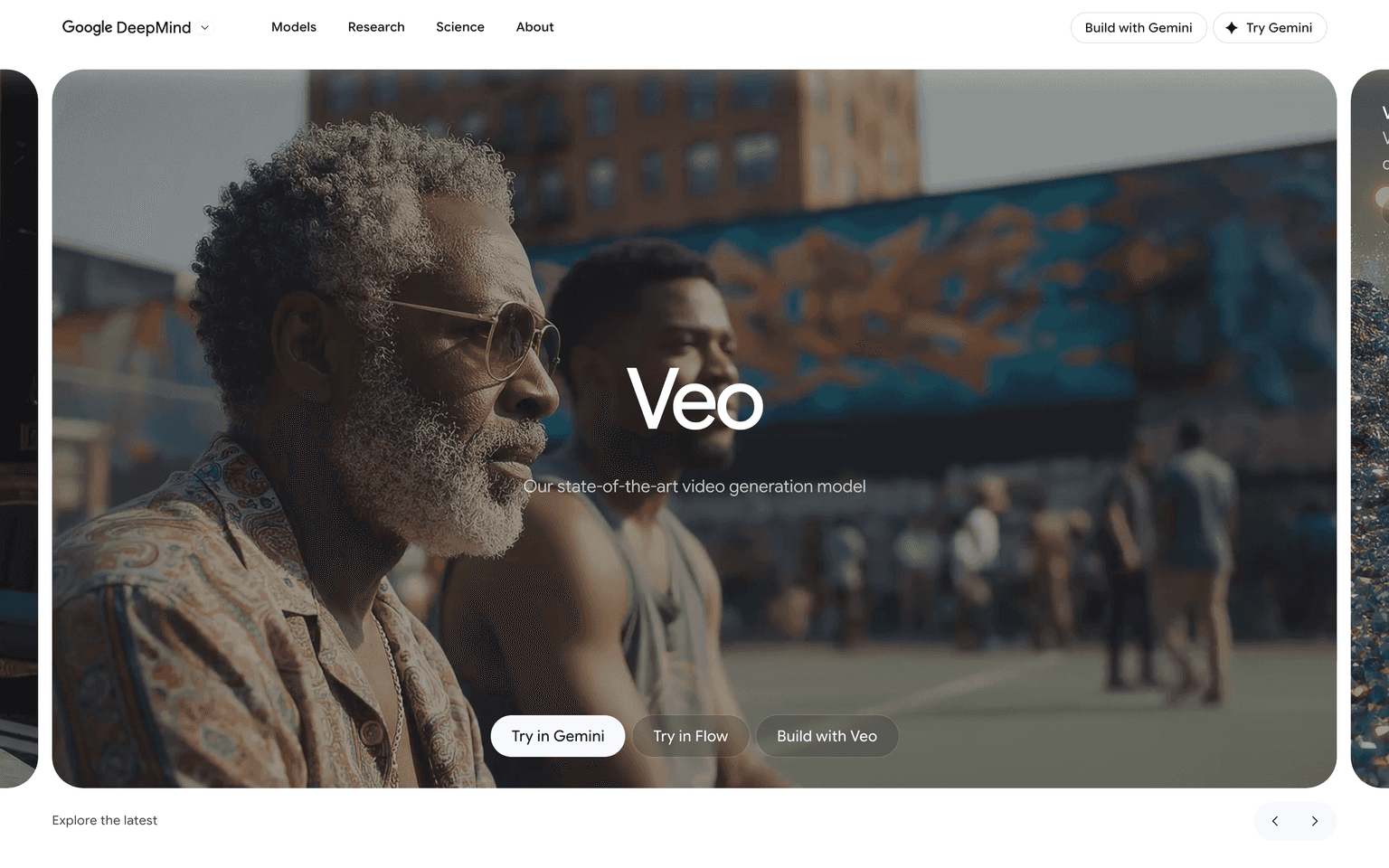
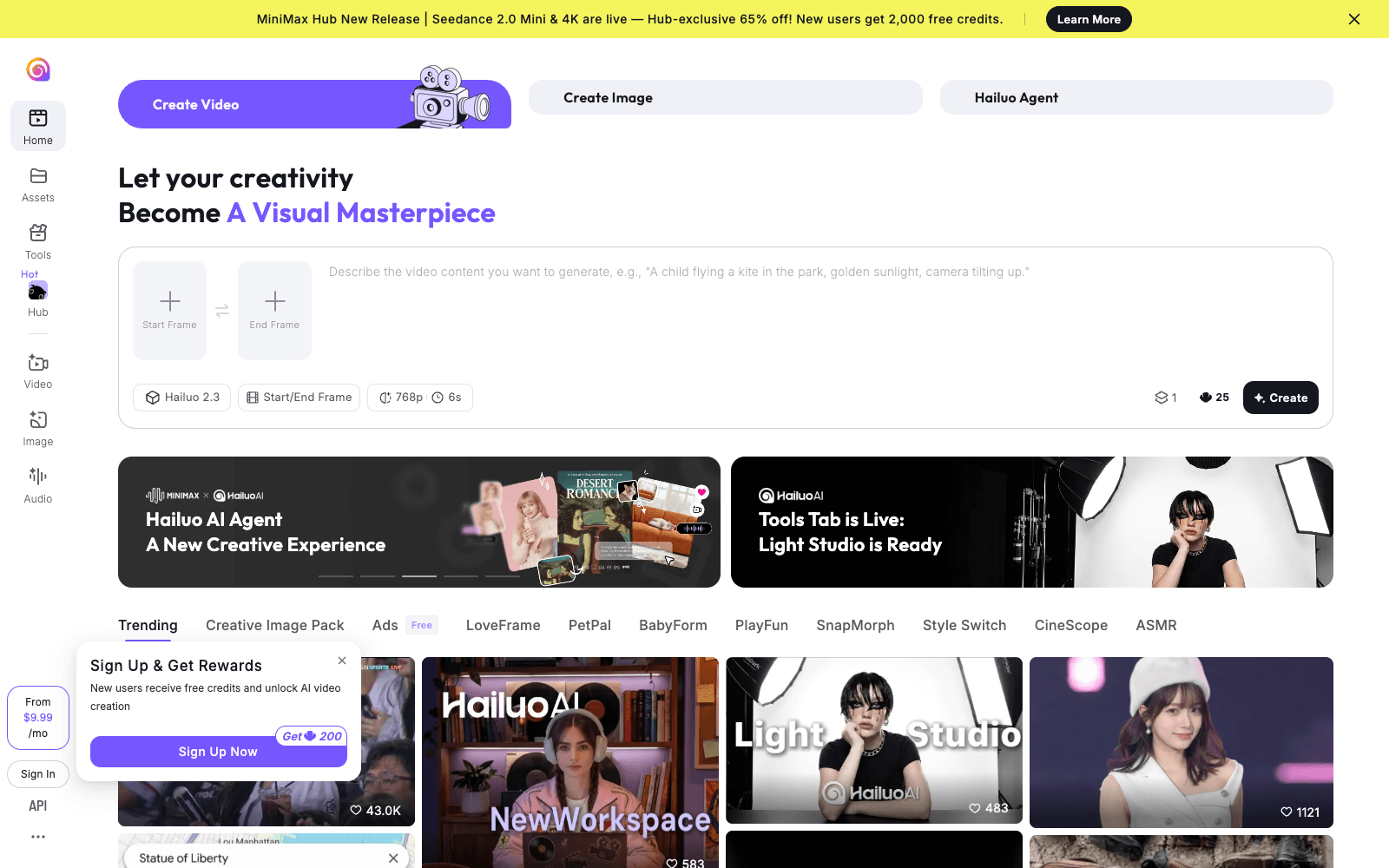
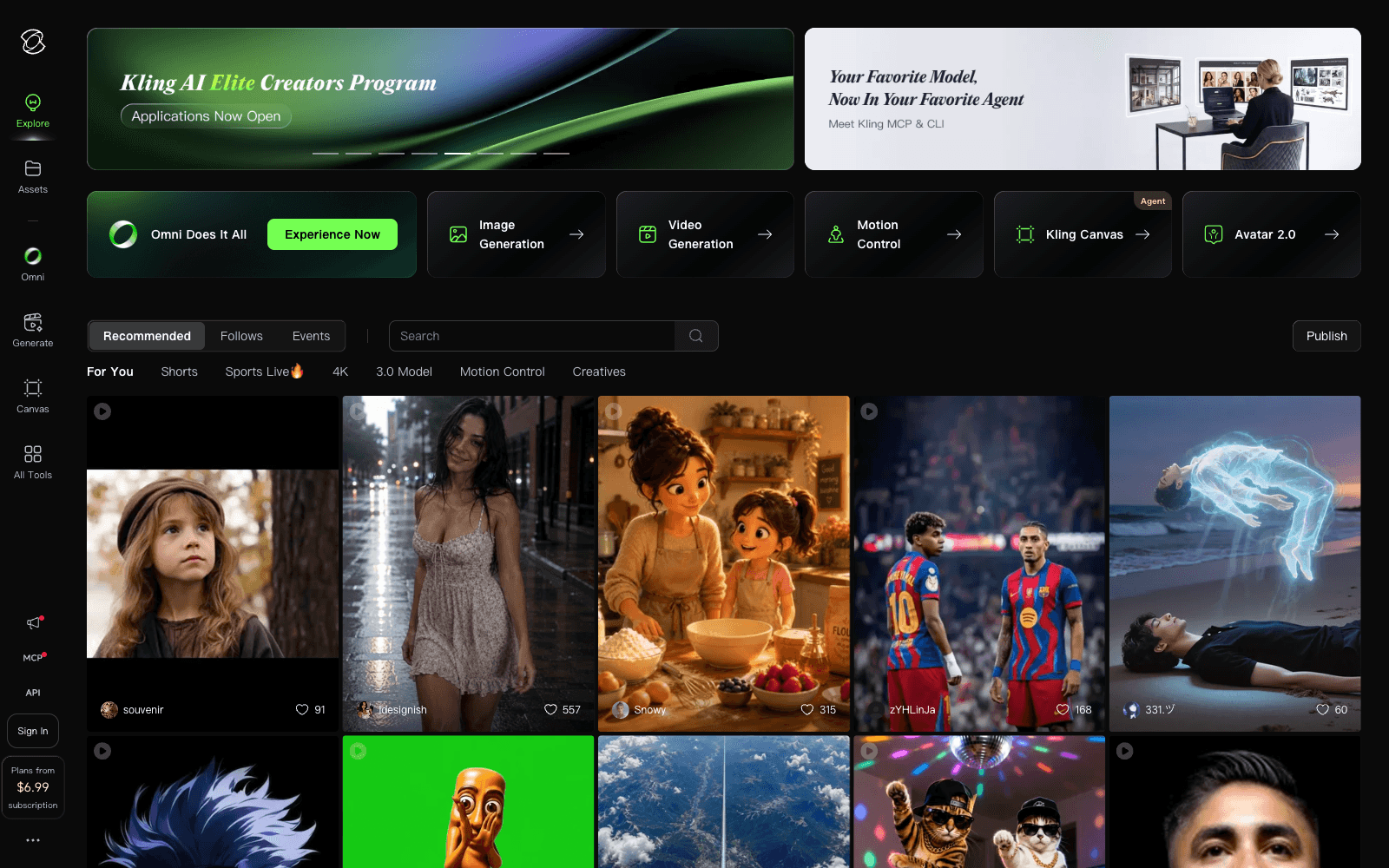
How does Synthesia compare to similar tools? Synthesia focuses specifically on text-to-video conversion with AI avatars, while alternatives like Google Veo, Hailuo AI, and Kling AI offer different approaches to AI video generation. Your choice depends on whether you prioritize avatar-based videos or other video generation methods.
tl;dr:
Synthesia offers an innovative solution to video content creation, allowing users to transform text into engaging videos using AI avatars and voiceovers, simplifying the production process.
Related
Looking for more options? Browse the Video Creation directory or read our best AI video tools listicle. Synthesia is also tracked on Crunchbase.
Why Use Synthesia


Editorial Review
Our take on Synthesia.

Polished text-to-video tool that handles the boring parts of video production, but you're paying for convenience more than magic.
What works
- Fast turnaround from script to video, no equipment needed
- Consistent quality across multiple videos and languages
- Smooth enough for corporate training and product demos
What doesn't
- AI avatars still feel synthetic; limited emotional range
- Subscription cost adds up if you're doing occasional videos
Synthesia turns scripts into finished videos without cameras or actors, which is genuinely useful if you need to churn out training content, product demos, or social clips on a deadline. The interface feels built for people who aren't video editors—you paste text, pick an avatar, and render. The output quality is professional enough for corporate and educational use, which is probably where it lands most of its work.
The real question is whether the results feel authentic enough for your audience. AI avatars still read as synthetic, and the motion can feel stiff if you're comparing to human-performed video. That's not a flaw so much as the trade-off you're making: speed and scale in exchange for a certain uncanny-valley texture. For internal comms, product walkthroughs, or multichannel content where you need consistency fast, that trade works. For anything where warmth and presence matter, you'll feel the limitations.
It's a tool with a clear job and it does that job reliably. Not bleeding-edge, not the cheapest, but solid enough that plenty of teams have standardized on it.
User Reviews
Similar Tools