Picsart
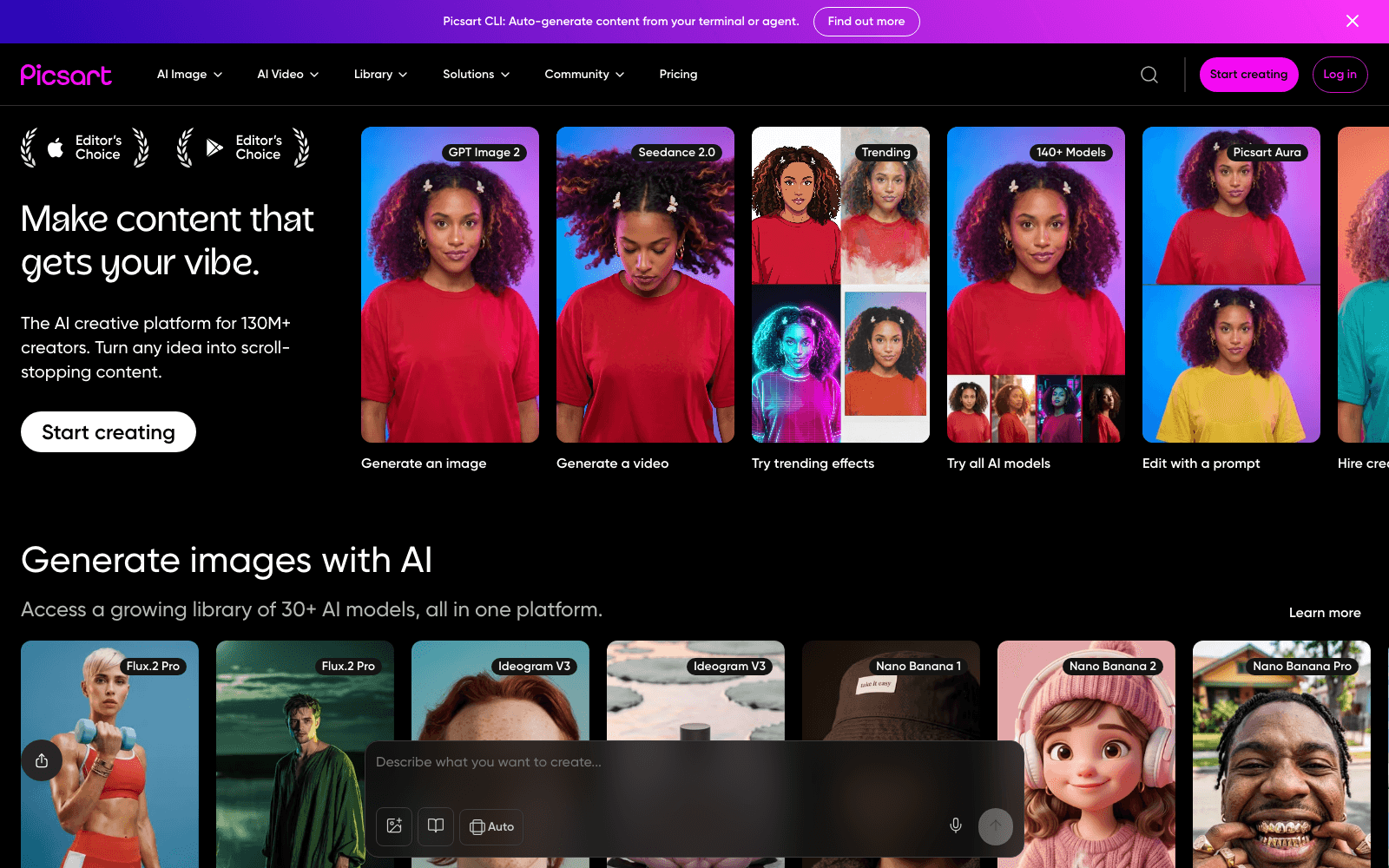
150M+ MAU AI creative platform. Image generation, editing, video, design. Among a16z Top 100 Gen AI Consumer Apps.
Overview
Picsart: AI-First Creative Platform
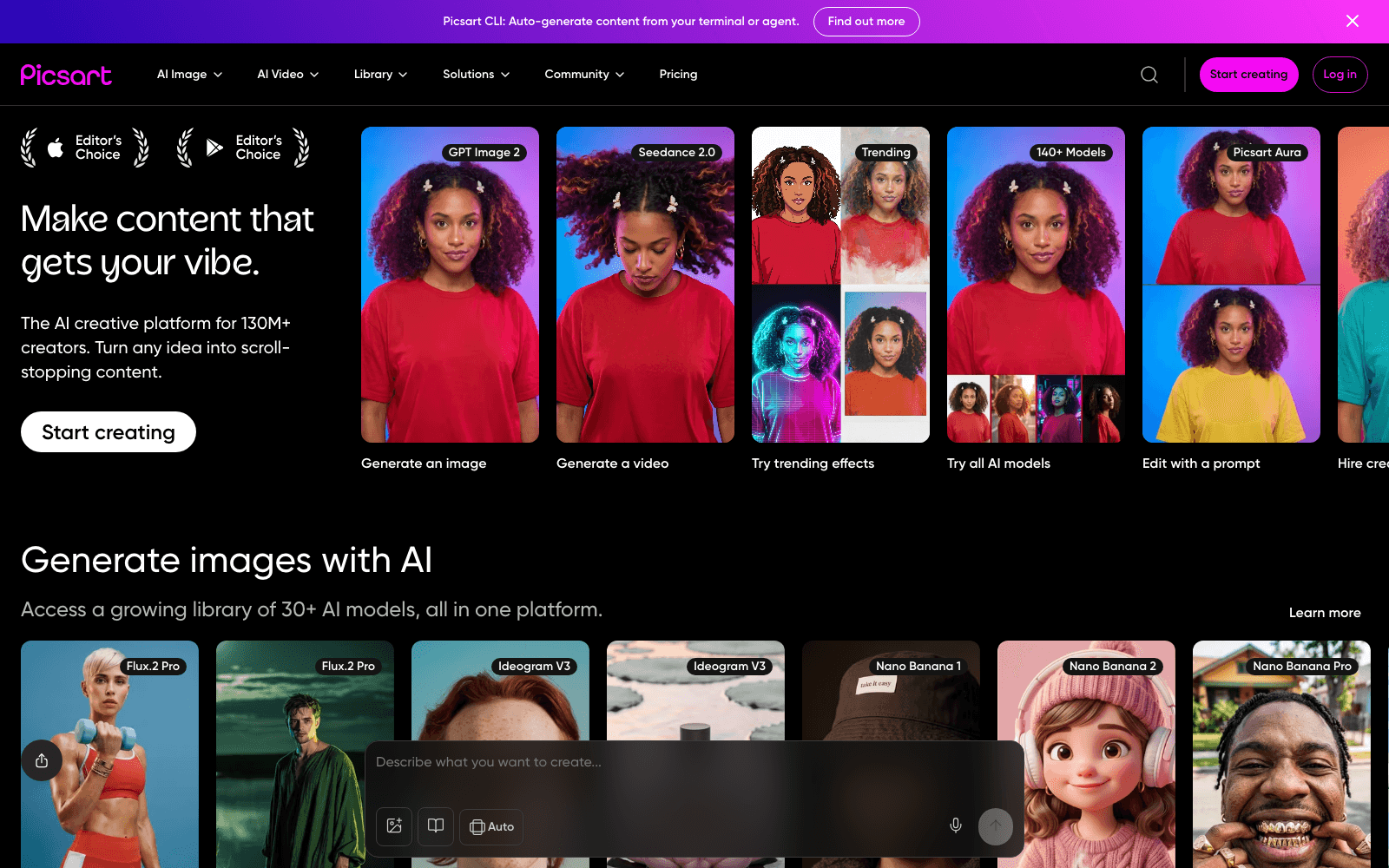
Picsart is 150M+ monthly active users. Picsart was already huge before AI; the AI features turbocharged the existing creator base. Image generation, AI background removal, AI replace — what used to take hours in Photoshop now takes seconds in Picsart.
Key Features
- 150M+ monthly active users
- AI image generation, editing, background removal, replace, expand
- Video editor with AI scenes and transitions
- Marketplace of templates, fonts, stickers
- Cross-platform: iOS, Android, Web, Windows
Ideal Use Case
Creators, social media managers, and small businesses making content for marketing — anyone who needs Adobe-tier creative output without Adobe-tier complexity or cost.
Why Use Picsart
Picsart was already huge before AI; the AI features turbocharged the existing creator base. Image generation, AI background removal, AI replace — what used to take hours in Photoshop now takes seconds in Picsart.
FAQ
What can you do with Picsart? Picsart is an AI creative platform where you can generate images, edit photos, create videos, and design graphics all in one place. It serves over 150 million monthly active users and offers a full suite of creative tools powered by AI.
Who should use Picsart? Picsart is built for creators, designers, social media managers, and anyone who wants to create visual content quickly without needing specialized software skills. Whether you're making social posts, editing photos, or generating original artwork, the platform works for creators at any level.
How much does Picsart cost? Picsart operates on a freemium model, so you can start creating right away at no cost. Visit the Picsart pricing page for current plans and to see which features require a paid subscription.
How does Picsart compare to other AI creative tools? Picsart stands out by combining image generation, photo editing, video creation, and design in a single platform, whereas alternatives like Midjourney, Runway, and Krea AI often specialize in specific areas. This all-in-one approach makes it convenient if you need multiple creative capabilities without switching between different tools.
tl;dr
150M MAU AI creative platform. Image gen, editing, video, design. a16z Top 100 Gen AI app.
Related
Looking for more options? Browse the AI Art & Image Creation directory or read our best AI image generators listicle. Picsart has a Wikipedia entry and is tracked on Crunchbase.
Why Use Picsart
Editorial Review
Our take on Picsart.

Sprawling creative suite that tries to do everything—generation, editing, video, design—but feels most confident in image tools.
What works
- True multi-format workflow (images, video, design) in one app
- Freemium access with genuine utility before paywall
- Solid object removal and image enhancement tools
What doesn't
- Jack-of-all-trades feeling; no single feature rivals specialists
- Generation quality takes second seat to speed and volume
Picsart has real scale: 150M+ monthly users means the platform's learned what people actually want to create with. The freemium model lets you experiment without friction, and the breadth is genuinely useful if you're bouncing between image edits, quick video cuts, and social designs in one session. The AI generation feels competent rather than cutting-edge; it's more "get the job done" than "wow me." Where Picsart earns its user base is in the editing and enhancement layer—removing objects, upscaling, applying effects—where the tools are snappy and the results are predictable.
The trade-off is coherence. Because Picsart is trying to be a one-stop shop, none of the individual features feel as obsessively refined as specialized competitors. Image generation doesn't match Midjourney's aesthetic control, video editing isn't as fluid as Runway, and design templates lack the sophistication of dedicated tools. You're paying for convenience and ecosystem lock-in, not best-in-class performance in any single domain. For casual creators or people who need to juggle multiple formats quickly, that's a smart trade. For anyone pushing into serious generative art or production work, you'll likely end up reaching for point solutions anyway.
User Reviews
Similar Tools