Best AI Image Editors & Upscalers (2026)













Best AI Image Editors & Upscalers in 2026
The best AI image editors in 2026 fix images you already have. They upscale low-resolution files, remove noise and blur, cut out backgrounds, and retouch portraits in a fraction of the time the work used to take in Photoshop. AI image upscalers are a specialty inside that group: they add resolution and detail without turning a photo into mush. This guide ranks ten AI image editors and AI upscalers we use and tested, sorted into the three jobs people hire them for.
Our top pick overall is Topaz Photo AI, a desktop suite that handles upscaling, sharpening, and noise reduction without inventing fake detail. One distinction to fix first: an AI image editor or upscaler works on an existing photo, while an AI image generator makes a brand-new picture from a text prompt. If you want to create images from scratch instead, read our Top 6 AI Image Generators and come back here for the editing side.
How We Evaluated These AI Image Editors
We scored every tool against five weighted criteria, then pressure-tested the ranking on real files: underexposed phone shots, scanned prints, and low-res product photos.
- Output quality (30%) — Does the result hold up at 100% zoom, or does it smear skin, hair, and text?
- Range of edits (25%) — One trick or a full kit? Background removal, retouch, relight, object removal, and colorize all count.
- Ease and speed (20%) — Time from upload to a usable result, and how much cleanup is left over.
- Pricing and exports (15%) — Free tier, subscription, or one-time license; watermarks; bulk and API access.
- Resolution and formats (10%) — Maximum output size, RAW support, and lossless exports.
The Three Lanes of AI Image Editing in 2026
Most people land here for one of three jobs, so we grouped the tools that way.
- AI upscalers and enhancers — Add resolution, sharpen, and denoise existing photos. Best for low-res or soft images.
- Background removal and object editing — Cut out subjects, swap backdrops, and remove objects. Best for product shots and e-commerce.
- Full AI photo editors — Broad suites where AI handles skies, portraits, relighting, and retouching alongside manual controls.
What changed in 2026 is the gap between "good enough" and "indistinguishable from a reshoot." Generative upscalers now invent plausible detail instead of just interpolating pixels, and one-click background removal got sharp enough around hair and glass that most e-commerce sellers stopped paying for manual masking. The catch is that generative tools can hallucinate, so the editing lane still rewards judgment over blind automation.
Quick Comparison
- Topaz Photo AI — Best overall for upscaling and enhancement. Pro-grade sharpen, denoise, and upscale that stays faithful.
- Magnific AI — Best generative upscaler. Invents realistic detail at high resolution.
- Krea — Best real-time enhancer. Generation plus an enhance-and-upscale workflow in one canvas.
- Remove.bg — Best one-click background remover. Fast, clean cutouts plus a bulk API.
- PhotoRoom — Best for product photos. Background removal plus studio backdrops for sellers.
- Pixelcut — Best mobile e-commerce editor. Background removal, upscaling, and product scenes, all on your phone.
- Clipdrop — Best all-in-one AI editing suite. Cleanup, relight, upscale, and background removal in one place.
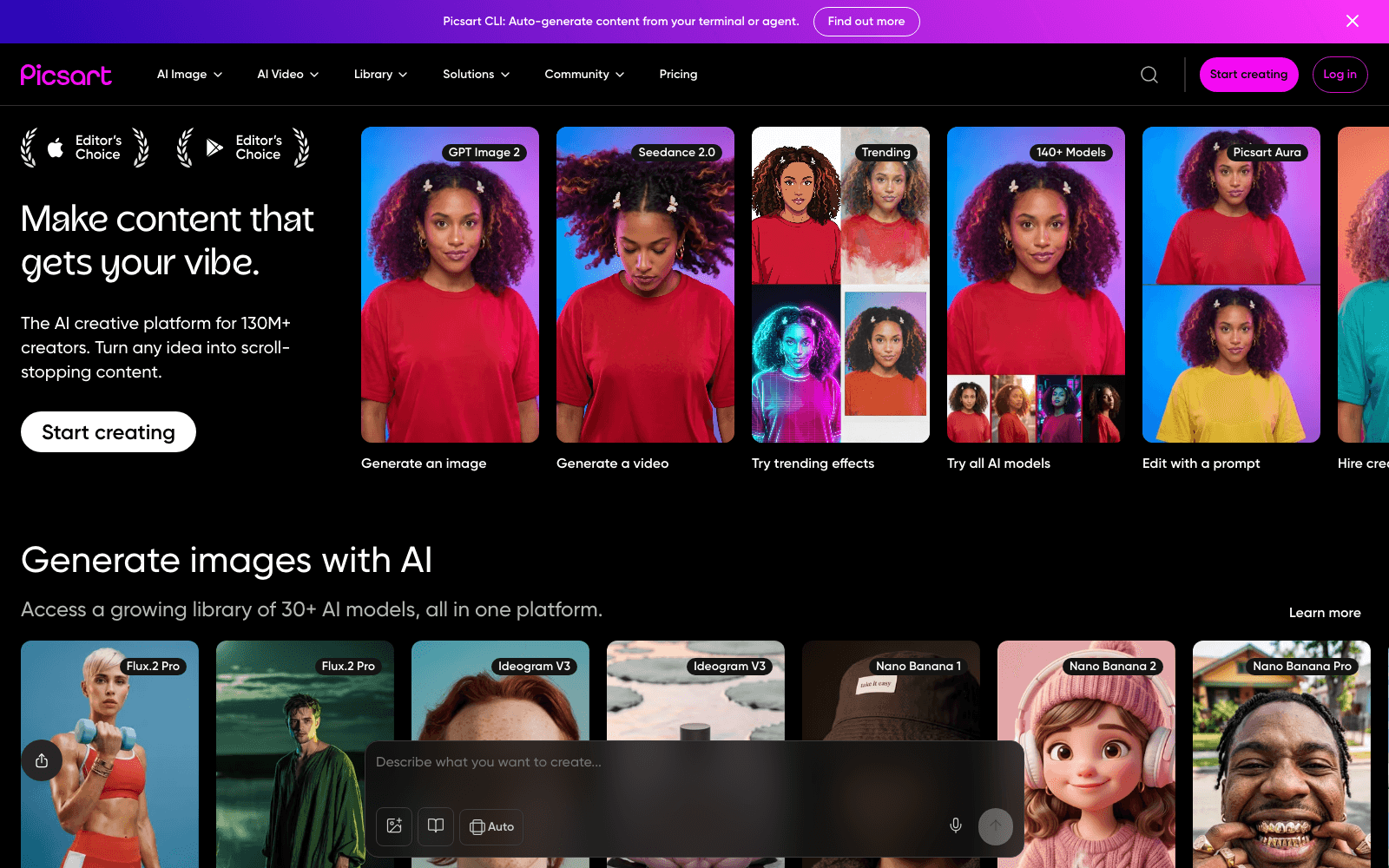
- Picsart — Best broad consumer editor. A large kit of AI tools for casual editing.
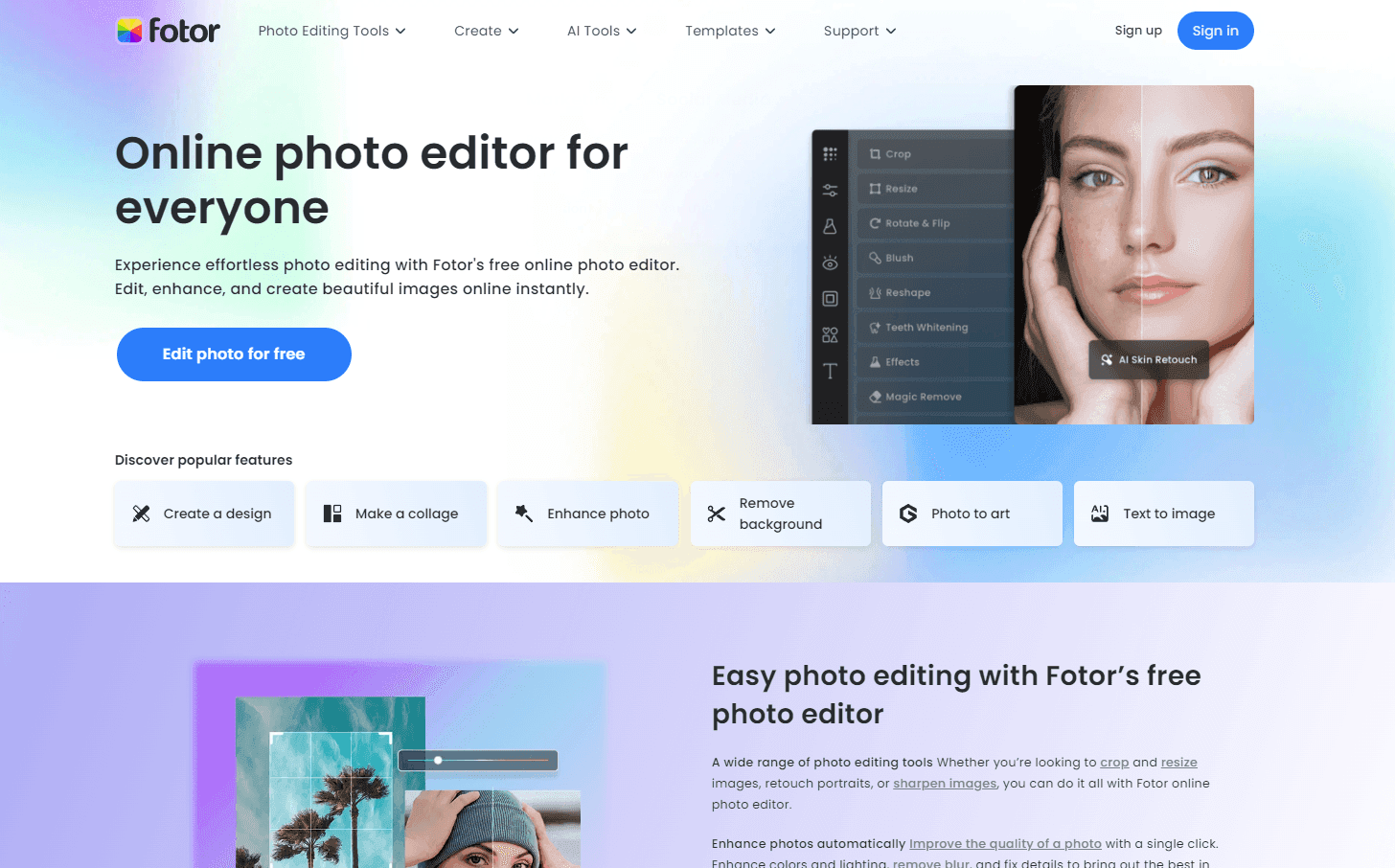
- Fotor — Best free online editor. Browser-based enhance, retouch, and background removal.
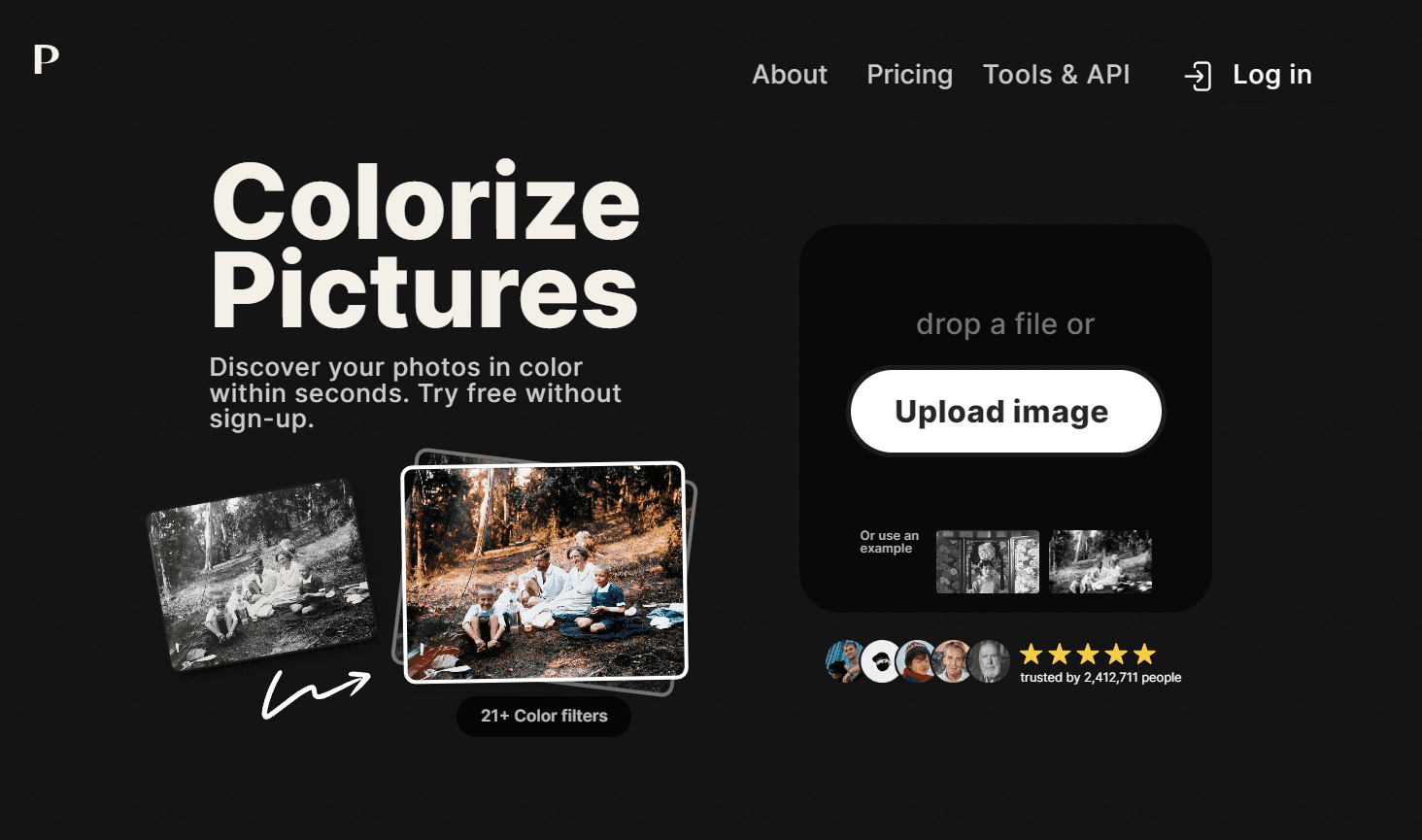
- Palette — Best for colorizing old photos. AI colorization of black-and-white images.
AI Upscalers & Enhancers
Reach for these three when the problem is resolution, sharpness, or noise.
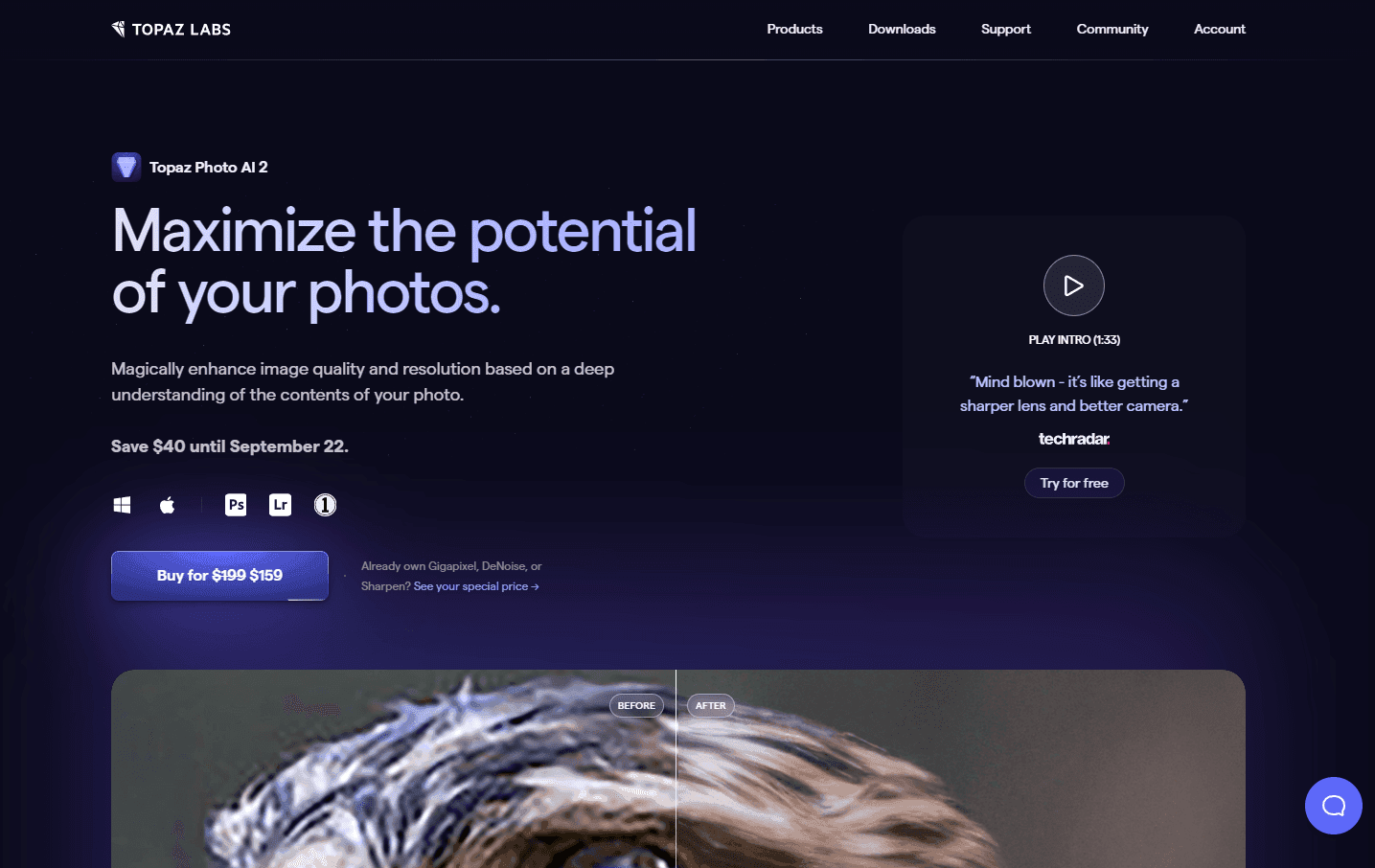
1. Topaz Photo AI — pro-grade upscaling, sharpening, and denoise
Topaz Photo AI is the tool most working photographers reach for when a file needs more resolution or rescue. It folds noise reduction, sharpening, and upscaling into one desktop program with an autopilot you can override.
The reason it leads is restraint: it adds detail while keeping faces, hair, and textures true to the original, which makes it safe for client work.
Production credibility: Built by Topaz Labs, whose tools (DeNoise, Sharpen, Gigapixel) are widely used in professional photography. Sold as a perpetual desktop license for Mac and Windows, not a subscription.
What it wins at: Realistic upscaling and detail recovery, RAW support, clean batch processing.
Where it falls down: A paid desktop app focused on enhancement, not background removal or compositing.
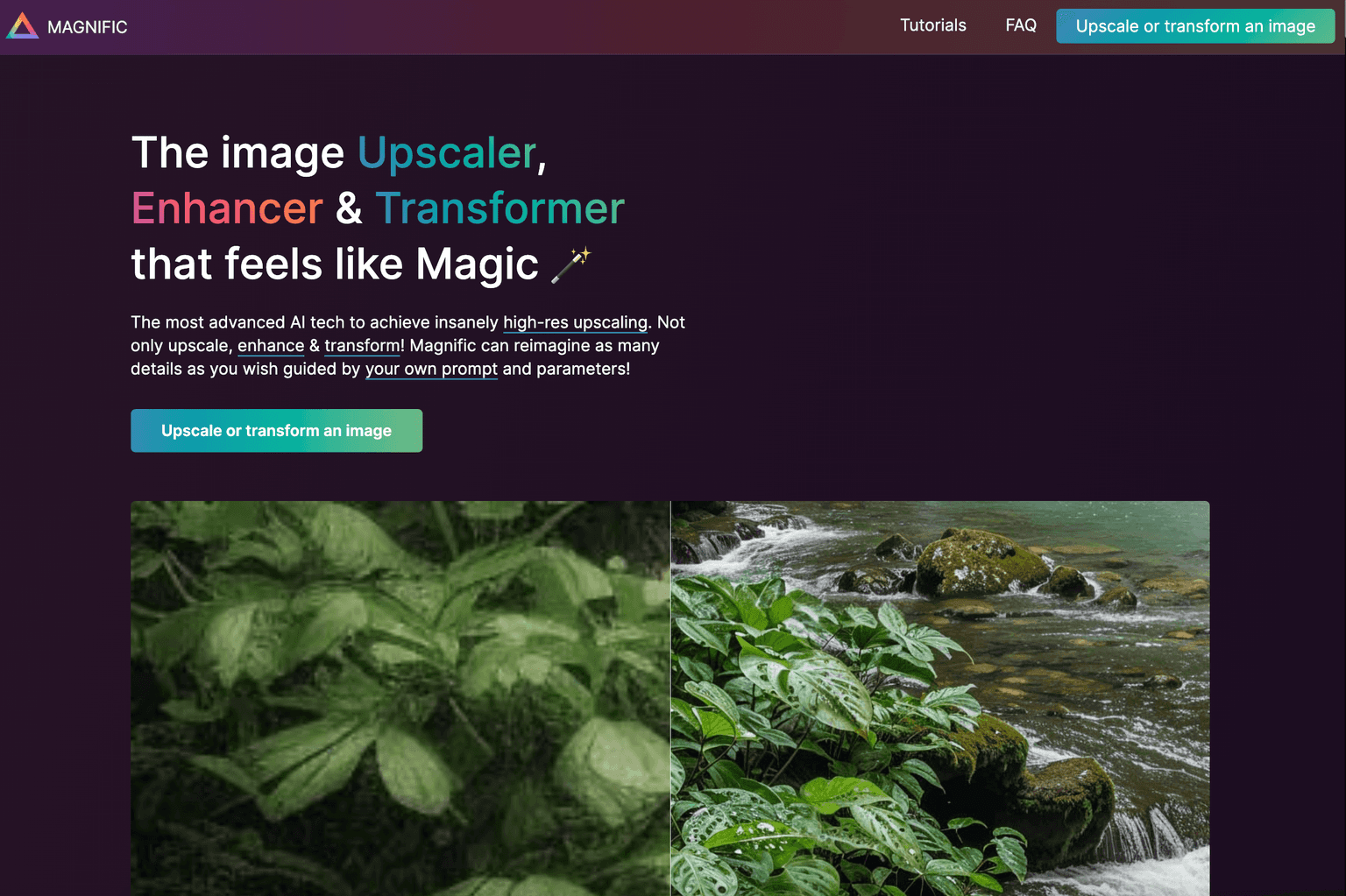
2. Magnific AI — generative upscaler that invents realistic detail
Magnific AI takes a different approach from Topaz. Instead of recovering detail already in the file, it generates new, plausible detail, adding skin pores, fabric weave, and foliage the camera never saw.
That makes it the strongest choice for renders, concept art, and generated images at large sizes, though high settings reinterpret rather than preserve the image.
Production credibility: Acquired by Freepik in 2024 and now part of Freepik's creative stack (the parent company adopted the Magnific name in 2026). It built a following fast for "reimagined" upscaling.
What it wins at: Believable detail at extreme upscales, especially on illustrations and renders.
Where it falls down: It can hallucinate detail, risky for documentary or client photos, and it is priced at the premium end.
3. Krea — real-time generation plus an enhance and upscale workflow
Krea is a creative suite where generation and enhancement live on one canvas. Its real-time mode renders as you sketch or type, and its Enhancer and upscale tools add resolution to whatever you bring in.
It earns its place in the upscaler lane on the enhance-and-upscale path alone: drop in a soft image and pull out a sharper one.
Production credibility: A venture-backed platform that has raised over $80 million and reports tens of millions of users, bundling many third-party models with its own.
What it wins at: Real-time iteration, a flexible enhance-and-upscale workflow, and many models in one place.
Where it falls down: Broader and busier than a dedicated upscaler, with a steeper learning curve.
Background Removal & Object Editing
When the job is cutting out subjects or prepping product shots at volume, these three are purpose-built.
4. Remove.bg — one-click background removal
Remove.bg does one thing cleanly: it removes the background in a single click, returning a transparent PNG with surprisingly good edges around hair and semi-transparent areas.
Its real strength is scale: the API and bulk tools strip backgrounds from hundreds of images automatically, which is why it sits in so many e-commerce pipelines.
Production credibility: Built by Kaleido and acquired by Canva in 2021. Its background-removal tools have been used by well over 100 million people, and the model now powers cutout features in Canva.
What it wins at: Fast, accurate one-click cutouts and a reliable bulk API.
Where it falls down: Narrow by design: no retouching, relighting, or compositing, and high-res and bulk use need paid credits.
5. PhotoRoom — product and photo editing with background tools
PhotoRoom is built for the moment after the cutout, when you need a product on a clean studio backdrop. It removes backgrounds, then adds AI-generated scenes, shadows, and templates for marketplace and ad creative.
For sellers shooting on a phone, it cuts raw photo to listing-ready image down to a few taps, and batch tools keep a catalog consistent.
Production credibility: A Paris-based, venture-backed company that raised a $43 million Series B in 2024 (led by Balderton Capital) and reports well over 100 million app downloads, focused on business and e-commerce photo editing.
What it wins at: Turning raw product shots into studio-style images with AI backdrops and shadows.
Where it falls down: Oriented toward commerce work, less suited to fine-art retouching or detailed manual editing.
6. Pixelcut — mobile-first editing, background removal, and upscaling for e-commerce
Pixelcut targets the same e-commerce seller as PhotoRoom but leads with a mobile-first design, bundling background removal, upscaling, object removal, and generative backgrounds.
The pitch is speed: shoot, remove the background, upscale, and place the product in a scene without a desktop editor, at pricing that undercuts heavier suites.
Production credibility: Founded in 2021, based in Oakland, and backed by AI Grant, reporting tens of millions of users and aimed at e-commerce and social creators.
What it wins at: A complete mobile editing kit, e-commerce features, and competitive pricing for small teams.
Where it falls down: The mobile-first focus means less depth than desktop suites, and the best features need a subscription.
Full AI Photo Editors
These suites pair AI assists with manual controls, which is what you want for a finished, polished photograph.
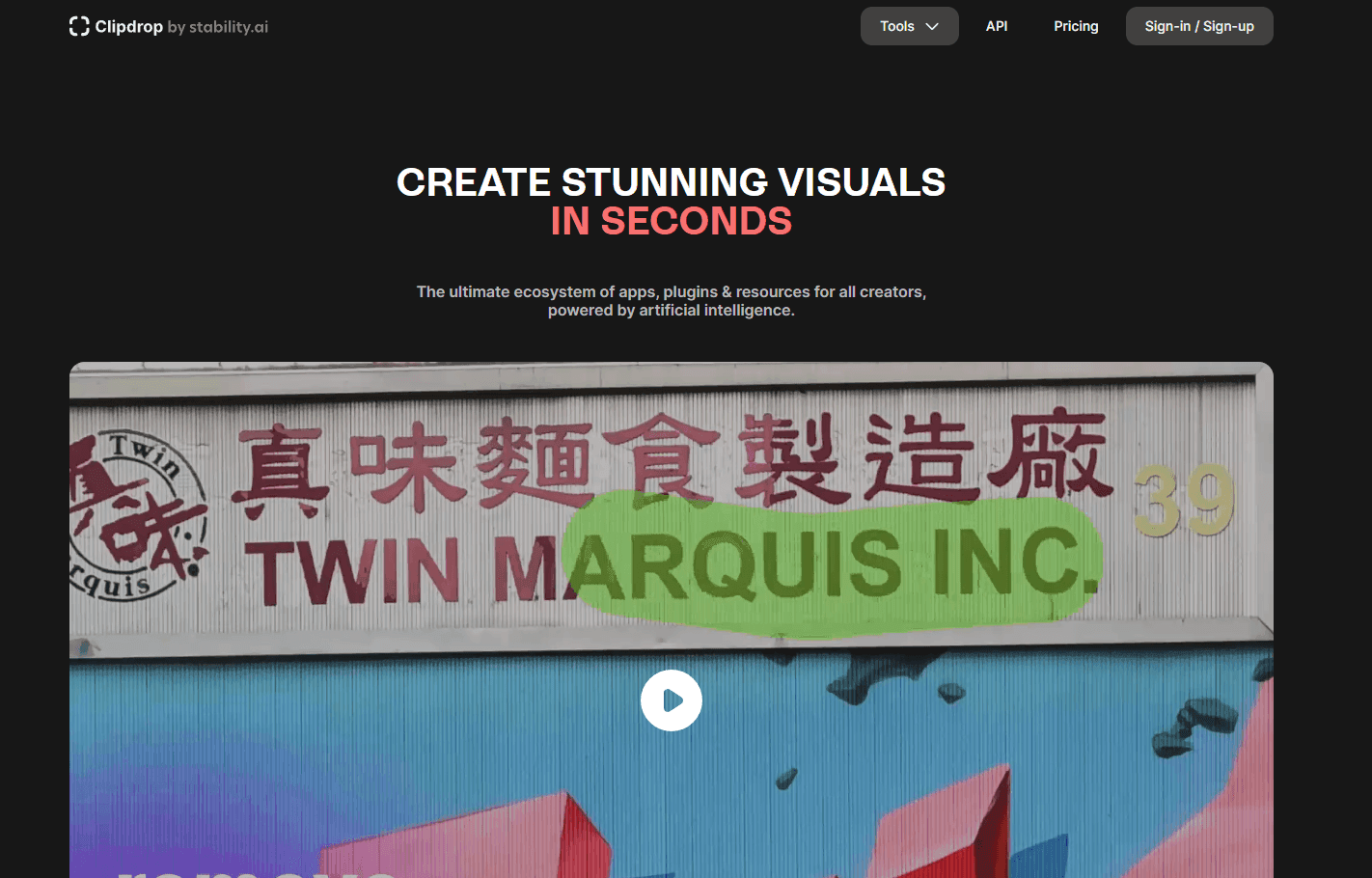
7. Clipdrop — an all-in-one AI editing suite
Clipdrop bundles a stack of AI editing tools in one place: background removal, object cleanup, relighting, upscaling, uncrop, and generative fill. Drop in a photo and you can fix several things in one session instead of bouncing between single-purpose apps.
It is the most versatile entry in this lane, closer to a Swiss-army kit than a one-trick tool, and it runs in the browser with an API for teams that need to automate the same edits at volume.
Production credibility: Originally built by Stability AI on Stable Diffusion and acquired by Jasper in February 2024. It runs at clipdrop.co with a free tier and paid plans from around $9 per month, and its tools are also available through the Jasper API.
What it wins at: A broad kit of AI edits, cleanup, relight, upscale, uncrop, and background removal, in one suite with API access.
Where it falls down: Its all-rounder breadth means a dedicated upscaler or background remover can still edge it on any single task.
8. Picsart — broad consumer editor with many AI tools
Picsart is a wide consumer editor that packs many AI features into one app: background removal, enhance, object removal, retouching, effects, and social templates.
It is the generalist of this list: one app for a bit of everything, covering more ground than any single-purpose tool even if it is the deepest at none.
Production credibility: Founded in 2011, Picsart is one of the most widely used editing apps in the world, reporting over 150 million monthly active users and a billion-plus downloads.
What it wins at: Breadth, a deep bench of AI tools, templates, and effects on mobile and web.
Where it falls down: Built for consumers, so output quality and precision trail the dedicated upscalers and pro editors.
9. Fotor — online editor with AI enhance and retouch
Fotor is a browser-first editor with a free tier, an easy starting point when you do not want to install anything. It bundles a one-click AI enhancer, portrait retouching, and background removal alongside conventional editing tools.
For quick fixes, brightening a dull photo, retouching a portrait, swapping a background, it gets there fast in any browser.
Production credibility: A long-running, widely adopted online editor with a very large global user base, on a freemium model across web and mobile.
What it wins at: Free, no-install AI enhance, retouch, and background tools for quick fixes.
Where it falls down: Free output is capped and watermarked, and depth trails pro tools.
10. Palette — AI colorization of black-and-white photos
Palette is the specialist on this list. It colorizes a black-and-white photo, using AI to recognize the scene and apply realistic color, with palettes and a text prompt to steer the result.
It is the tool for restoring family archives or modernizing historical images, and its focus means it beats the colorize feature buried in a general editor.
Production credibility: A dedicated AI colorization tool that pairs a scene-captioning model with a colorization model, with twenty-plus adjustable palettes and a free tier.
What it wins at: Realistic, adjustable colorization of black-and-white photos and video, plus bulk processing.
Where it falls down: It does one thing only; for sharpening, upscaling, or background work you need another tool.
How to Choose an AI Image Editor
Pick by the job in front of you, not the longest feature list:
- Upscale or enhance existing photos — Topaz Photo AI for faithful, pro-grade results, or Magnific AI for generative detail on renders and creative work.
- Remove backgrounds for e-commerce — Remove.bg for fast one-click cutouts and bulk API jobs, or PhotoRoom and Pixelcut when you also need studio backdrops.
- Do full creative editing — Clipdrop for an all-in-one AI editing suite (cleanup, relight, upscale, background removal), or Picsart for a broad consumer kit.
- Restore or colorize old photos — Palette, the dedicated pick for turning black-and-white images into realistic color.
- On a budget or want free — Fotor for free AI enhance, retouch, and background tools in the browser, and Pixelcut for affordable mobile e-commerce editing.
Adjacent Reading
If your real need is to make new images rather than edit existing ones, read our Top 6 AI Image Generators, the text-to-image companion to this guide. For headshots, our roundup of the best AI headshot generators pairs well with the portrait tools above, and our guide to AI tools for your creative process shows how editing fits a wider workflow. You can also browse the full AI Art & Image Creation category.
Frequently Asked Questions
What is an AI image editor? An AI image editor uses machine-learning models to modify or improve an existing photo, handling jobs like upscaling, removing noise and blur, cutting out backgrounds, retouching portraits, and relighting a scene. The defining trait is that it edits a picture you already have rather than creating one from scratch.
What is the best AI image upscaler in 2026? For most photographers, Topaz Photo AI is the best AI upscaler because it adds resolution and sharpness while keeping the image faithful to the original. For a generative upscaler that invents new detail on renders and creative work, Magnific AI is the stronger choice.
What is the difference between AI image editing and AI image generation? AI image editing changes an existing photo (upscaling, retouching, removing backgrounds), while AI image generation creates a brand-new image from a text prompt with no source photo. This guide covers editing and upscaling; for generation, see our Top 6 AI Image Generators.
Are there free AI photo editors? Yes. Fotor offers AI enhance, retouch, and background removal in the browser on a free tier, and Pixelcut and Palette include free options. Free tiers usually cap resolution, add watermarks, or limit how many images you can process; paid plans remove those limits.
What is the best AI background remover? Remove.bg is the best AI background remover for fast, clean one-click cutouts and bulk jobs through its API. If you also want to place the subject on a studio backdrop afterward, PhotoRoom is built for that workflow.
Which AI image editor is best for e-commerce product photos? PhotoRoom and Pixelcut are both built for e-commerce, combining background removal, upscaling, and AI-generated backdrops. For pure background removal at scale in an existing pipeline, Remove.bg and its API are hard to beat.
Final Thoughts
If you only try one tool from this list, make it Topaz Photo AI. It is the most reliable way to upscale and clean up real photos without the artifacts cheaper tools leave behind, and a perpetual license means you are not renting it forever. For high-end creative upscaling on renders and generated art, Magnific AI is the one to add.
For e-commerce, Remove.bg handles background removal at speed and scale, and PhotoRoom takes it to a listing-ready shot. To start without spending anything, Fotor covers the common quick fixes free in your browser. And remember the line that runs through this guide: these tools edit images you already have. To create new ones, head to our Top 6 AI Image Generators.
Categories these tools span
More collections you may also like
Sign up for our newsletter
Receive weekly updates so you can stay up-to-date with the world of AI
Sign up for our newsletter
Receive weekly updates so you can stay up-to-date with the world of AI
The AI tools directory for discovering, exploring, and comparing the most innovative AI tools in the industry