Krea AI
Real-time AI image and video generation with a creative pro UI — image, video, training, and edit in one canvas.
Overview
Krea AI: Real-Time Generative Canvas for Creators
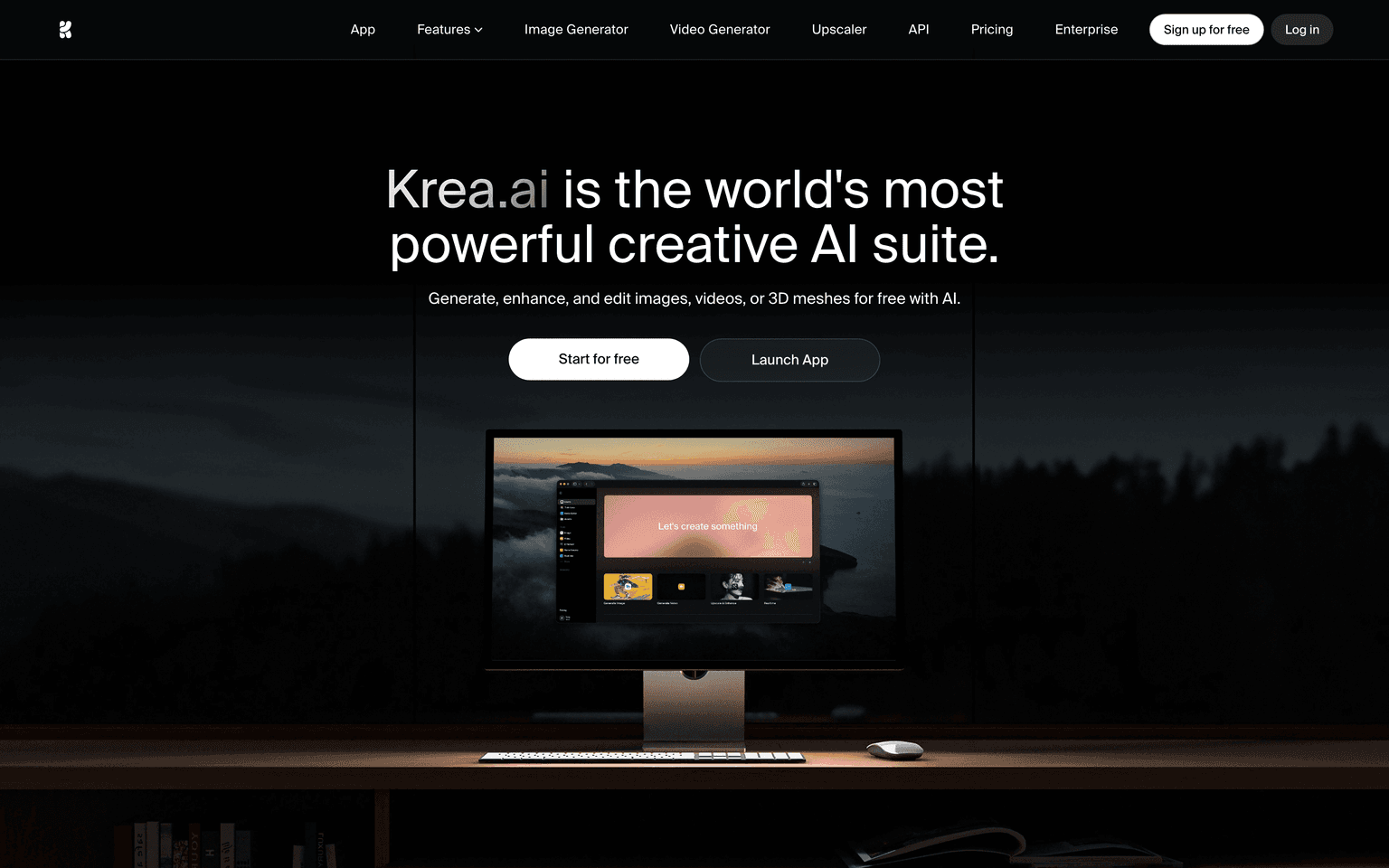
Krea is the all-in-one generative AI platform for designers, artists, and creators — a creative canvas that bundles real-time image generation, video generation, image editing, video editing, and custom model training into a single interface. Backed by an $83M Series B in 2025, Krea has become the go-to platform for professional creative work that needs the speed of real-time AI and the depth of a full creative suite.
The platform is unique in offering live, real-time image generation that updates as you type and sketch — letting you iterate ideas at the speed of thought rather than the speed of a queue.
Key Features
- Real-time generation. Live image generation that updates as you draw or type — feels like a creative instrument, not a batch process.
- Multi-model image gen. Best-in-class image models (FLUX, Ideogram, Recraft, plus Krea's own) all available in one workspace.
- Video generation. Krea Video supports text-to-video and image-to-video using Veo, Sora-class, and Hailuo models.
- Editor. Layer-aware editor with inpainting, upscaling, restyle, and prompt-driven local edits.
- Train your own model. Upload reference images and train a personal style or character model in minutes.
- Krea AI app. Full-featured iOS app for on-the-go generation.
- Team workspaces. Collaborative canvases for studios and brand teams.
Ideal Use Case
Professional creative work, brand and product imagery, design ideation, character art, mood boarding, music video B-roll, advertising creative, illustration pipelines, and any workflow where you need to iterate quickly across multiple AI models and modalities in one place.
Why Use Krea AI
Most AI tools force you to switch tabs between specialized image gen, video gen, training, and editor surfaces. Krea is the only platform that has consolidated the modern creative stack into one workspace — and the real-time generation feels qualitatively different from queue-based tools. For full-time creators, it pays back the subscription within hours.
FAQ
Is Krea free? There is a free tier with limited generations. Paid plans (Basic, Pro, Max) scale generation quotas and unlock pro features. Most professional users are on Pro at ~$35/mo.
Which image models are included? Krea aggregates many of the top image models (FLUX, Ideogram, Recraft, Stable Diffusion variants) plus its own Krea models — included in the subscription rather than billed per-call.
Can I use outputs commercially? Yes on paid tiers; check the current terms for the specific model used.
tl;dr
The most complete generative AI workspace for creators — real-time image gen, video gen, training, and editing in one canvas. The default tool for full-time AI-native designers.
Related
Looking for more options? Browse the AI Art & Image Creation directory or read our best AI image generators listicle. Krea AI is also tracked on Crunchbase.
Why Use Krea AI
FAQ
Editorial Review
Our take on Krea AI.

Real-time generation with a unified canvas beats the fragmented workflow of most competitors—if the UI clicks for you.
What works
- Real-time generation feedback changes creative pacing
- Single canvas for image, video, training, and editing
- Freemium entry means low-friction testing
What doesn't
- Unified UI may feel cramped or complex depending on taste
- Output quality trade-offs vs. single-purpose competitors unclear
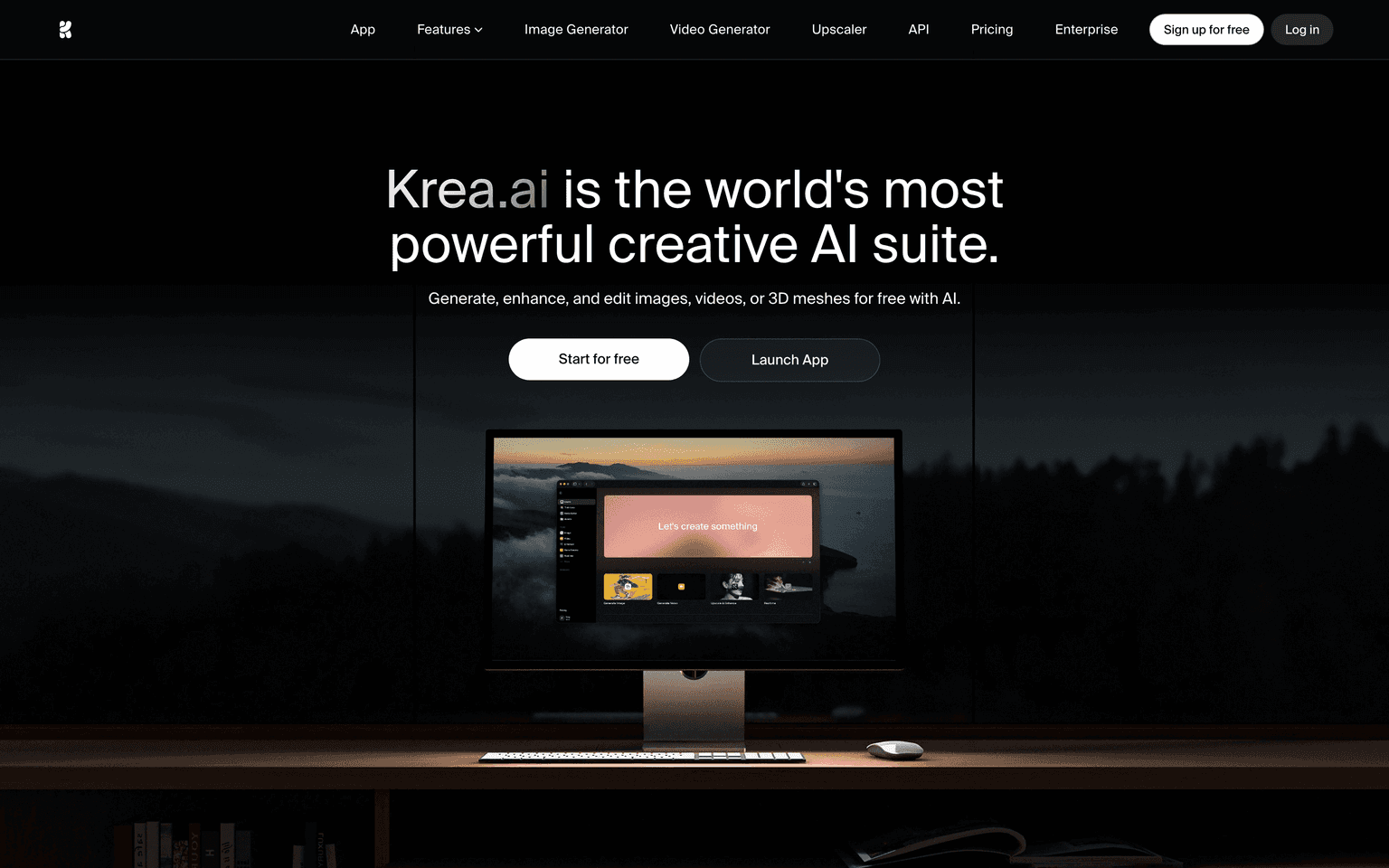
Krea AI's main argument is coherence: image, video, training, and editing all live in one workspace rather than scattered across tabs or apps. That's genuinely useful for iterative work, especially if you're bouncing between formats. The real-time generation aspect means you see outputs as they render, which changes the feel of the creative loop—it's more conversational than the batch-and-wait rhythm of Midjourney or Ideogram.
What feels intuitive to one person can feel cluttered to another. The freemium model is honest—you can test whether that unified-canvas workflow actually saves you time before paying. That's the real test: does one canvas genuinely beat the modal-switching you're used to, or does it just move friction around?
Where this shines is if you're already comfortable with modern design tools and want to avoid app-switching. Where it might disappoint is if you're comparing pure output quality or model sophistication against Runway or Midjourney—Krea's bet is on integration and speed, not being the absolute best at any single generation task.
User Reviews
Similar Tools