Ollama
Ollama is a local LLM runtime that downloads, runs, and serves open models on your own hardware via a CLI and an OpenAI-compatible API.
Overview
Ollama
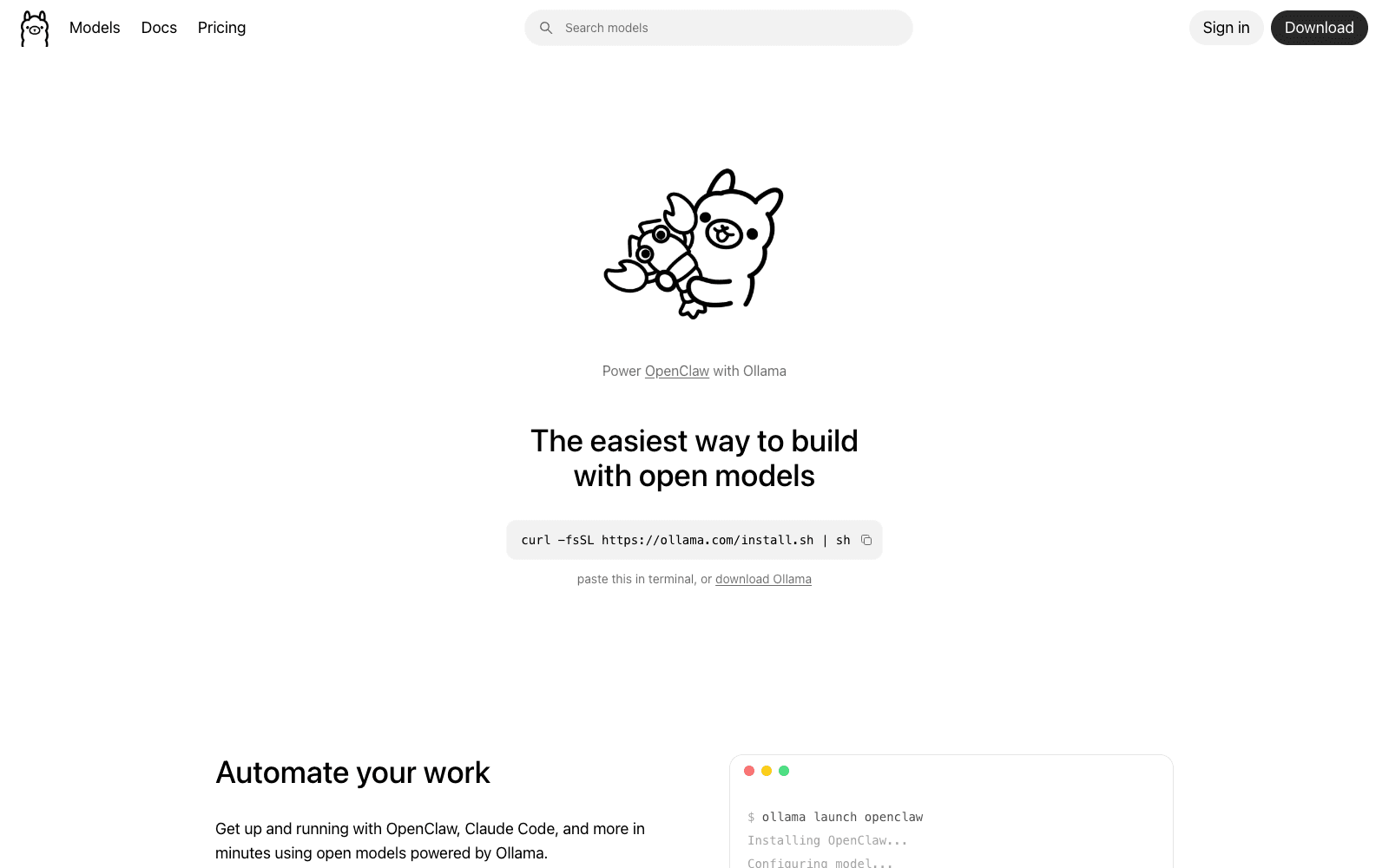
Ollama is a free, open-source tool that downloads, runs, and serves large language models on your own machine, no cloud account or API key required. Ollama wraps llama.cpp behind a one-line install and a simple CLI, so a developer can pull a model like Llama 3.3, Qwen, or gpt-oss and start chatting or hitting a local OpenAI-compatible endpoint in minutes. Built by ex-Docker engineers, Ollama has become the default way people experiment with local models, with an ecosystem of GUIs, libraries, and integrations built on top. It runs on macOS, Linux, and Windows, on CPU or GPU.
Production credibility: Created by Jeffrey Morgan and Michael Chiang, who previously built Kitematic (acquired by Docker) and the developer-infrastructure startup Infra; the team went through Y Combinator (W21). Disclosed outside funding is limited (a small pre-seed associated with YC and angels such as Essence Venture Capital), so Ollama's credibility comes from adoption rather than capital: 170K+ GitHub stars and a reported 52M+ monthly model pulls in early 2026, an official Docker image, first-party Python and JavaScript libraries, and a public library of thousands of community model builds in GGUF format.
Key Features
- Run a model with a single command (
ollama run llama3.3) and serve it over a local REST API. - Pull from a public library of thousands of community model builds (Llama, Qwen, Gemma, gpt-oss, DeepSeek) in GGUF format.
- Exposes an OpenAI-compatible API endpoint, so existing client code can point at localhost with no rewrite.
- Built by Jeffrey Morgan and Michael Chiang, ex-Docker engineers behind Kitematic (acquired by Docker).
- Official Docker image (ollama/ollama) plus first-party Python and JavaScript client libraries.
- Reported 52M+ monthly model pulls in early 2026 and 170K+ GitHub stars; MIT-licensed and fully open-source.
- Supports quantized models sized to fit consumer GPUs and laptops, with optional GPU acceleration.
- Cross-platform: macOS, Linux, and Windows, running on CPU or GPU.
Ideal Use Case
Use Ollama when you want to run an LLM privately on your own hardware, for offline work, sensitive data, local prototyping, or as a no-cost inference backend behind an application.
How Ollama differentiates
Compared with cloud APIs from OpenAI or Anthropic, Ollama trades frontier model quality for privacy, offline use, and zero per-token cost, you supply the hardware. Versus LM Studio, Ollama is more script and server oriented and ships a cleaner API, while LM Studio offers a more polished desktop GUI. Versus running llama.cpp directly, Ollama hides the build flags and model plumbing at the cost of some low-level control. Versus vLLM, Ollama targets single-machine convenience rather than high-throughput production serving. It is a runtime and model hub, not a hosted endpoint, so you manage the box.
FAQ
Q: Is Ollama free? A: Yes. Ollama is free and open-source under the MIT license. There is no paid tier from the project itself, though you pay for the hardware it runs on.
Q: Ollama vs LM Studio: what's the difference? A: Both run open models locally. Ollama emphasizes a command line, a server, and an OpenAI-compatible API, making it easy to embed behind apps. LM Studio emphasizes a desktop GUI for browsing and chatting with models. Many people use Ollama for automation and LM Studio for exploration.
Q: Who founded Ollama? A: Jeffrey Morgan and Michael Chiang, ex-Docker engineers who previously created Kitematic (acquired by Docker). The company went through Y Combinator.
Q: How much has Ollama raised? A: Disclosed outside funding is limited, primarily a small pre-seed tied to Y Combinator and angel investors. No large priced round or valuation has been publicly confirmed; Ollama's traction is driven by open-source adoption.
Q: What hardware do I need to run Ollama? A: Smaller quantized models run on a modern laptop CPU; mid-size models benefit from a GPU with 8GB+ of VRAM or an Apple Silicon Mac. Larger models need more RAM/VRAM. Ollama auto-detects available GPUs.
tl;dr
Ollama is a free, open-source runtime that lets you download and run large language models locally with one command and an OpenAI-compatible API. Built by ex-Docker founders, it is the default tool for private, offline, and on-device LLM use, with 170K+ GitHub stars and tens of millions of monthly model pulls.
Related
Looking for more options? Browse the Developer Tools directory or read our best AI coding tools listicle. Ollama is also tracked on Crunchbase.
Why Use Ollama
Editorial Review
Our take on Ollama.

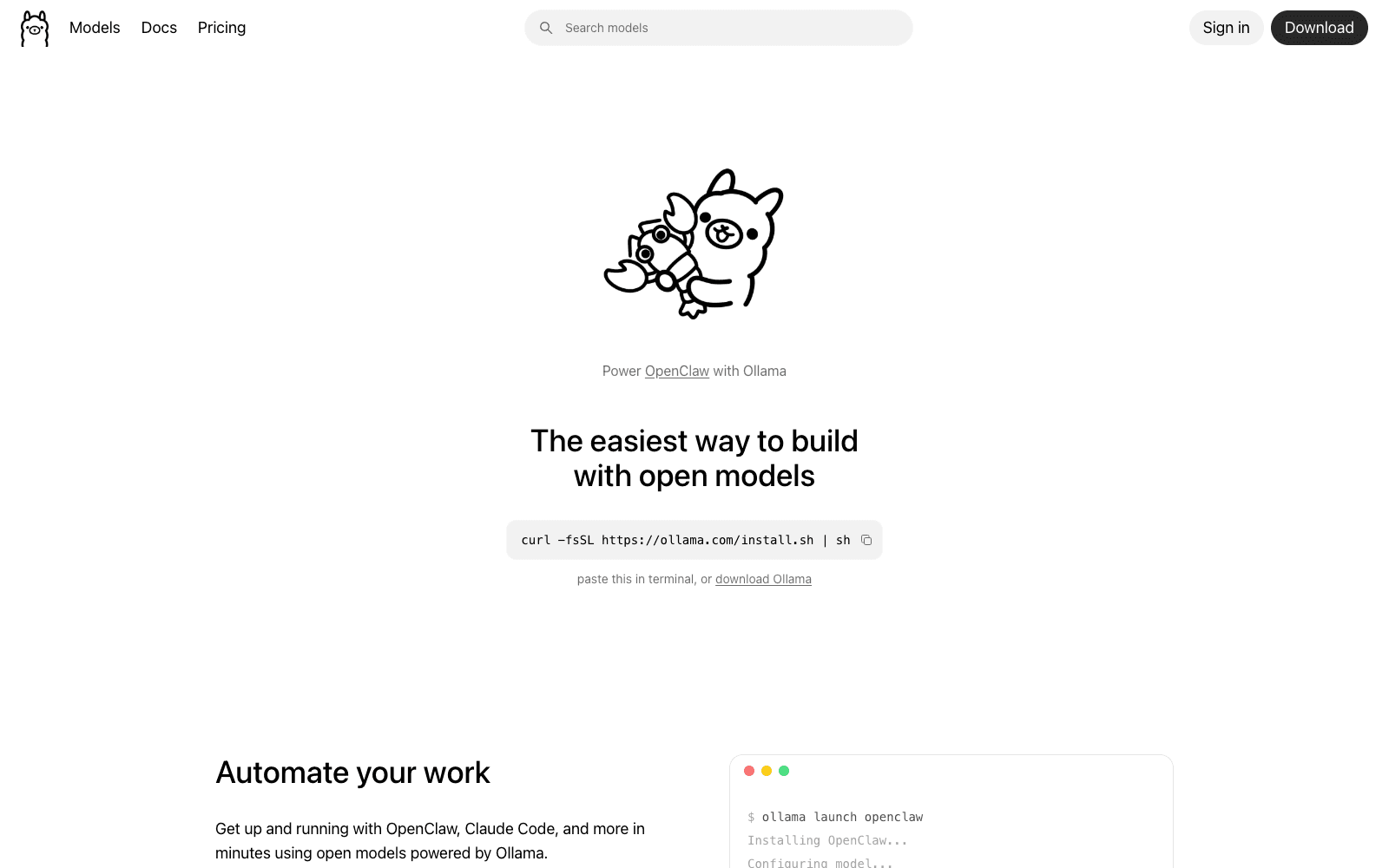
Ollama is a free local LLM runtime that downloads and serves open models on your hardware via CLI and OpenAI-compatible API.
What works
- Free, no per-token costs or cloud lock-in
- OpenAI-compatible API simplifies integration
- Full local control over model and data
What doesn't
- Requires your own hardware; not suitable for production scale
- Setup and dependency management fall on you
Ollama handles the friction of running large language models locally. You download a model, spin it up, and get an API endpoint—no cloud vendor, no rate limits, no token costs. The CLI is straightforward; the OpenAI-compatible interface means you can drop it into existing apps without rewriting integrations. As of 2026, this matters most for developers who want to experiment with open models (Llama, Mistral, others) without committing to hosted services, or who need inference to stay on-premises for privacy or latency reasons.
The catch is hardware. Ollama runs on your machine, so you're trading cloud convenience for local compute cost and setup complexity. A MacBook with decent RAM can handle smaller models fine; anything production-scale or GPU-heavy means you're managing infrastructure yourself.
Best for tinkering, local development, and workflows where you need full control over the model and inference—not a replacement for cloud inference if you need scale or don't want to think about hardware.
User Reviews
Similar Tools