Make
Visually create and automate workflows with Make's no-code integration platform.
Overview
Make: The Visual Workflow Automation Platform
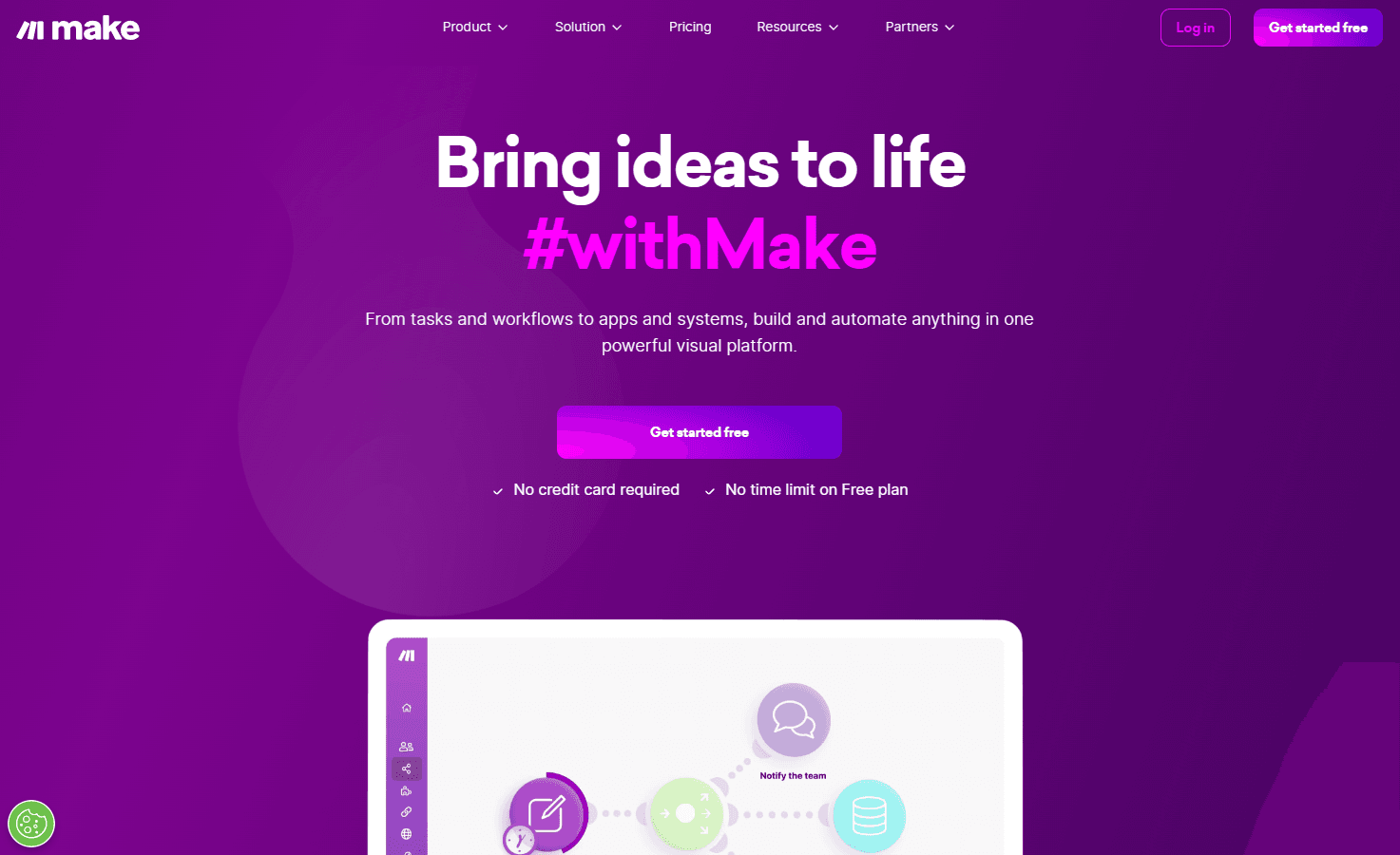
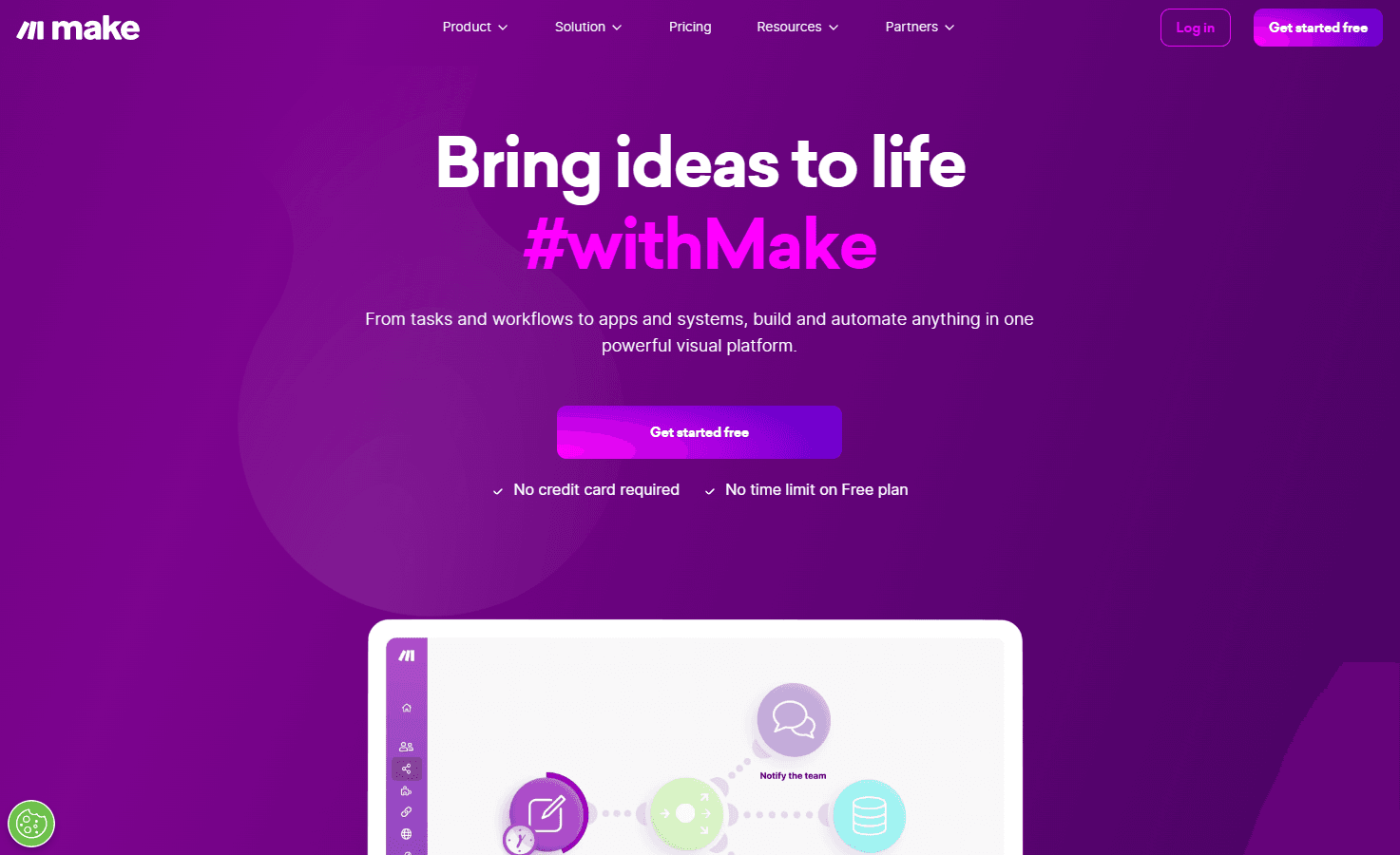
Make is a revolutionary platform that transcends traditional no-code integration and automation platforms by offering a visually intuitive interface. It empowers users to create, build, and automate workflows that are only limited by one's imagination. Whether you're a marketer aiming to drive high-quality leads, a sales professional looking to close deals faster, or an IT expert aiming to minimize disruptions, Make has got you covered.
Key Features:
- Visual Workflow Creation: Design and build workflows with a drag-and-drop interface.
- Template Utilization: Start with thousands of free workflow automation templates and customize them.
- Cross-Functional Automation: Suitable for marketing, sales, operations, IT, and HR.
- Integration with Popular Tools: Replaces platforms like Zapier, Workato, and Tray.io.
- Trusted by Many: Adopted by over 500,000 makers globally.
Ideal Use Case:
Make is ideal for businesses and individuals who want to automate their processes without the need for coding. It's perfect for those who wish to integrate various tools and platforms seamlessly and create workflows that enhance productivity.
Why use Make:
- Intuitive Design: Unlike linear and non-intuitive platforms, Make offers a visual interface.
- Cost-Effective: Achieve the efficiency of multiple employees at a fraction of the cost.
- No Developer Dependency: Anyone can design powerful workflows without relying on developer resources.
- Scalability: Suitable for both small tasks and enterprise-level operations.
FAQ
What does Make do? Make is a no-code platform that lets you visually design and automate workflows by connecting different apps and services together. You can build complex automations without writing any code.
Who should use Make? Make is designed for teams and businesses that want to streamline repetitive tasks and connect their favorite tools without technical expertise. It's ideal for anyone looking to save time on manual work across multiple applications.
How much does Make cost? Make operates on a paid pricing model. Visit the Make pricing page for current plans and to learn about available options that fit your needs.
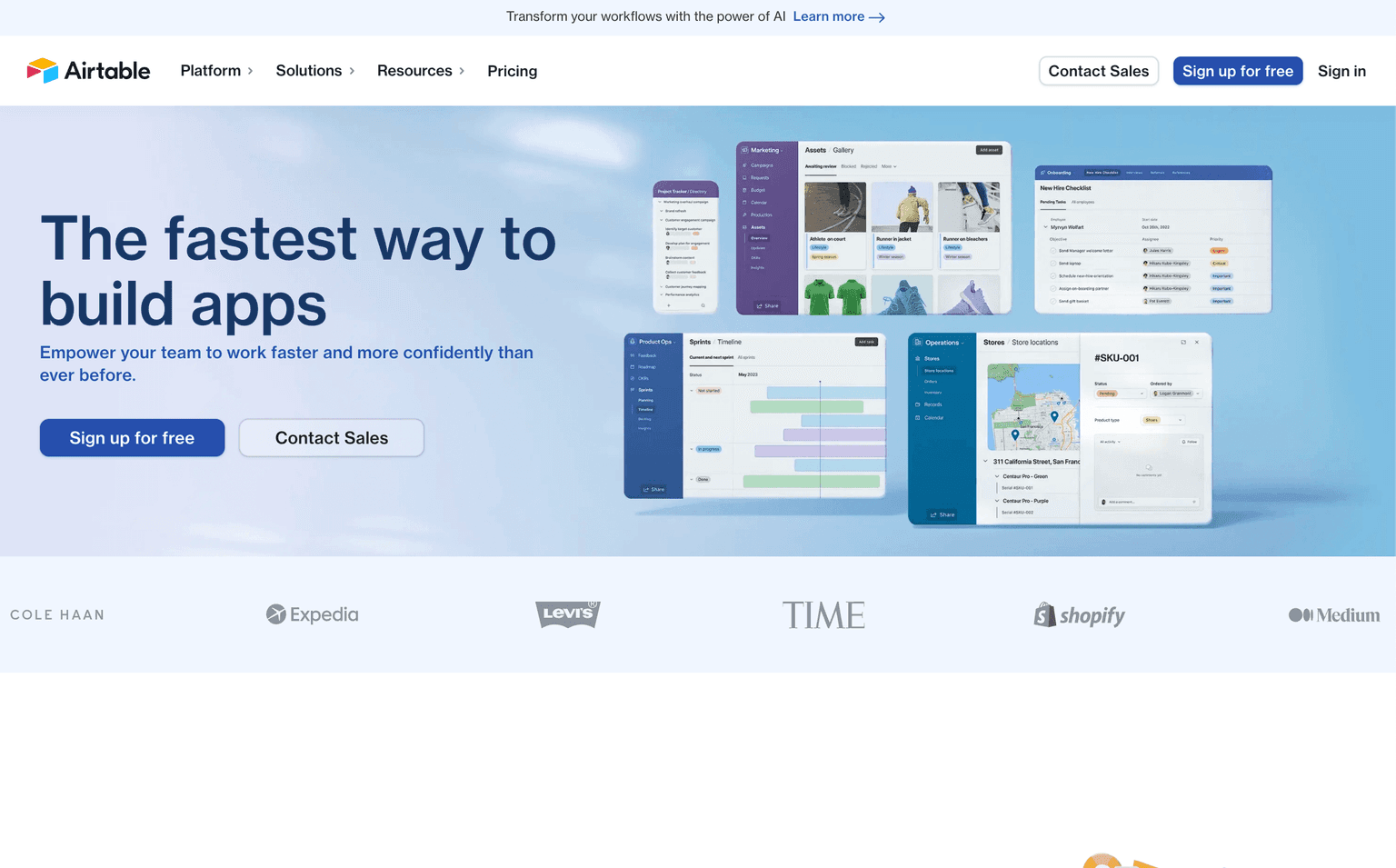
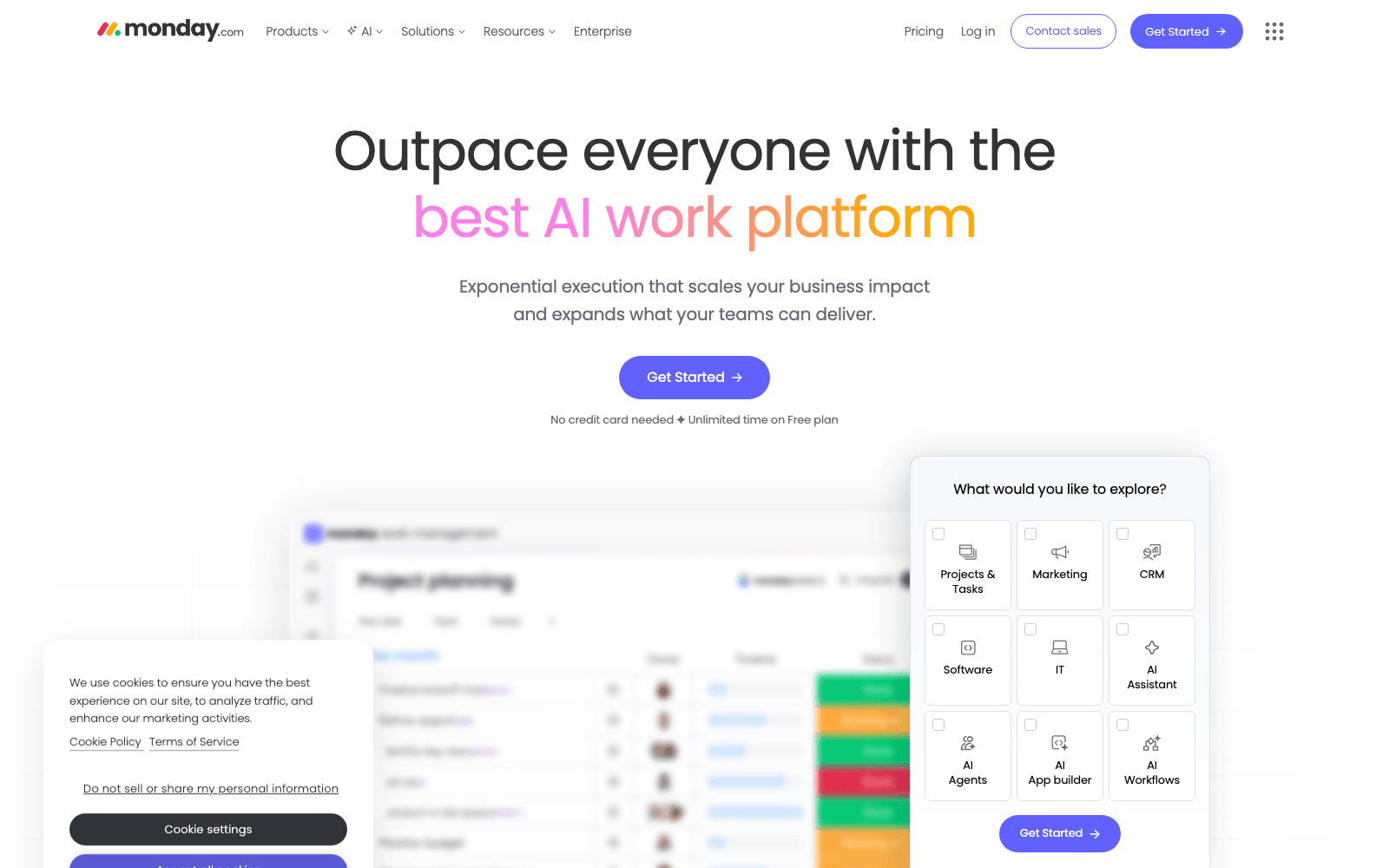
How does Make compare to similar workflow automation tools? Make competes with platforms like Airtable and Monday.com for workflow automation, while offering a visual integration approach. Unlike ChatGPT Agent, which focuses on AI-powered conversations, Make specializes in connecting and automating actions across your existing business tools.
tl;dr:
Make is a visual no-code platform that allows users to create, design, and automate workflows seamlessly. With its intuitive interface and vast integration capabilities, it's the go-to solution for modern workflow automation.
Related
Looking for more options? Browse the Workflow Automation directory or read our best AI process automation tools listicle. Make is also tracked on Crunchbase.
Why Use Make
Editorial Review
Our take on Make.

Make is a no-code workflow automation platform that connects apps and data without custom code, but execution reliability and pricing clarity are prerequisites before scaling.
What works
- Visual editor lowers barrier for non-technical workflow design
- Broad third-party integrations without code
- Free tier to test before committing spend
What doesn't
- Opaque usage-based pricing makes budget forecasting difficult
- Error handling and recovery patterns require deliberate design
Make lets you build multi-step automations by chaining together API calls, webhooks, and conditional logic in a visual editor. You map inputs and outputs between services—Slack to Salesforce, forms to databases, payment events to email chains—without writing a line of code. The interface is spreadsheet-like: modules as cells, connections as logic. For small teams automating repetitive tasks or non-engineers building integrations, that's a real gain in speed-to-launch.
The catch is execution. Make's reliability depends on third-party API stability and your own error handling. If an API call fails mid-workflow, you need to design recovery paths explicitly or lose data. Pricing is usage-based but opaque: the site says "Inquire," which typically signals per-operation metering or volume-based tiers. That makes cost prediction hard. You'll want to prototype on free tier and talk to sales before committing to production automation at scale.
It competes directly with Zapier (more mature, better docs), Airtable (stronger data layer), and native workflow tools built into your core apps. Reach for Make if you need visual flow design and don't mind vetting each integration's resilience yourself.
User Reviews
Similar Tools