Magic Hour
Create engaging videos using AI
Overview
Magic Hour: AI Video, Image, and Audio Studio in the Browser
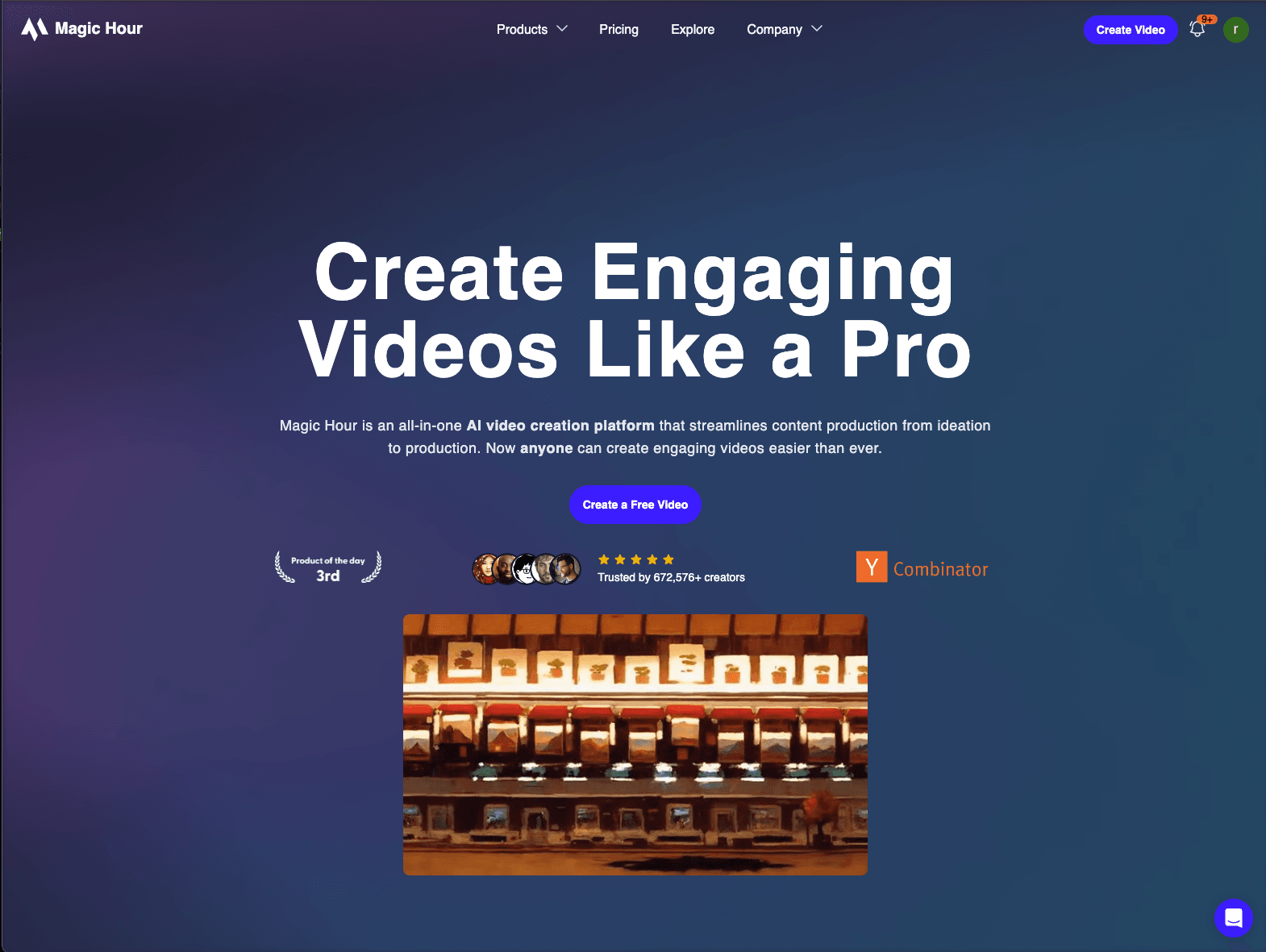
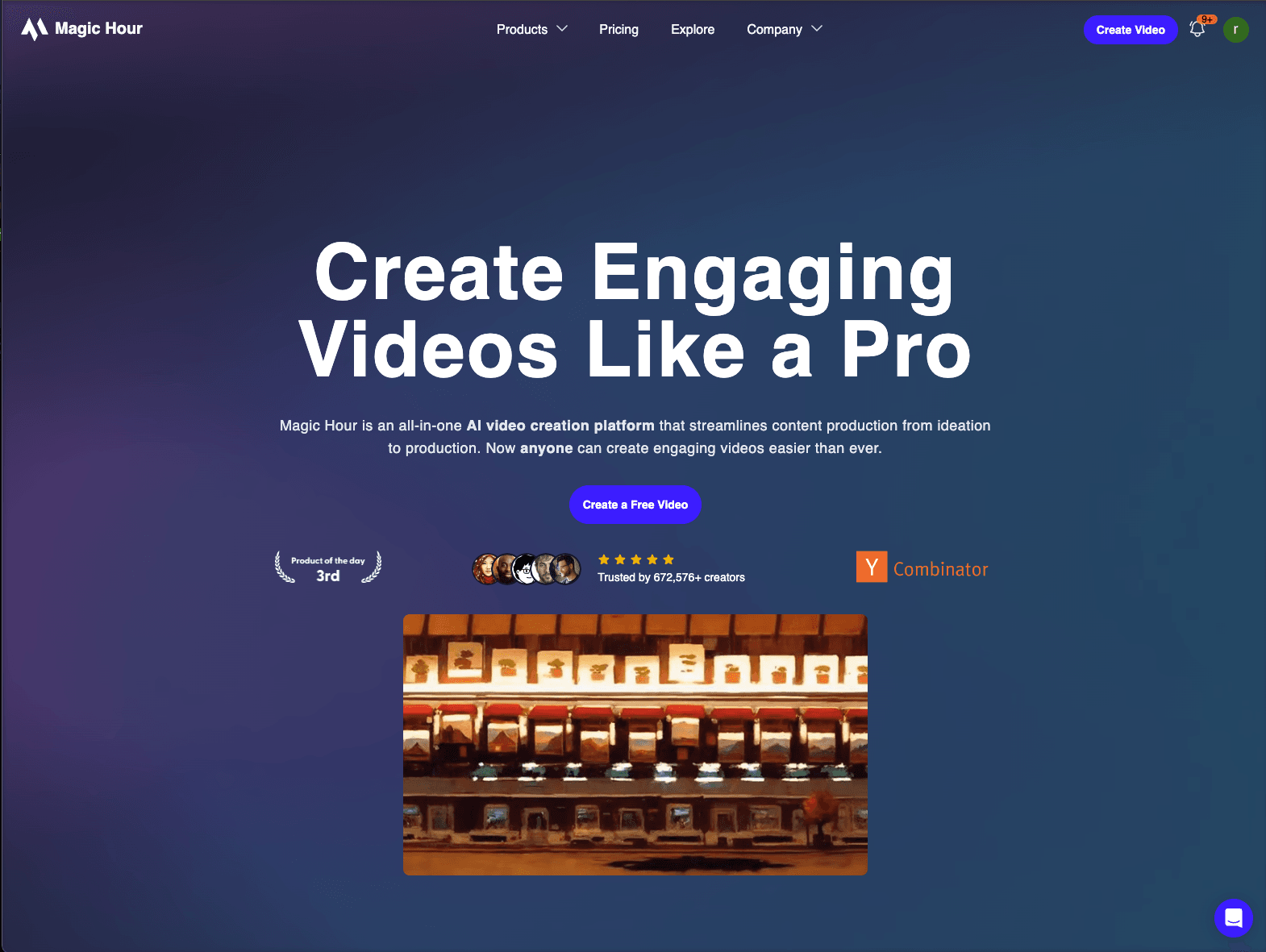
Magic Hour is a browser-based AI creative studio built around video, with image and audio tools alongside it. Rather than one generator, it ships roughly forty single-purpose tools — Text-to-Video, Image-to-Video, Lip Sync, Face Swap, Character Replace, Video Upscaler, Video Extender, UGC Ad Generator, Talking Photo, Subtitle Generator — plus image tools (Headshot Generator, Background Remover, Image Upscaler, Storyboard Generator) and audio tools (Voice Generator, Voice Cloner, Music Generator, Voice Changer).
Creators, social teams, and performance marketers use it for the volume end of content: faceless video, ad variants, UGC-style spots, and quick repurposing, with each job handled by a dedicated tool instead of one prompt box.
Key Features
- ~17 video tools including text-to-video, image-to-video, video-to-video, lip sync, and face swap
- ~19 image tools including headshots, upscaling, background removal, and storyboards
- 5 audio tools: voice generation, voice cloning, music generation, voice changing, video-to-audio
- Watermark-free exports and commercial rights on every paid plan
- Full API access on all paid plans, documented at docs.magichour.ai
- Export quality by tier, up to 4K on Business
Pricing
Credit-based, billed annually:
- Free — limited starter credits, no card required.
- Creator — $12/month ($144/year), 144,000 credits/year, 1,024px exports, 3 concurrent jobs.
- Pro — $25/month ($300/year), 300,000 credits/year, 1,472px exports, 5 concurrent jobs.
- Business — $66/month ($792/year), 840,000 credits/year, 4K exports, unlimited concurrent jobs.
Ideal Use Case
Social and performance marketers producing many video variants a week, faceless-content creators, and small teams that want lip sync, upscaling, and subtitles without stitching together four subscriptions. The API tier suits anyone generating video programmatically inside their own product.
How Magic Hour differentiates
Most AI video products are one model with one prompt box. Magic Hour is closer to a toolbox: each job — swap a face, extend a clip, sync lips, generate a UGC ad — has its own purpose-built tool, which makes routine production faster and the results more predictable than coaxing one general model. The cost of that design is depth; for a single hero shot of cinematic quality, a dedicated model like Veo or Kling is the better call. Note also that export resolution is gated by tier, so 4K requires the Business plan.
FAQ
What does Magic Hour do? It is a browser AI studio with about forty tools across video, image, and audio — text-to-video, image-to-video, lip sync, face swap, upscaling, subtitles, headshots, voice cloning, music generation, and more.
How much does Magic Hour cost? There is a free tier with limited starter credits and no card required. Paid plans are credit-based and billed annually: Creator $12/month (144,000 credits/year), Pro $25/month (300,000), Business $66/month (840,000). All paid plans include watermark-free exports, commercial rights, and API access.
Does Magic Hour have an API? Yes. Full API access is included with every paid plan, with documentation at docs.magichour.ai.
What resolution can Magic Hour export? Export quality is set by plan: 1,024px on Creator, 1,472px on Pro, and 4K on Business. Paid exports carry no watermark.
What can replace Magic Hour? For cinematic single shots, Google Flow, Kling AI, and Hailuo AI are the closer comparisons. Magic Hour's advantage is breadth and throughput rather than maximum fidelity per clip.
tl;dr
Browser AI studio with ~40 purpose-built video, image, and audio tools. Free tier with starter credits; Creator $12/month, Pro $25/month, Business $66/month billed annually, all credit-based with commercial rights, watermark-free exports, and full API access. Built for volume content, not one hero shot.
Related
Looking for more options? Browse the Video Creation directory or read our best AI video tools listicle. Magic Hour is also tracked on Crunchbase.
Why Use Magic Hour
Editorial Review
Our take on Magic Hour.

A toolbox rather than a model: roughly forty purpose-built video, image, and audio tools in one browser studio, with commercial rights and API access on every paid plan. Best for volume production. For a single cinematic hero shot, a dedicated video model still wins.
What works
- Around forty purpose-built tools across video, image, and audio in one place
- Commercial rights, watermark-free exports, and full API access on every paid plan
- Purpose-built tools make routine production more predictable than one general model
What doesn't
- Per-clip fidelity trails dedicated cinematic video models
- Export resolution is gated by tier, with 4K only on the top plan
Most AI video products give you one prompt box and expect you to coax it toward the result. Magic Hour takes the opposite approach: each job has its own tool. Lip sync, face swap, character replace, video extension, upscaling, subtitles, UGC ad generation, talking photos, plus image and audio tooling alongside. For routine production work that is faster and far more predictable than negotiating with a general model.
The pricing model fits that use case. Plans are credit-based and billed annually, all paid tiers include watermark-free exports and commercial rights, and full API access is available from the cheapest paid plan rather than reserved for enterprise. If you generate video programmatically inside your own product, that matters more than the per-clip quality ceiling.
Where it loses ground is fidelity and gating. Export resolution rises with the plan, so 4K sits on the top tier, and no individual tool here matches what a dedicated cinematic model produces on its best day. Treat it as the studio for throughput and repurposing, and keep something else for the shot that has to carry a campaign.
User Reviews
Similar Tools