Linear
Streamlined tool for managing issues, sprints, and product roadmaps.
Overview
Linear: Redefining Software Development with Streamlined Project Management
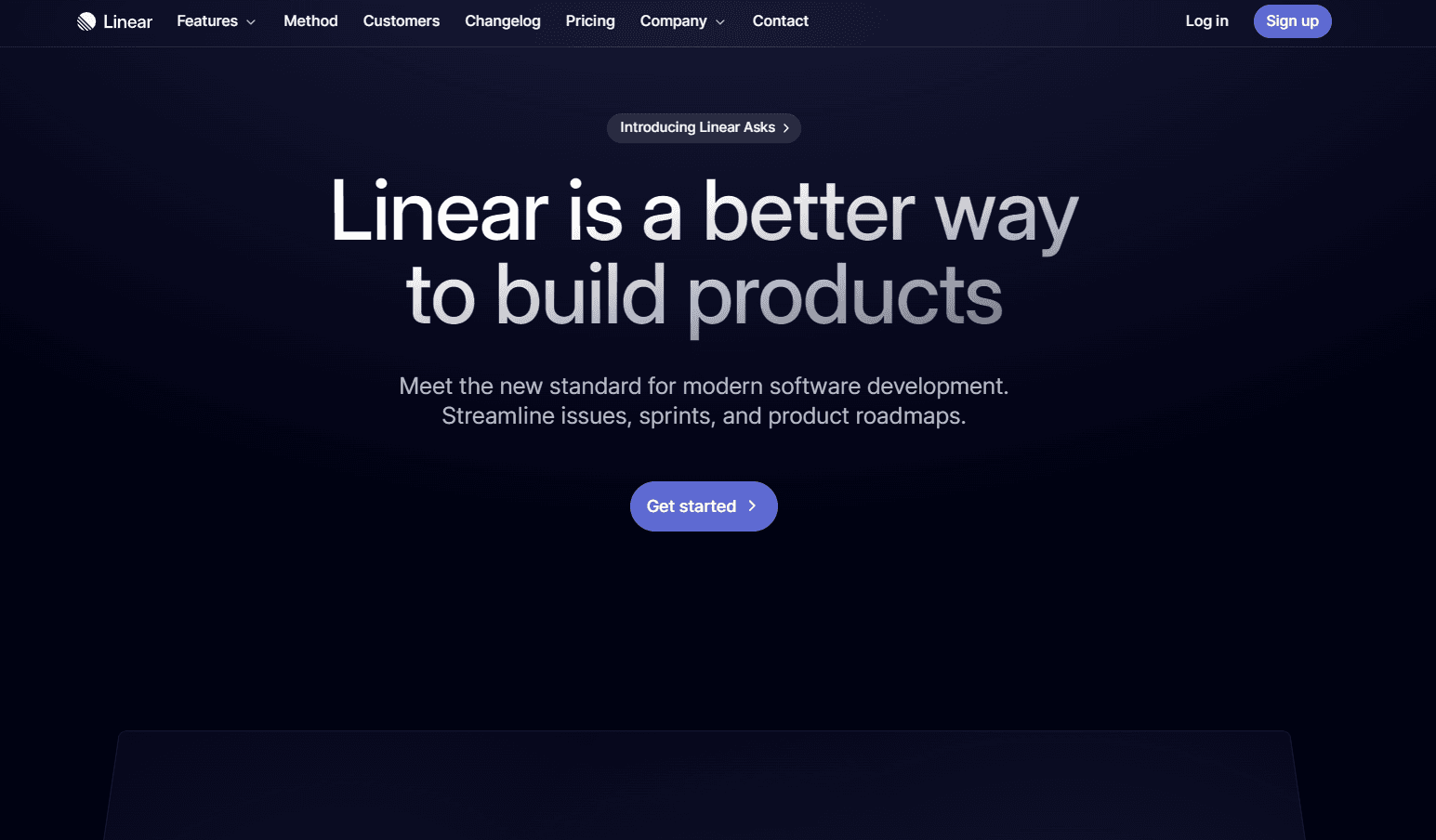
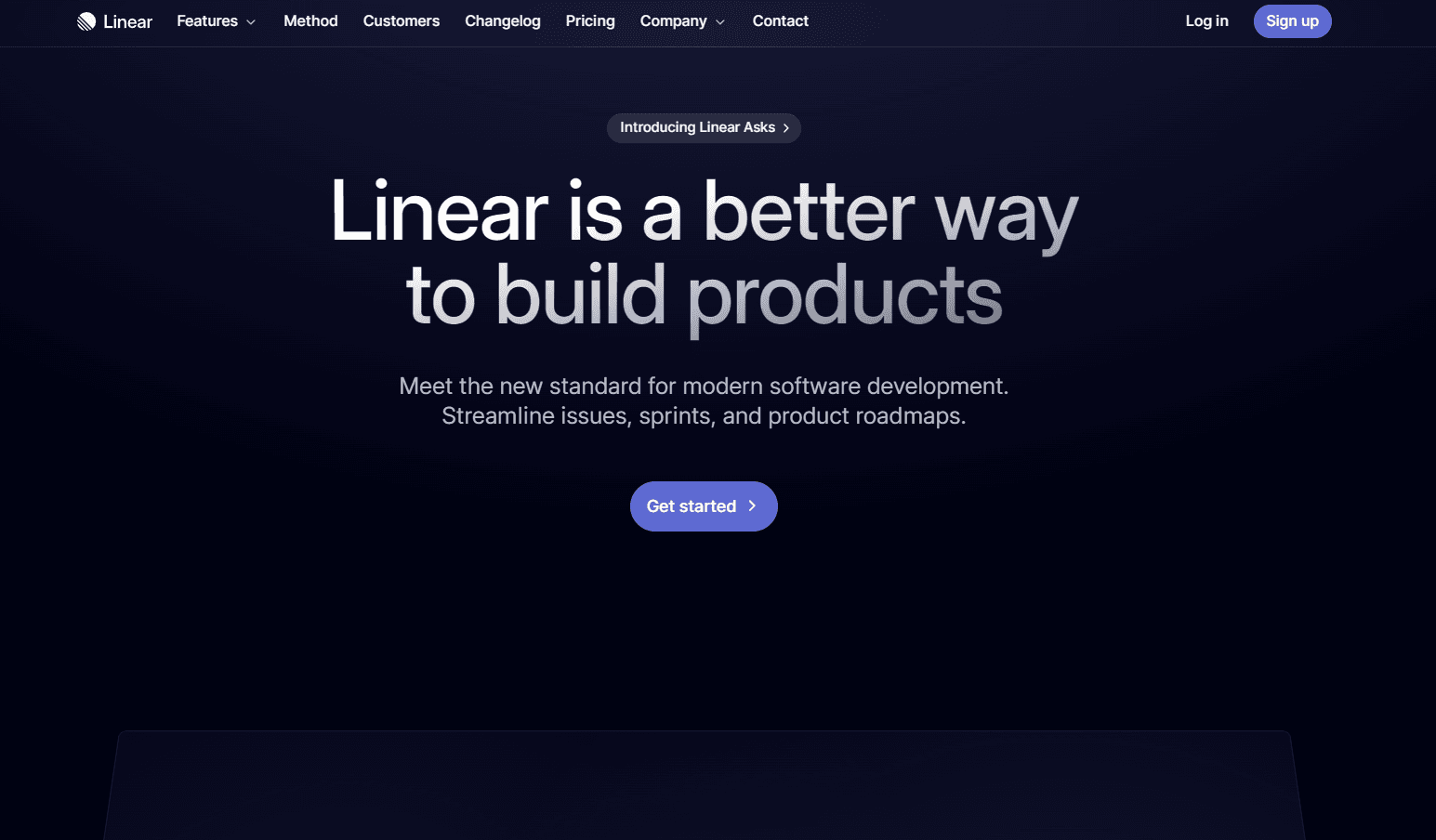
Linear is a modern tool that sets a new standard in software development by streamlining the management of issues, sprints, and product roadmaps. It's designed with precision and elegance, combining a user-friendly interface with high-performance features. Linear is the go-to solution for teams aiming to enhance their productivity and focus in the fast-paced world of software development.
Key Features:
- Rapid-Fire Keyboard Shortcuts: Enables efficient navigation and task management.
- Breathtaking Speed: Offers 50ms interactions and real-time sync for a seamless experience.
- Built-in Workflows: Comes with workflows that create focus and routine for software teams.
- Issue Tracking: Simplifies task creation and discussion, offering tailored views for teams.
- Cycles and Roadmaps: Focuses teams on current work and helps in planning product journeys.
- Integrations: Seamlessly integrates with tools like GitHub, GitLab, Slack, and Figma.
Ideal Use Case:
Linear is ideal for software development teams, project managers, and tech companies looking for an efficient way to manage their development process. It's particularly useful for teams that value speed, organization, and clear roadmaps in their workflow.
Why use Linear:
- Enhanced Productivity: Streamlines task management and project tracking.
- Customizable Workflows: Adapts to the unique needs of different teams.
- Intuitive Design: Offers a clean and user-friendly interface.
- Comprehensive Integration: Connects with various tools for a unified workflow.
- Real-Time Collaboration: Facilitates team communication and collaboration.
tl;dr:
Linear is a powerful tool for modern software development, offering a blend of speed, efficiency, and elegance. It's designed to streamline the management of issues, sprints, and roadmaps, making it an essential tool for teams seeking to optimize their software development process.
FAQ
Q: What is Linear? A: Streamlined tool for managing issues, sprints, and product roadmaps.
Q: How much does Linear cost? A: Pricing varies by plan. Visit the Linear pricing page for current tiers and details.
Q: What is Linear's main use case? A: Linear helps developers and engineering teams ship code faster with AI-powered coding, debugging, and review tools.
Q: What is similar to Linear? A: Top alternatives to Linear include GitHub Copilot, Cursor, and v0. See our directory for in-depth comparisons.
Related
Looking for more options? Browse the Developer Tools directory or read our best AI coding tools listicle. Linear has a Wikipedia entry and is tracked on Crunchbase.
Why Use Linear
User Reviews
Similar Tools