Infinite Talk AI Tools
Create realistic talking-avatar videos from images or video with full-body sync.
Overview
InfiniteTalk: Generate long-form talking avatar videos from image or video
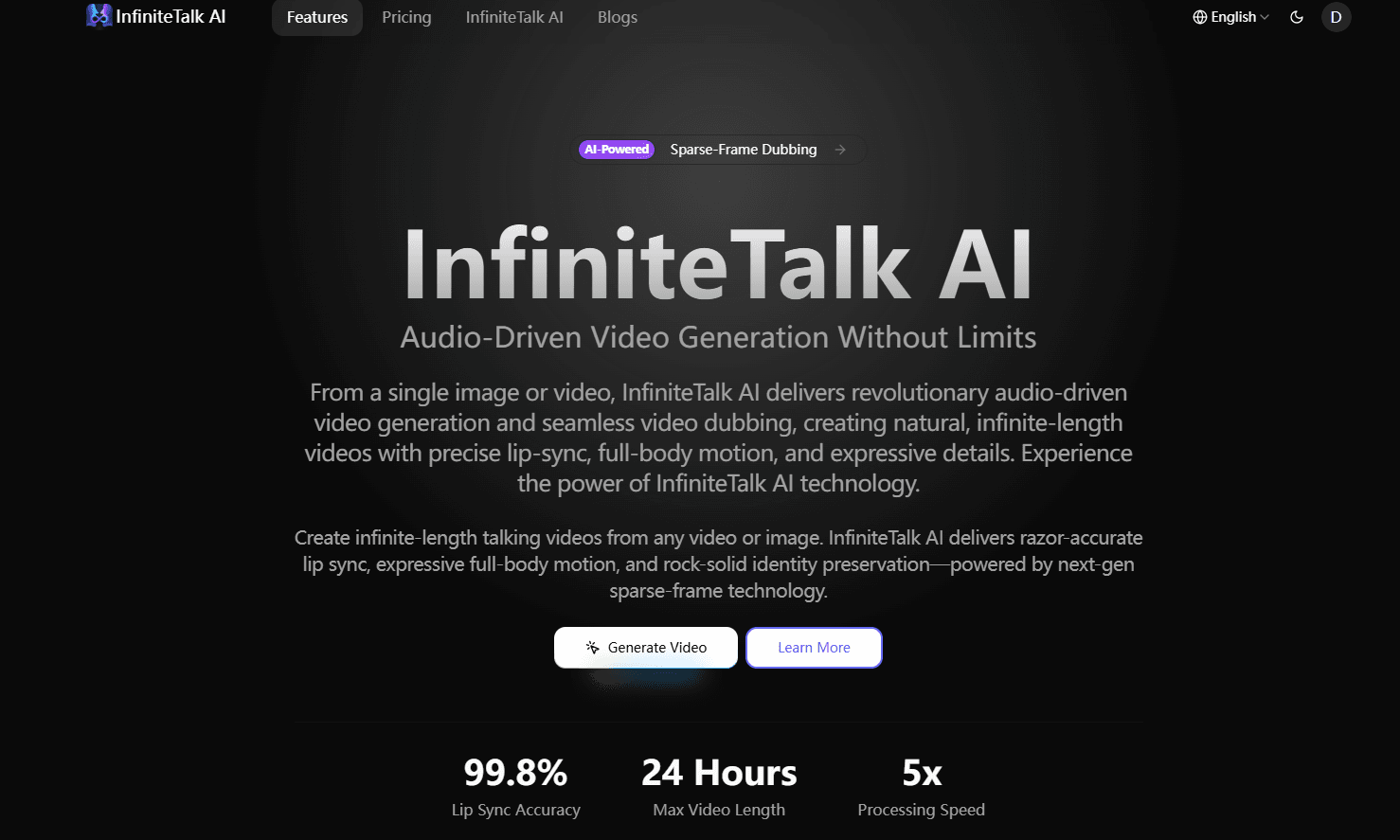
InfiniteTalk is a cutting-edge video creation tool that enables users to transform a static image or existing video into a fully animated, talking avatar video with accurate lip-synchronization, head movements, body posture shifts, and facial expressions. Where many tools limit you to short clips or only lip motion, InfiniteTalk stands out by allowing unlimited-length video generation (as long as hardware supports it) and synchronizing more than just the mouth region.
At a high level, someone might use InfiniteTalk in their daily workflow like this: upload a photo or a short video of a person, provide the audio (speech, podcast, dialogue, voice-over), choose the desired resolution (480p/720p), then generate a video where the avatar not only speaks but gestures, moves naturally, and maintains consistent identity and background. Businesses, creators, educators or hobbyists can use it to build virtual presenters, animated lectures, branded avatars for social media, or retargeted content from one language to another. For developers and tech enthusiasts, it's also an open-source model architecture you can implement or integrate.
InfiniteTalk’s technology is grounded in the concept of sparse-frame video dubbing, which means instead of editing only the mouth region or a fixed short clip, it processes the video in overlapping chunks, preserving identity, background and camera motion, while extending content to arbitrary lengths.
The result: a higher-fidelity talking avatar video that feels natural for long-form content instead of a 10-second gimmick.
Key Features:
- Full-body motion and expression sync — lips, head, body posture & facial expressions all aligned. infinitetalk.org
- Unlimited length generation (image-to-video or video-to-video) — scale from short clips into minutes and longer.
- Flexible input types — upload a static image + audio or existing video + audio track for dubbing.
- Image-to-video capability — bring a photo to life, creating a talking avatar from a still.
- Video-to-video workflow — retarget or dub existing footage with new audio for seamless motion.
- Open-source model architecture available on GitHub/Hugging Face for developers and researchers.
- Works with standard hardware settings (supports 480p and 720p output; optimized for lower VRAM workflows) to broaden accessibility.
Ideal Use Case
InfiniteTalk is most beneficial for:
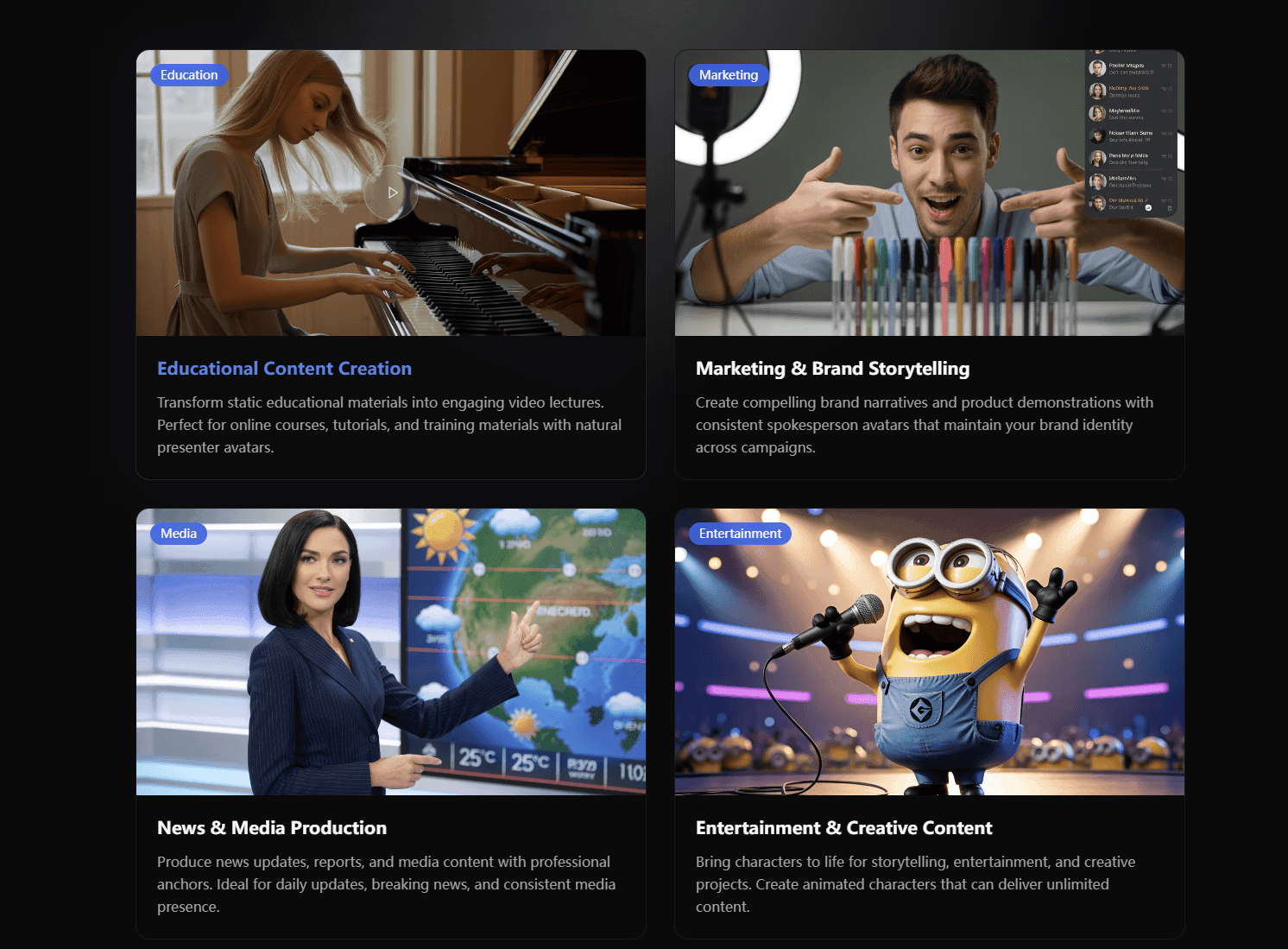
- Content creators, educators, marketers who need to produce engaging video content with virtual hosts or avatars, especially when budget/time precludes full live filming.
- Businesses or brands wanting to create multilingual or dubbing-capable video assets using a consistent avatar across languages without reshooting.
- Developers or research teams exploring advanced avatar, motion-synthesis or digital human workflows, especially in open-source or custom integration scenarios.
- Social media/influencer workflows where a unique talking character or virtual persona can engage audiences and scale content production.
Why Use InfiniteTalk:
- Powerful scalability — generate long-form talking videos, not just short clips.
- High realism — full-body motion, identity preservation and accurate lip sync set it apart from basic avatar tools.
- Input flexibility — works with both a single image (image-to-video) or an existing video (video-to-video).
- Developer-friendly — open-source model support means you can integrate or experiment beyond the SaaS version.
- Cost-efficient alternative to filming live talent for every variation of language, pose or avatar.
- Versatile across markets — from marketing/explainer videos to virtual presenters, podcasts with avatars, online training, and more.
tl;dr:
InfiniteTalk offers a next-level way to turn images or videos into lifelike talking avatar footage that moves, gestures and maintains identity across long formats. Whether you’re a content creator, educator, or tech enthusiast, you can use it to produce avatar-driven video content quickly without needing full production setups.
FAQ
Q: What does Infinite Talk AI Tools do? A: Create realistic talking-avatar videos from images or video with full-body sync.
Q: What is Infinite Talk AI Tools's pricing? A: Pricing varies by plan. Visit the Infinite Talk AI Tools pricing page for current tiers and details.
Q: Who is Infinite Talk AI Tools for? A: video creators and content marketers use Infinite Talk AI Tools in their day-to-day workflow.
Q: What competes with Infinite Talk AI Tools? A: Top alternatives to Infinite Talk AI Tools include Google Veo, Hailuo AI, and Kling AI. See our directory for in-depth comparisons.
Related
Looking for more options? Browse the Video Creation directory or read our best AI video tools listicle. Infinite Talk AI Tools is also tracked on Crunchbase.
Why Use Infinite Talk AI Tools
User Reviews
Similar Tools