HitPaw Online
Free AI-powered tools for photo enhancement, video upscaling, watermark removal, and more.
Overview
AI-Powered Editing Tools by HitPaw Online
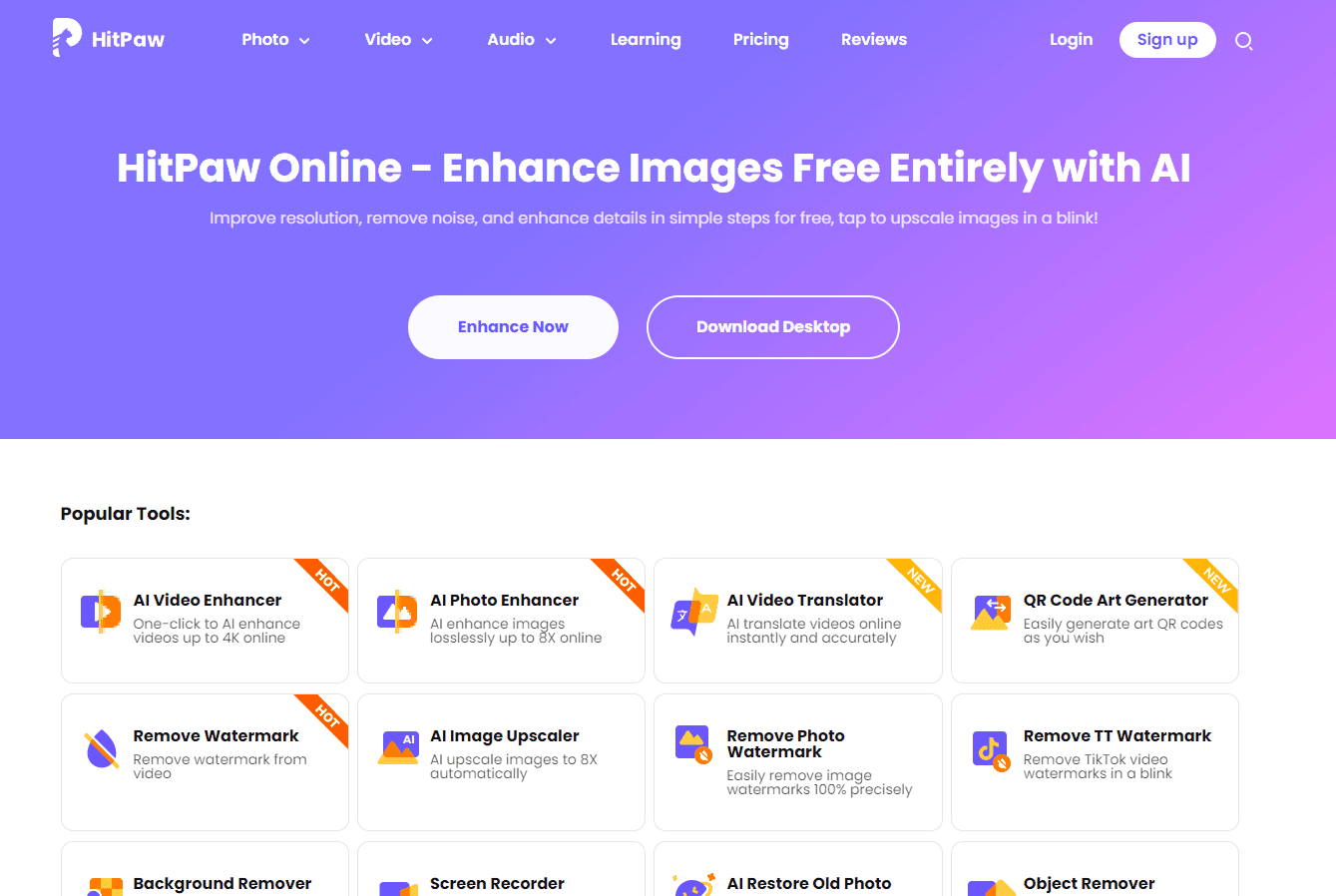
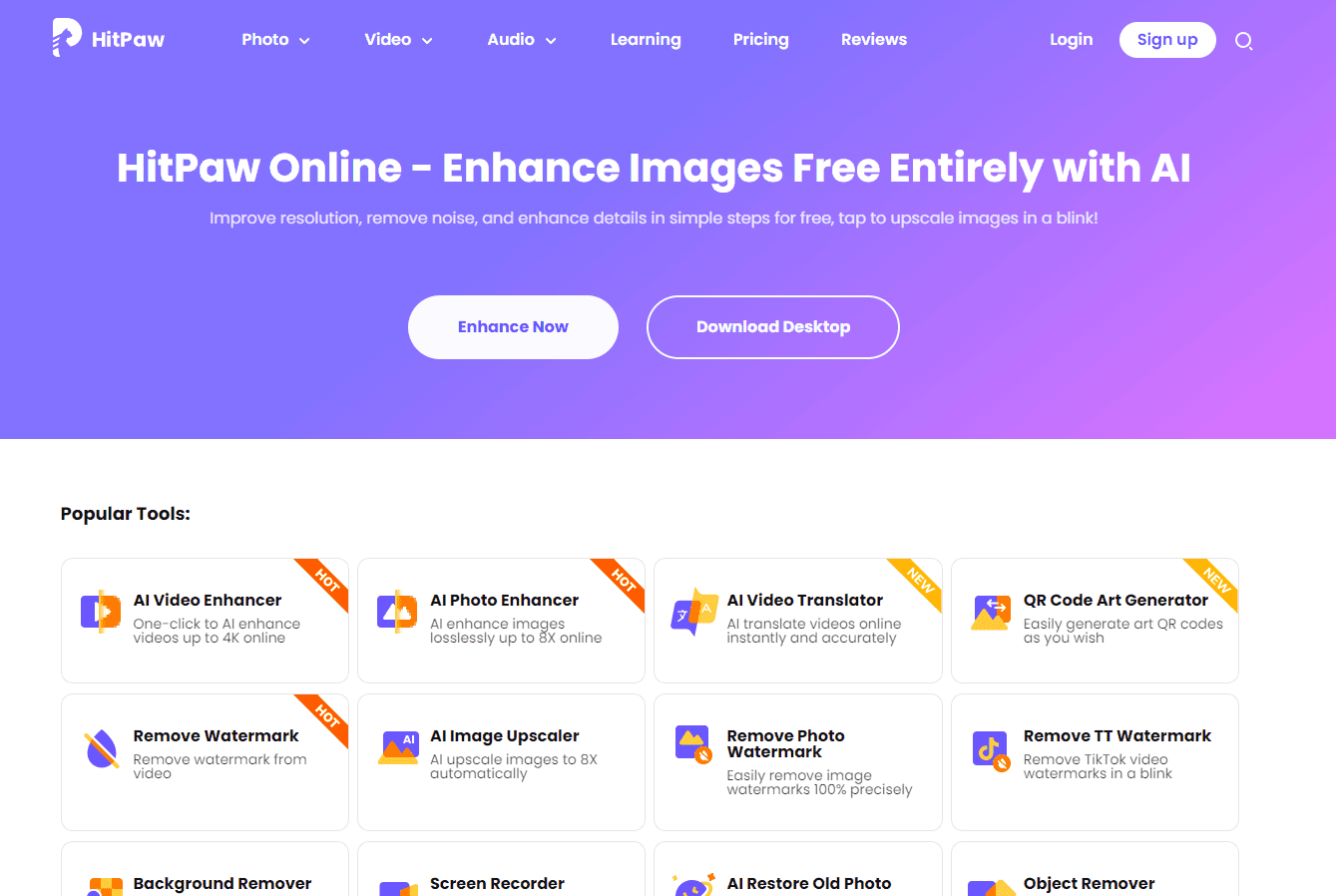
HitPaw Online offers a suite of AI-powered tools designed to enhance photos, upscale videos, remove watermarks, and more. The platform is designed to provide creators with an intuitive, effective, and creative photo, video, and audio editing experience. With a focus on ease of use and efficiency, HitPaw Online ensures that users can achieve professional-quality results without the need for extensive editing knowledge or experience.
Key Features:
- AI Video Enhancer: Improve video quality with AI technology.
- AI Photo Enhancer: Enhance image resolution and details.
- Watermark Remover: Automatically detect and remove watermarks.
- Background Remover: Remove photo backgrounds with precision.
- AI Image Upscaler: Increase image resolution without losing quality.
- Screen Recorder: Capture screen activities with ease.
- Audio Tools: Convert, compress, and edit audio files.
- Image Tools: Convert images, create GIFs, and more.
Ideal Use Case:
HitPaw Online is perfect for content creators, marketers, and individuals looking to enhance their multimedia content without the hassle of downloading and installing software. Whether you're looking to improve the quality of a video, remove an unwanted watermark, or upscale an image, HitPaw Online provides the tools you need.
Why use HitPaw Online:
- Ease of Use: User-friendly interface with intuitive tools.
- No Downloads Required: All tools are available online.
- Safe and Secure: User data is not stored, ensuring privacy.
- Free Access: Most tools are available for free.
- Regular Updates: New features added monthly.
tl;dr:
HitPaw Online offers a range of AI-powered tools for photo and video enhancement. With a user-friendly interface and no need for downloads, it provides an efficient and secure editing experience.
FAQ
Q: What is HitPaw Online's purpose? A: Free AI-powered tools for photo enhancement, video upscaling, watermark removal, and more.
Q: How is HitPaw Online priced? A: Pricing varies by plan. Visit the HitPaw Online pricing page for current tiers and details.
Q: What problem does HitPaw Online solve? A: HitPaw Online helps video creators and content marketers generate, edit, and repurpose video content with AI assistance.
Q: What can replace HitPaw Online? A: Top alternatives to HitPaw Online include Google Veo, Hailuo AI, and Kling AI. See our directory for in-depth comparisons.
Related
Looking for more options? Browse the Video Creation directory or read our best AI video tools listicle. HitPaw Online is also tracked on Crunchbase.
Why Use HitPaw Online
User Reviews
Similar Tools