Higgsfield AI
Cinematic AI video gen with viral 'preset shots' — VFX-grade camera moves, character consistency, social-ready output.
Overview
Higgsfield AI: Cinematic Video Gen That Goes Viral
Higgsfield AI is a video generation tool that has become the de-facto creator favorite for cinematic, VFX-style video on social — particularly TikTok and Instagram Reels. Where most video models give you raw text-to-video, Higgsfield ships a curated library of preset shots ("bullet time", "dolly zoom", "explosion", "robo-arm", "cinematic crash zoom") that produce filmable-looking output in a single click. The result: creators consistently produce video that does not look AI-generated.
Key Features
- Preset shots library. Hundreds of named camera moves and VFX templates — pick a preset, drop in an image or prompt, get cinematic output.
- Character consistency. Upload a reference photo and Higgsfield maintains the subject across generations — vital for character-driven storytelling.
- Image-to-video & text-to-video. Strong on both modes; image-to-video is the dominant creator workflow.
- Effects suite. Post-generation effects (color grade presets, slow-mo, beat-synced cuts) tuned for short-form social.
- Mobile-first UI. Designed to be used end-to-end on a phone — capture, generate, edit, post.
- API and workflow integrations. Available through fal.ai and partner platforms for developer use.
Ideal Use Case
Short-form social content (TikTok, Reels, Shorts), creator workflows, ad creative, music videos, character-driven storytelling, and any video brief where you need the output to look intentionally cinematic rather than generically AI.
Why Use Higgsfield AI
Most video models output content that reads as "AI video" — Higgsfield is engineered specifically to bypass that uncanny valley. The preset library encodes thousands of hours of cinematographer expertise into one-click templates, which is why creators using Higgsfield routinely outperform raw Sora/Veo output on engagement metrics.
FAQ
Is Higgsfield free? There is a free trial with limited generations. Paid plans (Lite, Creator, Pro) start around $9/mo and scale up to studio tiers.
Does it have an API? Yes — Higgsfield is available through fal.ai for developer integration and direct partnerships for higher-volume use.
How is it different from Sora or Hailuo? Same underlying generation quality range, but Higgsfield's preset shot library is the differentiator — it bakes cinematic camerawork into the model in a way the general-purpose models don't.
tl;dr
Cinematic AI video for creators — preset shots, character consistency, mobile-first UI. The most viral-friendly video tool on the market.
Related
Looking for more options? Browse the Video Creation directory or read our best AI video tools listicle. Higgsfield AI has a Wikipedia entry and is tracked on Crunchbase.
Why Use Higgsfield AI
FAQ
Editorial Review
Our take on Higgsfield AI.

Higgsfield turned its camera-move presets into a full directing layer over 15+ video models—Veo 3.1, Kling 3.0, Seedance and more under one roof. $500M in annualized revenue says creators are buying it. The credit math is the part to squint at.
What works
- One subscription aggregates 15+ frontier video models (Veo 3.1, Kling 3.0, Seedance 2.0, Soul 2.0)
- 70+ camera presets give directorial control without prompt engineering
- Marketing Studio turns a product URL into styled ad video—native to social workflows
What doesn't
- Credit economics are steep: premium clips run 40-70 credits, so entry tiers empty fast
- Model aggregation means output quality and cost vary by which engine you pick per shot
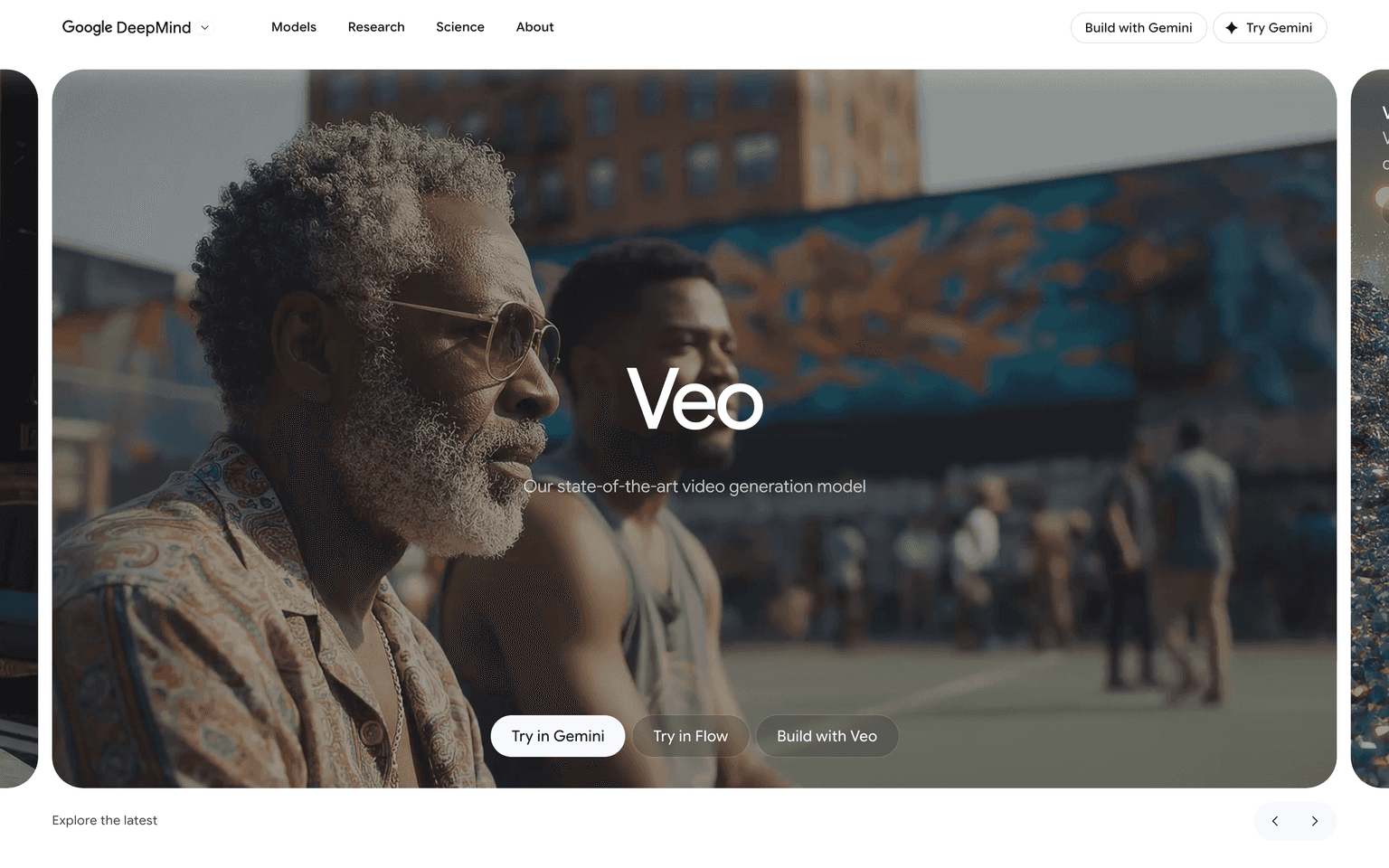
Higgsfield's original bet—cinematic camera grammar baked into presets instead of prompt wrestling—has grown into something bigger: a directing layer over the whole frontier of AI video. One subscription now routes to 15+ models, including Google's Veo 3.1, Kling 3.0, ByteDance's Seedance 2.0, Hailuo 02, and Higgsfield's own Soul 2.0, with the preset library expanded past 70 camera moves (Bullet Time, Crash Zoom, 360 Rotation, and friends). The old question of whether Higgsfield could beat Veo or Kling is moot—it sells them, and the pitch is that its shot vocabulary and workflow sit on top of whichever engine fits the job. One casualty worth noting: OpenAI's Sora 2 was in the lineup until OpenAI discontinued Sora in spring 2026 (the app closed April 26; API routing sunsets in September), so that option is headed for the AI graveyard along with every other Sora integration.
The craft-forward additions are real. Marketing Studio lets you paste a product URL and get ad videos back in a chosen creative direction—UGC style, CGI commercial, cinematic narrative, or a Wild Card AI-directed mode—which is squarely aimed at the ship-weekly social creator this tool always understood best. And the market has answered loudly: Higgsfield crossed $500M in annualized revenue in June 2026, up from $200M at the end of 2025, and is reportedly in talks to raise up to $500M at a $5B valuation.
The friction has shifted from render quality to arithmetic. Pricing was restructured into Starter ($15/month, 200 credits), Plus, and Ultra tiers (up to 3,000 credits, with monthly pricing running higher than annual—sources put Ultra between $84 and $99 depending on billing), plus a Business seat option. Premium models like Veo 3.1 cost roughly 40-70 credits per clip, so Starter's 200 credits buy fewer than five high-end generations before you're into overage packs at about $5 per 100 credits. If you iterate the way most creators actually do—many takes, small tweaks—budget for a mid tier or above. It's a genuinely capable directing desk now; just walk in knowing the meter runs per take.
User Reviews
Similar Tools