FlexClip
Online video maker and editor for personalized content.
Overview
FlexClip: Streamlined Video Creation and Editing
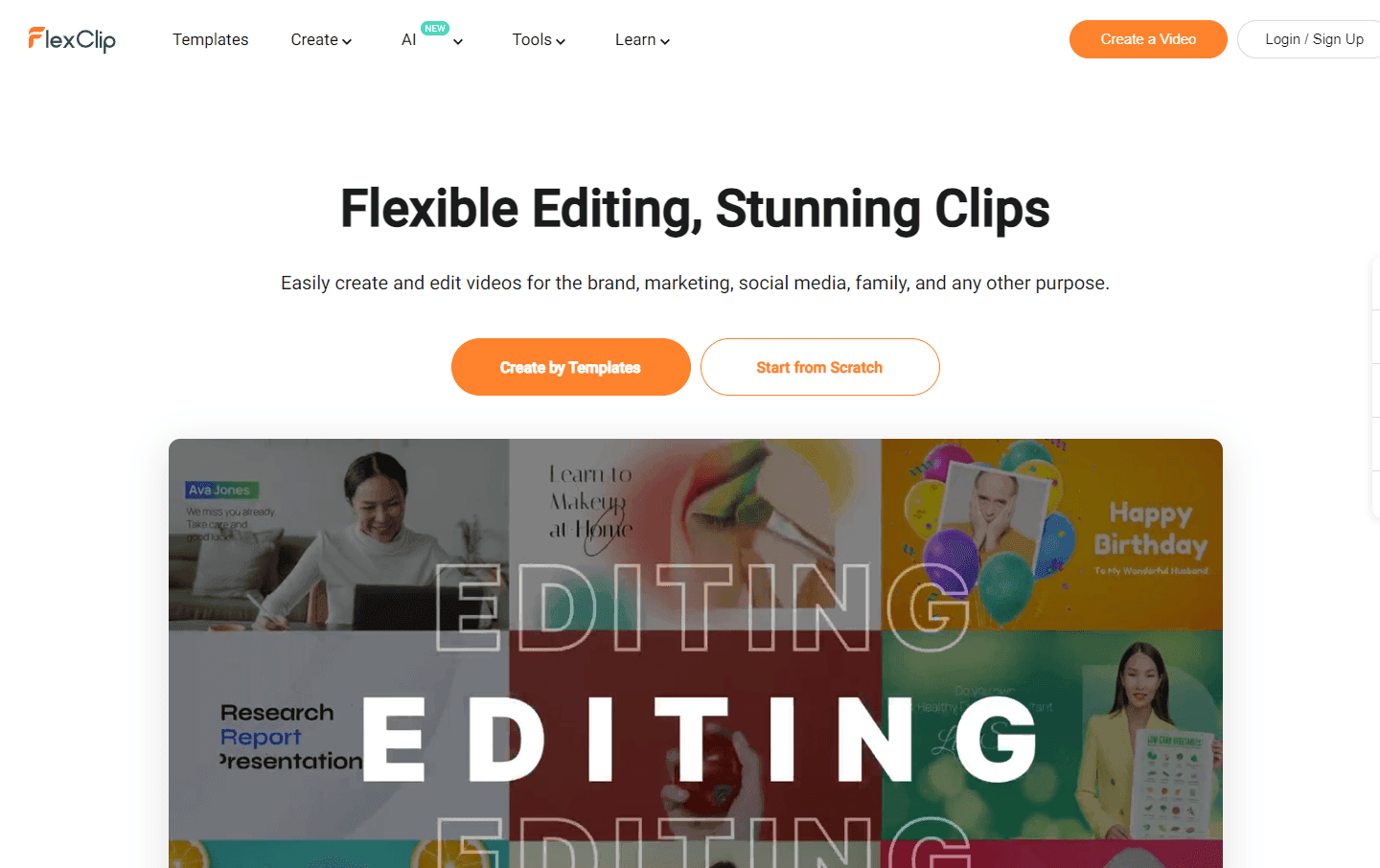
FlexClip offers a comprehensive platform for both novices and professionals to create and edit videos with ease. Whether it's for branding, marketing, social media, or personal use, FlexClip provides a plethora of tools and resources to craft compelling videos. With a vast collection of templates, users can jumpstart their video creation process, ensuring efficiency and creativity.
Key Features:
- Extensive Template Library: From business promos to wedding slideshows, FlexClip offers thousands of templates to cater to various needs.
- AI-Powered Tools: Streamline the video creation process with AI tools like AI Text to Video and AI Video Script.
- Rich Resource Library: Access over 4 million royalty-free stock assets, including music, videos, and photos.
- Collaborative Editing: Cloud-based solutions allow teams to collaborate on video projects from anywhere.
- Diverse Editing Tools: From trimming videos to adding transitions and text animations, FlexClip offers a wide range of editing tools.
Ideal Use Case:
Businesses looking to create promotional videos, individuals crafting personal video memories, or content creators aiming to produce engaging content for their audience will find FlexClip incredibly beneficial.
Why use FlexClip:
- User-Friendly Interface: Craft professional videos without a steep learning curve.
- One-Stop Solution: From royalty-free assets to advanced editing tools, everything is available in one place.
- AI-Enhancements: Leverage AI tools for efficient video creation.
- Collaborative Features: Work on video projects as a team, irrespective of location.
tl;dr:
FlexClip is an online platform designed to simplify the video creation process. With a vast template library, AI tools, and collaborative features, it caters to both professionals and novices looking to produce high-quality videos.
FAQ
Q: What is FlexClip used for? A: Online video maker and editor for personalized content.
Q: How is FlexClip priced? A: Pricing varies by plan. Visit the FlexClip pricing page for current tiers and details.
Q: Who is FlexClip for? A: Typical FlexClip users include video creators and content marketers.
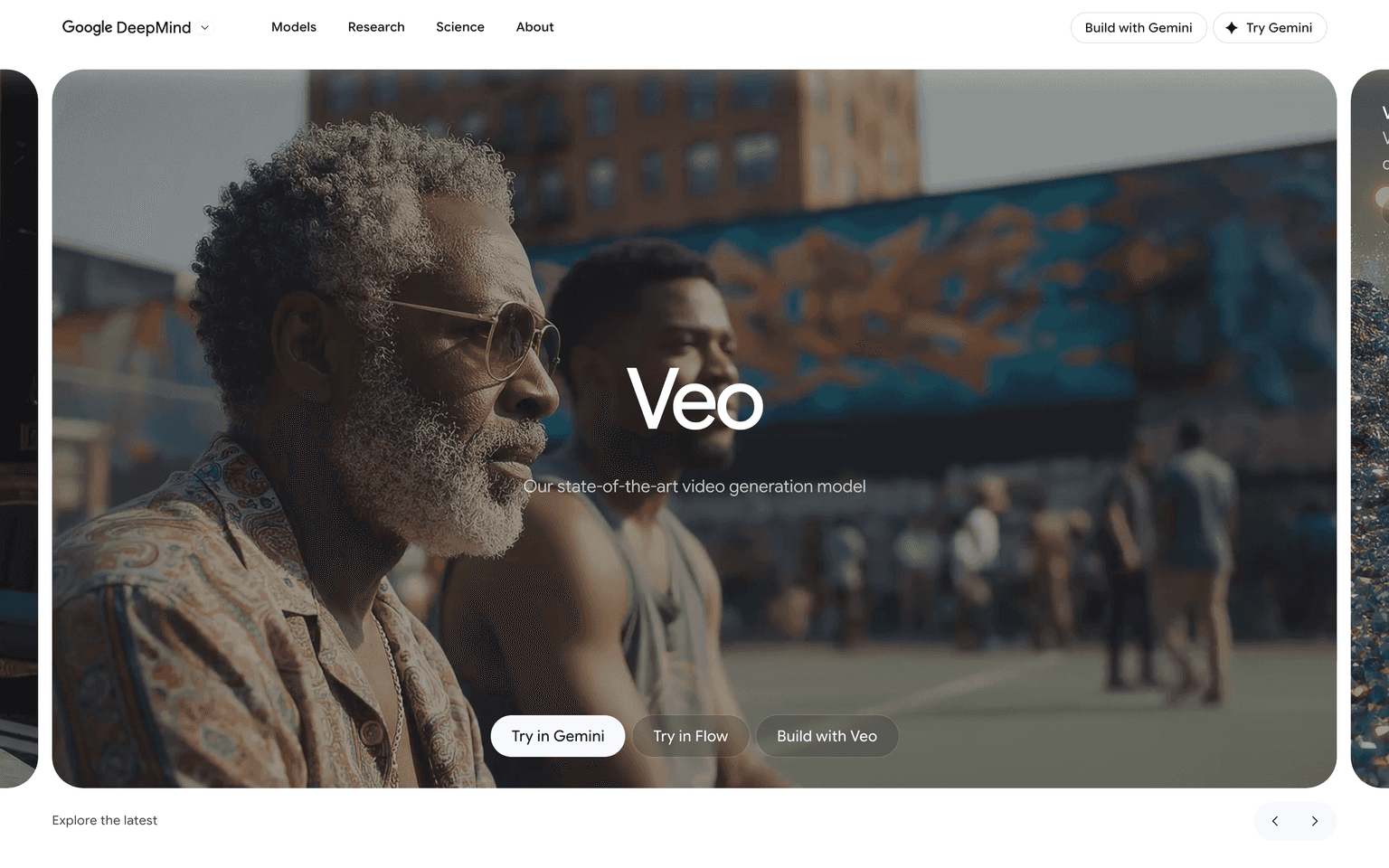
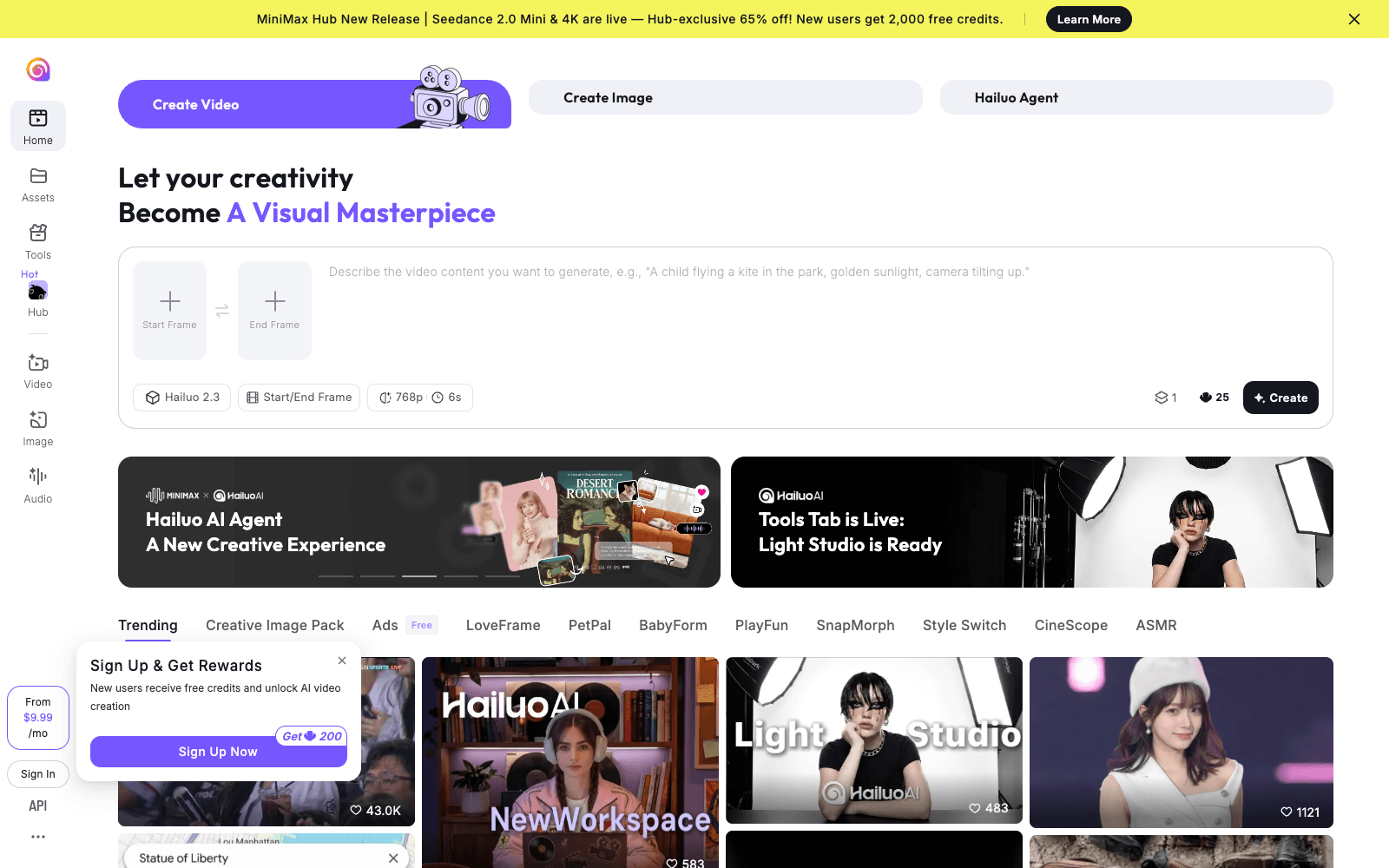
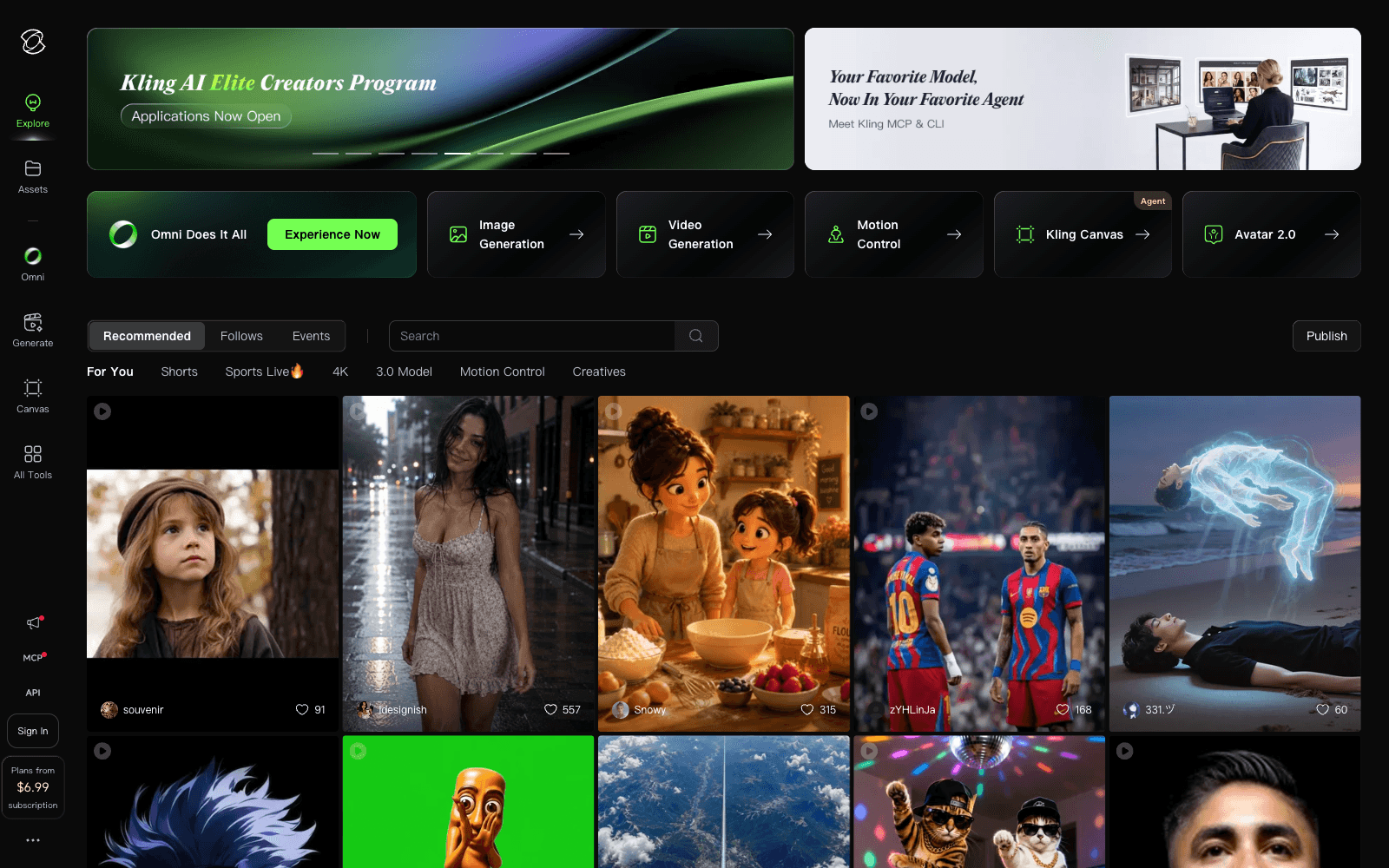
Q: What can replace FlexClip? A: Top alternatives to FlexClip include Google Veo, Hailuo AI, and Kling AI. See our directory for in-depth comparisons.
Related
Looking for more options? Browse the Video Creation directory or read our best AI video tools listicle. FlexClip is also tracked on Crunchbase.
Why Use FlexClip
Editorial Review
Our take on FlexClip.

A browser video editor that gets a competent marketing clip out the door faster than anything on your desktop. Templates and stock do most of the work, AI fills the gaps, and nothing about it requires you to learn editing.
What works
- Thousands of templates plus deep stock media, all included
- Practical AI: text to video, auto-subtitles, voiceover, translation
- Runs in the browser with no install or learning curve
What doesn't
- Limited fine control over timing, audio, and colour
- Template-built output looks like it; thin for brand-level work
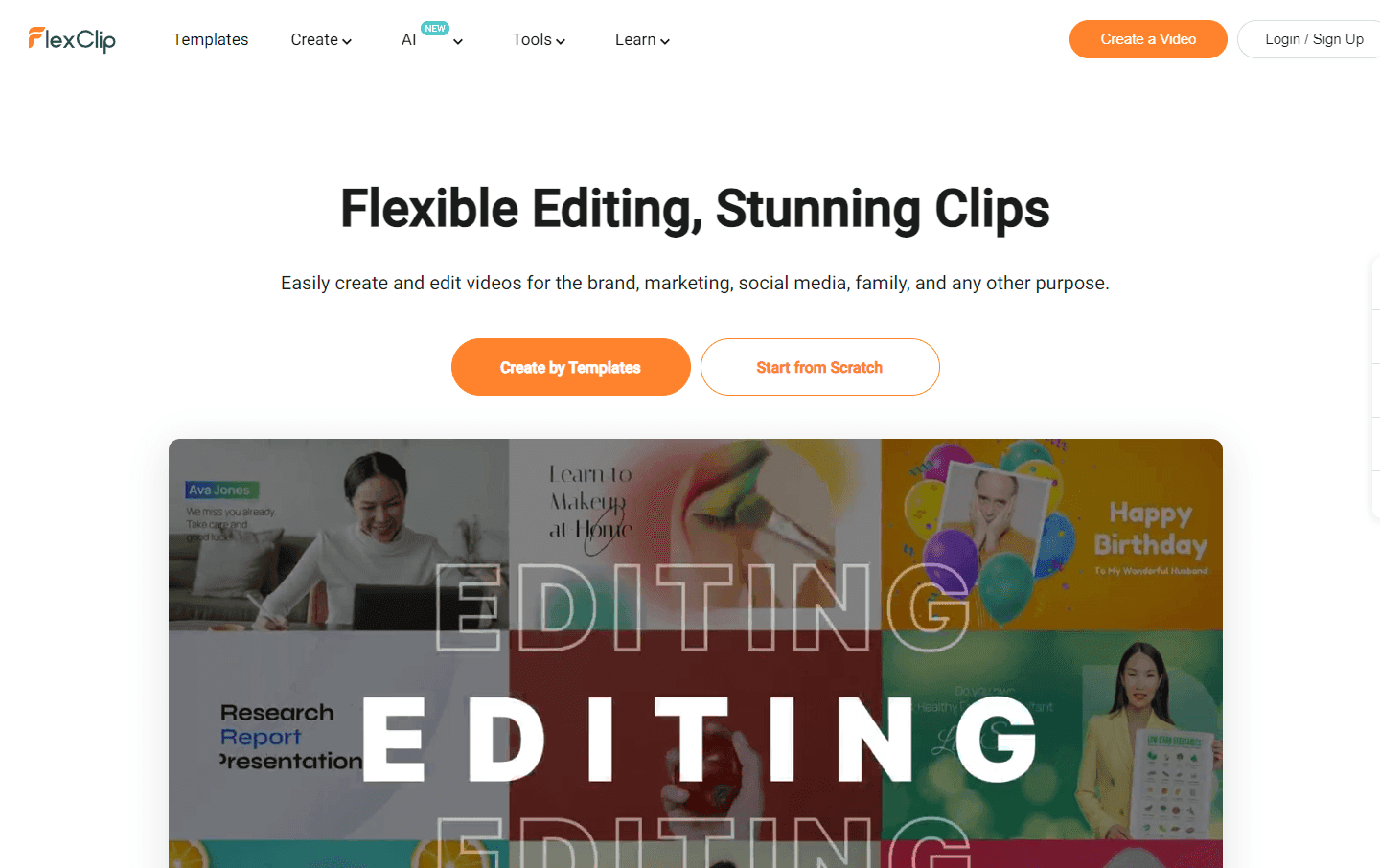
FlexClip is aimed squarely at the person who needs a finished video this afternoon and has never opened a timeline editor. The template library is the engine — several thousand starting points across business, social, and event categories — backed by a stock catalogue deep enough that most projects never need outside footage or music.
The AI layer is practical rather than flashy: generate a first cut from a prompt, an article, or a URL; auto-generate subtitles; convert script to voiceover; remove backgrounds; translate into other languages. Each of those replaces a task that would otherwise send you to a separate tool, which is the real argument for a bundled editor.
The ceiling is where you would expect. Fine control over timing, audio mixing, and colour is limited compared with a desktop editor, and template-built videos look like template-built videos — fine for social and internal work, thin for brand films. There is a free plan, but the practical constraints on it push most real use to a paid tier. Judge it on time-to-first-usable-video, where it wins, not on maximum achievable quality, where it doesn't.
User Reviews
Similar Tools