
DocSend
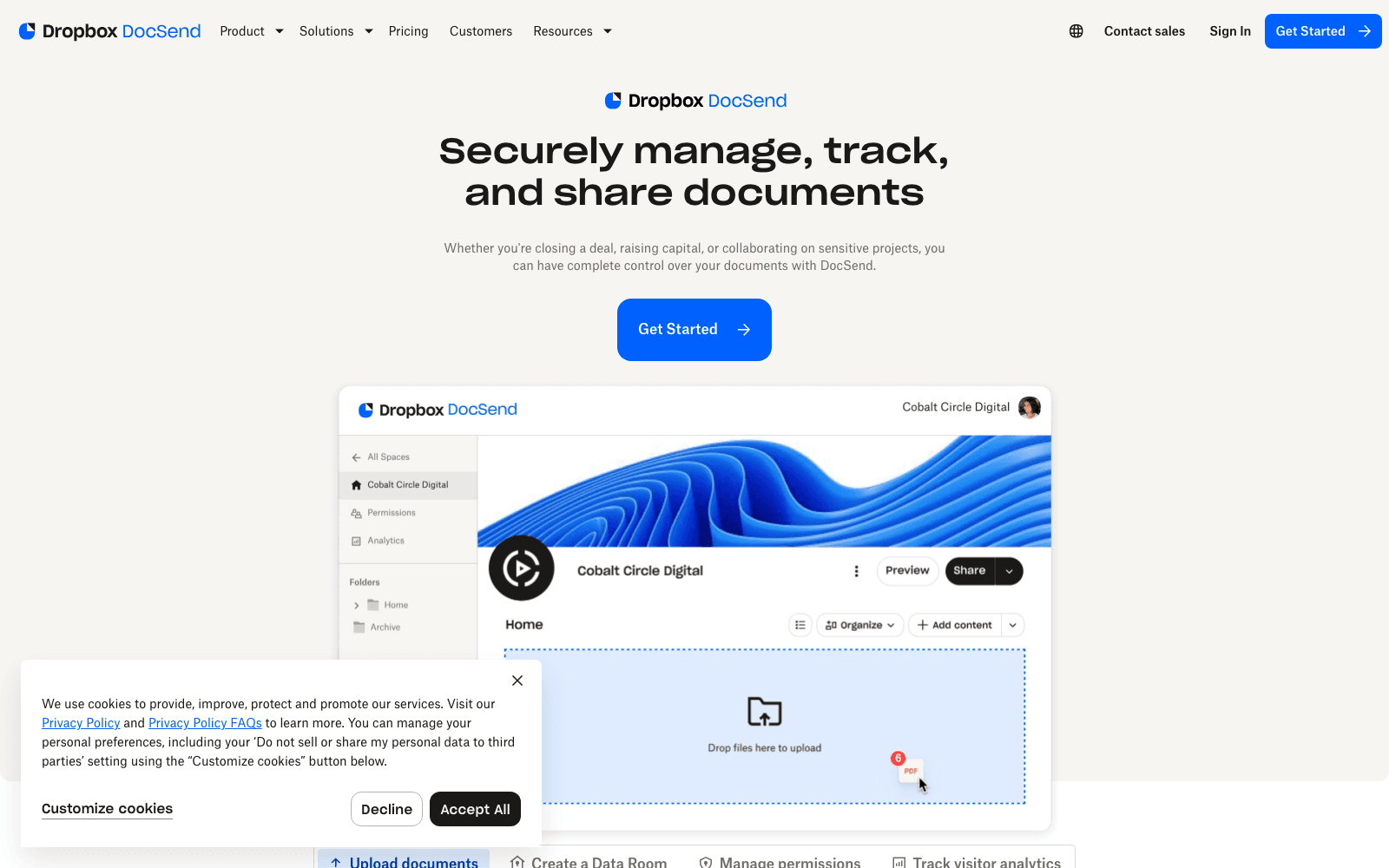
Secure document sharing + page-by-page analytics + virtual data rooms. Founders use it for fundraising decks; sales teams for proposals. Acquired by Dropbox.
Acquired DocSend
Acquired · March 2021
Dropbox announced its agreement to acquire DocSend for $165M on 9 March 2021 and completed the deal on 22 March 2021. DocSend still runs as a distinct product with its own pricing and billing rather than a Dropbox feature, and a Dropbox subscription does not include it. Development since has leaned toward integration and data-room work, including a diligence tracker added in 2026.
Acquired by Dropbox.
Is DocSend shut down?
No — DocSend is still operating. Its acquisition by Dropbox was announced on March 9, 2021, and the product continues to ship. We list it in the ToolDirectory.AI graveyard's acquired-but-operating section and watch for post-acquisition changes.
What to use instead

Outreach.io
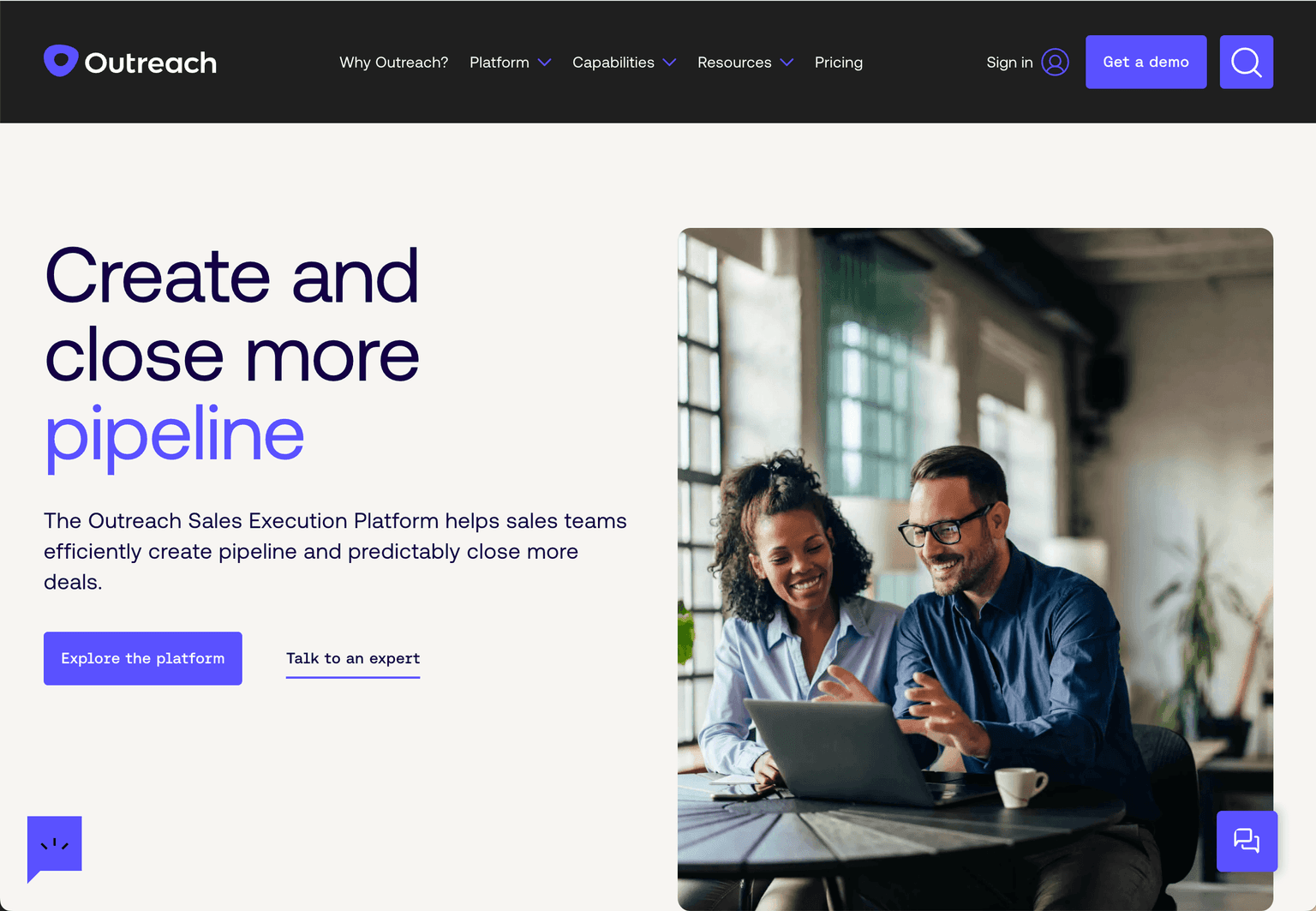
Unlock seller productivity and efficiently create and close more pipeline with the Sales Execution Platform
Paid - Inquire
4.92
460
Featured

Gong
AI-powered Revenue Intelligence Platform transforming customer interactions into strategic insights.
Paid - Inquire
4.93
480
Featured

Clay
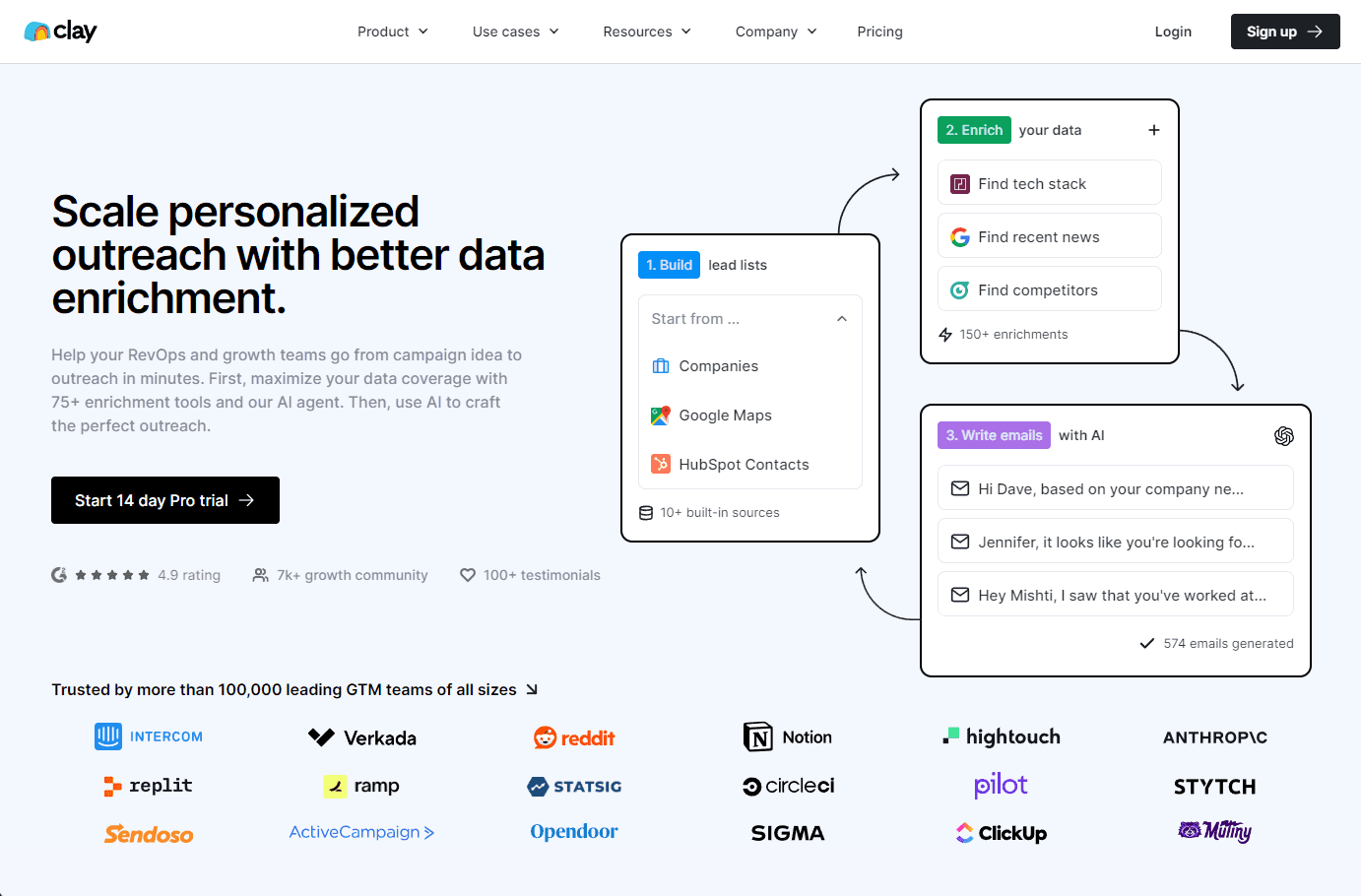
AI-powered platform for data enrichment and personalized outreach at scale.
Free Trial
4.93
480
Overview
DocSend: Secure Document Sharing + Analytics
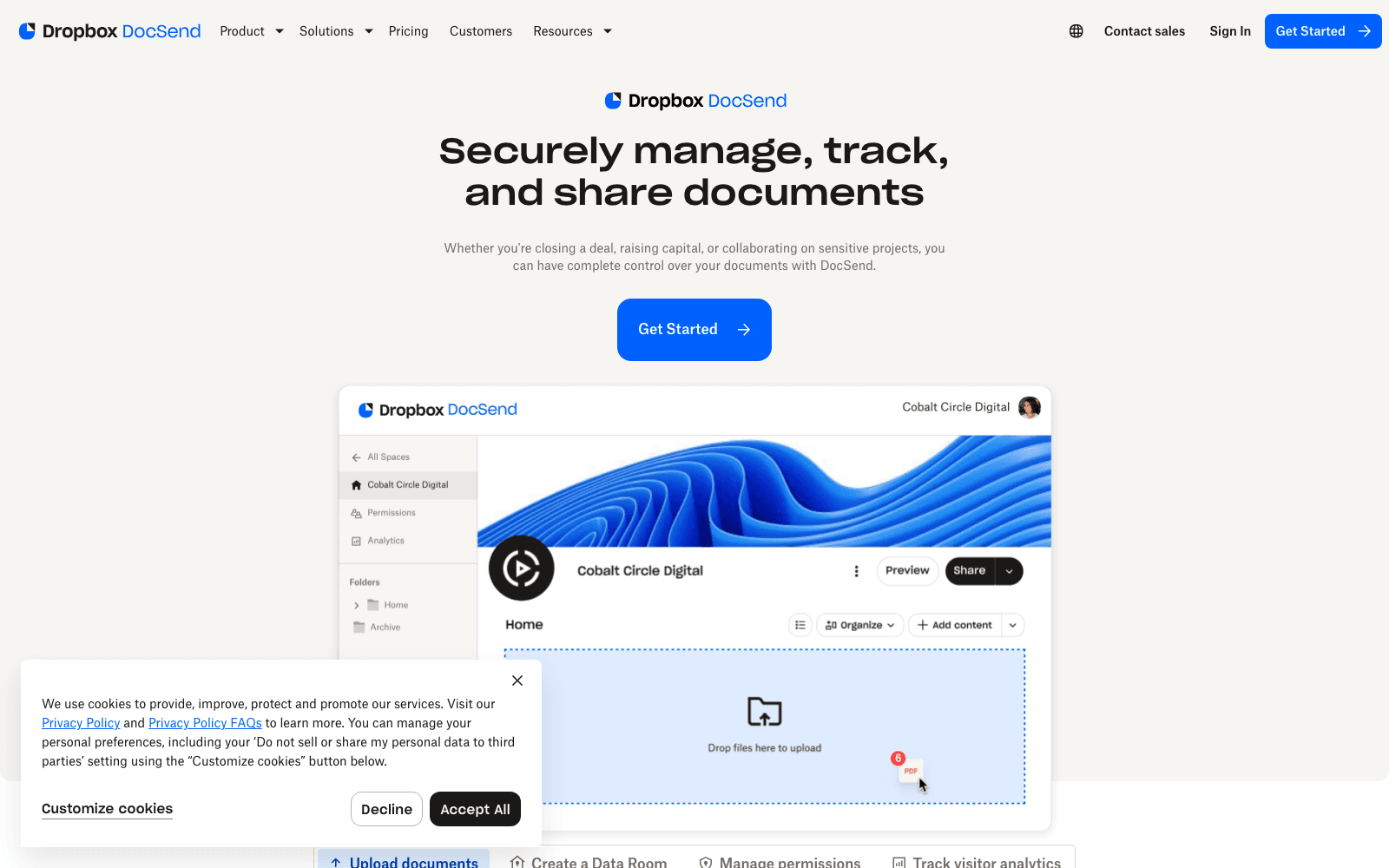
DocSend (now Dropbox DocSend) is the secure document sharing platform with page-by-page analytics, virtual data rooms, and granular access controls. Best-known as the de-facto founder tool for sharing pitch decks with investors with full visibility into who viewed what; equally valuable for sales teams sharing proposals and presentations.
Key Features
- Secure document sharing with unique per-recipient links
- Page-by-page (or tab-by-tab) analytics per viewer
- Virtual Data Rooms for fundraising and compliance
- In-document video support with view analytics
- Acquired by Dropbox (now Dropbox DocSend)
Ideal Use Case
Founders fundraising (the original use case), sales teams sending proposals, professionals doing M&A or due diligence — anywhere you want visibility into what recipients actually engaged with.
Why Use DocSend
DocSend created the document-tracking category and remains the founder-favorite for fundraising. The Dropbox acquisition gave it enterprise reach, but the product DNA is still founder/sales-team-first.
FAQ
What does DocSend help you do? DocSend lets you share documents securely while tracking exactly how recipients engage with them. You get page-by-page analytics, virtual data room capabilities, and are commonly used by founders sharing fundraising decks and sales teams sending proposals.
Who should use DocSend? DocSend works best for founders preparing to pitch investors and sales professionals who need to understand how prospects interact with their proposals and presentations.
How much does DocSend cost? DocSend offers a freemium model with both free and paid options available. Visit the DocSend pricing page for current plans.
How does DocSend compare to similar tools? While tools like Outreach.io, Gong, and Clay serve sales and productivity needs, DocSend specializes in secure document sharing paired with detailed engagement analytics and virtual data room functionality, making it particularly strong for tracking recipient behavior on individual documents.
tl;dr
Secure doc sharing + page-by-page analytics + VDR. Founder-favorite for fundraising. Dropbox-owned.
Related
Looking for more options? Browse the Sales & RevOps directory or read our best AI sales tools listicle. DocSend is also tracked on Crunchbase.
Why Use DocSend
Editorial Review
Our take on DocSend.

DocSend is a focused document sharing tool with real page analytics, best suited for fundraising and sales workflows where you need to know who engaged with what.
What works
- Page-level engagement analytics show exactly what recipients read
- Freemium model lets you validate the analytics value first
- Native Dropbox integration if already in that ecosystem
What doesn't
- Narrow focus; doesn't replace full proposal or collaboration platforms
- VDR features lag purpose-built alternatives for complex M&A
DocSend document sharing delivers one genuine advantage: granular analytics on how recipients interact with your materials. You see which pages got attention, how long someone spent on slide 12, whether they scrolled past your ask. For founders sharing cap tables or pitch decks, and sales reps sending contracts, that feedback loop matters more than it sounds—it cuts the guessing about what landed.
The product handles the baseline well: encrypted sharing, password protection, expiration controls. Virtual data rooms exist for M&A and diligence work, though purpose-built VDR platforms handle heavy-lift processes better. The freemium tier lets you test the analytics before committing. Since Dropbox acquired DocSend, integration with Dropbox storage is native, which helps if you're already in that ecosystem.
The trade-off is scope. This isn't a collaboration platform or a full proposal management system. You're buying focused analytics on static documents, not workflow automation or CRM hooks that competitors like Outreach or Gong layer in. Works best as a specific tool for specific moments—closing deals, fundraising—not as a primary document workspace.