
Coda
Docs that bring words, data, and teamwork together; acquired by Grammarly in December 2024 and renamed Superhuman Docs in July 2026.
Acquired Coda
Acquired · December 2024
Grammarly announced its acquisition of Coda on 17 December 2024, with Coda co-founder Shishir Mehrotra becoming CEO of the combined company. Coda continues to ship, but under a new name: the parent renamed itself Superhuman in October 2025, and on 8 July 2026 Coda became Superhuman Docs within that suite.
Acquired by Grammarly.
Is Coda shut down?
No — Coda is still operating. Its acquisition by Grammarly was announced on December 17, 2024, and the product continues to ship. We list it in the ToolDirectory.AI graveyard's acquired-but-operating section and watch for post-acquisition changes.
What to use instead

Monday.com
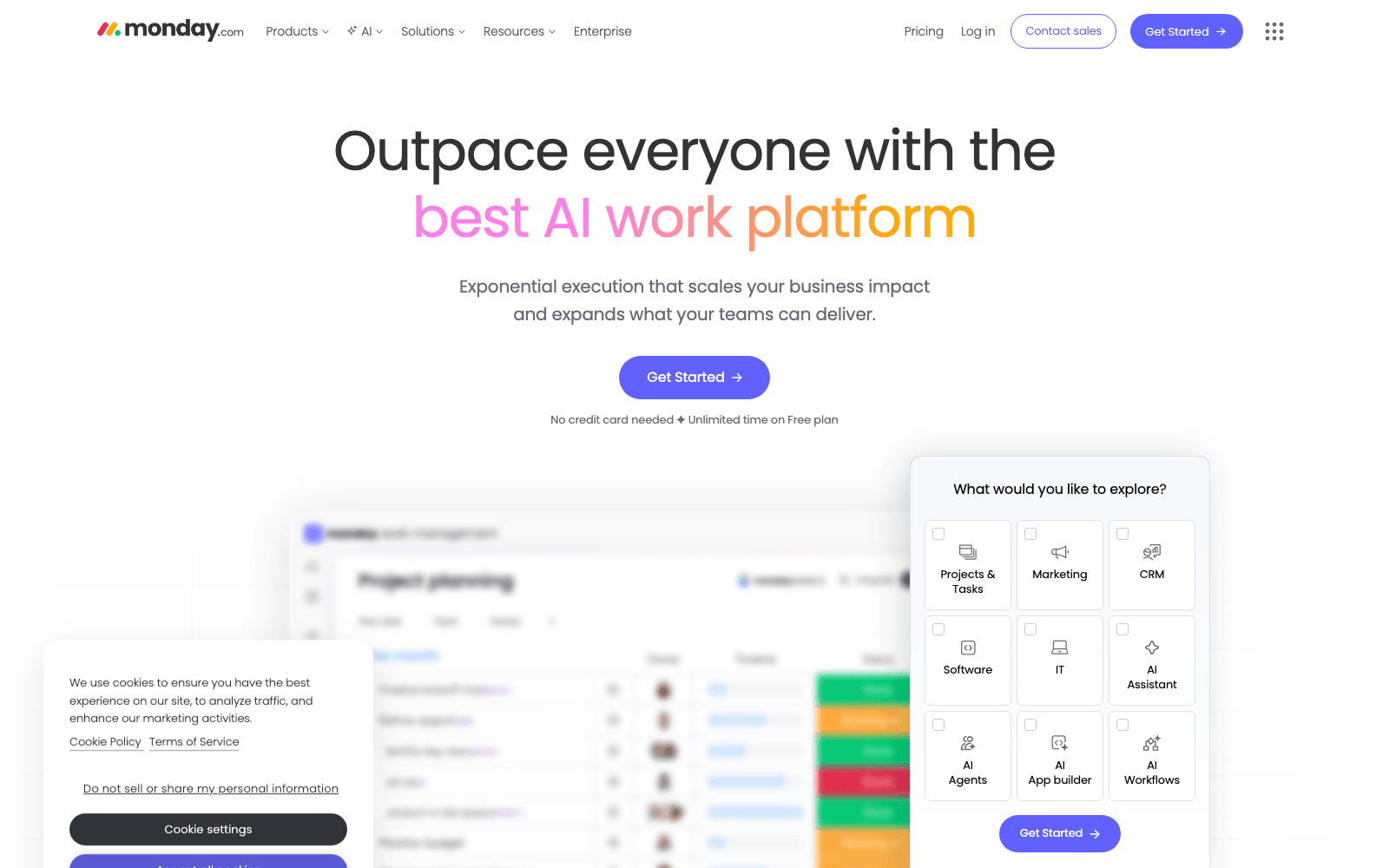
AI work platform with native agents — Agent Factory builds custom AI agents, monday vibe turns prompts into apps. The work OS at $10B+ valuation.
Freemium
4.92
460
Featured

Instabase
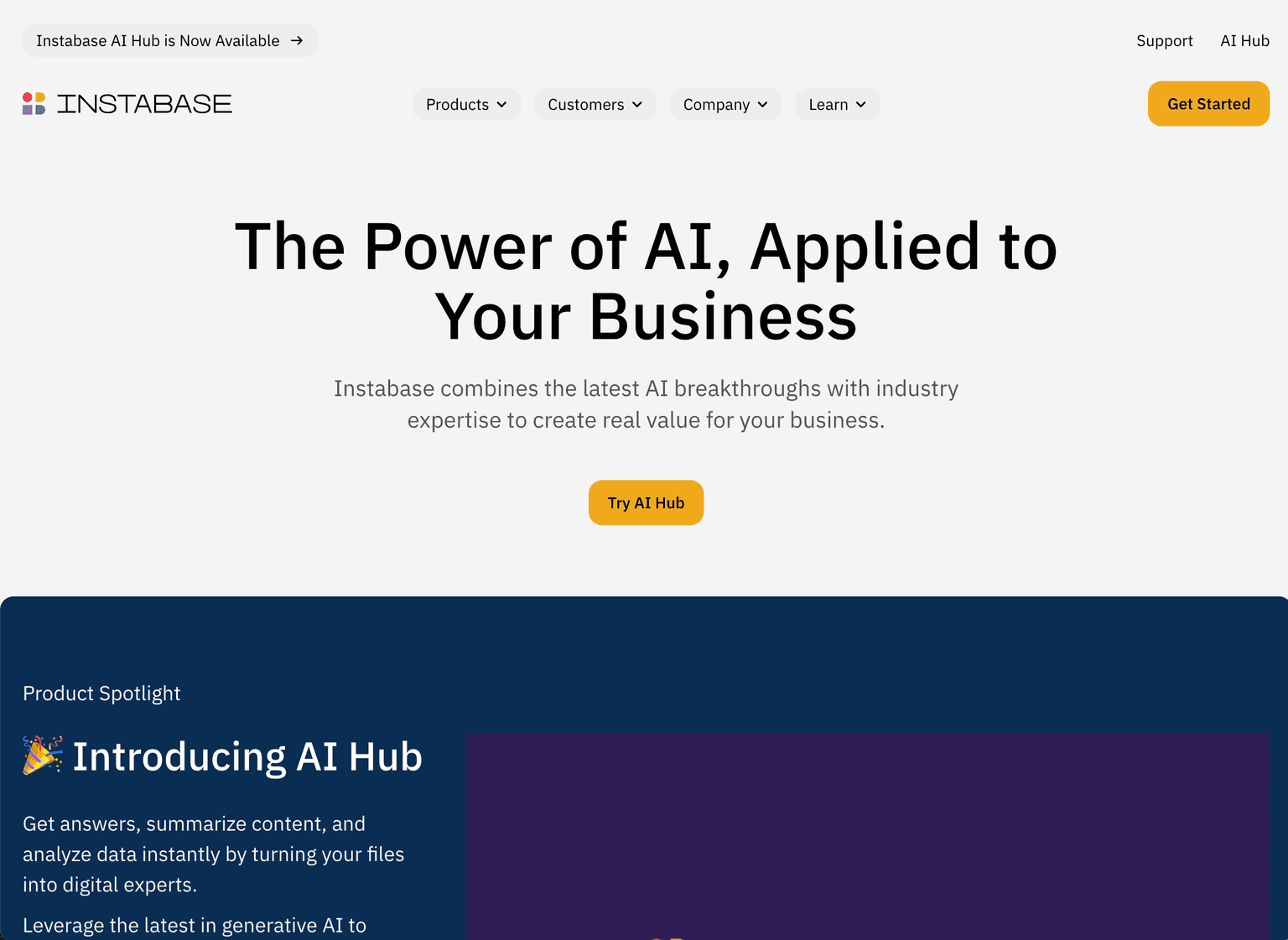
Unlocks unstructured data and automates manual processes for business transformation
Paid - Inquire
4.92
420

Samsara
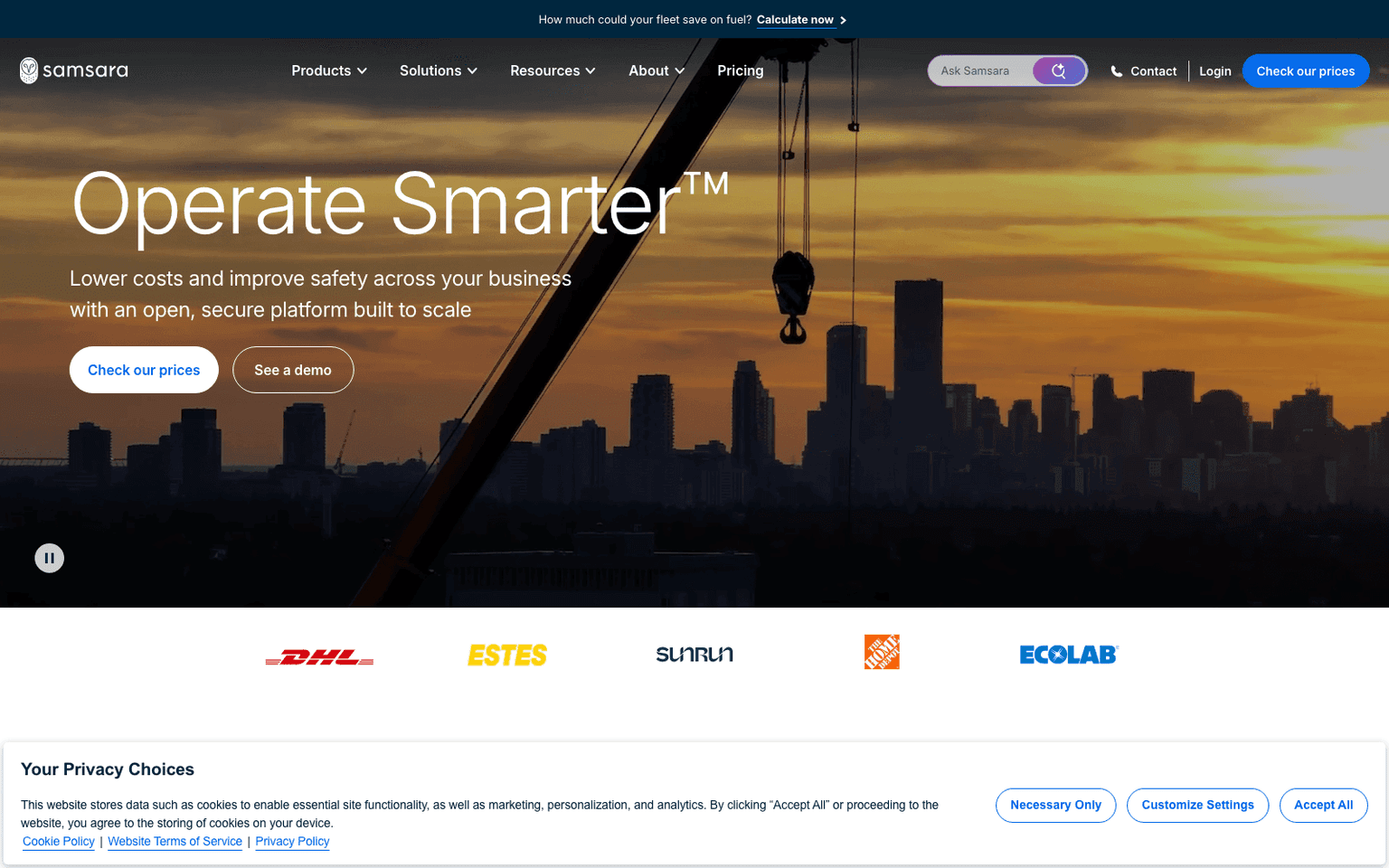
Connected Operations Cloud for fleets — AI dashcams, telematics, predictive maintenance, driver coaching. Public on NYSE ($IOT). Built by Meraki founders.
Paid - Inquire
4.92
420
Overview
The Evolution of Documents with Coda
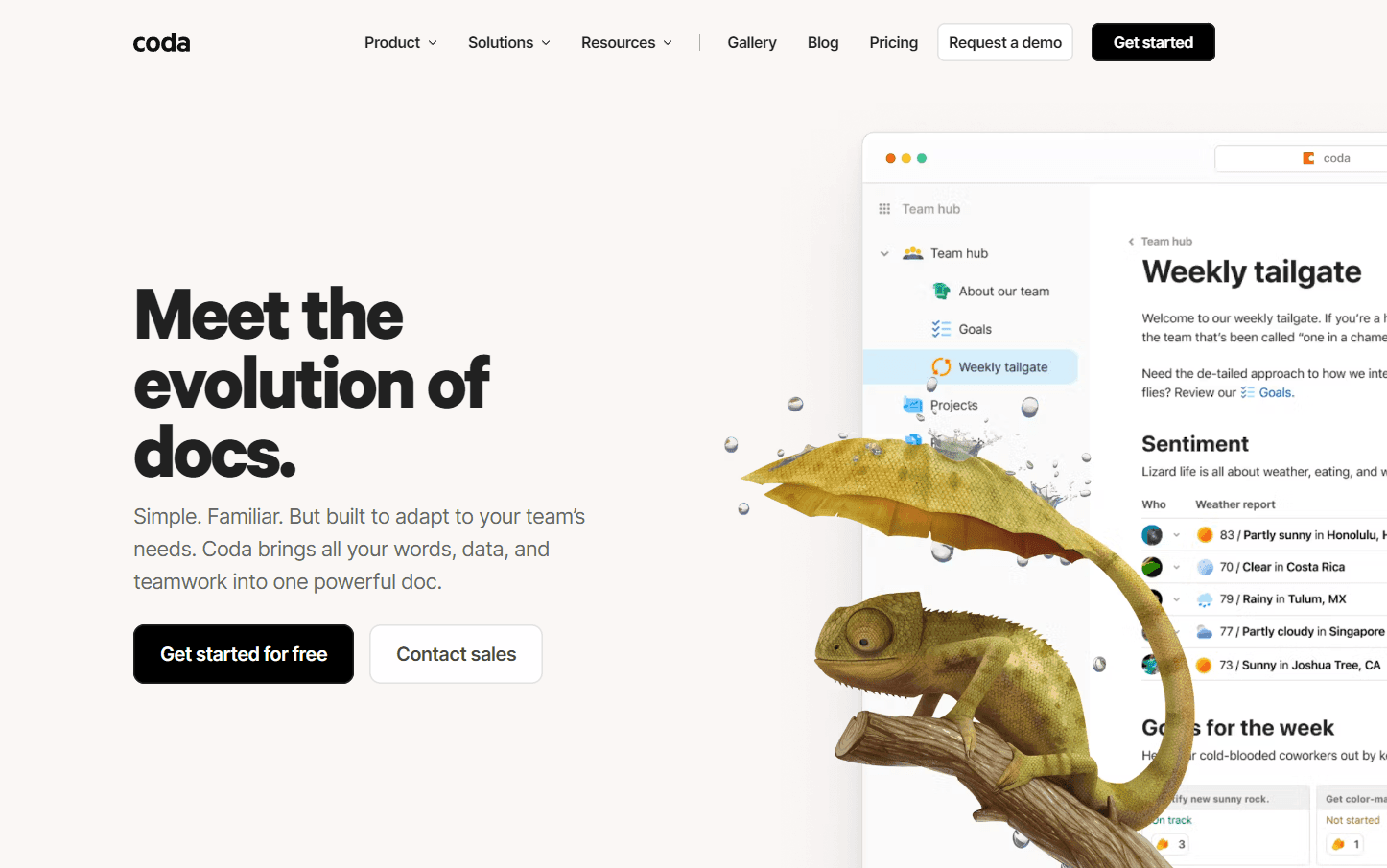
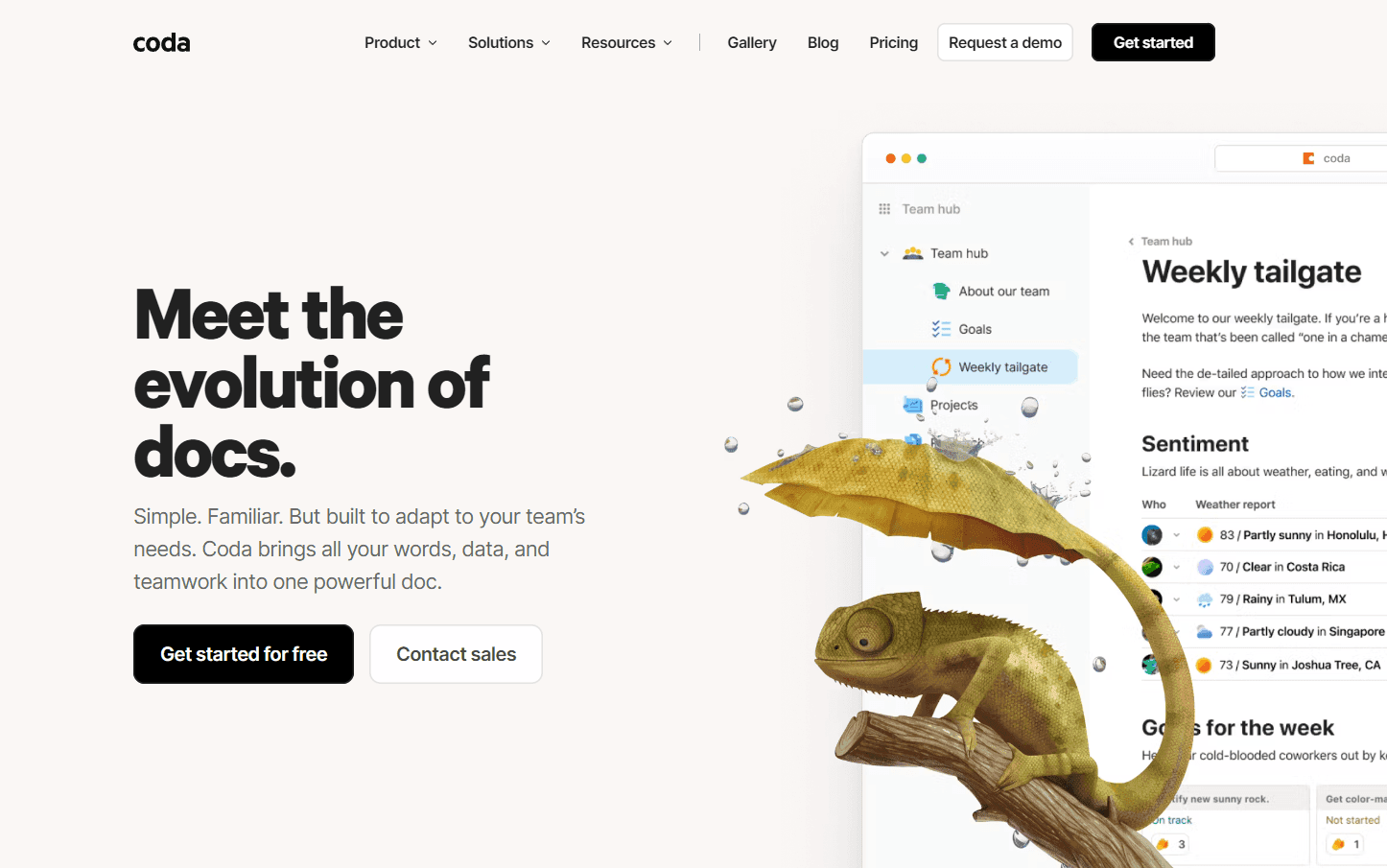
Coda is a revolutionary platform that aims to redefine the way we perceive and use documents. At its core, Coda brings together words, data, and teamwork into a singular, powerful document. This isn't just any document; it's one that's designed to adapt to your team's unique needs. Unlike many workflow tools that cater to specific niches, Coda offers a suite of robust building blocks, enabling teams to craft the tools they need. Whether it's for a startup or a Fortune 100 company, Coda is versatile enough to cater to all.
Key Features:
- Adaptable Documents: Coda docs are both familiar like traditional documents and engaging like modern apps.
- Powerful Building Blocks: Instead of being confined to a specific workflow, teams can use Coda's building blocks to create custom tools.
- Connected Data: Tables in Coda can communicate with each other, ensuring data consistency and real-time updates.
- Integration with Popular Apps: Coda can embed, synchronize, and interact with daily tools, enhancing its functionality.
- Templates for Quick Start: Coda's Gallery offers pre-made templates for various workflows, ensuring teams can get started quickly.
Ideal Use Case:
Coda is perfect for teams that are tired of juggling between multiple niche tools. Whether it's project management, data analysis, or team collaboration, Coda's adaptable documents can be molded to fit the exact requirements. Companies that prioritize transparency and real-time data updates will find Coda especially beneficial.
Why use Coda:
- Unified Workspace: No need to switch between apps; Coda brings everything under one roof.
- Cost-Efficient: By consolidating various tools into Coda, teams can significantly reduce their SaaS expenses.
- Real-time Collaboration: Team members can work on a document simultaneously, ensuring efficient collaboration.
- Customizable: As teams evolve, Coda docs can be easily modified to cater to changing needs.
FAQ
What does Coda do? Coda consolidates words, data, and teamwork into a powerful doc, bringing together documents, databases, and collaboration tools in one unified workspace.
Who should use Coda? Coda is designed for teams that need to streamline workflows and combine documentation with data management, making it useful for project coordination, process automation, and cross-functional collaboration.
How much does Coda cost? Coda operates on a freemium model, meaning you can start using it for free with the option to upgrade to paid plans for additional features. Visit the Coda pricing page for current plans.
How does Coda compare to similar tools? While Airtable and Monday.com focus primarily on database and project management functions, and ChatGPT Agent emphasizes AI-driven task automation, Coda uniquely combines document editing, data management, and workflow capabilities in a single integrated platform.
tl;dr:
Coda is a dynamic platform that combines the simplicity of a document with the functionality of an app. It's designed for teams that want a unified workspace where they can collaborate, manage data, and create custom tools tailored to their needs.
Related
Looking for more options? Browse the Workflow Automation directory or read our best AI process automation tools listicle. Coda is also tracked on Crunchbase.
Why Use Coda
Editorial Review
Our take on Coda.

Coda is a workflow automation doc that bundles structured data, text, and team collaboration in one place—useful if your team lives in docs but struggles with silos.
What works
- Single pane for docs, tables, and automation reduces tool-switching
- Community rating of 4.86 shows strong satisfaction among active users
- Freemium entry point lets teams validate fit without financial commitment
What doesn't
- Lower adoption relative to Airtable and Monday.com suggests narrower use case
- Hybrid approach may feel like compromises if you need depth in any one dimension
Coda positions itself as a hybrid between a document editor and a database, letting you embed tables, automation, and collaborative tools without leaving the doc interface. The freemium model means you can test it without commitment, though the community rates it highly (4.86) relative to its adoption footprint. It competes directly with Airtable for structured data work and Monday.com for process coordination, though it pulls from the doc-first angle rather than the board or spreadsheet paradigm. The core pitch—keep everything in one place instead of switching between docs, sheets, and task tools—resonates for some teams, especially those already document-heavy. That said, adoption signals suggest it hasn't achieved the market traction of its named alternatives. If your workflow is genuinely centered on prose plus structured data (not pure data modeling or visual project management), it's worth a trial. Just don't expect it to replace a purpose-built tool if your team's primary need is strict database operations or kanban-style task flows.