CapCut
ByteDance's flagship video editor. AI-powered scripting, captions, voice cloning, and effects. Top 5 most-downloaded app globally.
Overview
CapCut: ByteDance's AI-Powered Video Editor
CapCut is ByteDance-owned video editing app with deep AI integration. CapCut became the world's most-used video editor by being free, fast, and deeply integrated with the TikTok-style content economy. AI features (Captions, Voice Clone, Script-to-Video) are what most creators actually use daily.
Key Features
- ByteDance-owned video editing app with deep AI integration
- Top 5 most-downloaded apps globally
- AI features: auto captions, voice cloning, script-to-video, smart cuts
- Free with optional Pro subscription
- Cross-platform: iOS, Android, Windows, Mac, Web
Ideal Use Case
Content creators, marketers, and casual users editing video for TikTok, Instagram Reels, YouTube Shorts, and longer formats — anyone who wants pro-grade AI editing without the Premiere/DaVinci learning curve.
Why Use CapCut
CapCut became the world's most-used video editor by being free, fast, and deeply integrated with the TikTok-style content economy. AI features (Captions, Voice Clone, Script-to-Video) are what most creators actually use daily.
FAQ
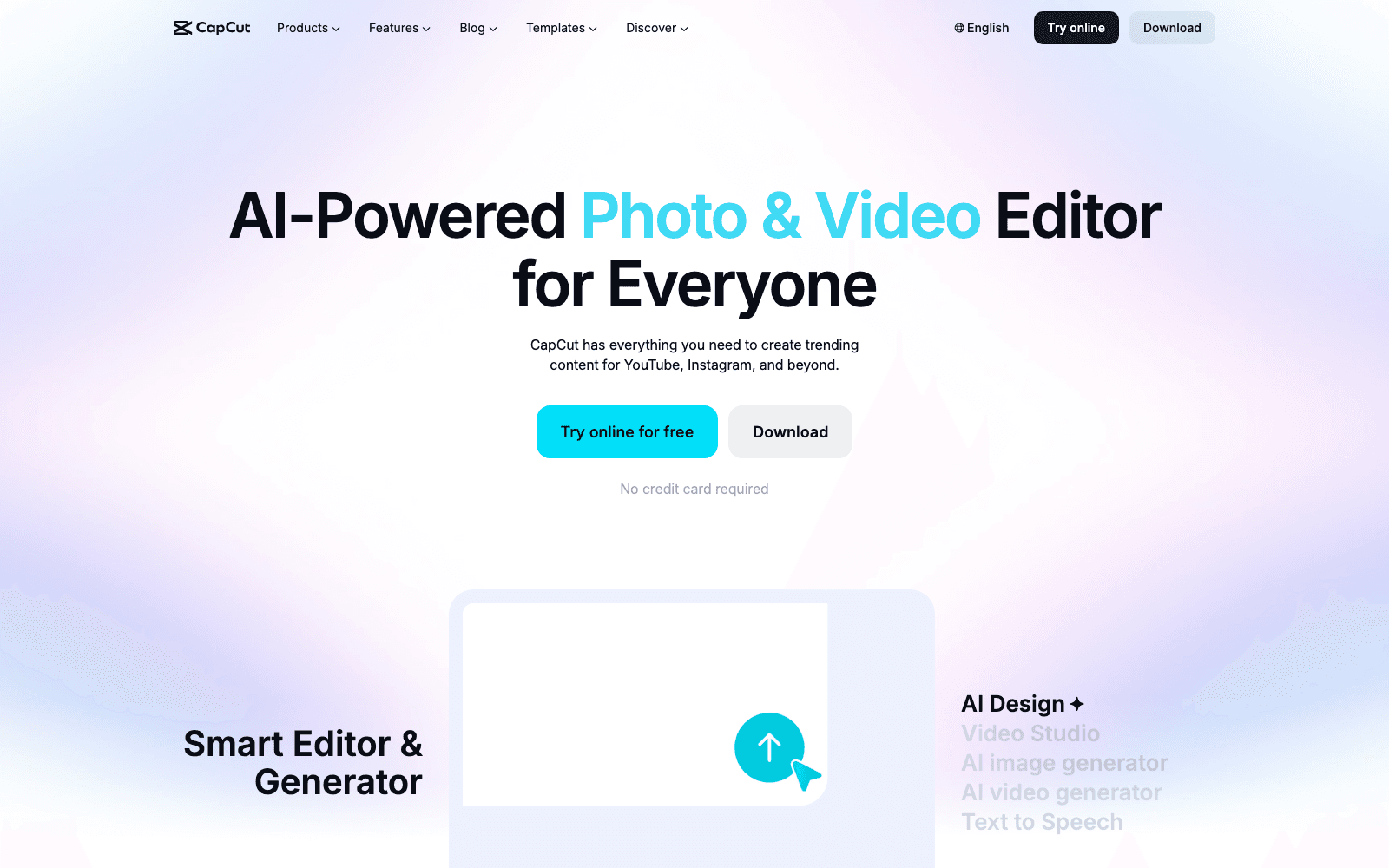
What can CapCut do for video editing? CapCut is a video editor with AI-powered features including automated scripting, caption generation, voice cloning, and effects. It's designed to help creators produce polished videos quickly, whether for social media or other purposes.
Who should use CapCut? CapCut is built for content creators, social media managers, and anyone who needs to edit videos without extensive technical skills. Its AI-assisted features make it accessible to both beginners and experienced editors looking to speed up their workflow.
What's the pricing structure for CapCut? CapCut operates on a freemium model, meaning you can start editing with free features and upgrade for additional capabilities. Visit the CapCut pricing page for current plans and what's included at each level.
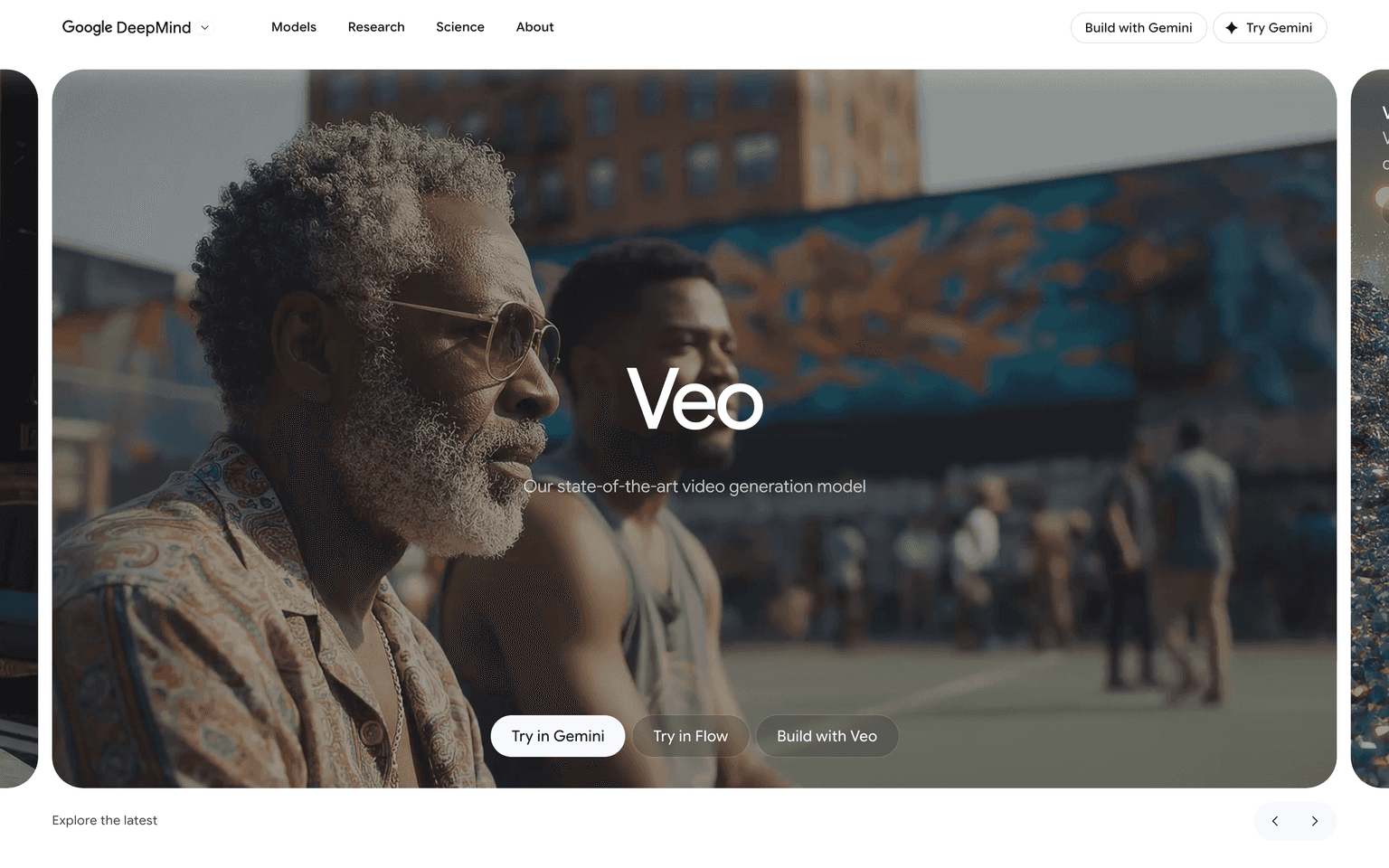
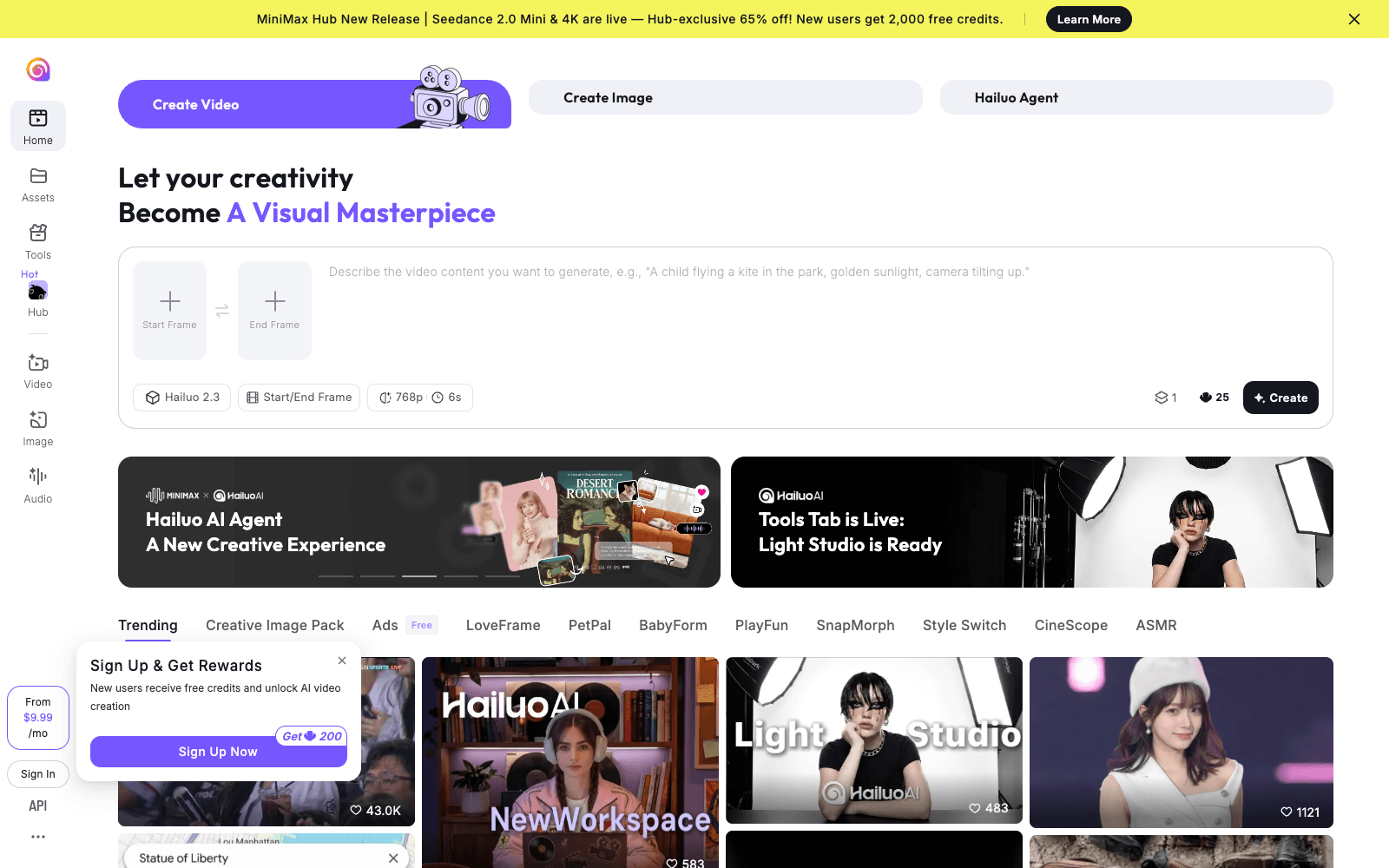
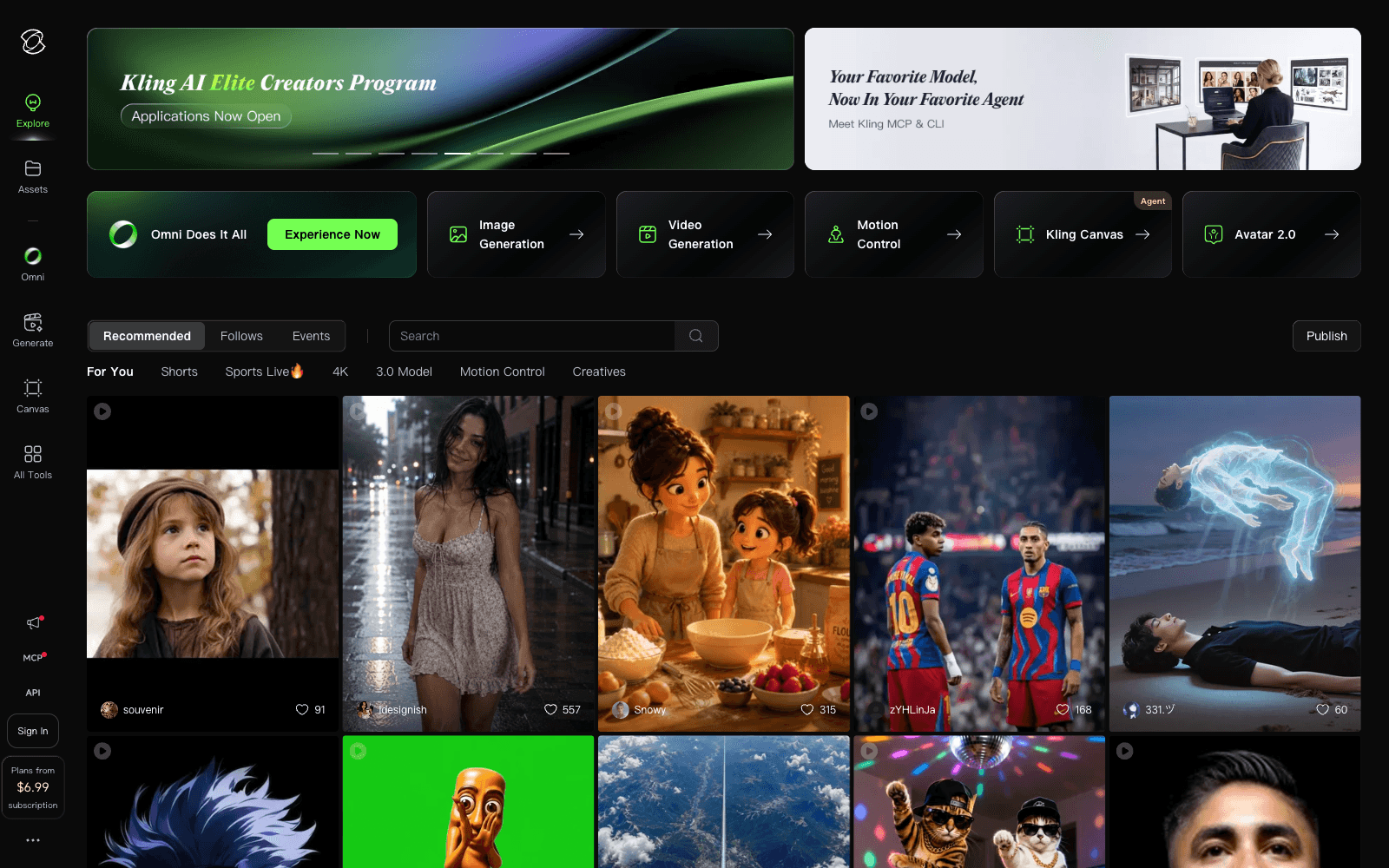
How does CapCut compare to other AI video tools? CapCut competes with tools like Google Veo, Hailuo AI, and Kling AI in the AI-powered video creation space. CapCut stands out as one of the world's most-downloaded apps, offering a comprehensive suite of editing and AI features in a single platform.
tl;dr
ByteDance's video editor with deep AI. Top 5 app globally. Captions, voice clone, script-to-video.
Related
Looking for more options? Browse the Video Creation directory or read our best AI video tools listicle. CapCut has a Wikipedia entry and is tracked on Crunchbase.
Why Use CapCut
Editorial Review
Our take on CapCut.

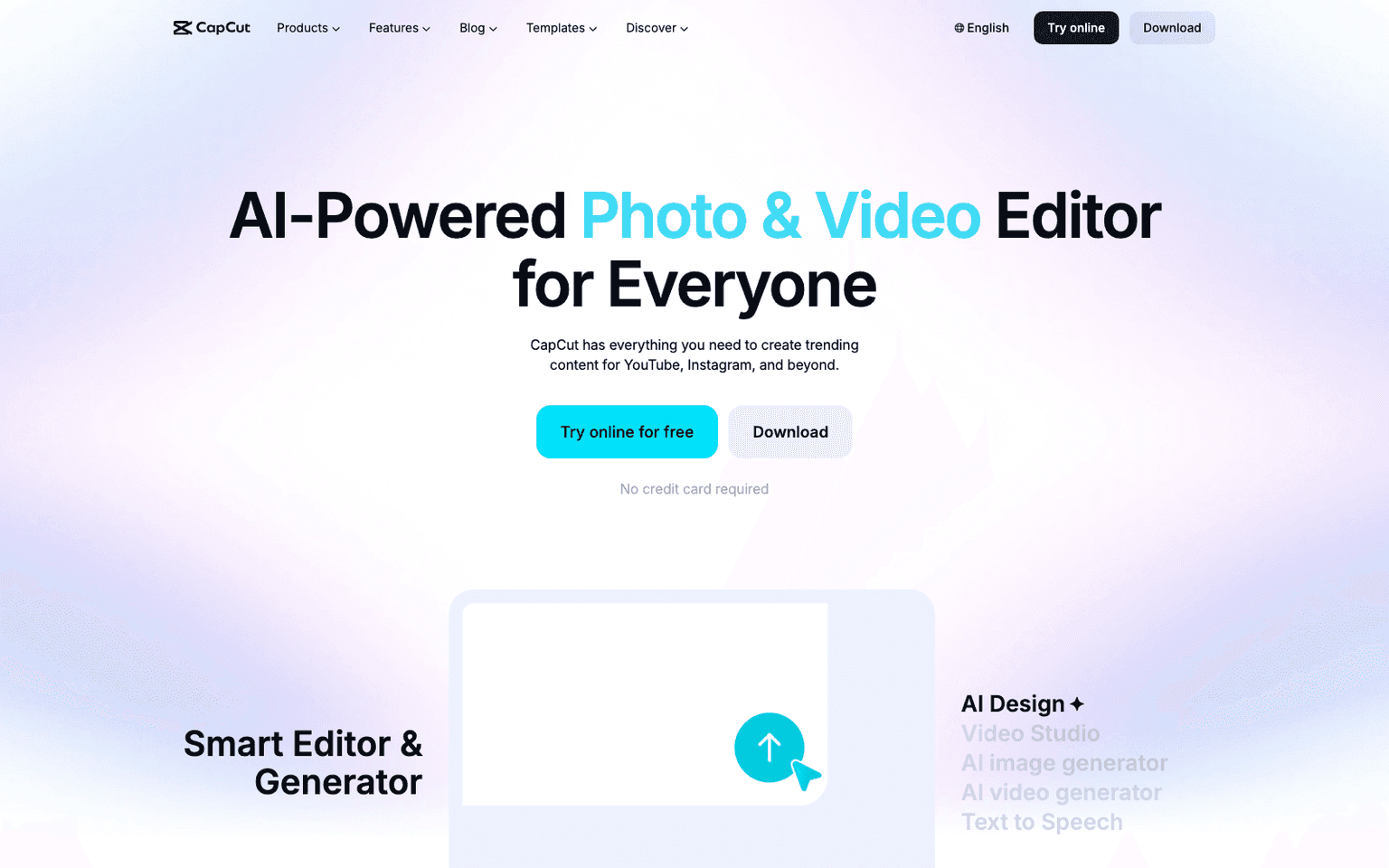
CapCut is ByteDance's freemium video editor with AI-driven scripting, auto-captions, and voice cloning—dominant on mobile, but desktop and export limits constrain professional workflows.
What works
- Free tier ships core editing; no watermark on exports above basic
- AI captions, voice cloning, and scripting reduce manual labor
- Massive mobile app ecosystem; dominant on TikTok/Shorts workflows
What doesn't
- Desktop version is afterthought; mobile-first design limits pro use
- Export bitrate caps and advanced effect paywalls create friction early
CapCut handles rapid video assembly for social content. Its AI transcription auto-syncs captions, voice cloning reduces recording friction, and effect libraries are genuinely deep. The mobile app is where it shines; the desktop version exists but feels secondary. Freemium access to core features (cuts, transitions, basic effects) is real—you can publish full videos without paying. That's the draw for creators bootstrapping TikTok, YouTube Shorts, and Instagram Reels workflows.
The ceiling arrives fast. Export bitrate caps, watermark friction on the free tier, and subscription locks on advanced effects (color grading, certain AI features) push serious creators toward DaVinci Resolve or Adobe Premiere. Voice cloning quality varies; it's usable for B-roll voiceovers, not dialogue replacement. The AI scripting tool is convenient but generic—don't expect it to shape your creative direction. Owned by ByteDance, so geopolitical risk sits in the background for enterprises, though most users ignore it.
Strength is absolute market penetration (top 5 globally downloaded app) and zero friction entry. If you're making snackable video for social platforms and don't need color science or advanced compositing, it works. If you're building a studio pipeline or exporting for broadcast, you'll outgrow it within weeks.
User Reviews
Similar Tools