Adobe Enhance Speech
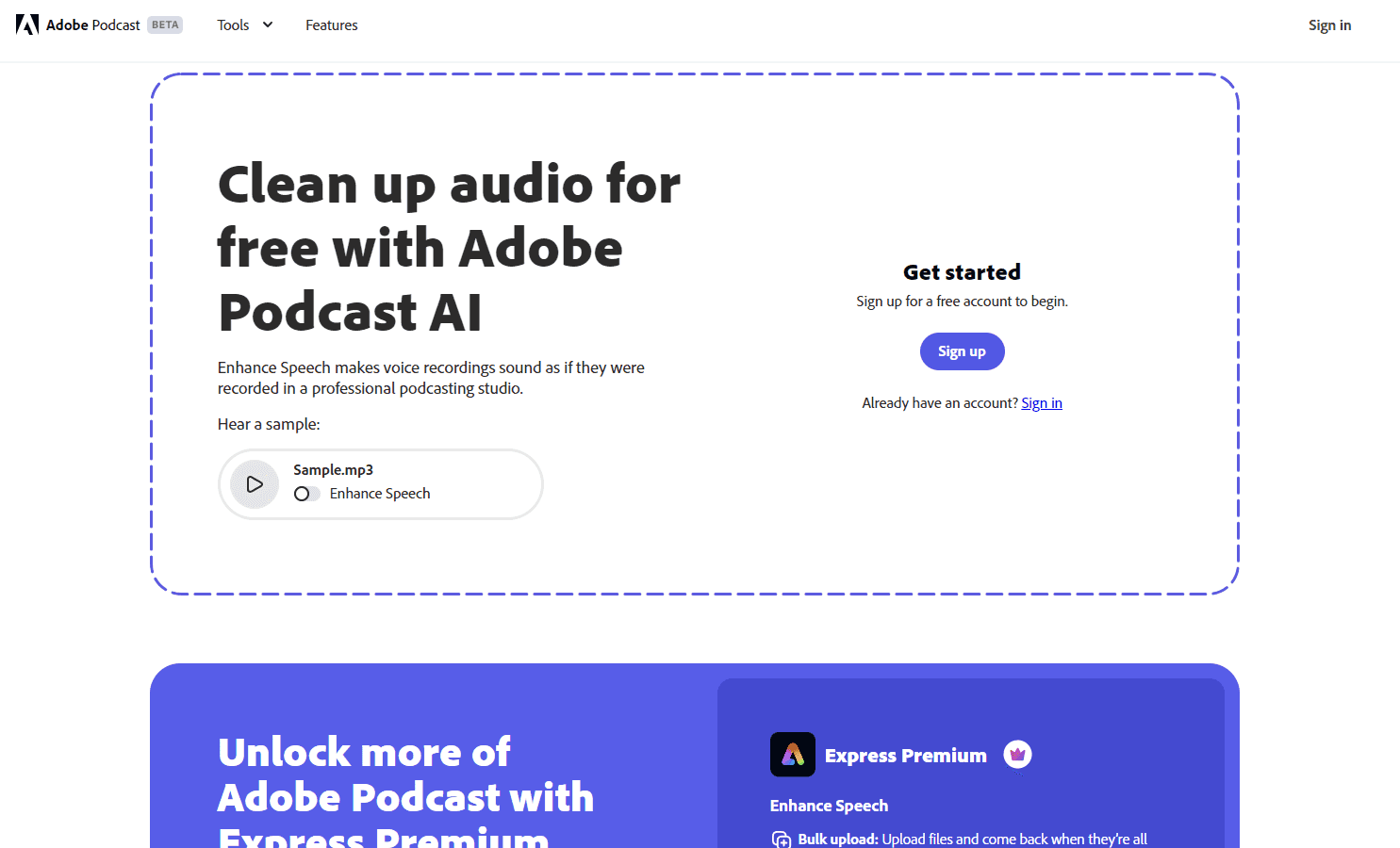
Enhance voice recordings for a professional podcasting studio feel.
Overview
Adobe Podcast Enhance Speech: Elevate Your Audio Quality
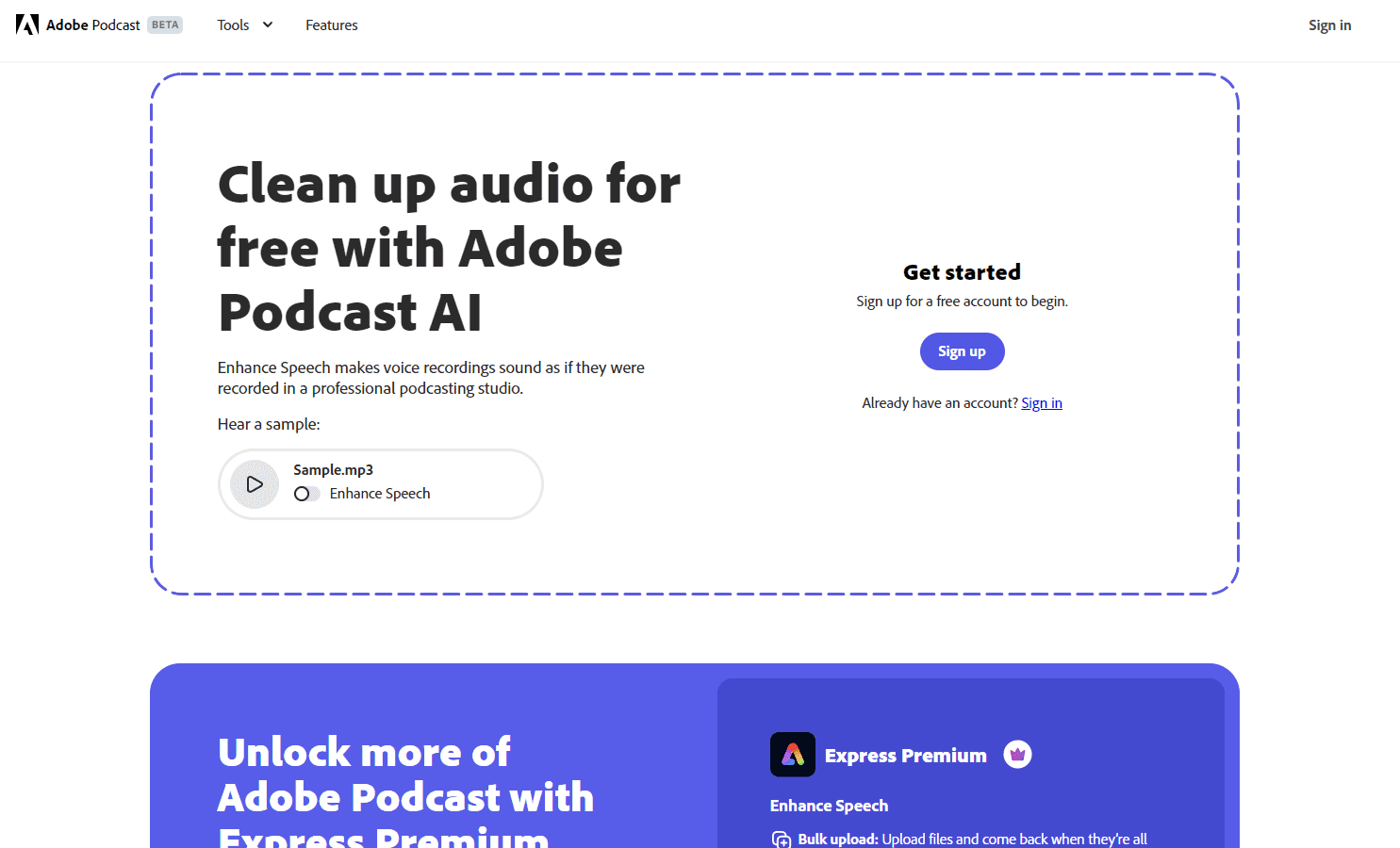
Adobe Podcast's Enhance Speech tool is designed to transform voice recordings, making them sound as if they were captured in a high-end podcasting studio. This tool is perfect for podcasters, interviewers, and anyone looking to improve the quality of their audio recordings. By leveraging advanced AI algorithms, Enhance Speech can clean up audio files, eliminating background noise and enhancing the clarity of the spoken word.
Key Features:
- Clean Up Audio: Remove unwanted background noises and distractions.
- Bulk Upload: Upload multiple files simultaneously and let the tool process them.
- Adjust Strength: Customize the enhancement level for a more natural sound.
- Enhance More: Process up to 4 hours of audio daily, with individual file sizes up to 1 GB.
- Adobe Express Premium Integration: Access all premium features for design on express.adobe.com.
Ideal Use Case:
Podcasters, interviewers, and content creators who want to ensure their audio recordings are of the highest quality. This tool is especially beneficial for those who might not have access to a professional recording studio but still want their content to sound top-notch.
Why use Adobe Podcast Enhance Speech:
- Professional Quality: Achieve studio-like audio quality without the studio.
- AI-Powered: Utilize advanced algorithms for optimal audio enhancement.
- Flexible Options: Adjust the enhancement strength to suit your preferences.
- Efficient Bulk Processing: Upload multiple files and let the tool handle the rest.
- Integrated with Adobe Express Premium: Seamless integration with other Adobe tools for a comprehensive content creation experience.
FAQ
What does Adobe Enhance Speech do? Adobe Enhance Speech is an AI audio tool that improves voice recordings to sound like they were produced in a professional podcasting studio, helping creators achieve polished audio without expensive equipment.
Who should use Adobe Enhance Speech? Podcasters, content creators, and anyone recording voice-over work will benefit from this tool, especially those looking to upgrade their audio quality without investing in dedicated studio gear.
How much does Adobe Enhance Speech cost? Adobe Enhance Speech is available as a free trial, allowing you to test the tool before committing. Visit the Adobe Enhance Speech pricing page for current plans and upgrade options.
How does Adobe Enhance Speech compare to similar tools? Adobe Enhance Speech competes with other AI audio enhancement platforms like ElevenLabs, Cartesia, and Deepgram, each offering different approaches to voice quality improvement and audio processing features.
tl;dr:
Adobe Podcast Enhance Speech is an AI-powered tool designed to elevate the quality of voice recordings. It removes background noise, enhances clarity, and offers customizable settings for a natural sound. Ideal for podcasters and content creators, this tool ensures professional audio quality without the need for a studio.
Related
Looking for more options? Browse the AI Audio Creation directory or read our best AI audio tools listicle. Adobe Enhance Speech is also tracked on Crunchbase.
Why Use Adobe Enhance Speech
Editorial Review
Our take on Adobe Enhance Speech.

The one-click speech cleaner grew real controls. Advanced Source Separation (March 2026) splits a recording into speech, background and music with independent sliders and downloadable stems, which retires the old complaint that you got Adobe's opinion or nothing.
What works
- Speech, background and music controls with downloadable stems, not one flattened output
- Free browser tier with an Adobe account handles the basic clean-up
- Now built into Firefly Video Editor and Premiere, so video work gets the same processing
What doesn't
- Advanced Source Separation and stem export are Premium-only
- A repair tool, not a mixer -- no EQ, compression or reverb shaping
Enhance Speech takes rough spoken audio -- phone recordings, untreated rooms, noisy field captures -- and removes noise and reverb while reconstructing the voice. It runs free in the browser with an Adobe account, which is still the fastest way to find out whether a salvage job is possible at all.
The 2026 releases changed what this tool is. Enhance Speech already exposed speech and background sliders rather than a single processed output, and the March 2026 Advanced Source Separation update added a music control and the ability to download isolated stems for speech, background and music separately. You can rebalance or mute each layer instead of accepting one flattened result. Adobe also put Enhance Speech inside the Firefly Video Editor in April 2026, alongside Premiere, so the same processing follows video work.
Around it, Adobe Podcast has become a recording tool rather than a filter: Studio does remote audio and video capture with separate tracks per participant, and multi-track import handles sessions recorded in Zoom, Riverside, StreamYard or Restream with automatic sync and a unified transcript.
The limits are honest ones. Source separation and the stems sit on the Premium tier, so the free surface is still the basic clean-up. Heavily clipped or badly overlapped audio cannot be reconstructed by any of this. And it remains a repair and production tool, not a mixing desk -- there is no EQ curve or compressor to reach for, only the separation controls. For most people recording speech, that is the right trade.
User Reviews
Similar Tools