YouCam AI Pro
Top-notch AI image generator app to create high quality text-to-image result easily.
Overview
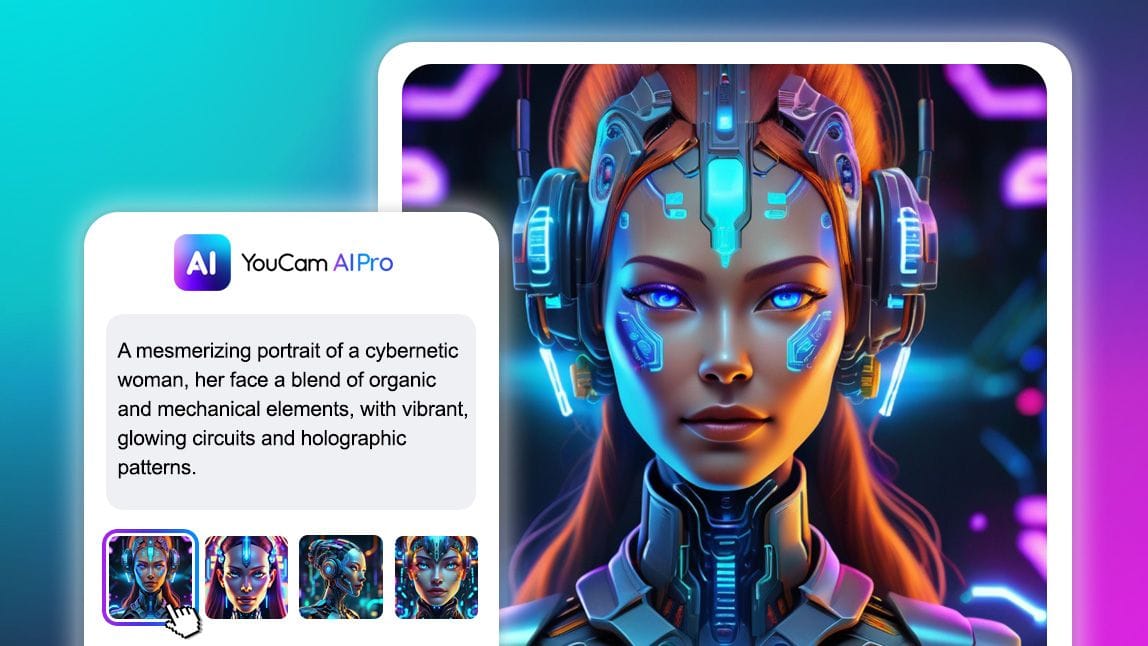
Generate Stunning AI Art with YouCam AI Pro
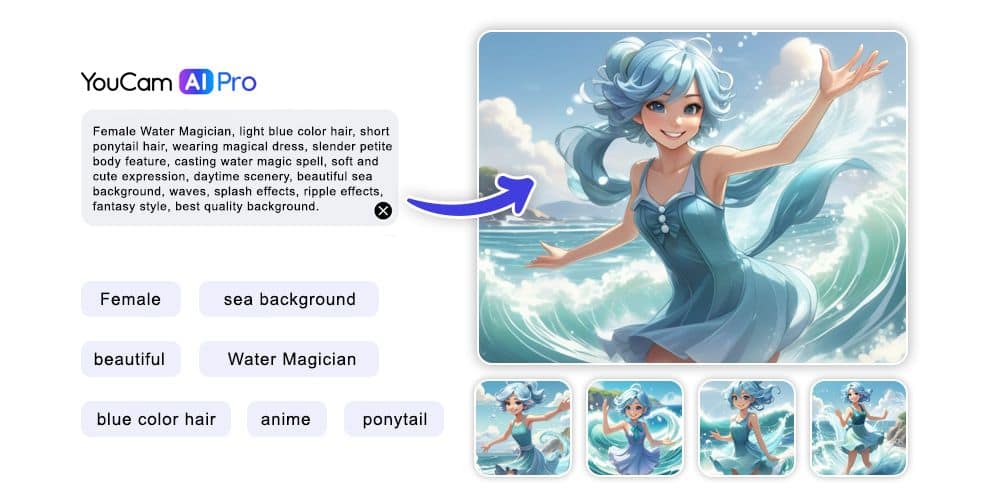
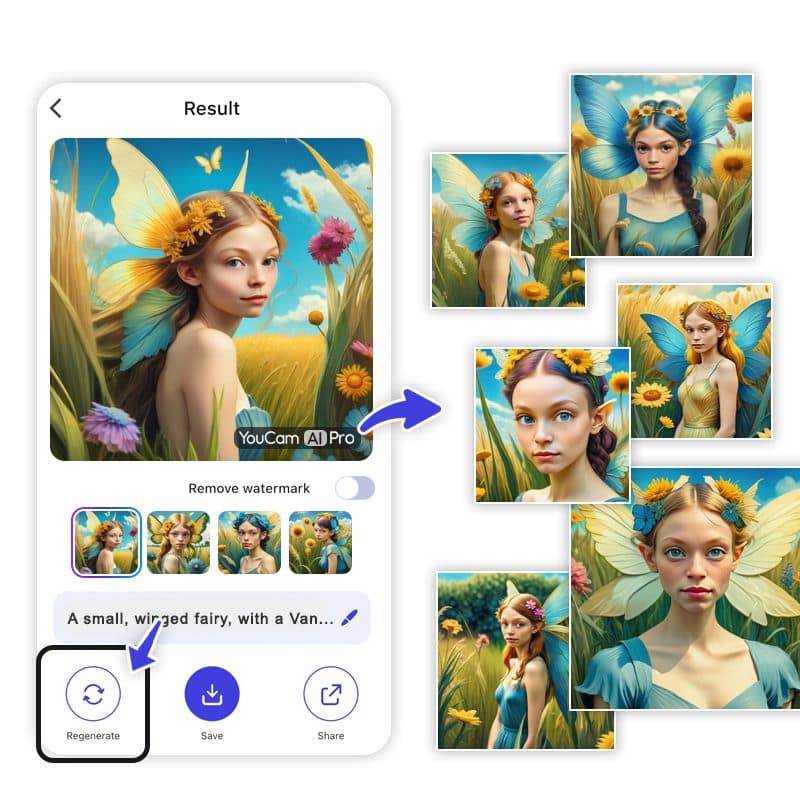
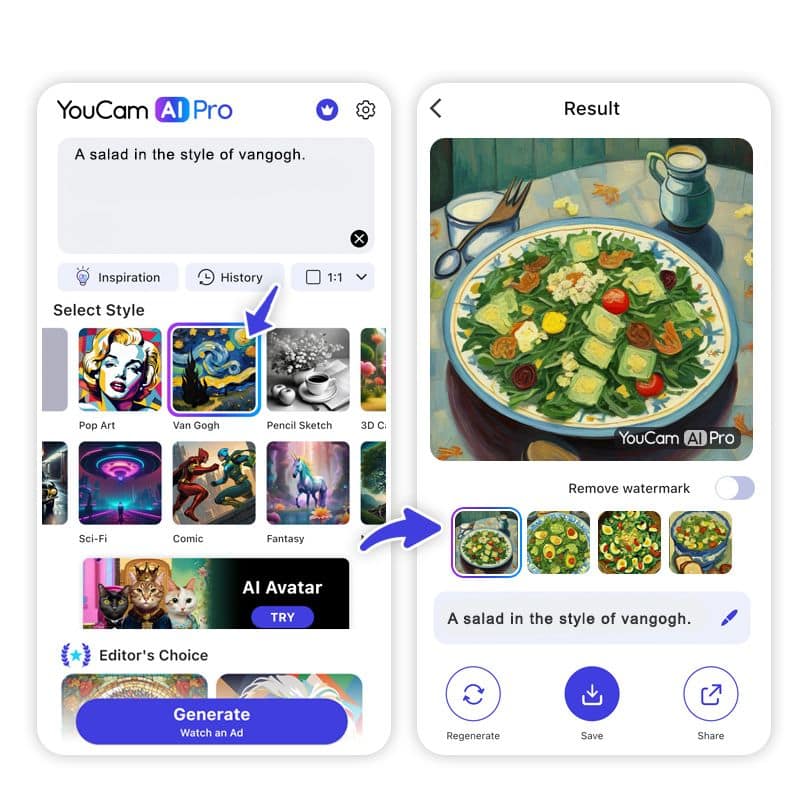
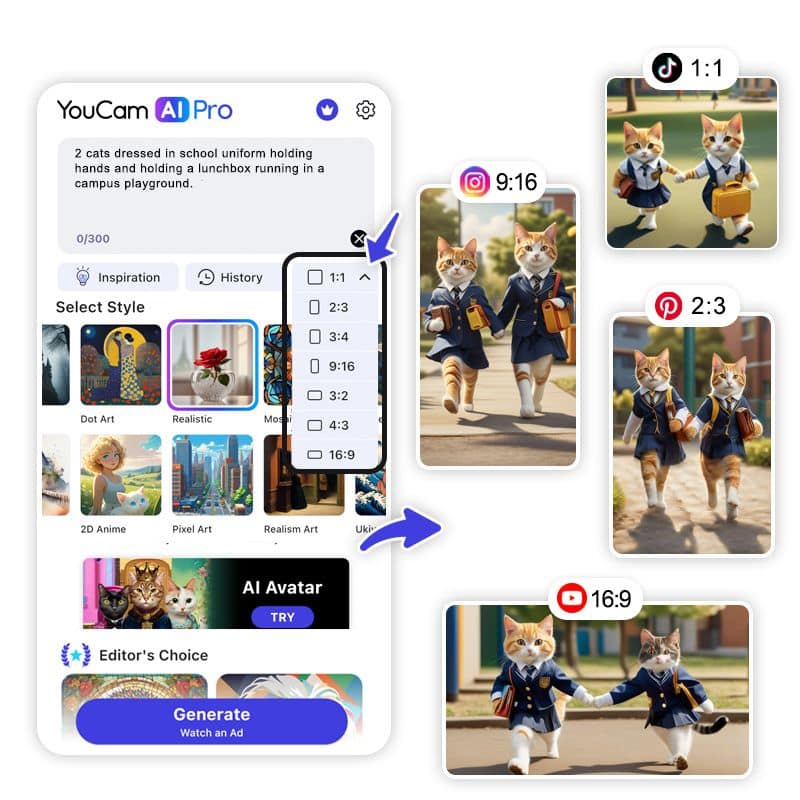
YouCam AI Pro is a versatile AI art generator that allows users to create high-quality digital art and avatars from text and images. With a focus on creativity and ease of use, YouCam AI Pro caters to artists, designers, and anyone interested in exploring the potential of AI-generated visuals. The app offers a range of styles and creative prompts, making it a go-to tool for generating unique and personalized digital artwork.
Key Features:
- Text-to-Image AI Art: Transform descriptions into visual art.
- AI Magic Avatar: Create personalized digital avatars from selfies.
- AI Pet Avatar: Generate fun and unique portraits of pets.
- User-Friendly Interface: Intuitive design for seamless creation.
- Diverse Styles: Over 25 styles for avatar creation.
Ideal Use Case:
Ideal for artists, social media enthusiasts, and pet owners looking to create unique digital representations and art pieces.
Why use YouCam AI Pro:
- Unleash Creativity: Explore limitless artistic possibilities.
- Personalization: Craft avatars that reflect individual styles.
- Fun with Pet Portraits: Celebrate pets with special AI-generated images.
- Ease of Use: Simple process for users of all skill levels.
- Free to Start: Begin with free features to explore the app's capabilities.
tl;dr:
YouCam AI Pro empowers users to easily generate AI art and avatars, offering a fun and creative platform for personal or professional digital art creation.
FAQ
Q: What is YouCam AI Pro's purpose? A: Top-notch AI image generator app to create high quality text-to-image result easily.
Q: What is YouCam AI Pro's pricing? A: YouCam AI Pro offers a free tier with paid upgrades. Visit the YouCam AI Pro pricing page for current plan details.
Q: What problem does YouCam AI Pro solve? A: YouCam AI Pro helps designers and visual creators generate images, edit photos, and produce visual assets at scale.
Q: What can replace YouCam AI Pro? A: Top alternatives to YouCam AI Pro include Midjourney, Runway Research, and Krea AI. See our directory for in-depth comparisons.
Related
Looking for more options? Browse the AI Art & Image Creation directory or read our best AI image generators listicle. YouCam AI Pro is also tracked on Crunchbase.
Why Use YouCam AI Pro
Editorial Review
Our take on YouCam AI Pro.
Not the toy the form factor suggests. YouCam AI Pro is a multi-model front end -- GPT-Images, Nano Banana Pro, Flux.2 Pro and Seedream for stills, Kling, Veo and Seedance for video -- so the models match the desktop tools. What you trade is workflow depth, not model quality.
What works
- Model picker spans GPT-Images, Nano Banana Pro, Flux.2 Pro, Imagen and Seedream
- Video covers Kling 3.0, Veo 3.1, Seedance 2.0, Hailuo and PixVerse in the same app
- Agent mode selects the model and tool chain from a plain description
What doesn't
- Little iteration scaffolding: no real versioning, batching or fine post-generation control
- Credit packs on top of subscription; video generation burns them quickly
YouCam AI Pro is Perfect Corp's generation app, from the company behind the YouCam beauty suite, and the pedigree shows in the interface: prompt, pick, share, with none of the setup a desktop generator asks for.
The important correction to make about this app is that it is not running some weaker in-house model. It offers a model picker across frontier systems -- GPT-Images 2.0, Nano Banana Pro, Flux.2 Pro, Imagen 4 and Seedream 5 for images, and Kling 3.0, Google Veo 3.1, Vidu Q2, Seedance 2.0, Hailuo 02 and PixVerse 6 for video. There is also an agent mode that picks the model and tool chain for you from a plain description, which is genuinely useful when you do not know which engine suits a shot. Anyone who assumed a phone app meant a second-tier model should recheck that assumption.
The real ceiling is workflow rather than output. You get far less of the iteration scaffolding a desktop tool provides -- no serious versioning, batching, or node-style control over a generation, and limited fine control once a result is close but not right. The portrait and enhancement tools remain the standout, which is where Perfect Corp's years of face-editing work actually compound.
Pricing is subscription with credit packs on top, sold in weekly through yearly tiers. Running several frontier video models has a real unit cost behind it, and the credit system is how that gets passed on -- worth modelling if you generate video at any volume rather than occasionally.
User Reviews
Similar Tools