Wispr Flow
Effortless voice dictation that types in any app three times faster.
Overview
Wispr Flow: Effortless Voice Dictation That Types in Any App, Three Times Faster
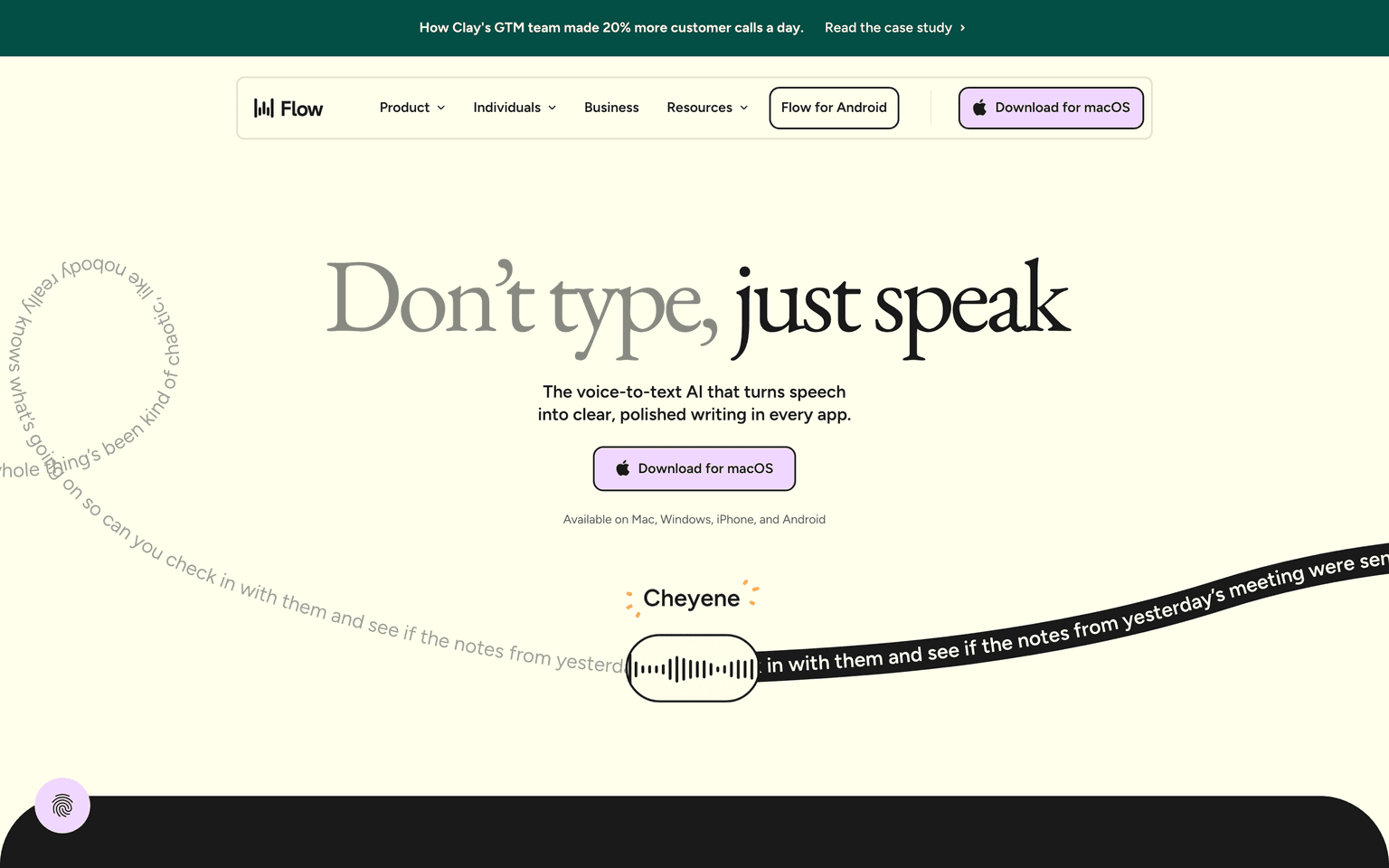
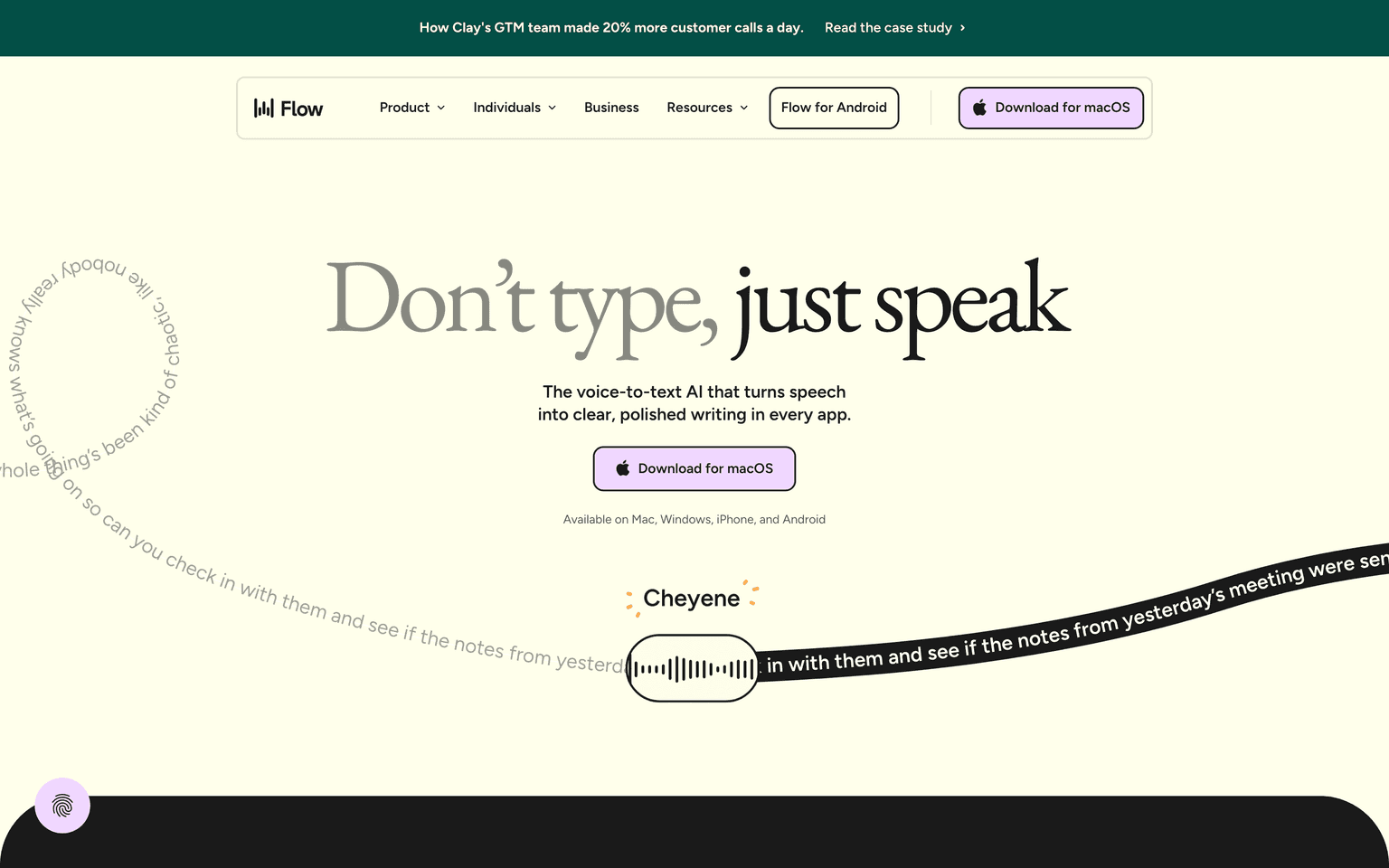
Wispr Flow is the voice dictation app that lets you type in any application by speaking, with AI that handles punctuation, formatting, names, and quick edits on the fly. Hold a hotkey, talk like you would to a coworker, and Wispr Flow drops clean text wherever your cursor is, three times faster than typing. Writers, founders, engineers, customer-success leads, and people with RSI use it to draft emails, write code comments, capture thoughts, and run their day hands-free.
Key Features:
- Hold-to-talk hotkey that types in any app on your computer
- AI auto-formatting for punctuation, names, code, and lists
- Custom dictionary so brand names and people stick
- Mac, Windows, and iOS apps with one account
- Edits and corrections by voice with natural-language commands
- Snippet support so common phrases expand instantly
- Privacy-first audio handling and clear data controls
- Three-times-typing-speed productivity for sustained writers
- Free tier with weekly word allowance plus Pro and Business plans
Ideal Use Case:
Wispr Flow is built for writers, founders, customer-success leads, and engineers who type all day and want their voice to do the work instead. It is especially valuable for people with RSI, anyone who hates email, and creatives who think faster than they type.
Why Use Wispr Flow:
- Type three times faster than keyboard typing without losing accuracy
- Use voice in any app you already work in
- Hands-free workflows for RSI, mobility, or just comfort
- Skip the manual cleanup with AI auto-formatting
- Pay only when you outgrow the free weekly words
- Use the same account on Mac, Windows, and iOS
FAQ
Is Wispr Flow free? Yes. Wispr Flow has a free tier with weekly words. Pro starts around $12/month annually, with Business and Enterprise plans available.
What platforms does Wispr Flow support? Mac, Windows, and iOS today, with the same account across devices.
Where does Wispr Flow type? Anywhere your cursor is. Email, docs, Slack, code editors, browsers, terminals.
How does Wispr Flow handle punctuation? It uses AI to auto-format punctuation, names, capitalization, and structure as you talk.
Is my audio sent to the cloud? Wispr Flow processes audio in the cloud with strict data controls. See their privacy page for full details.
FAQ
What does Wispr Flow do? Wispr Flow is a voice dictation tool that lets you speak and have your words automatically typed into any application on your computer, working roughly three times faster than manual typing.
Who should use Wispr Flow? Wispr Flow is ideal for anyone who wants to write faster and more naturally—whether you're composing emails, taking notes, coding, or creating content across different apps without switching tools.
How much does Wispr Flow cost? Wispr Flow uses a freemium model, meaning you can start for free and upgrade to paid features if needed. Visit the Wispr Flow pricing page for current plans.
How does Wispr Flow compare to other writing tools? Unlike ChatGPT, Gemini, and Perplexity.ai which focus on generating content through conversation, Wispr Flow specializes in converting your spoken words into text within the apps you already use, prioritizing speed and ease of dictation.
FAQ
What does Wispr Flow do? Wispr Flow is a voice dictation tool that lets you speak and have your words automatically typed into any application on your computer, working roughly three times faster than manual typing.
Who should use Wispr Flow? Wispr Flow is ideal for anyone who wants to write faster and more naturally—whether you're composing emails, taking notes, coding, or creating content across different apps without switching tools.
How much does Wispr Flow cost? Wispr Flow uses a freemium model, meaning you can start for free and upgrade to paid features if needed. Visit the Wispr Flow pricing page for current plans.
How does Wispr Flow compare to other writing tools? Unlike ChatGPT, Gemini, and Perplexity.ai which focus on generating content through conversation, Wispr Flow specializes in converting your spoken words into text within the apps you already use, prioritizing speed and ease of dictation.
tl;dr:
Wispr Flow turns your voice into clean, formatted text inside any app, three times faster than typing. It is the easiest way to write more in less time, and a quiet quality-of-life upgrade for anyone who lives at a keyboard.
Related
Looking for more options? Browse the Productivity directory or read our best AI productivity tools listicle. Wispr Flow has a Wikipedia entry and is tracked on Crunchbase.
Why Use Wispr Flow
FAQ
Editorial Review
Our take on Wispr Flow.

Fast voice-to-text that works everywhere, but the speed claim needs real-world testing.
What works
- Works in any app without app-switching friction
- Freemium entry point lowers commitment risk
- Runs on macOS, Windows, iPhone and Android, cleaning fillers and grammar as you speak
What doesn't
- Speed claims are contextual, not universal
- Unclear what freemium tier actually includes
Wispr Flow sits in your system tray and lets you dictate into any app without switching contexts—that's genuinely useful for people who think faster than they type. The freemium model means you can test whether voice input actually fits your workflow before committing.
The "three times faster" claim in the description is the kind of thing that depends heavily on your baseline typing speed, what you're dictating, and how much you edit afterward. Someone who types 40 wpm might see meaningful gains; someone at 100+ wpm probably won't. The real value seems to be contextual—keeping focus while drafting, or hands-free work—rather than pure speed. Without seeing pricing details, it's hard to judge whether the freemium tier gives you enough to decide if paid features matter.
User Reviews
Similar Tools