Warp AI
Integrated AI assistance for developers in the terminal.
Overview
AI-Powered Terminal Assistance with Warp AI
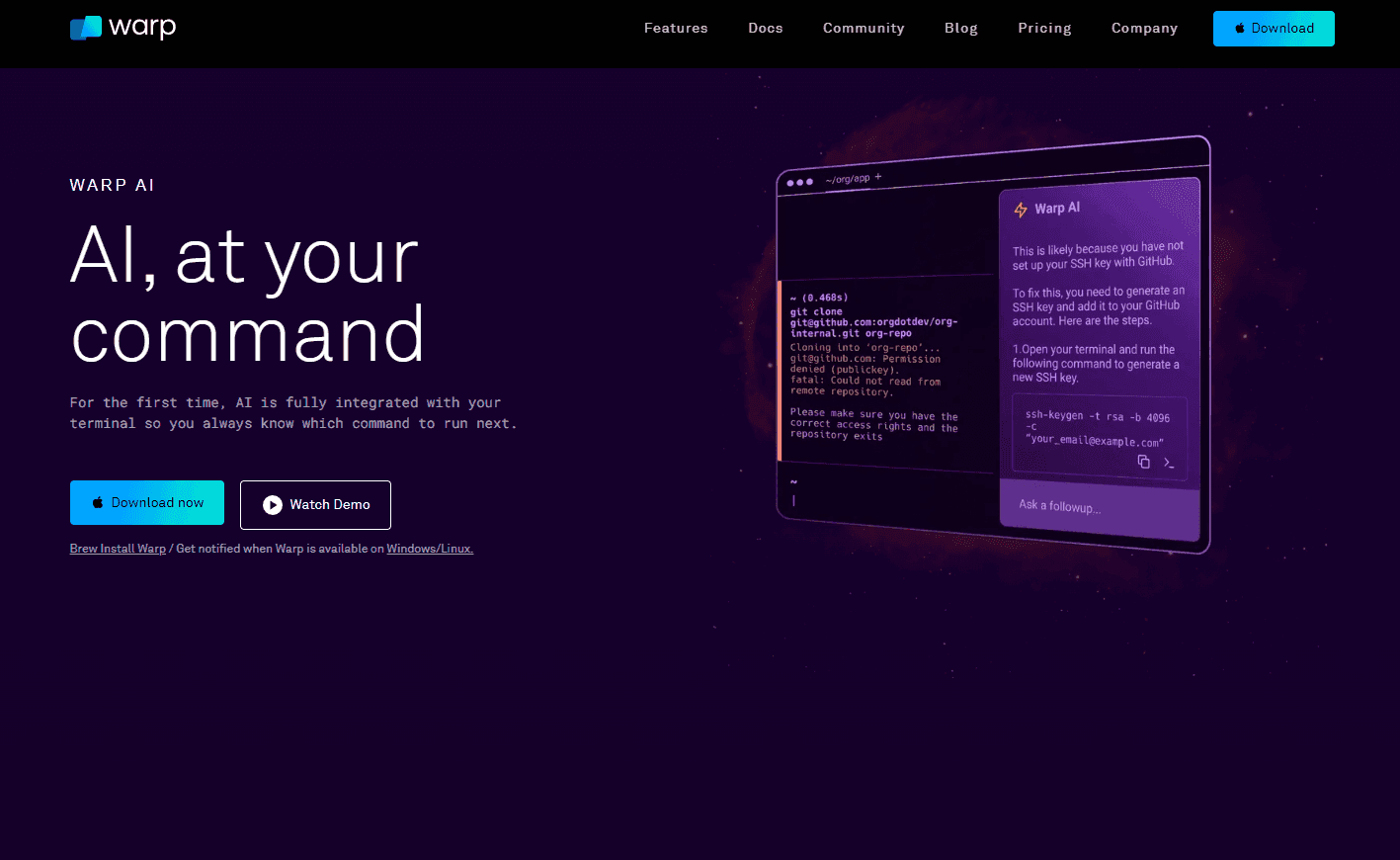
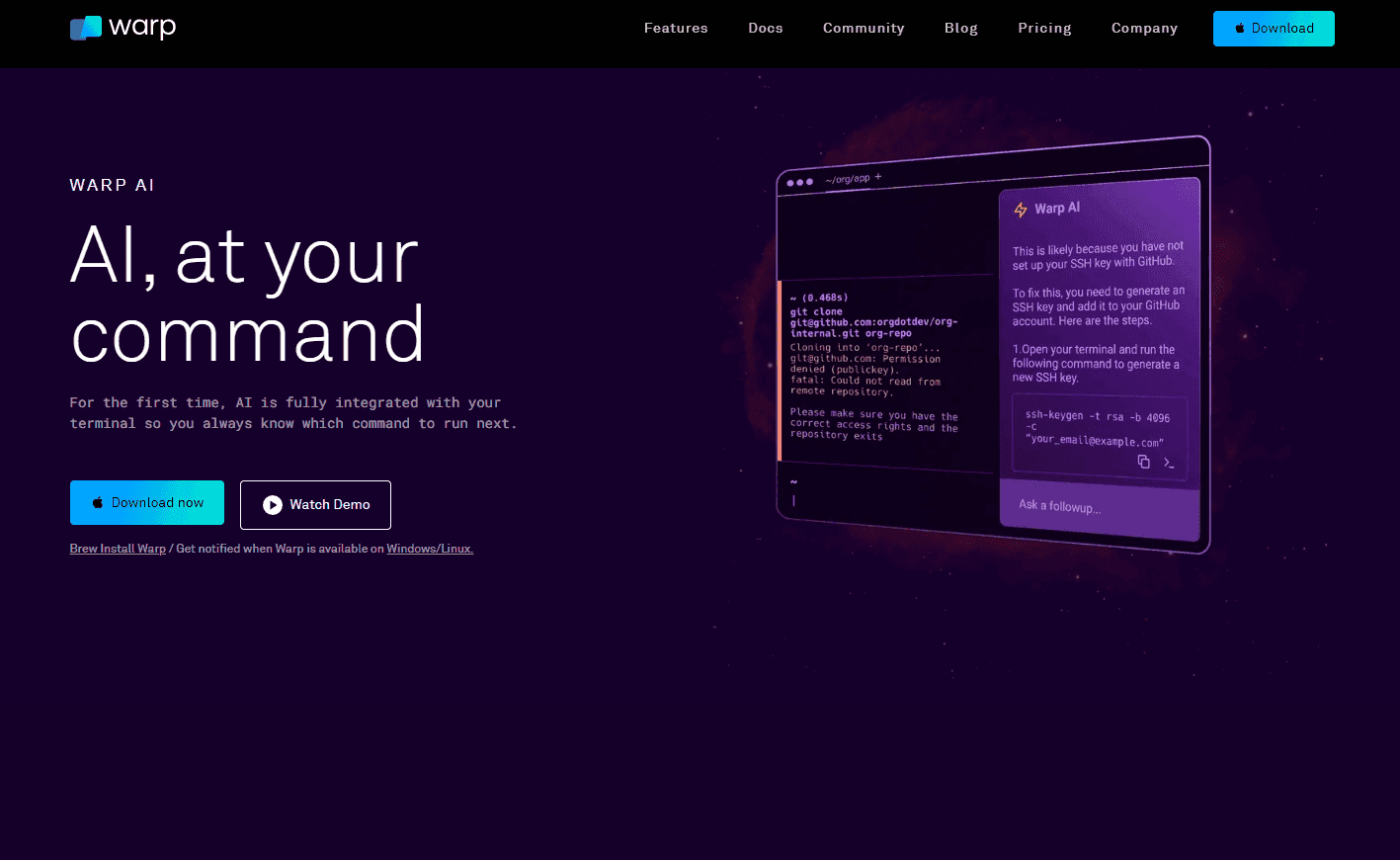
Warp AI introduces a groundbreaking approach to terminal operations by seamlessly integrating AI. Developers can now harness the power of AI to debug errors, look up commands, and even get step-by-step guidance on programming challenges, all from the comfort of their terminal.
Key Features:
- Debug Errors: Ask Warp AI to investigate terminal outputs and provide solutions to errors.
- AI Command Search: Use natural language to fetch commands without the need to search on external platforms.
- Interactive Guidance: Seek advice on programming problems and get actionable steps, complete with executable commands.
- Command Prediction: Predictive suggestions based on past commands, offering a "zero state" recommendation even before typing begins.
Ideal Use Case:
Warp AI is perfect for developers, both novice and experienced, who frequently interact with terminal interfaces. It's especially beneficial for those looking to reduce the time spent on debugging and command searches, making their workflow more efficient.
Why use Warp AI:
- Efficiency: Speed up debugging and command retrieval processes.
- Intuitive Interface: Natural language processing allows for easy command lookups.
- Data Privacy: Ensures user data remains private with a hands-off approach.
- Local and Cloud AI: Offers both local AI for command predictions and cloud-based AI for interactive searches, ensuring optimal performance.
FAQ
What is Warp AI designed to do? Warp AI is an integrated AI assistant built directly into the terminal to help developers write, debug, and understand code more efficiently without leaving their command line environment.
Who should use Warp AI? Warp AI is built for developers who spend significant time in the terminal and want AI-powered assistance alongside their regular development workflow.
How much does Warp AI cost? Warp AI operates on a paid subscription model. Visit the Warp AI pricing page for current plans and details on what's included.
How does Warp AI compare to other AI development tools? Unlike GitHub Copilot, Cursor, and v0 which focus on code editors or design interfaces, Warp AI brings AI assistance directly into your terminal environment, making it a specialized choice for developers who work primarily from the command line.
tl;dr:
Warp AI revolutionizes the terminal experience by integrating AI, assisting developers in debugging, command retrieval, and offering predictive suggestions, all while ensuring data privacy.
Related
Looking for more options? Browse the Developer Tools directory or read our best AI coding tools listicle. Warp AI is also tracked on Crunchbase.
Why Use Warp AI
Editorial Review
Our take on Warp AI.

Terminal-native AI that feels natural for shell work, but the paid-only model and terminal-specific scope limit its reach.
What works
- Runs inside your terminal—no context switching for shell help
- Understands local context (directories, recent commands, errors)
- Open-sourced May 2026; Warp Code adds an editor, agent review and WARP.md rules
What doesn't
- Paid-only model with no free tier limits discovery and trial
- Narrowly scoped to terminal; doesn't replace broader code AI
Warp AI strips away the context-switching tax of jumping between your terminal and a separate AI window. It lives in the shell itself, which means you're not alt-tabbing to ask for a command or debug output. The integration is tight enough that it understands your working directory, recent commands, and error context without manual copy-paste. For developers who live in the terminal, that's genuinely useful.
The catch: it's terminal-only, so it doesn't help with code generation, refactoring, or architecture questions the way Copilot or Cursor do. You're paying for a narrower tool that does one job well rather than a broad IDE copilot. But the paid-only model (no free tier) is a friction point for evaluation and adoption, especially when competitors offer freemium entry.
User Reviews
Similar Tools