Upstream
AI-native email inbox where agents triage messages, draft replies in your voice, and follow up.
Overview
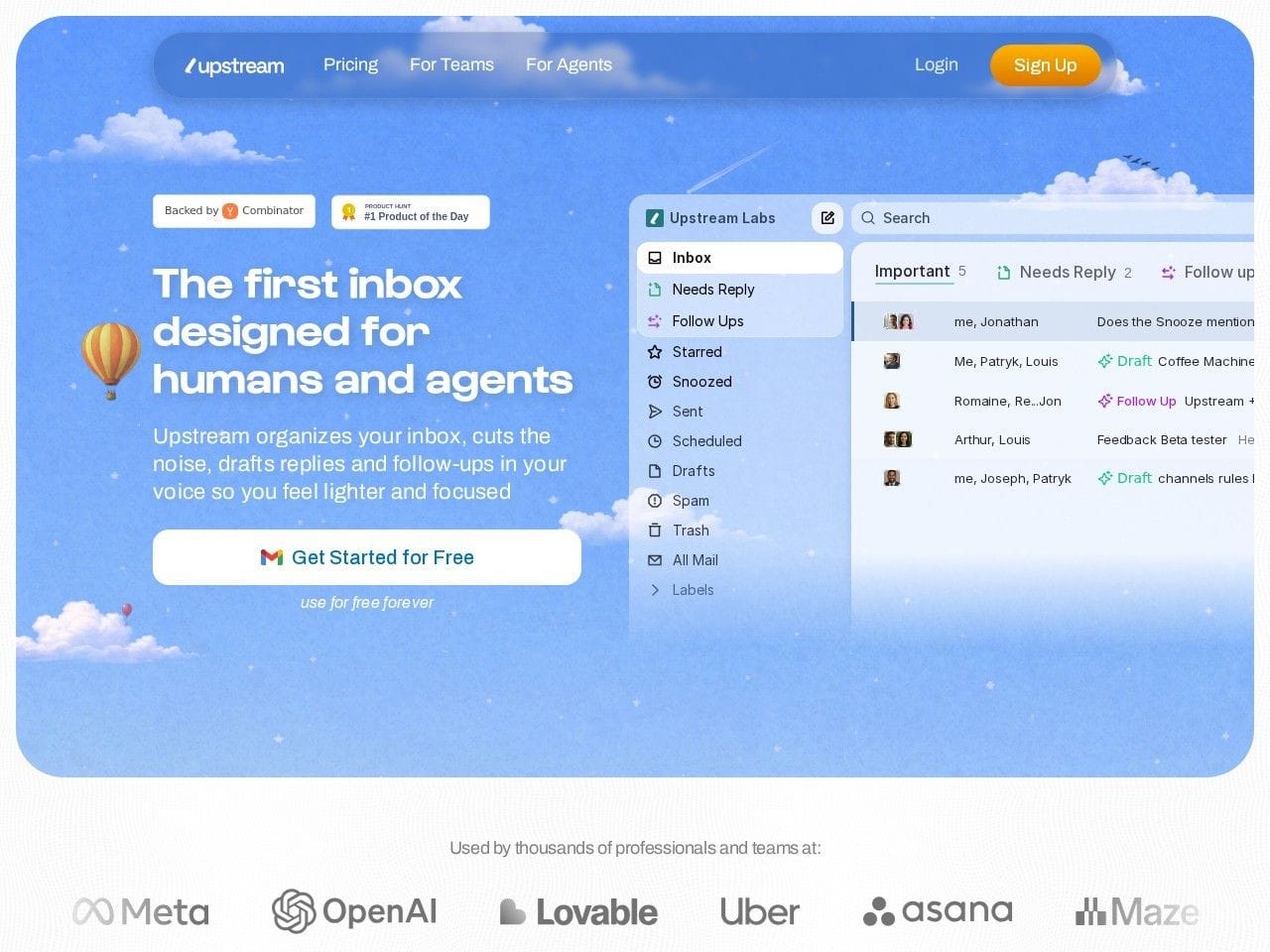
Upstream: An email inbox built for humans and AI agents
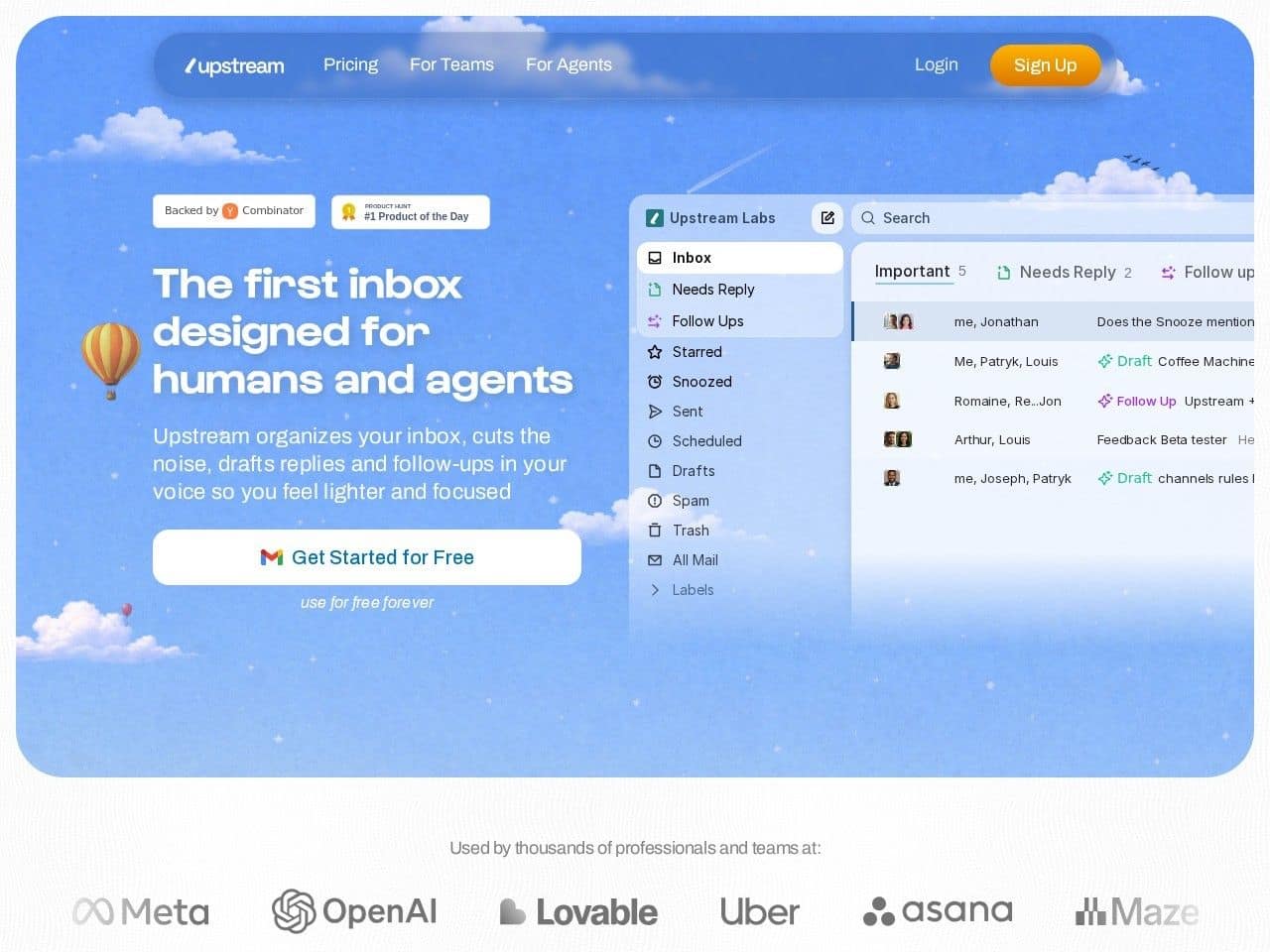
Upstream is an AI-native email client that sits on top of your existing Gmail account and rebuilds the inbox around agents. Instead of bolting an assistant onto a traditional client, Upstream's agents work continuously in the background: they split incoming mail into what needs attention, what can wait, and what you can ignore (Primary, Needs Reply, VIP, Noise), filter cold outreach and newsletters, and pre-sort reply-needed messages before you even open the app.
Every reply starts with a draft written in your voice — the system learns your writing patterns from your own emails and stores them as a personalized, fully editable prompt. Agents also act: they find receipts, schedule meetings, pull answers from past conversations, and send follow-ups at the right time, drawing context from integrations with Granola meeting notes, Notion, Google Drive, and Google Calendar. Nothing AI-generated is sent without your approval, and the company states it does not train models on customer data. A free Core tier covers up to 5 team seats; Pro is $20 per member per month billed yearly, and Max at $60 adds personal AI agents and team-wide automations.
Key Features
- Agentic triage that splits the inbox into Primary, Needs Reply, VIP, and Noise, with cold email and newsletter filtering
- AI drafts in your exact voice, learned from your own emails and stored as an editable system prompt
- Smart follow-ups that track open loops and resurface conversations with a ready draft at the right moment
- Agent actions: find receipts, schedule meetings, retrieve information from past threads
- MCP server so external agents like Claude can use your inbox as a tool ("connect once, use Upstream from any agent")
- Team features: shared channels, comments, and split inboxes; apps for web, Mac, Windows, and iOS on top of Gmail
Ideal Use Case
Upstream fits founders, operators, and small teams drowning in high-volume Gmail who want triage, drafting, and follow-up handled by default — especially teams already running AI agents elsewhere who want email to become a surface those agents can read and act on.
How Upstream differentiates
Upstream (Y Combinator S23) launched general availability on June 3, 2026 alongside a $3M pre-seed from Y Combinator, Connect Ventures, Roosh Ventures, Xavier Niel, and 30+ operators from Framer, Algolia, Asana, and Webflow. Co-founder Louis Lecat was previously Head of Product at Algolia, helping scale ARR past $100M, with CTO Jonathan Tiret ex-VP Engineering at Doctrine. Where Superhuman and Shortwave add AI to a human-first client, Upstream positions itself as the first inbox designed for both humans and agents, including MCP access for outside agents.
FAQ
Does Upstream replace my email address? No. It works on top of Gmail — you keep your address, and Upstream replaces the client experience. Is there a free plan? Yes. Upstream Core is free forever with 7 AI drafts and 3 smart follow-ups per week for up to 5 team seats; Pro is $20/member/month billed yearly. Will the AI send email on its own? No. User approval is required before anything AI-generated is sent. What about Outlook or Android? Gmail-only today on web, Mac, Windows, and iOS; Outlook and Android are on the roadmap.
tl;dr
Upstream is a YC-backed, AI-native inbox on top of Gmail where agents sort the noise, draft in your voice, and follow up on time — free for small teams, $20/month for unlimited AI.
Related
Looking for more options? Browse the Productivity directory or read our best AI productivity tools listicle. Upstream is also tracked on Crunchbase.
Why Use Upstream
User Reviews
Similar Tools