UniScribe
UniScribe is an AI transcription tool that converts audio, video, and YouTube links into text with speaker labels, summaries, and mind maps.
Overview
UniScribe
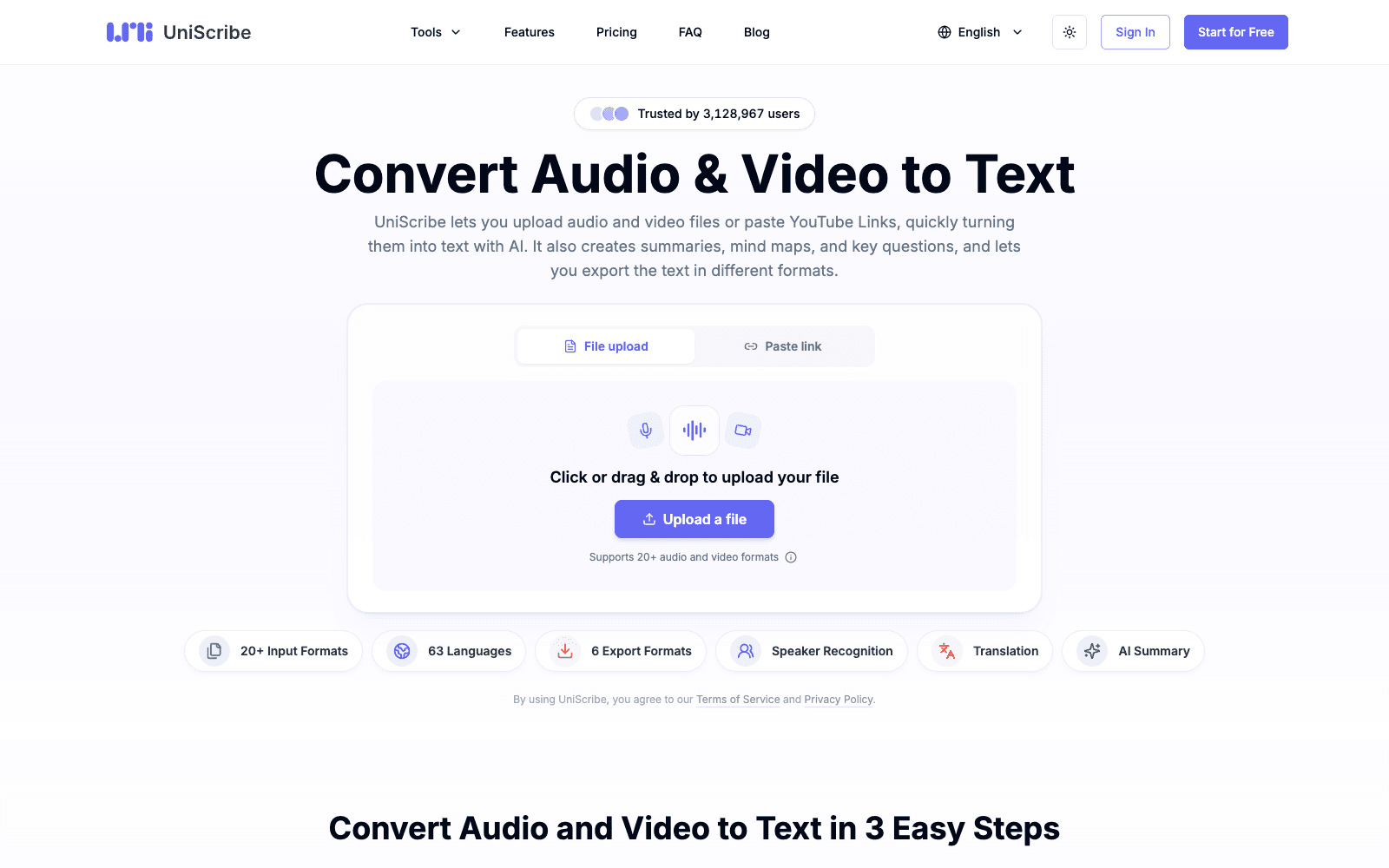
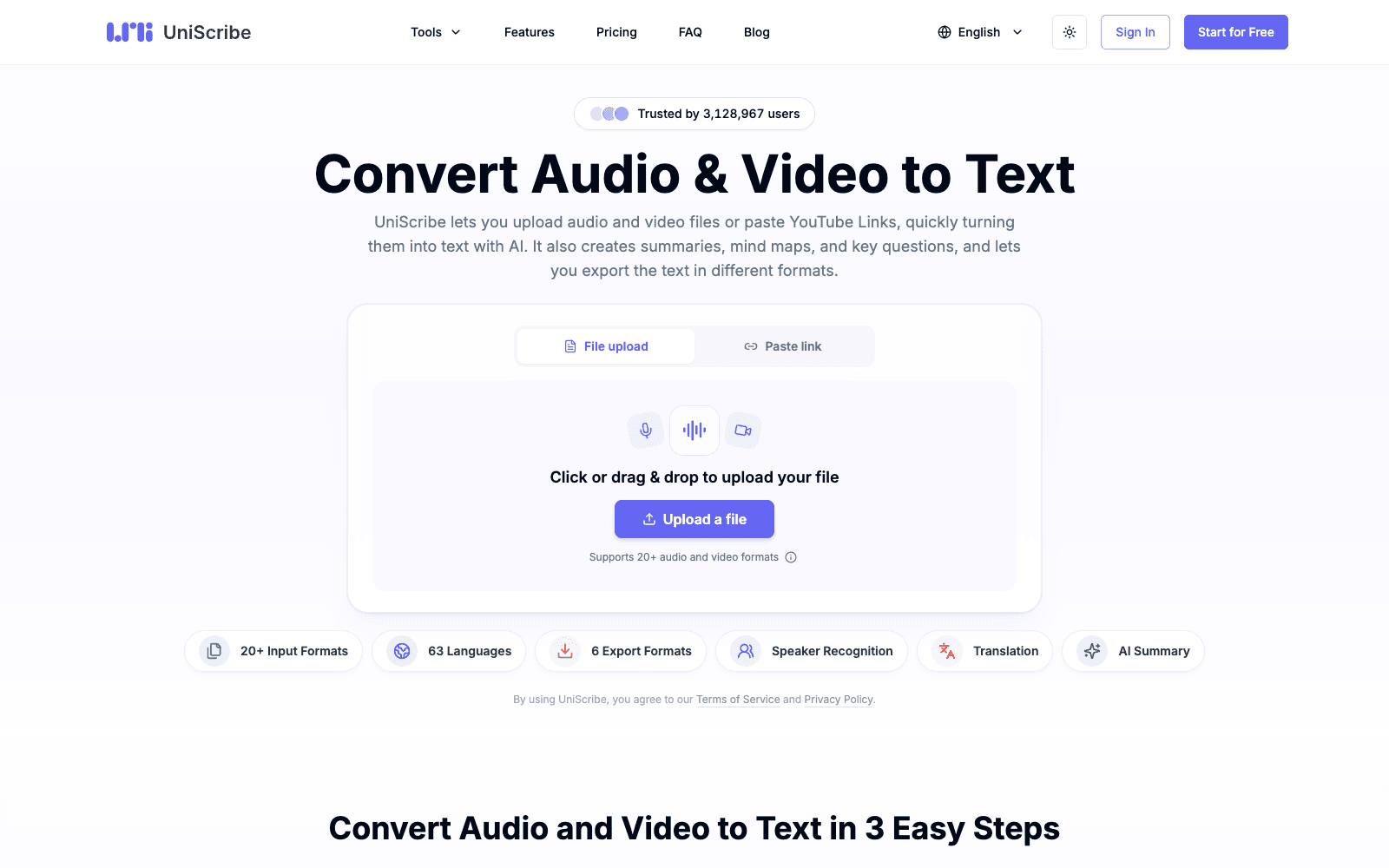
UniScribe is an AI transcription tool that takes an uploaded audio or video file, or a pasted YouTube link, and returns a text transcript you can edit, search, and export. It supports 20-plus input formats such as MP3, WAV, M4A, MP4 and MOV, transcribes in 63 languages, and labels who said what with speaker recognition. Beyond the transcript, UniScribe generates a short summary, a visual mind map, and a set of key questions and answers from the same recording, which is the part that separates it from a plain speech-to-text box. Exports cover TXT, DOCX, PDF, SRT, VTT and CSV, and any transcript can be shared as a link instead of a file. The site claims a one-hour file usually finishes in under a minute. The free plan gives you 120 minutes a month, capped at 30 minutes per file and three files a day; paid plans raise the limits and use a higher-accuracy model as of 2026.
Production credibility: Site counters show 3,128,967 users, 4.6 million files and 62.7 million minutes transcribed; verified AppSumo buyer reviews are quoted on the homepage; no disclosed funding as of September 2026.
Key Features
- Upload from 20-plus audio and video formats or paste a YouTube link with no download step
- Transcription in 63 languages with AI translation of the finished text
- Speaker recognition labels each speaker in meeting, call and interview recordings
- AI summary, mind map and key-question extraction generated from every transcript
- Export to TXT, DOCX, PDF, SRT, VTT and CSV, or share a view-only link
- Free plan with 120 minutes a month, a 30-minute file cap and three files per day
- One-time, monthly and annual paid plans; media files kept for 30 days on the free tier
Ideal Use Case
A podcaster, journalist or teacher who records long audio and wants a searchable transcript plus show notes without opening a second tool. UniScribe fits people who transcribe a few files a week and value the mind map and summary output over a live-meeting bot. Pick it over Otter when your source is a file or a YouTube link rather than a call you need captured in real time.
How UniScribe differentiates
Most consumer transcription apps stop at the transcript; UniScribe attaches a summary, a mind map and a Q&A list to each file, and one AppSumo reviewer notes you can regenerate different summary types from the same transcript. The YouTube-link input means research on a video needs no downloader. Six export formats, including SRT and VTT, make it usable for subtitle work as well as notes. The honest trade-off is that it is file-based: there is no live transcription of a Zoom or Teams call, and the free tier's three-files-a-day and 30-minute cap will frustrate anyone with a backlog of hour-long recordings.
FAQ
Q: Does UniScribe transcribe YouTube videos? A: Yes. Paste a YouTube link and UniScribe pulls the audio and returns a transcript without you downloading the video.
Q: How many languages does UniScribe support? A: The site lists 63 languages for transcription and subtitles, with AI translation available on the output.
Q: What does the free plan include? A: 120 minutes of transcription a month, a 30-minute limit per file, three files a day, the basic model, and all six export formats. No credit card is required.
Q: How does UniScribe compare to Otter.ai? A: Otter joins live meetings and records them; UniScribe works from uploaded files and links and adds mind maps and key questions. Choose Otter for real-time calls and UniScribe for recordings you already have.
Q: Can I share a transcript without exporting a file? A: Yes. Each transcript gets a shareable link so others can read it in the browser; exports to DOCX, PDF, SRT, VTT, CSV and TXT are also available.
tl;dr
UniScribe is a file-and-link transcription tool with summaries, mind maps and speaker labels in 63 languages. The free tier is enough to test on short files; go paid for volume and the higher-accuracy model.
Why Use UniScribe
User Reviews
Similar Tools