Stable Diffusion
Latent text-to-image diffusion model for photo-realistic image generation
Overview
Latent Text-to-Image Diffusion Model for Photo-Realistic Image Generation
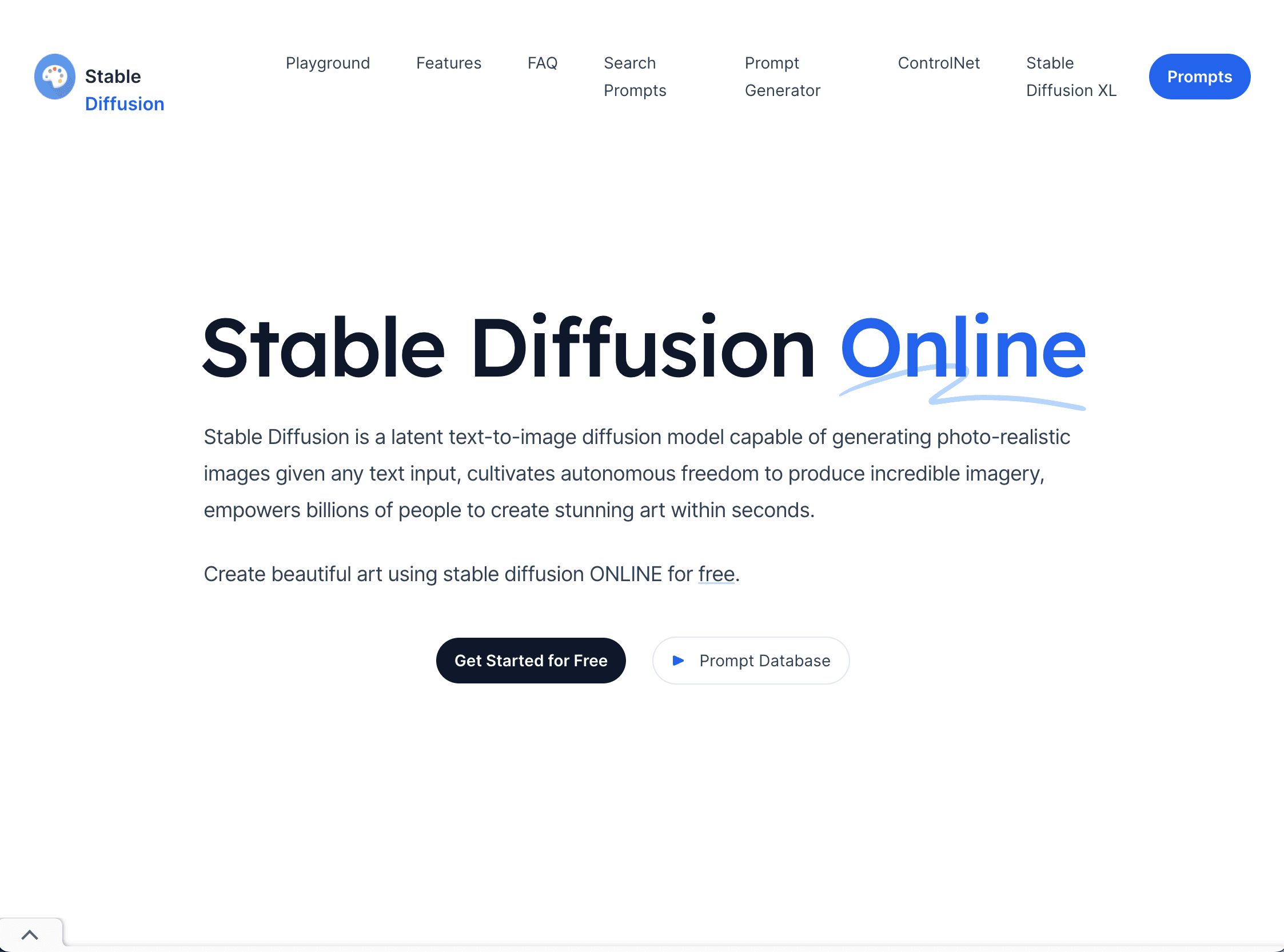
Stable Diffusion is a powerful latent text-to-image diffusion model capable of generating photo-realistic images from any text input. It empowers users to create stunning art within seconds by transforming textual descriptions into high-quality images. The platform offers an easy-to-use interface, allowing users to simply enter a text prompt and generate images without any coding required. Stable Diffusion is designed to cultivate autonomous freedom in producing incredible imagery and is accessible to anyone, from artists to casual users.
Key Features:
- Easy-to-use interface for text-to-image generation.
- High-quality image creation from textual prompts.
- GPU-enabled for fast image generation.
- Privacy-focused with no collection or storage of personal information.
- Open source with images falling under the CC0 1.0 Universal Public Domain Dedication.
- Mobile apps available for both Android and iOS.
Ideal Use Case:
Stable Diffusion is ideal for anyone who wants to create stunning art from textual descriptions. It is especially useful for artists, designers, and content creators who need a quick and easy way to generate high-quality, photo-realistic images based on textual prompts.
Why use Stable Diffusion:
- Generate photo-realistic images from any text input.
- Quick and easy to use without coding skills.
- Privacy ensured with anonymous usage.
- Freedom to create without limitations on input.
- Open source and accessible to all.
FAQ
What does Stable Diffusion do? Stable Diffusion is a text-to-image model that generates photo-realistic images from written descriptions. You describe what you want to see, and the tool creates images based on your text prompts.
Who should use Stable Diffusion? Stable Diffusion works well for artists, designers, content creators, and anyone who wants to generate images quickly from text descriptions without needing advanced design skills.
What's the pricing model for Stable Diffusion? Stable Diffusion is completely free to use. There are no subscription fees, paid plans, or hidden costs involved.
How does Stable Diffusion compare to similar tools? While Midjourney, Runway, and Krea AI offer their own image generation capabilities, Stable Diffusion stands out as a free, open-source option that doesn't require a paid subscription to get started with photo-realistic image creation.
tl;dr:
Stable Diffusion is a powerful latent text-to-image diffusion model that allows users to create stunning, photo-realistic images from any text input. It offers an easy-to-use interface, a vast database of prompts, and GPU-accelerated image generation, making it an ideal tool for artists, designers, and content creators.
Related
Looking for more options? Browse the AI Art & Image Creation directory or read our best AI image generators listicle. Stable Diffusion is also tracked on Crunchbase.
Why Use Stable Diffusion
Editorial Review
Our take on Stable Diffusion.

Open-source text-to-image model that runs locally; capable output but needs real hardware and tuning skill.
What works
- Free and open-source; run locally with no per-image costs
- Active community and ecosystem of fine-tuned models
- Full control over inference and model weights
What doesn't
- Requires GPU hardware and technical setup to use effectively
- Quality and consistency lag behind polished, commercial alternatives
Stable Diffusion is a latent diffusion model that turns text prompts into images. It's free and open-source, which means you can run it on your own hardware without API calls or monthly bills—a genuine advantage if you have a GPU and don't mind the setup friction. The model produces competent photo-realistic results, and the open nature has spawned a healthy ecosystem of fine-tuned variants and tooling.
The catch is real: you need to understand what you're doing. Inference requires a decent GPU (or patience on CPU), prompt engineering matters, and getting polished outputs often takes iteration. If you want to point-and-shoot with a web UI, free tools like this exist, but the vanilla experience is more "framework" than "product." Compared to Midjourney or Runway, you're trading convenience and hand-holding for zero per-image cost and full model control.
For production use or creative teams that value speed over cost, alternatives with hosted inference might be the smarter pick. But if you're building something and need to avoid vendor lock-in or API latency, this is solid.
User Reviews
Similar Tools