Simular
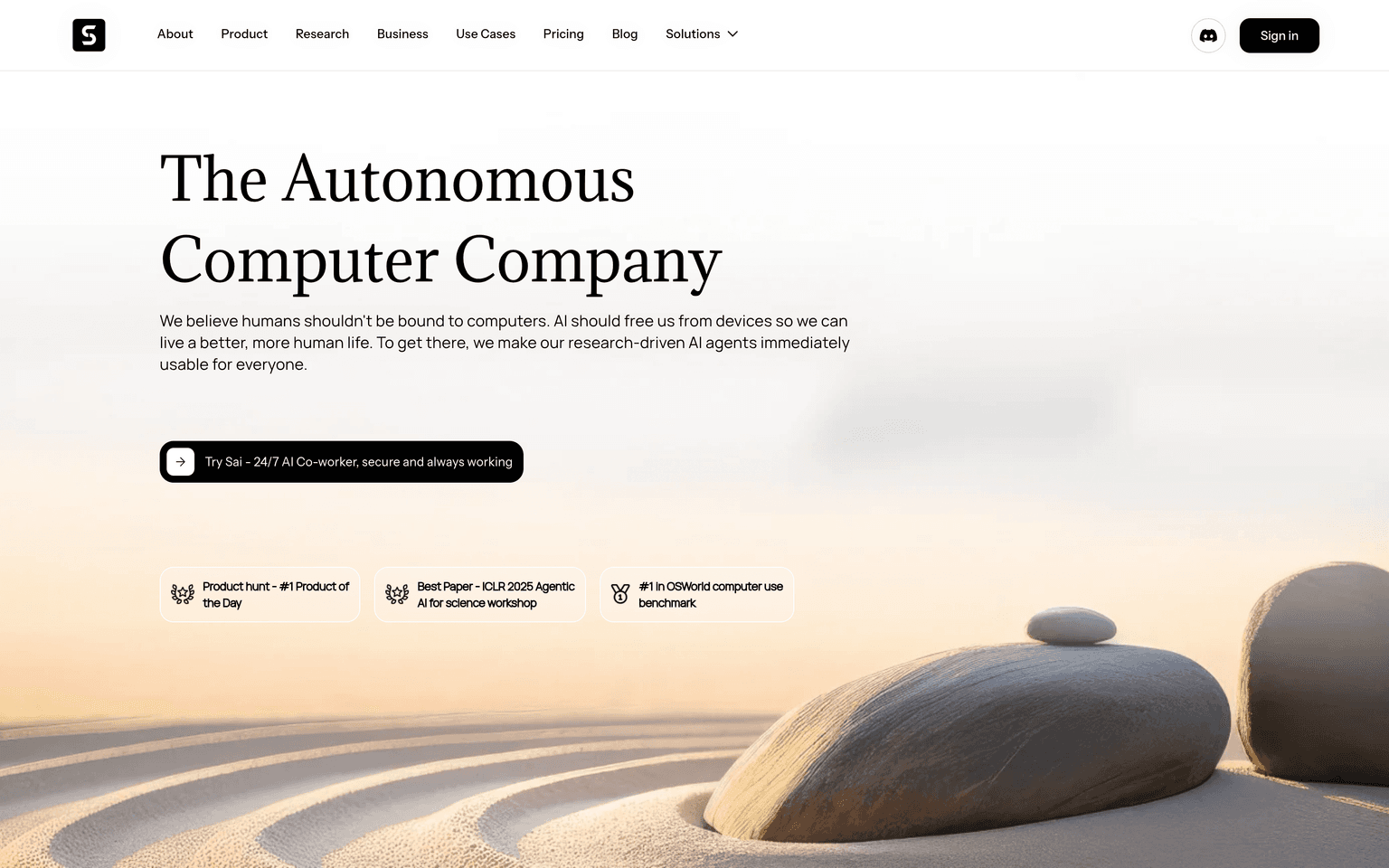
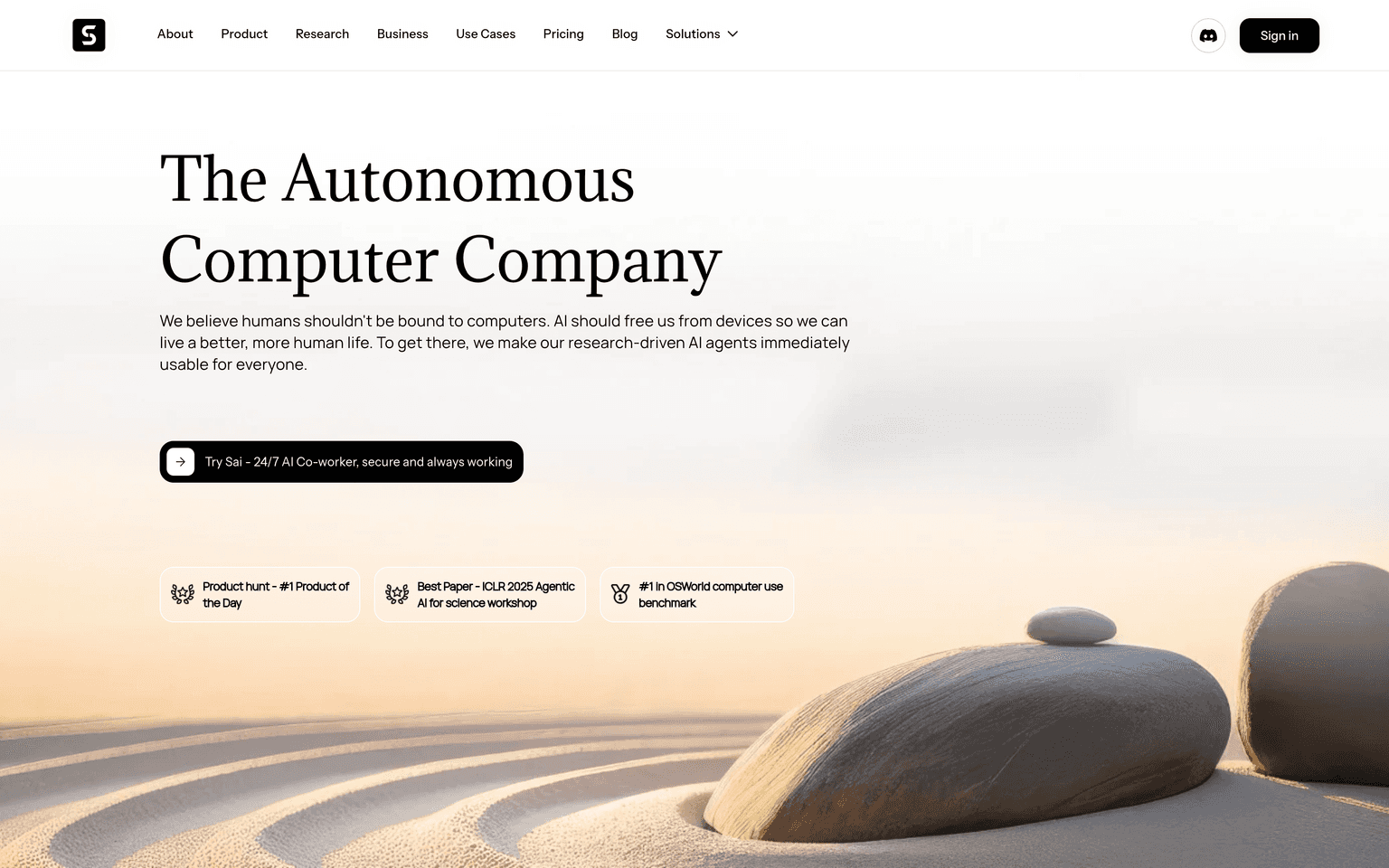
Simular is a computer-use AI agent whose agent Sai operates your Mac, Windows PC, browser, and phone to finish multi-step tasks on its own.
Overview
Simular
Simular is a computer-use AI agent that operates a real computer the way a person does — clicking, typing, moving between apps, running terminals, and calling APIs. Its agent, Sai, runs on your local Mac or Windows desktop or in an isolated cloud virtual desktop, and as of 2026 it also automates browser and Android tasks. Simular is built for unattended, multi-step work, with human-in-the-loop guardrails that pause for approval before sensitive actions. The underlying Agent S framework is open source, while Sai is the commercial product on top.
Production credibility: Raised $21.5M (December 2025) led by Felicis, with NVentures (NVIDIA), Basis Set Ventures, and South Park Commons; co-founded by Ang Li and Jiachen Yang, who both worked on reinforcement learning at Google DeepMind. Reports 72.6% on the OSWorld computer-use benchmark and 90.1% on WebVoyager for browser use. The open-source Agent S framework is on GitHub.
Key Features
- Controls the macOS and Windows desktop GUI — clicking, typing, and app navigation
- Runs agents in an isolated cloud virtual desktop for unattended execution
- Operates terminals, calls APIs, and writes code inside a single workflow
- Browser-automation mode plus Android smartphone task automation
- Human-in-the-loop guardrails that pause for approval on sensitive actions
- Open-source Agent S framework (github.com/simular-ai/agent-s)
Ideal Use Case
Operators and knowledge workers who want to hand off repetitive desktop work — moving data between apps, filling forms, running routine multi-step processes — to an agent that drives the actual computer rather than a single web app.
How Simular differentiates
OpenAI Operator and most browser agents are limited to web pages in a hosted browser. Simular's Sai drives the full native desktop on macOS and Windows, plus the browser and Android, so it can automate work that lives in desktop apps and terminals. The agent can run locally for privacy or in a cloud virtual desktop for always-on jobs. The trade-off is that desktop-level control is newer, which is why Simular pauses for human approval on sensitive steps rather than running fully hands-off.
FAQ
Q: What is Simular? A: Simular is a computer-use AI agent whose agent Sai operates your Mac, Windows PC, browser, and phone — clicking, typing, and navigating apps — to complete multi-step tasks locally or in a cloud virtual desktop.
Q: Simular vs OpenAI Operator? A: Operator is browser-focused and cloud-hosted. Simular's Sai also drives the full native desktop on macOS and Windows plus Android, so it can automate desktop apps and terminals, not just web pages.
Q: Is Simular open source? A: The underlying Agent S framework is open source on GitHub. The Sai product built on top is a commercial, venture-backed application from a team of ex-DeepMind researchers.
Q: Does Simular work on Windows? A: Yes — Simular supports macOS and Windows, plus a browser-automation mode and Android smartphone automation.
tl;dr
Simular is a computer-use AI agent — its agent Sai operates your Mac, Windows, browser, and phone the way a person does, locally or in a cloud virtual desktop. Built for unattended multi-step automation with human-in-the-loop guardrails. From ex-DeepMind researchers; $21.5M led by Felicis; 72.6% on OSWorld. The open-source Agent S framework powers it.
Why Use Simular
FAQ
User Reviews
Similar Tools