Relume Library
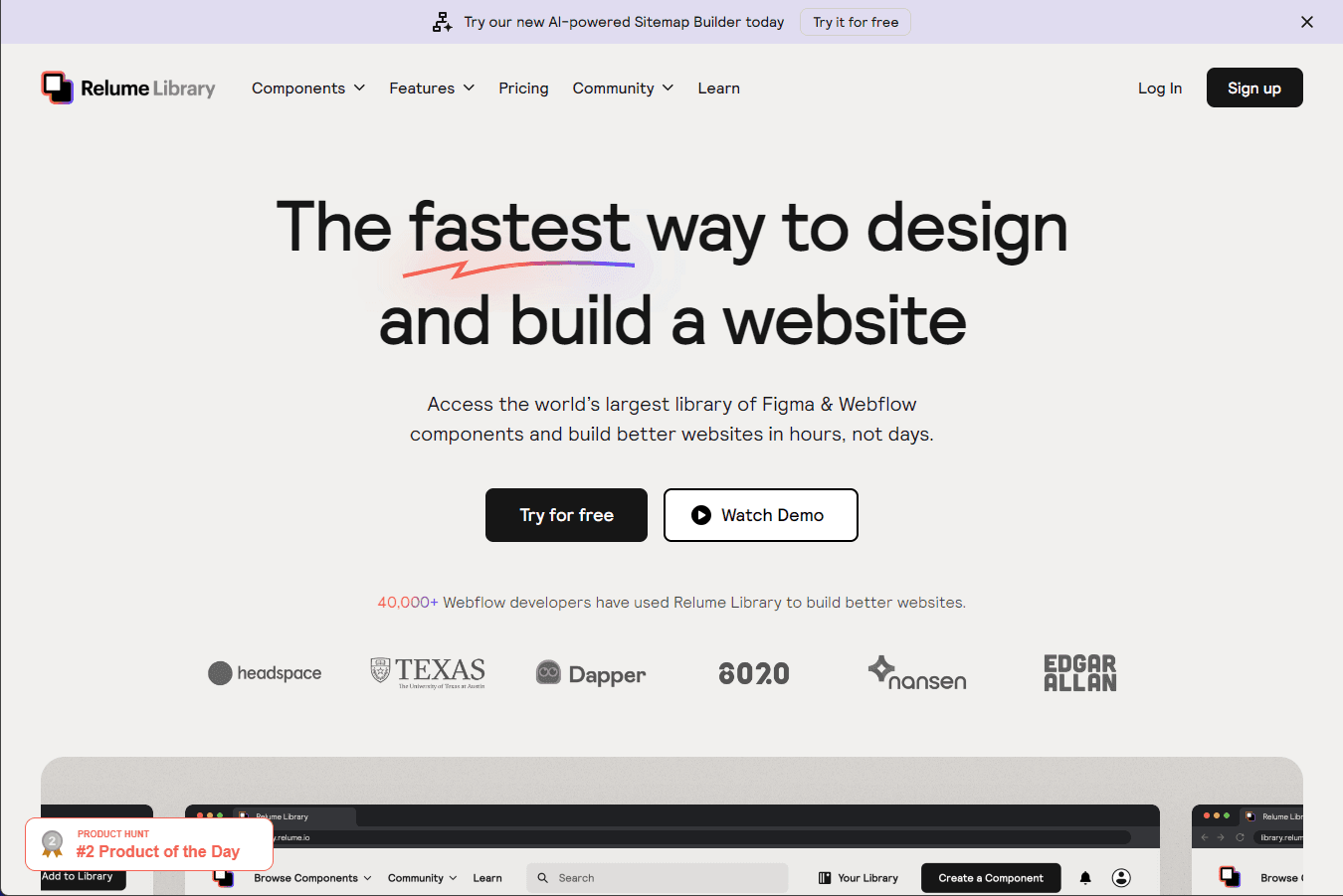
Access the world’s largest library of Figma & Webflow components and build better websites in hours, not days.
Overview
The Fastest Way To Design And Build A Website with Relume Library
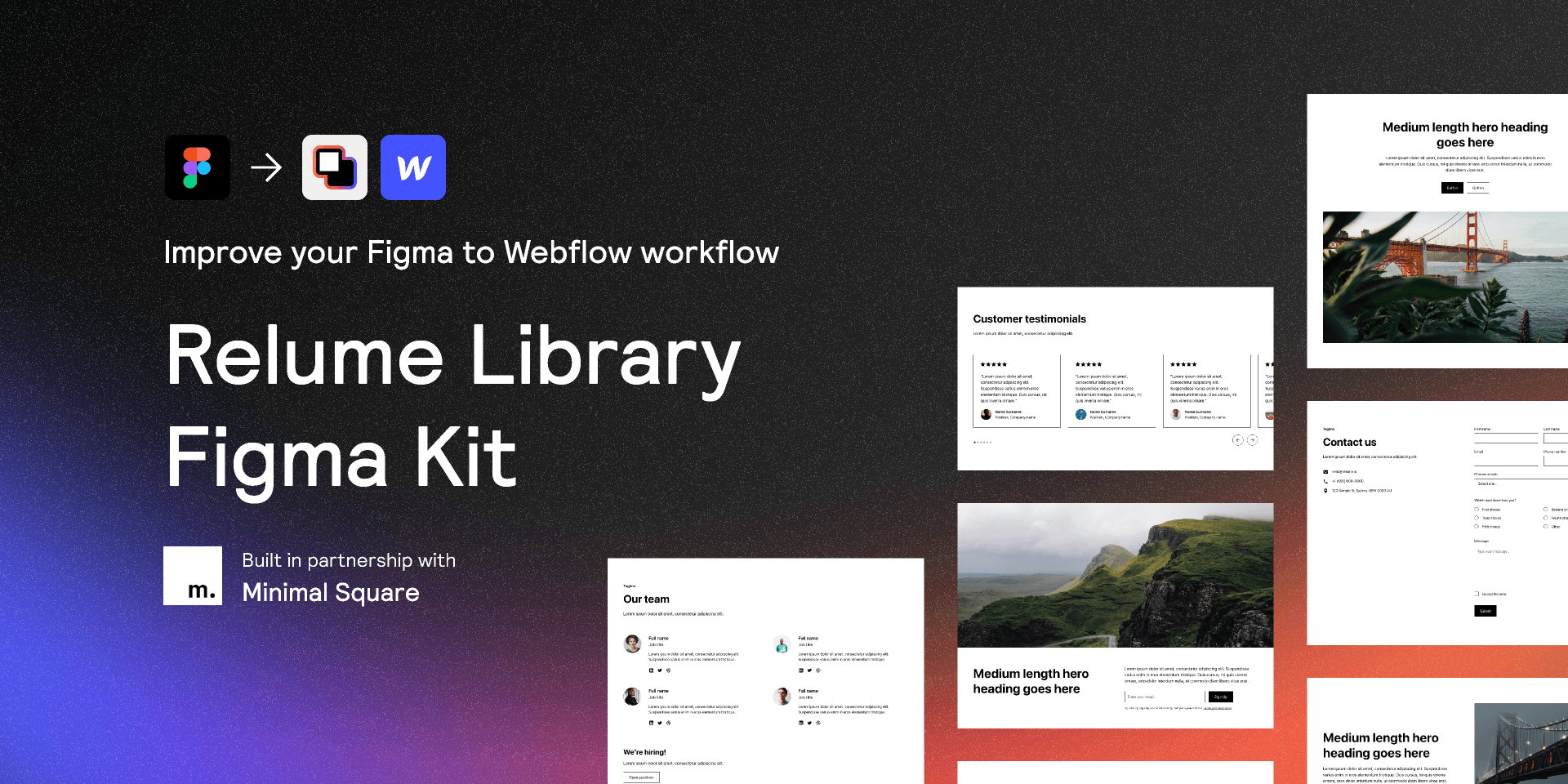
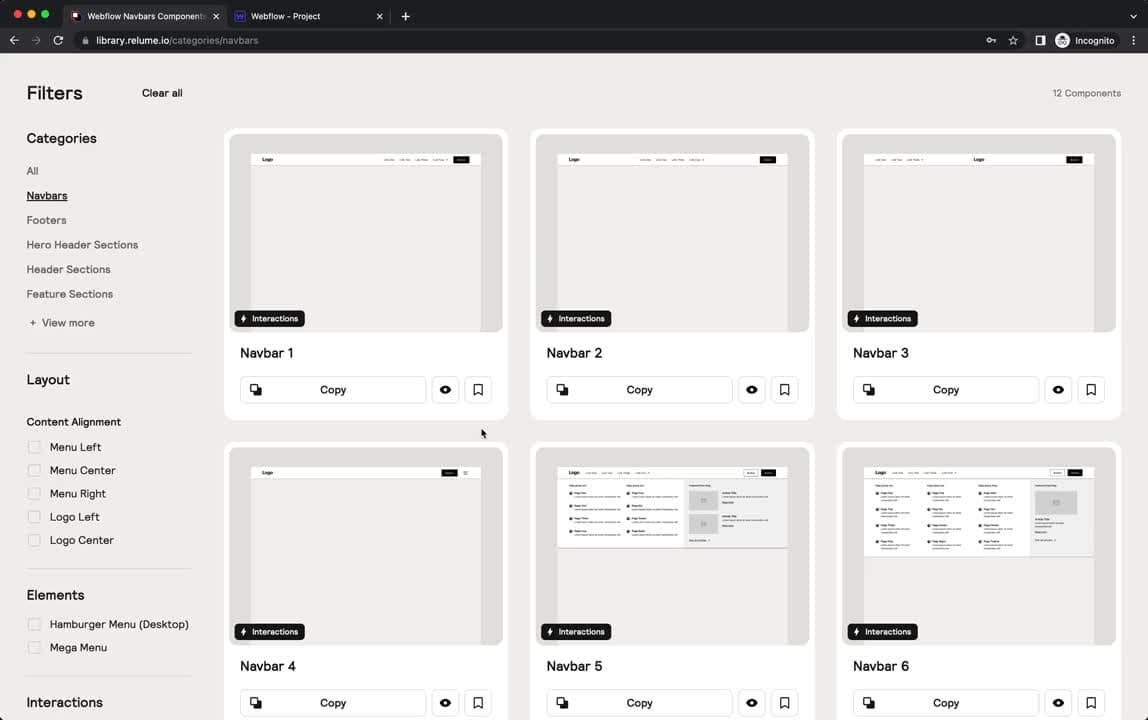
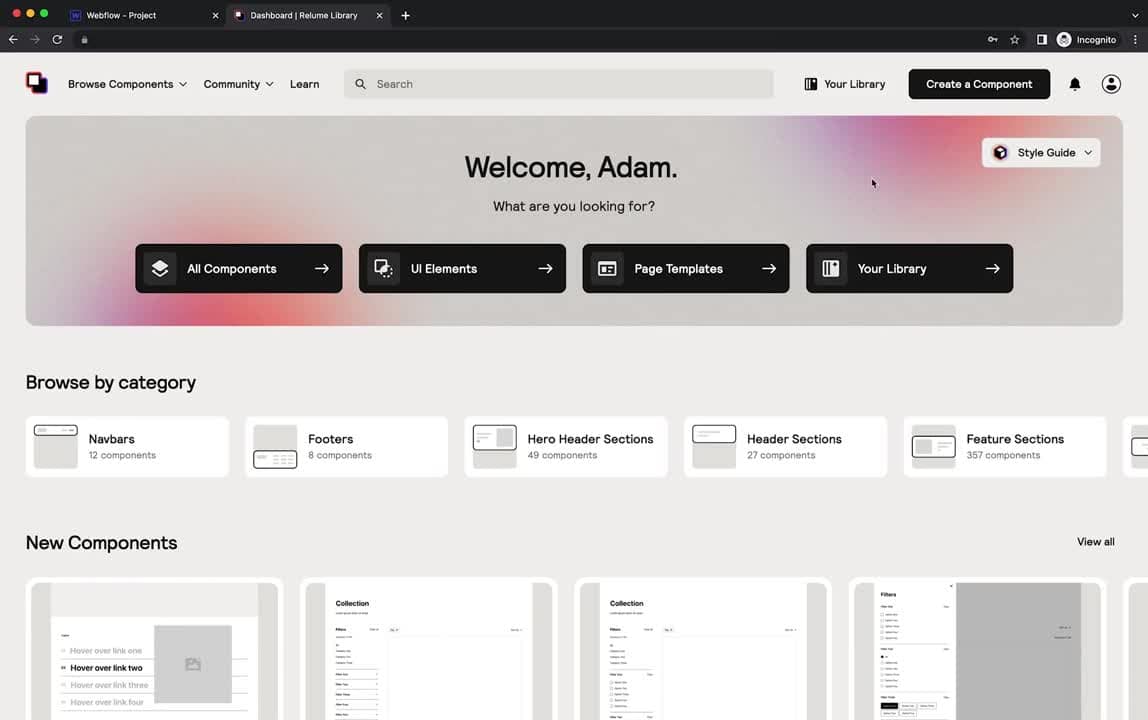
Relume Library is a comprehensive platform that offers the world's largest library of Figma and Webflow components, enabling users to design and build websites more efficiently. The platform is designed to streamline the process of designing and building websites in Figma and Webflow, making it easier for designers and developers to create high-quality websites in less time.
Key Features:
- Over 1,000 Webflow components
- Copy and paste components directly into your Webflow project
- Create and share component libraries
- AI-powered Sitemap builder
- Compatible with Finsweet's Client-First Webflow Style System
Ideal Use Case:
Relume Library is ideal for Webflow developers and agencies looking to speed up their design and development process. It's also beneficial for anyone wanting to create professional-looking websites without starting from scratch.
Why use Relume Library:
- Access to a vast library of Webflow components
- Streamline your website design and development process
- Share your own components with others
- Use the AI-powered Sitemap builder for efficient website planning
tll;dr:
Relume Library is a powerful platform for designers and developers working with Figma and Webflow. It offers a vast library of pre-built components and an AI-powered site builder, making it easier to design and build websites quickly and efficiently. With continuous updates and a supportive community, Relume Library is a valuable tool for anyone looking to streamline their website design and development process.
FAQ
What is Relume Library and what can you build with it? Relume Library is a component library for Figma and Webflow that lets you assemble websites quickly using pre-built, ready-to-use elements. Instead of designing from scratch, you access thousands of components to speed up your workflow from days to hours.
Who should use Relume Library? Relume Library is designed for web designers and developers working in Figma or Webflow who want to accelerate their design and build process without sacrificing quality or customization options.
How much does Relume Library cost? Relume Library offers a free trial so you can test it before committing. Visit the Relume Library pricing page for current plans and subscription details.
How does Relume Library compare to other development tools? While tools like GitHub Copilot, Cursor, and v0 focus on code generation and AI-assisted development, Relume Library takes a different approach by providing a massive library of pre-made design and web components specifically optimized for Figma and Webflow workflows.
Related
Looking for more options? Browse the Developer Tools directory or read our best AI coding tools listicle. Relume Library is also tracked on Crunchbase.
Why Use Relume Library
Editorial Review
Our take on Relume Library.

A substantial component library for Figma and Webflow that trades breadth for the friction of learning what's actually useful for your project.
What works
- Genuinely large, organized component collection across two platforms
- Works as a practical starting point for teams on tight timelines
- Strong community adoption and active maintenance signal
What doesn't
- Requires significant customization; not drop-in for most projects
- Learning curve to find and evaluate components for your needs
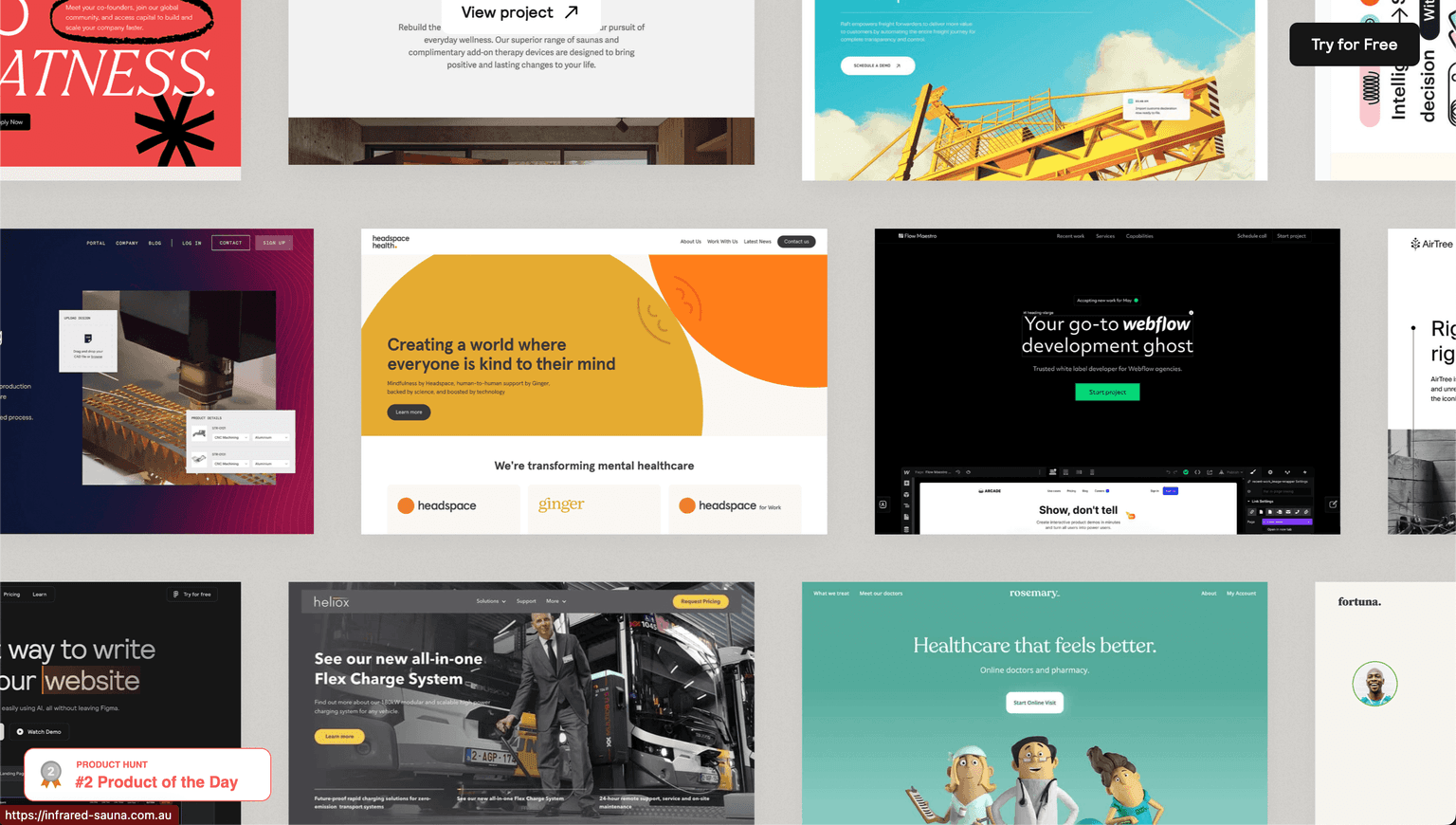
Relume Library positions itself as a time-saver: thousands of pre-built components across Figma and Webflow that you can drop into a design or site. The appeal is real if you're starting from zero—having a taxonomy of buttons, forms, cards, and layouts ready to adapt beats building from scratch. The library is organized enough that you can find what you need without getting completely lost.
The catch is the familiar one: a big library isn't the same as a useful library for your specific constraints. You'll spend time filtering through what doesn't fit your design system, your brand, or your project's scope. It works best if you're comfortable treating components as starting points rather than finished goods, and if your taste aligns reasonably well with what Relume chose to build. The Figma side feels more natural than the Webflow integration, which can feel like a secondary concern.
For teams already invested in either tool, especially freelancers or agencies that bill hourly, there's real efficiency to be had. For designers with strong opinions about craft and constraint, you might find yourself editing as much as you save.
User Reviews
Similar Tools