Microsoft Designer
raphic design platform for creating professional-quality social media posts, invitations, graphics, and more.
Overview
Microsoft Designer: AI-Powered Graphic Design for the Modern Creator
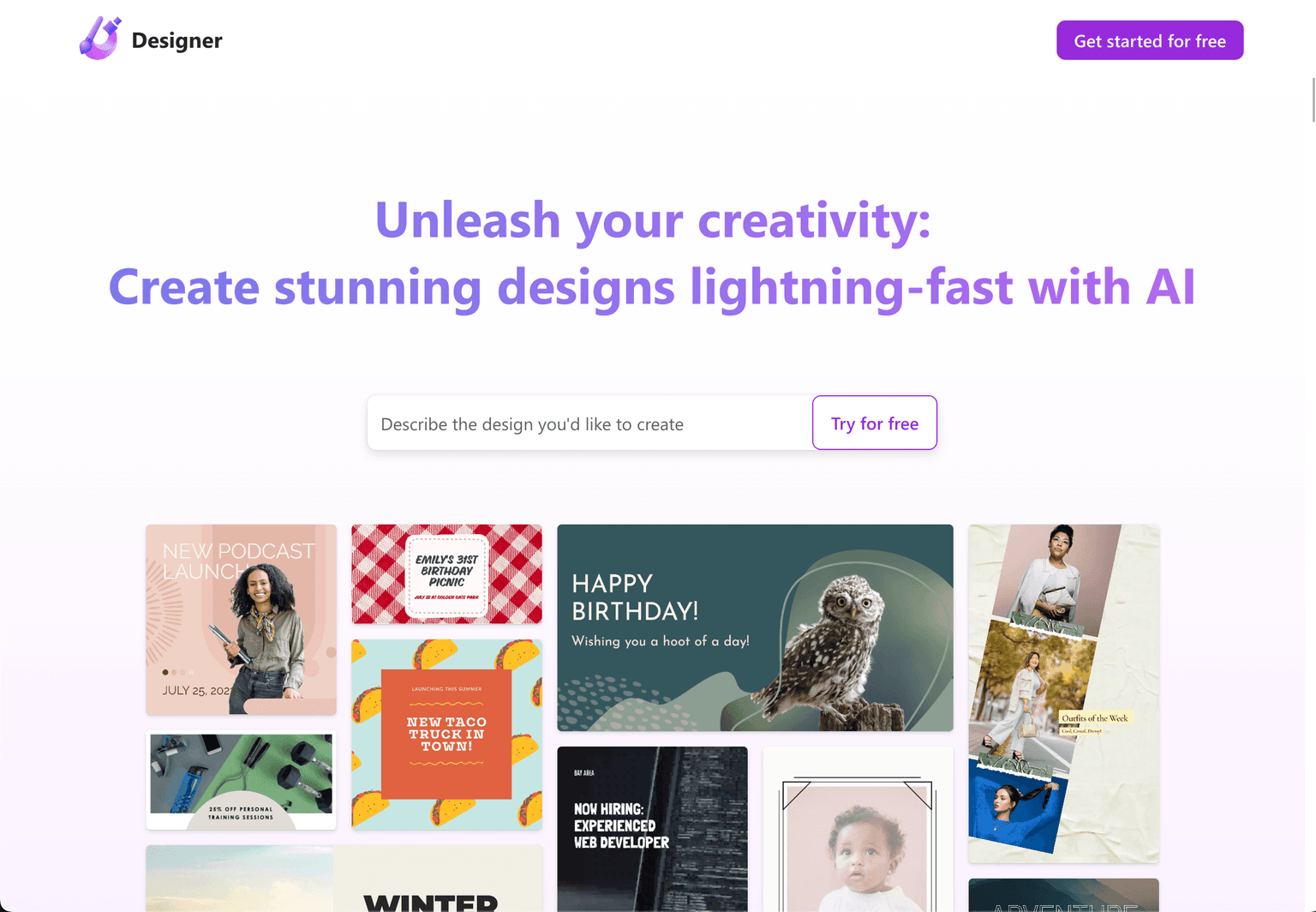
Microsoft Designer is not just another graphic design tool; it's a revolution in the realm of digital design. Powered by advanced AI capabilities, this platform allows users to create stunning designs in a flash. Whether you're crafting social media posts, invitations, digital postcards, or any other graphics, Designer has got you covered. With its intuitive interface and AI-driven features, it simplifies the design process, making it accessible even to those without a design background. From generating designs based on short descriptions to offering smart layout suggestions, Microsoft Designer ensures that your creativity knows no bounds.
Key Features:
- AI-Driven Design Generation: Turn words into captivating designs.
- Smart Layout Suggestions: Integrate new elements seamlessly into your designs.
- Social Media Optimization: Propose captions and hashtags for enhanced social media sharing.
- Advanced AI Tools: Features like background replacement, erase, and fill powered by AI.
- Brand Kit Integration: Ensure brand consistency across designs with colors and fonts.
Ideal Use Case:
Individuals, businesses, and brands looking to create captivating and consistent designs without the complexities of traditional design software.
Why use Microsoft Designer:
- Simplicity Meets Power: Intuitive design tools powered by AI.
- Consistent Branding: Use the Brand Kit for uniform designs across platforms.
- AI-Powered Features: From background replacement to smart layout suggestions.
- Social Media Ready: Generate hashtags and captions for effective sharing.
- Cross-Platform Availability: Soon to be available on iOS and Android.
tl;dr:
Microsoft Designer offers an AI-powered platform for effortless graphic design, enabling users to create professional-quality designs tailored to their needs.
FAQ
Q: What is Microsoft Designer? A: raphic design platform for creating professional-quality social media posts, invitations, graphics, and more.
Q: Is Microsoft Designer free? A: Microsoft Designer offers a free tier with paid upgrades. Visit the Microsoft Designer pricing page for current plan details.
Q: Who is Microsoft Designer for? A: Microsoft Designer serves designers and visual creators working on AI-driven workflows.
Q: What competes with Microsoft Designer? A: Top alternatives to Microsoft Designer include Midjourney, Runway Research, and Krea AI. Browse the directory for full feature comparisons across these tools.
Related
Looking for more options? Browse the AI Art & Image Creation directory or read our best AI image generators listicle. Microsoft Designer is also tracked on Crunchbase.
Why Use Microsoft Designer
User Reviews
Similar Tools