Google AI Studio
Google's free web studio for prototyping with Gemini models, generating media, and building apps.
Overview
Google AI Studio: Google's free workspace for building with Gemini
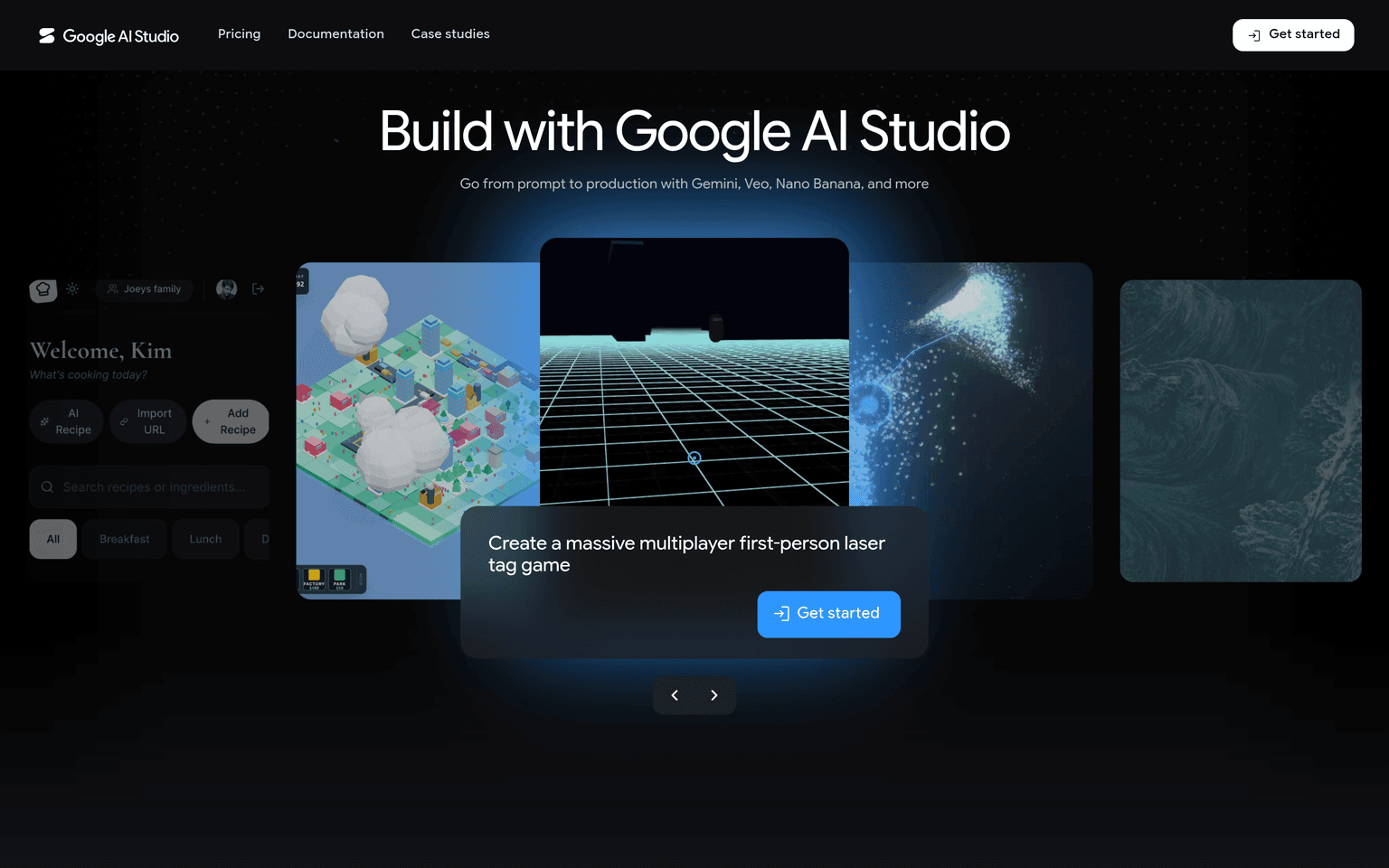
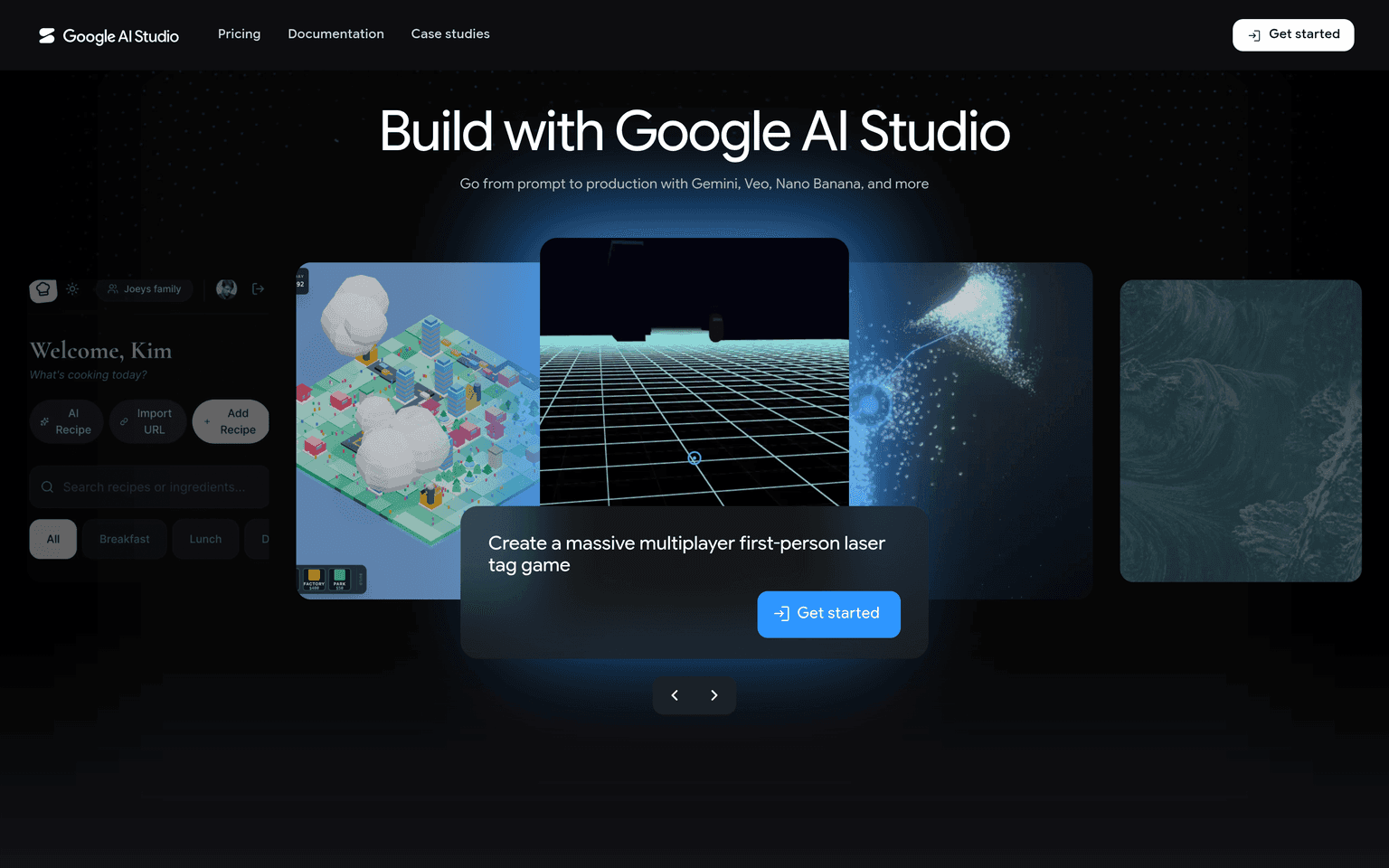
Google AI Studio is Google's free, web-based developer environment for prototyping with the Gemini model family through the Gemini API. Launched in December 2023 as the successor to MakerSuite, Google AI Studio has become the default starting point for developers testing Gemini models: pick a model, write a prompt with system instructions, tune parameters, and export working code or an API key without leaving the browser.
The studio now goes well beyond a prompt sandbox. Build mode turns natural-language descriptions into full-stack web apps (and, since I/O 2026, native Android apps) with one-click deploys to Cloud Run, while the model picker exposes Google's generative media lineup — Nano Banana Pro for image editing, Imagen 4, Veo 3.1 for video, and Lyria 3 for music — alongside the current Gemini text models.
Key Features
- Free access to current Gemini models, including Gemini 3.6 Flash and Gemini 3.1 Pro (preview)
- Build mode: prompt-to-app generation of full-stack web and Android apps with Cloud Run deploys
- Generative media models in-studio: Nano Banana Pro, Imagen 4, Veo 3.1, Lyria 3
- Live API access for low-latency real-time voice and speech-to-speech translation across 70+ languages
- Free Gemini API key generation with generous rate limits; pay-as-you-go paid tier for scale
- Up to 1M-token context window with a prompt gallery and system-instruction support
Ideal Use Case
A developer evaluating Gemini for a product feature can compare models, tune a prompt against real data, and ship a working prototype the same afternoon — then grab an API key and move the exact prompt into production code. Students and indie builders use Build mode to go from idea to deployed web app without configuring a local stack.
How Google AI Studio differentiates
Unlike hosted notebooks or third-party playgrounds, Google AI Studio is the first-party front door to the Gemini API: new models and capabilities (Live streaming, media generation, Batch API) land here first, and the free tier is genuinely usable rather than a demo. Production credibility: Sundar Pichai's I/O 2026 keynote put monthly developers building on Google models at 8.5 million; Build mode is powered by the same Antigravity coding agent Google ships to professional developers.
FAQ
Is Google AI Studio free? Yes. Google states that AI Studio usage is free of charge in all available regions, and the Gemini API includes a rate-limited free tier. Paid, pay-as-you-go API pricing applies only when you need higher limits.
What is the difference between Google AI Studio and the Gemini app? The Gemini app is a consumer chat assistant; Google AI Studio is a developer workspace for prototyping prompts, building apps, and generating API keys against the Gemini API.
Can Google AI Studio build complete apps? Yes. Build mode generates full-stack web apps — and native Android apps as of I/O 2026 — from a prompt, with one-click deployment to Cloud Run and export to the Antigravity IDE.
tl;dr
Google AI Studio is the free first-party workspace for prototyping with Gemini models, generating media, and shipping prompt-built apps — the fastest route from idea to a Gemini API key in production.
Related
Looking for more options? Browse the Developer Tools directory or read our best AI coding tools listicle. Google AI Studio is also tracked on Crunchbase.
Why Use Google AI Studio
Editorial Review
Our take on Google AI Studio.

The fastest way to try Gemini models without writing billing code — free access, a working playground, and a direct path to the API. One thing to internalise before pasting anything sensitive: on the free tier your content is used to improve Google's products.
What works
- Free access to current Gemini Flash models with no billing setup
- Exports working API code straight from a tuned prompt
- Covers embeddings and open Gemma weights alongside hosted models
What doesn't
- Free-tier content is used to improve Google's products
- Most capable models and context caching require a paid tier
AI Studio is Google's browser front end for the Gemini family, and its main virtue is the absence of friction. You can be prompting a current Flash model within a minute, tune parameters, compare behaviour across models, and export working API code when you are ready to build. For prototyping, evaluating whether a model suits a task, or teaching someone what these systems do, it is hard to beat.
The free tier covers the Flash and Flash-Lite models plus embeddings and the open Gemma weights, with the most capable models reserved for paid use alongside context caching and a batch path.
The consequential detail is data handling, and Google states it plainly in its own pricing documentation: free-tier content is used to improve Google's products, while paid-tier content is not. That is a fair trade for a free service, but it makes the free tier the wrong place for customer data, unreleased material, or anything under a confidentiality obligation. Prototype on synthetic inputs, then move to a paid key before real data goes near it.
User Reviews
Similar Tools