Gemini CLI
Gemini CLI is Google's open-source terminal agent, bringing Gemini into the command line with tool use and MCP server support.
Overview
Gemini CLI
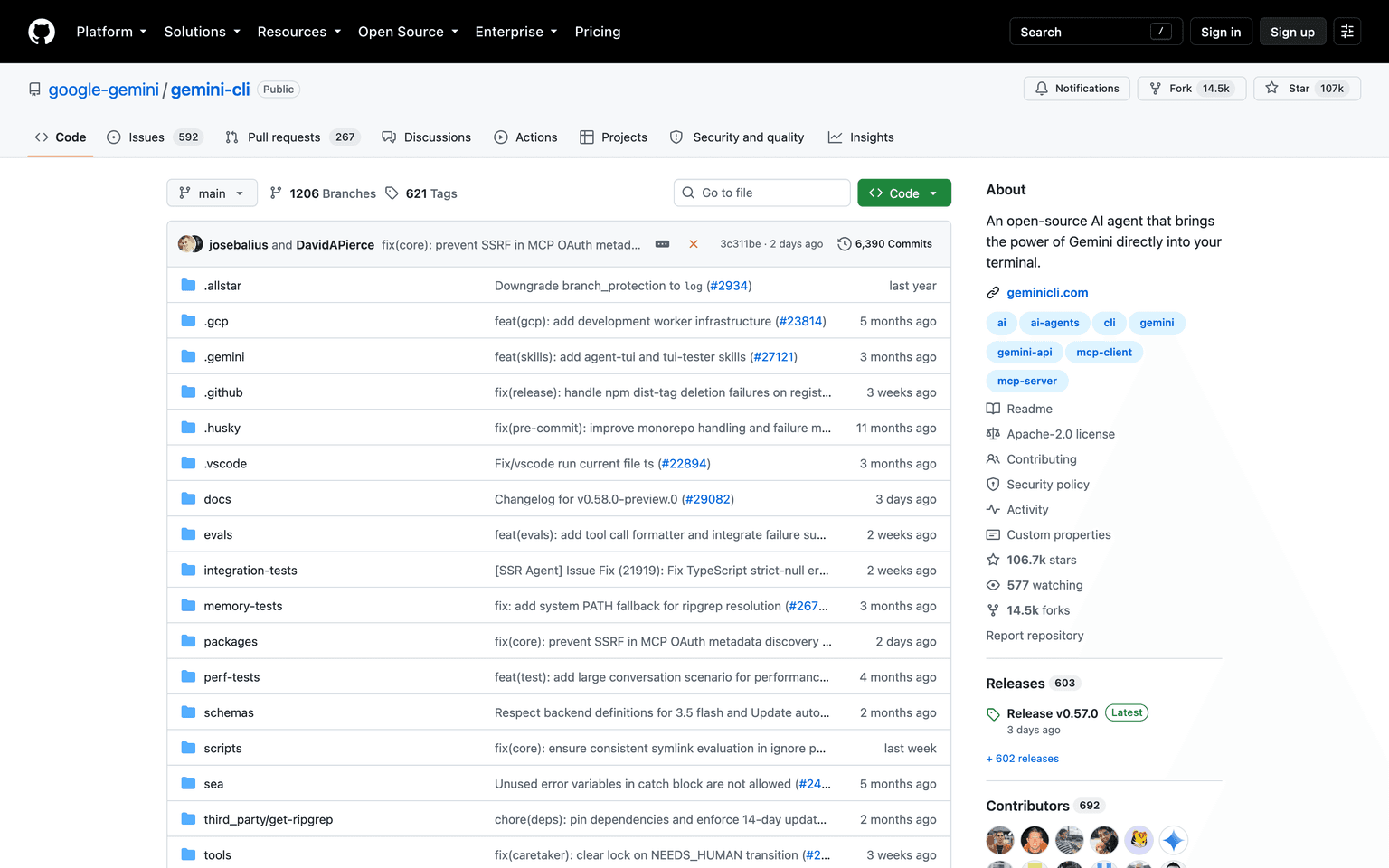
Gemini CLI is Google's open-source AI agent for the terminal. It puts Gemini into the shell you already work in, where it reads files, runs commands, and calls both built-in tools and remote MCP servers to complete a task. The agent works in a reason-and-act loop rather than answering a single prompt, so a request like fixing a failing test or adding coverage becomes a sequence of tool calls the CLI executes and checks. Gemini CLI is Apache 2.0 licensed, so the agent loop, the tool layer and the extension system can be read and modified.
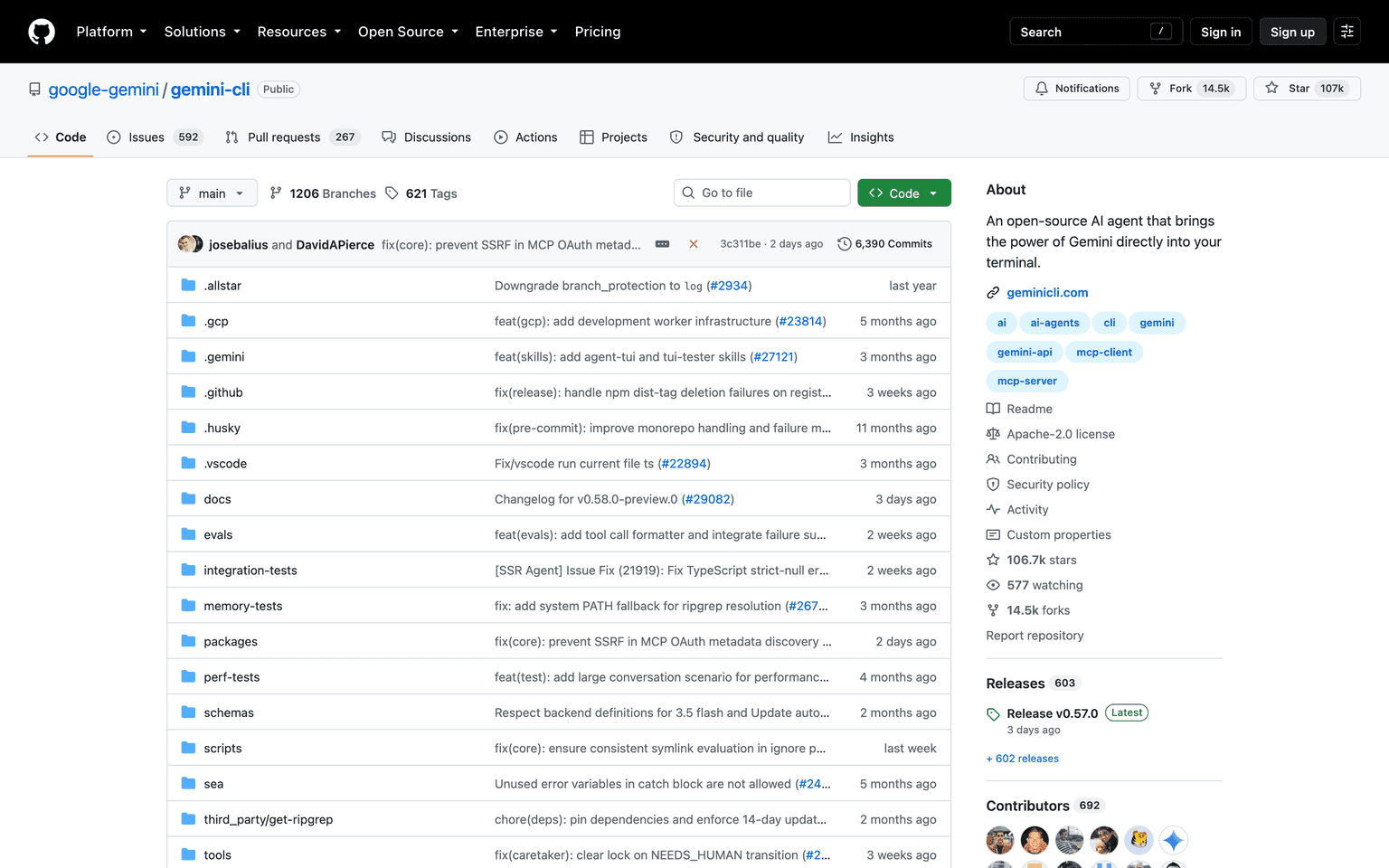
Production credibility: Gemini CLI is published by Google under google-gemini/gemini-cli and licensed Apache 2.0. Google's launch material states that a personal Google account gives free access to Gemini 2.5 Pro through the CLI, with Google AI Studio or Vertex AI keys available for higher limits, and official documentation is maintained under the Gemini Code Assist docs. Because the project is open source, the implementation of the agent loop and the MCP integration is public rather than described only in marketing material.
Key Features
- Open source under Apache 2.0, with the full agent loop published
- Reason-and-act loop that chains tool calls rather than answering once
- Built-in tools for reading, editing and running code in the working directory
- Connects to local and remote MCP servers for extra capabilities
- Free tier through a personal Google account, with API keys for higher limits
- Runs in a local terminal or in Cloud Shell
Ideal Use Case
Developers who live in the terminal and want an agent there without a subscription: bug fixes, test coverage, small features and repository questions. The MCP support makes it a practical fit for teams that have already built internal MCP servers, and the Apache licence suits organisations that need to inspect or fork the agent rather than trust a closed binary.
How Gemini CLI differentiates
Claude Code and OpenAI Codex are closed products tied to their vendors' subscriptions. Gemini CLI is the open-source entry in the same category: same terminal-native shape, but the code is public and the base tier is free with a personal Google account. The trade-off is model lock-in — it is a Gemini client first — and a project that moves at the pace of an open repository rather than a managed release train.
FAQ
Q: What is Gemini CLI? A: Gemini CLI is Google's open-source AI agent for the terminal. It runs a reason-and-act loop, uses built-in tools and MCP servers, and can read, edit and run code in your working directory.
Q: Is Gemini CLI free? A: Yes. Google states that a personal Google account gives free access to Gemini 2.5 Pro through the CLI. Google AI Studio or Vertex AI keys can be used for higher limits.
Q: Is Gemini CLI open source? A: Yes. It is published at github.com/google-gemini/gemini-cli under the Apache 2.0 licence, so the agent loop, tools and extension system can be inspected and modified.
Q: Does Gemini CLI support MCP? A: Yes. It connects to local and remote MCP servers alongside its built-in tools, so it can drive systems you have already exposed over MCP.
Q: How does Gemini CLI compare to Claude Code? A: Both are terminal-native coding agents. Claude Code is a closed product on Anthropic's models and subscriptions; Gemini CLI is open source, runs on Gemini, and has a free tier tied to a Google account.
tl;dr
Gemini CLI is Google's open-source terminal agent, Apache 2.0 licensed, running a reason-and-act loop over built-in tools and MCP servers. Free with a personal Google account on Gemini 2.5 Pro, with API keys available for higher limits.
Why Use Gemini CLI
User Reviews
Similar Tools