Framer
Design and publish interactive sites with animations, interactions, and CMS.
Overview
Framer: The Ultimate Tool for Interactive Website Design
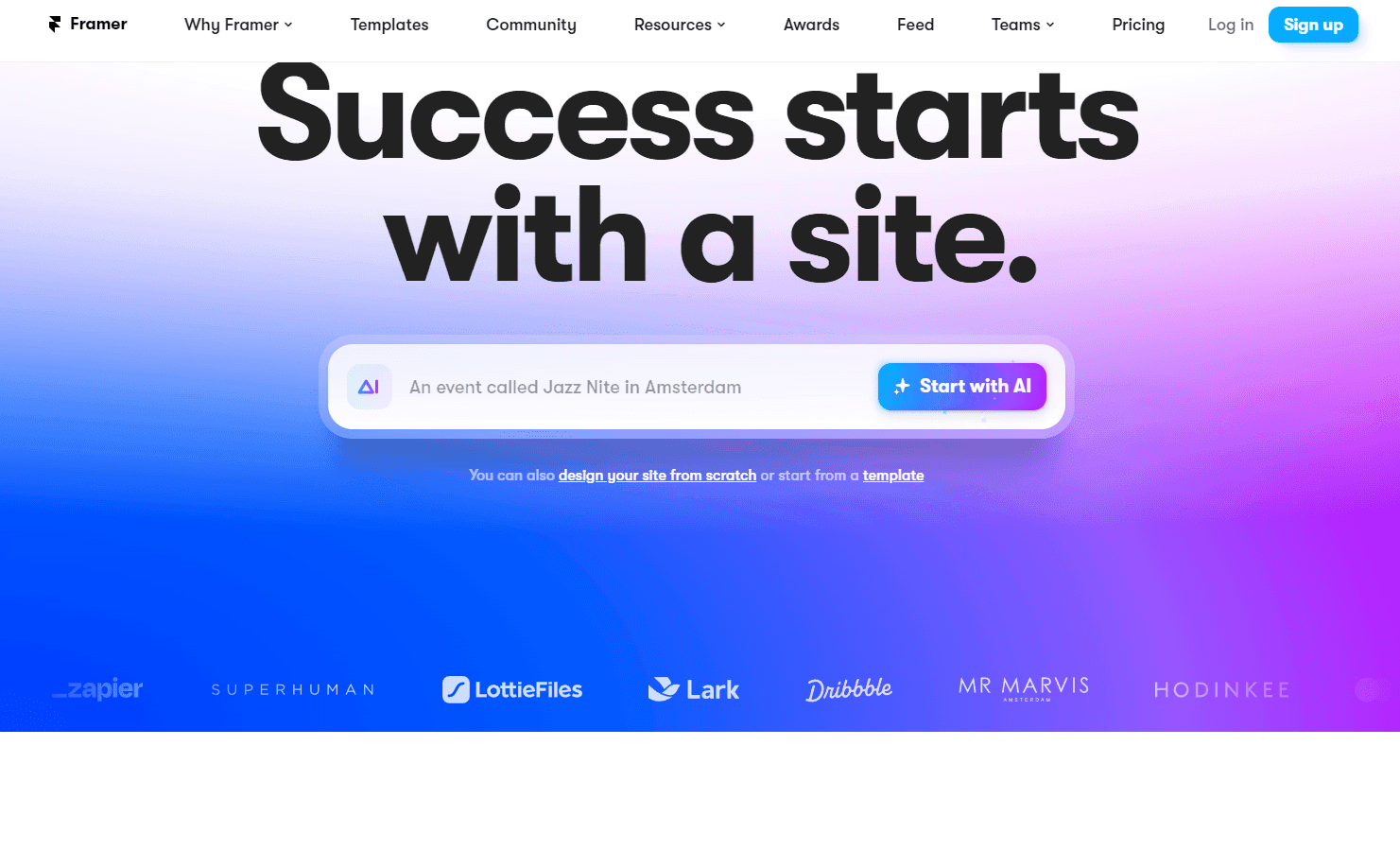
Framer is a revolutionary platform that empowers users to design and publish their dream websites. With a focus on interactivity, Framer offers a freeform canvas where users can add animations, interactions, and even integrate a content management system (CMS). Unlike traditional web design tools, Framer bridges the gap between design and actual website creation, allowing users to bring their visions to life without the need for extensive coding knowledge.
Key Features:
- Freeform Canvas Design: Allows for unrestricted creativity in website design.
- Animations and Interactions: Enhance user experience with dynamic elements.
- Integrated CMS: Manage and update content seamlessly.
- Optimized for SEO: Build websites that rank well on search engines.
- Figma Plugin: Easily transfer web designs from Figma to Framer.
- Global Hosting: Ensure your website is accessible from anywhere in the world.
Ideal Use Case:
Framer is perfect for designers who want to see their designs come to life without diving deep into coding. It's also ideal for startups and businesses that need to quickly deploy responsive and interactive websites without a lengthy development process.
Why use Framer:
- Intuitive Design Interface: If you're familiar with tools like Figma or Sketch, getting started with Framer is a breeze.
- No Code Required: Design and publish without needing to write a single line of code.
- SEO Optimized: Built-in features ensure your site is search engine friendly.
- Community Support: Join a vibrant community of designers and developers.
tl;dr:
Framer offers a comprehensive solution for designing and publishing interactive websites. With its user-friendly interface, integrated CMS, and SEO optimization, it's a go-to choice for designers and businesses alike.
FAQ
Q: What does Framer do? A: Design and publish interactive sites with animations, interactions, and CMS.
Q: What is Framer's pricing? A: Pricing varies by plan. Visit the Framer pricing page for current tiers and details.
Q: Who uses Framer? A: Framer is commonly used by developers and engineering teams.
Q: What competes with Framer? A: Top alternatives to Framer include GitHub Copilot, Cursor, and v0. Explore alternatives in the same category for more options.
Related
Looking for more options? Browse the Developer Tools directory or read our best AI coding tools listicle. Framer is also tracked on Crunchbase.
Why Use Framer
User Reviews
Similar Tools