Dyad
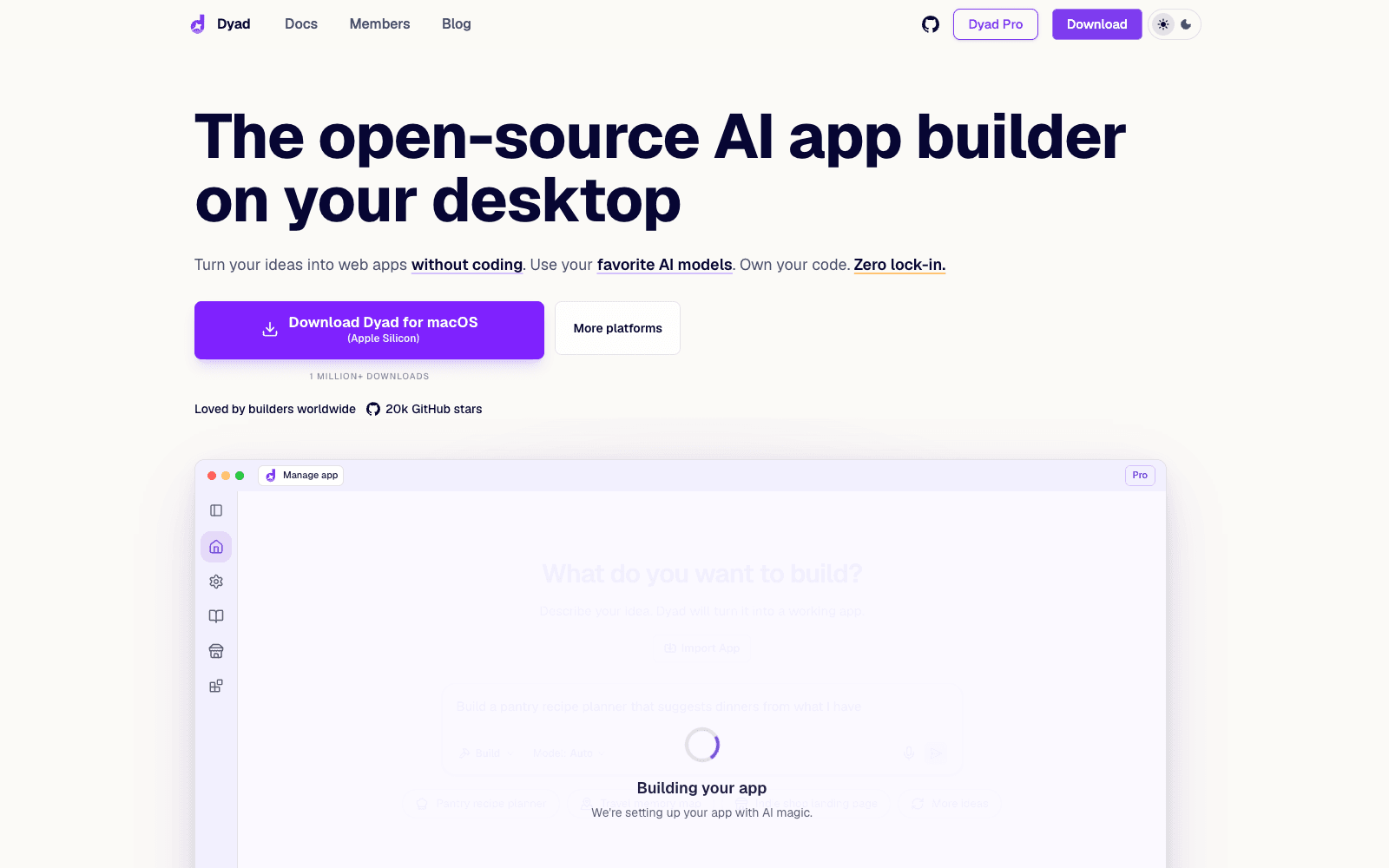
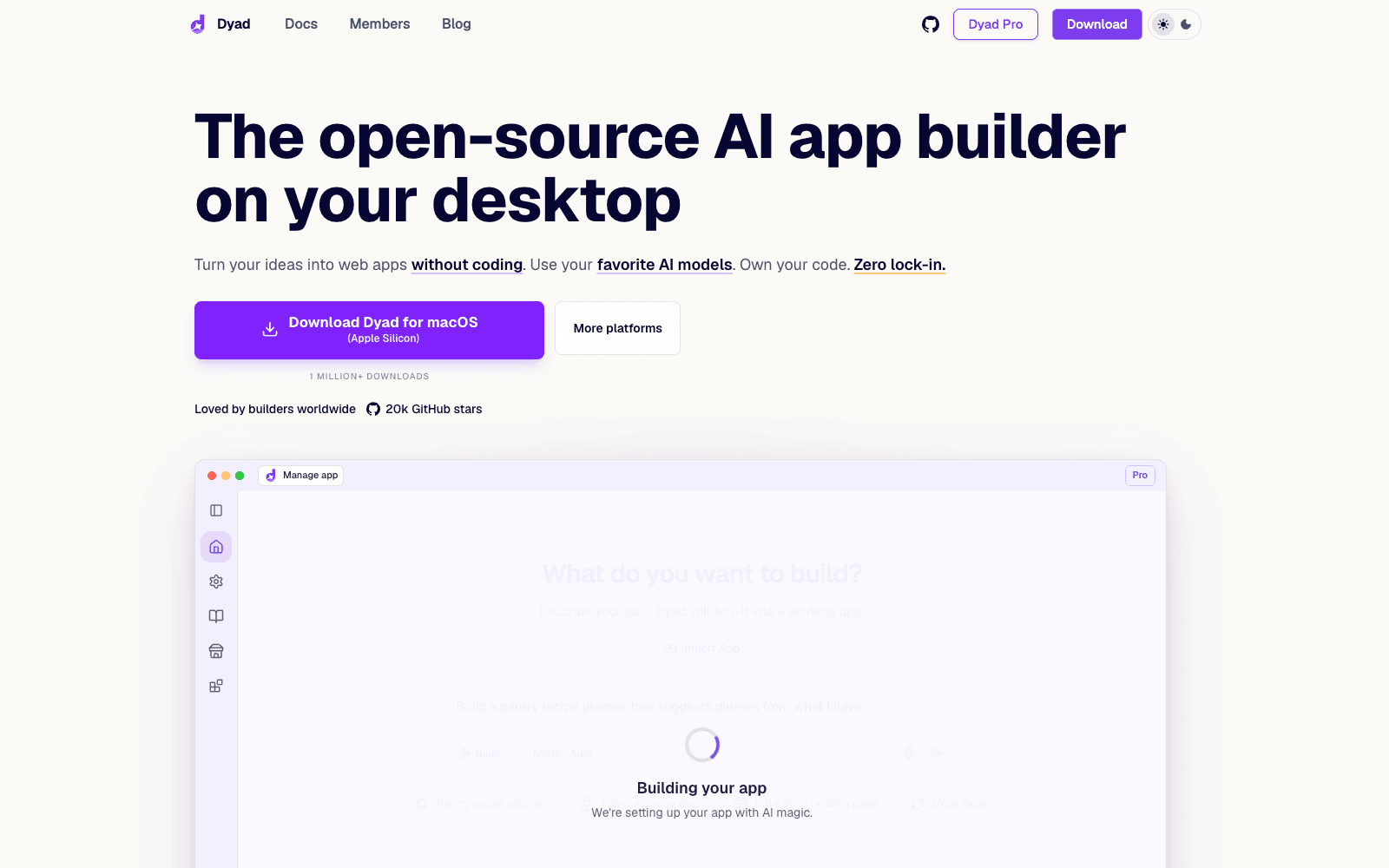
Dyad is a free, open-source AI app builder that runs on your desktop, works with any model, and exports code you own.
Overview
Dyad
Dyad is an open-source AI app builder that runs on your own machine instead of in someone else's cloud. You describe what you want, Dyad generates a working web app, and every file lands on your disk as standard Next.js code you can open in VS Code, push to GitHub, or deploy to Vercel. It is model-agnostic: bring your own API keys for Anthropic, OpenAI, or Google, or run fully offline with Ollama or LM Studio. One-click Supabase or Neon integration handles database, schemas, migrations, and auth; a built-in security scan checks for injection and misconfiguration before you ship; and MCP support lets you plug in browser DevTools, web search, or custom servers. Dyad is free with no sign-up and no project limits; a paid Pro tier adds hosted model credits, a Smart Context mode for large codebases, and an agent that reads logs to fix errors, as of 2026.
Production credibility: Site states 1 million+ downloads, 20-22k GitHub stars, and a 3,000+ member r/dyadbuilders community; open codebase at github.com/dyad-sh/dyad with releases days apart (v1.15.0 at capture); built by Dyad Tech, Inc., creator Will Chen; no disclosed funding.
Key Features
- Local-first desktop app for macOS and Windows; projects live on disk, work offline, and have no project count limit
- Any model: Anthropic, OpenAI, Google, or local Ollama and LM Studio models, switchable at any time
- Exports standard Next.js code; import existing repos and edit in VS Code whenever you want
- One-click Supabase or Neon setup for database schemas, migrations, and auth
- Built-in security scan for SQL injection, OWASP issues, and auth protection before deploy
- Deploy to GitHub and Vercel in a few clicks, or bring your own cloud
- MCP extensibility: connect Chrome DevTools, web search, or custom MCP servers
- Pro tier adds hosted credits, Smart Context for large codebases, and an auto-debugging Agent mode
Ideal Use Case
Dyad is for tinkerers and product people who have tried Lovable, Bolt, or Replit and want the same describe-and-build loop without renting the runtime: keep the code, pick the model, pay only for tokens. Solo developers use it to scaffold a full-stack MVP with auth and a database in an afternoon and then take over in their editor. Choose it over the hosted builders when ownership, offline work, or model choice matter more than a browser-only experience.
How Dyad differentiates
Dyad's whole pitch is ownership: the app is open source, the generated project is plain Next.js on your disk, and there is no hosted runtime to be locked into or billed for. Model freedom is real, down to fully offline local models, and MCP support means the builder can grow tools rather than wait for the vendor. Release cadence is fast and visible on GitHub. The trade-offs: you manage API keys and token spend yourself on the free tier, output quality depends heavily on which model you point it at, there is no shared cloud workspace for teams, and desktop-only means no phone or Chromebook use. The Pro subscription reintroduces a hosted dependency for credits and Smart Context, so read what stays free before assuming the whole thing does.
FAQ
Q: Is Dyad free? A: Yes. The desktop app is free and open source with no sign-up and no project limits; you supply your own API keys. Dyad Pro and Max are paid subscriptions that add hosted AI credits, Pro modes for large codebases, and academy content.
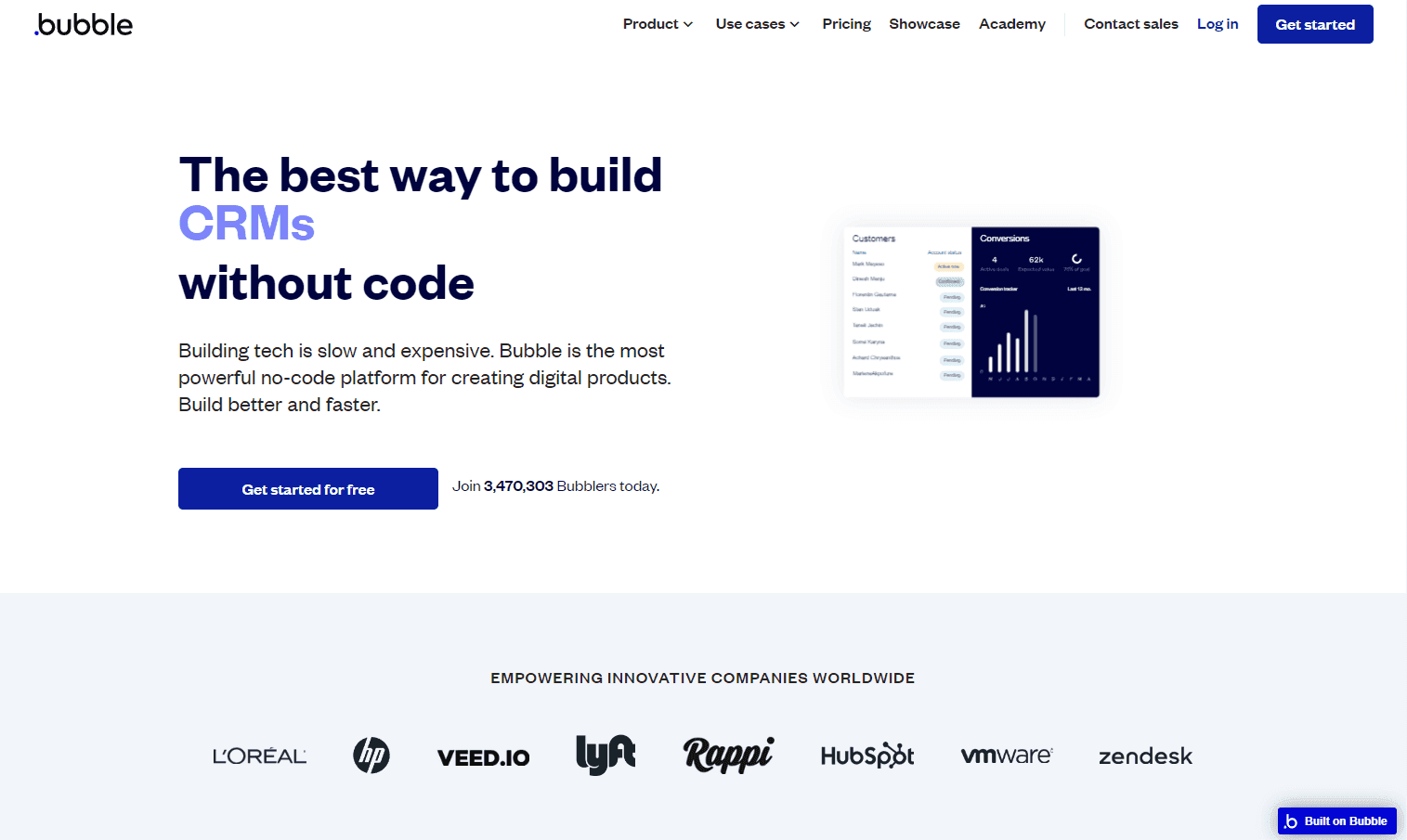
Q: How does Dyad compare to Lovable and Bolt? A: Lovable and Bolt run in the browser on their own infrastructure and models; Dyad runs locally, lets you choose any model including offline ones, and writes standard Next.js code to your disk with no lock-in. Hosted builders are easier to share; Dyad is easier to own.
Q: Which AI models does Dyad support? A: Anthropic, OpenAI, and Google models via your own keys, plus local models through Ollama and LM Studio; Pro adds a hosted credit pool that routes to leading models.
Q: Can Dyad build a full-stack app with a database and login? A: Yes. Connect Supabase or Neon in one click for schemas, migrations, and auth, then deploy to GitHub and Vercel or your own cloud.
Q: Does Dyad send my code to the cloud? A: The free app runs on your machine and keeps project files local; only the prompts you send to your chosen model provider leave your computer, and you can use an offline model to keep everything local.
tl;dr
Dyad is the open-source, run-it-yourself answer to Lovable and Bolt: local desktop app, any model, real Next.js code you own, plus Supabase, Vercel, and MCP hooks. Free to use; a Pro tier adds hosted credits and large-codebase modes.
Why Use Dyad
User Reviews
Similar Tools