Draftbit
Visually build and launch native mobile apps with Draftbit
Overview
Draftbit: Visually Build and Launch Native Mobile Apps
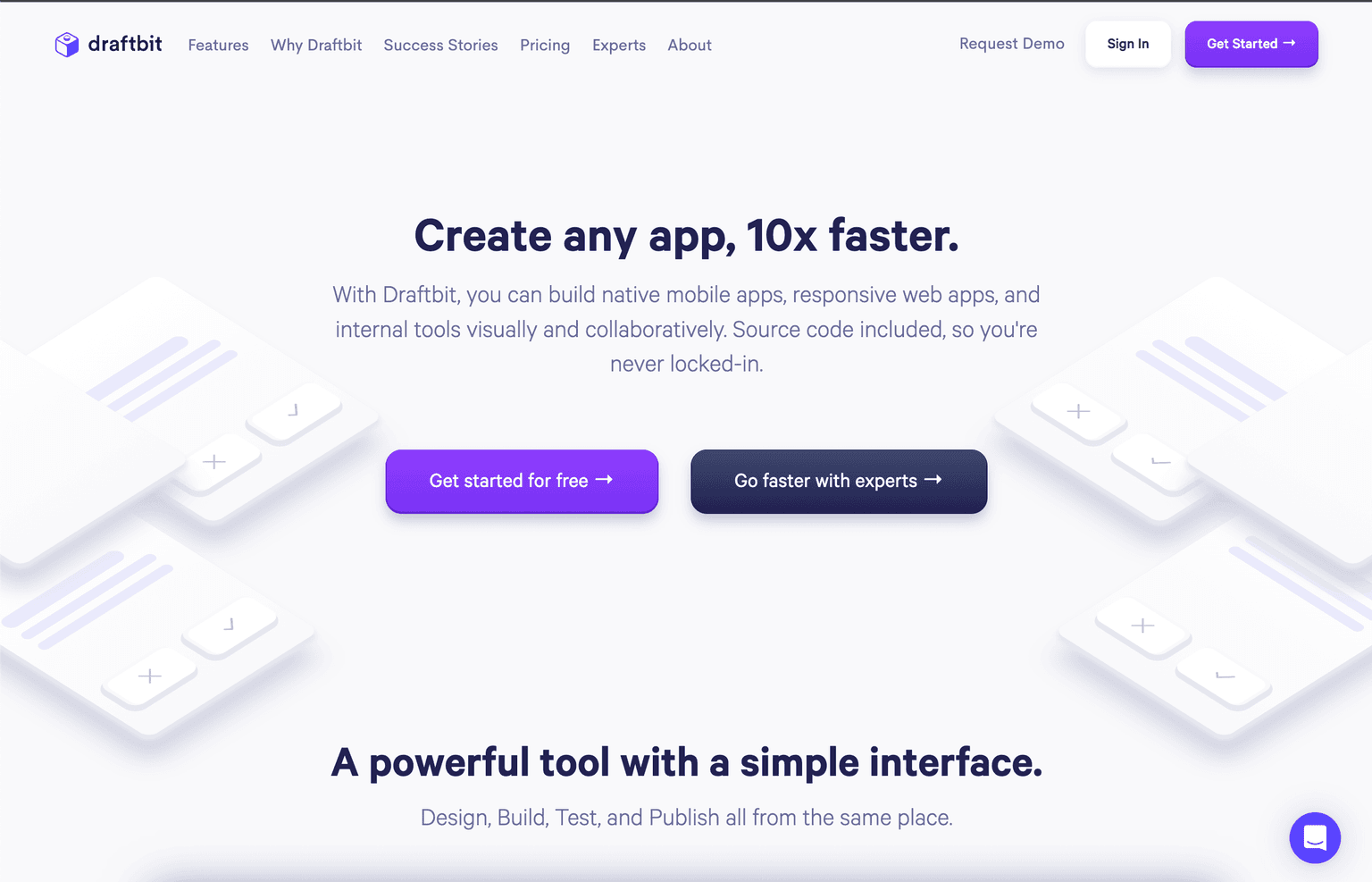
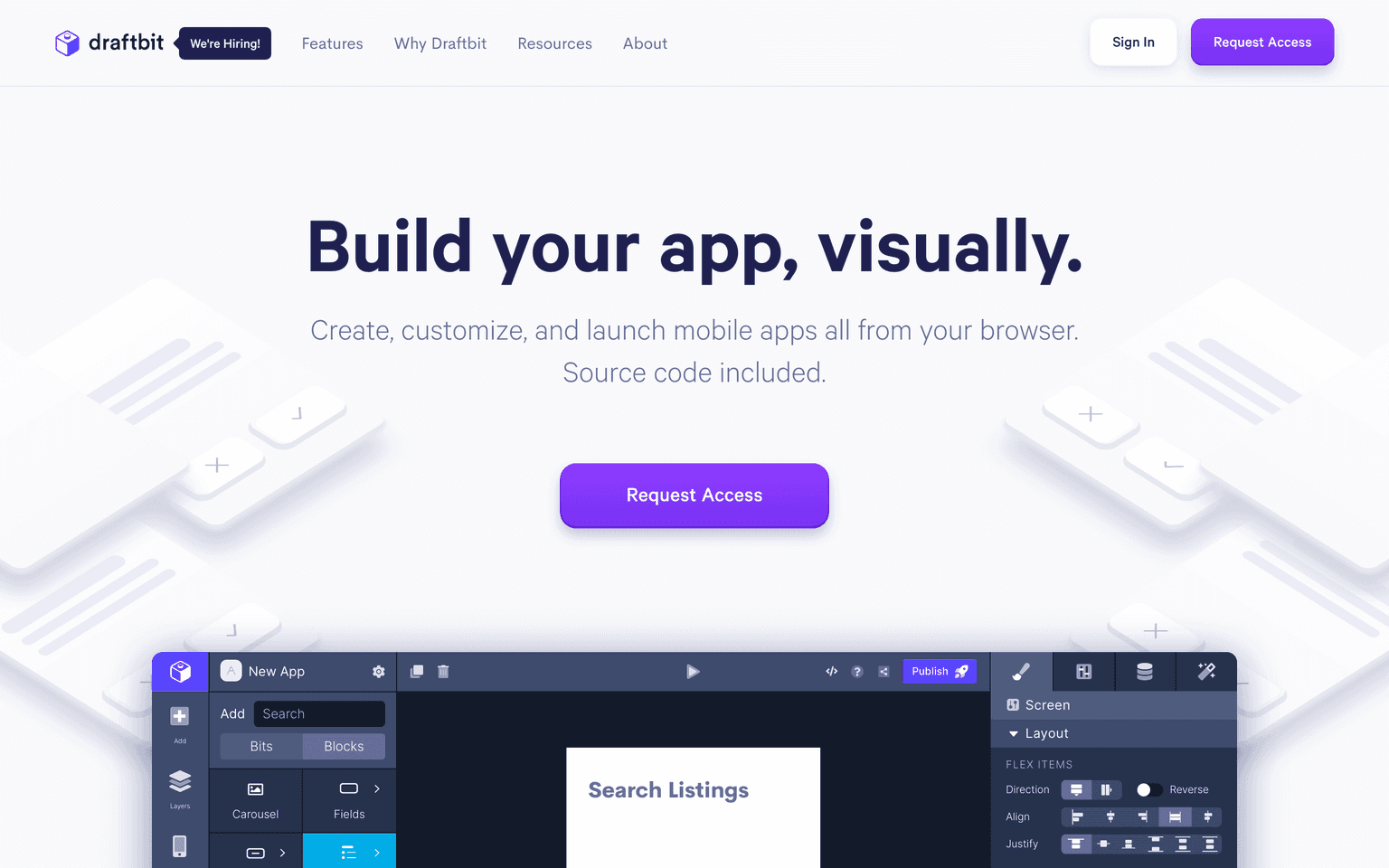
Draftbit is a powerful tool that enables users to visually build native mobile apps, responsive web apps, and internal tools. With a simple interface, it offers a collaborative environment where users can design, build, test, and publish apps, all from the same place.
Key Features:
- Visual design interface for building apps
- Support for native mobile apps and responsive web apps
- Collaboration features for team members
- Integration with REST APIs
- Advanced properties, themes, and custom code
- Preview on devices or the web
- Deployment options including PWA, Testflight, and Google Play's beta program
Ideal Use Case:
For developers, designers, and businesses looking to create and launch mobile apps without the need for extensive coding.
Why use Draftbit:
- Accelerate app development process
- Collaborate with team members
- Customize every detail visually
- Test and deploy easily
- No lock-in with included source code
tl;dr:
Draftbit is revolutionizing the way mobile apps are built, offering a visual and collaborative platform that simplifies the development process. Whether you're a seasoned developer or just starting, Draftbit provides the tools to bring your app ideas to life.
FAQ
Q: What does Draftbit do? A: Visually build and launch native mobile apps with Draftbit.
Q: Is Draftbit free? A: Draftbit offers a free tier with paid upgrades. Visit the Draftbit pricing page for current plan details.
Q: Who benefits from Draftbit? A: Draftbit serves no-code builders and citizen developers working on AI-driven workflows.
Q: What are alternatives to Draftbit? A: Top alternatives to Draftbit include Softr, Uizard, and Replit Agent. See our directory for in-depth comparisons.
Related
Looking for more options? Browse the No-Code / Low-Code directory or read our best no-code AI tools listicle. Draftbit is also tracked on Crunchbase.
Why Use Draftbit
Editorial Review
Our take on Draftbit.

A visual builder for web and mobile that lets you import, edit and export the underlying code, and connects to your own Claude or OpenAI account for the AI parts. The escape hatch is what makes it worth considering over a closed no-code platform.
What works
- Full code import, edit and export rather than a closed platform
- Connect your own Claude or OpenAI account instead of buying credits
- Targets web, iOS and Android with one-click store publishing
What doesn't
- Exported code structure and maintainability are not documented publicly
- Complex custom logic still outpaces what visual editing handles well
Draftbit's position is the middle ground between a no-code builder and writing an app by hand. You get drag-and-drop visual editing with live preview, targets for web, iOS and Android, and one-click publishing to the web and the app stores — but you can also import, edit and export the full code, which is what separates it from platforms you cannot leave.
The AI implementation is unusual and worth noting: you connect your own Claude or OpenAI account rather than buying credits from Draftbit. That means model costs are paid at cost, you choose the model, and usage is governed by your own provider agreement rather than an opaque resale layer.
Backend arrangements are flexible — bring your own or have one created — and there is a large library of integrations and MCP connections. Two things to verify for your project: the public material does not spell out what the exported code looks like or how maintainable it is once detached, and complex custom logic is still where visual builders stop being faster than writing it yourself. Prototype the hardest screen first.
User Reviews
Similar Tools