
Uizard
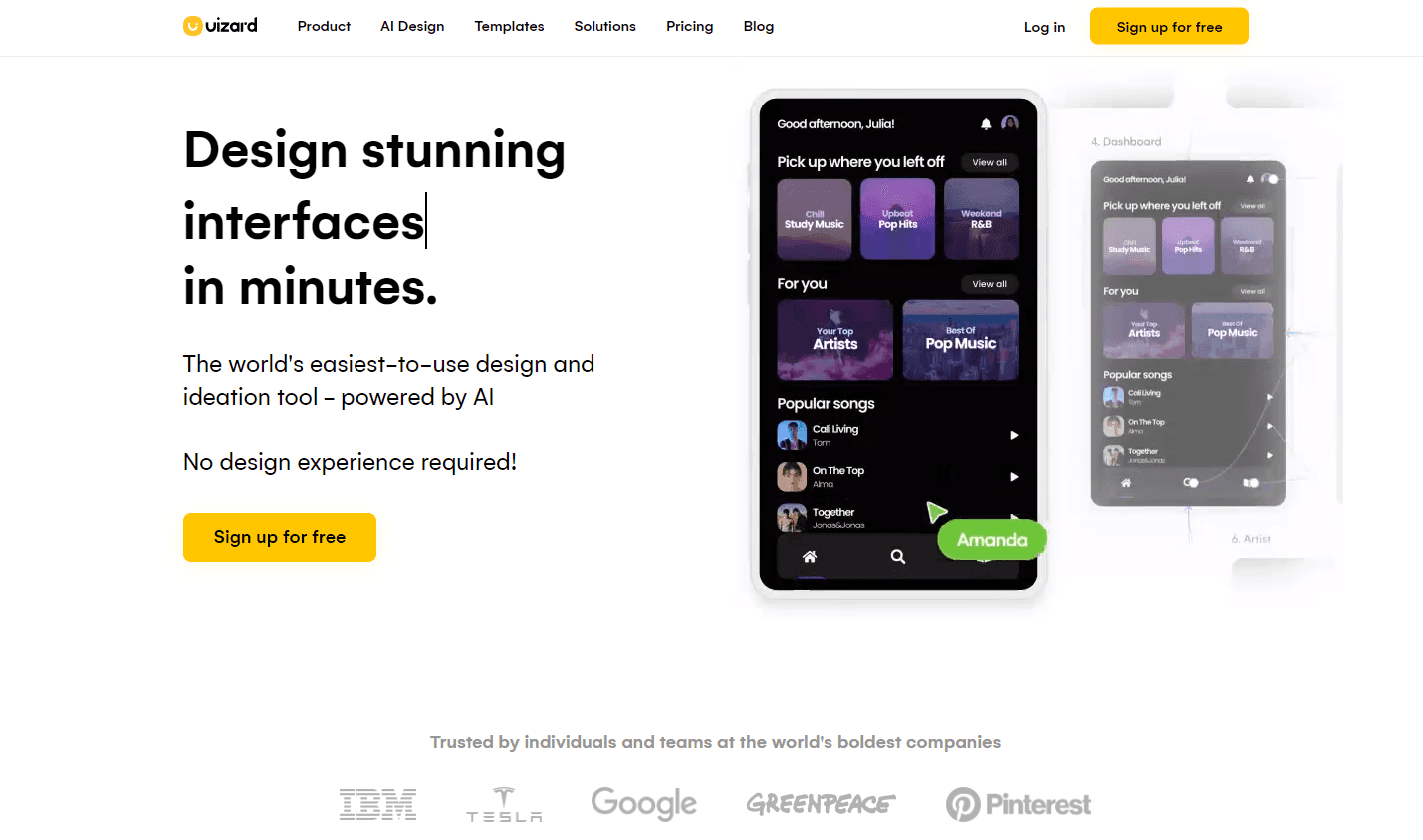
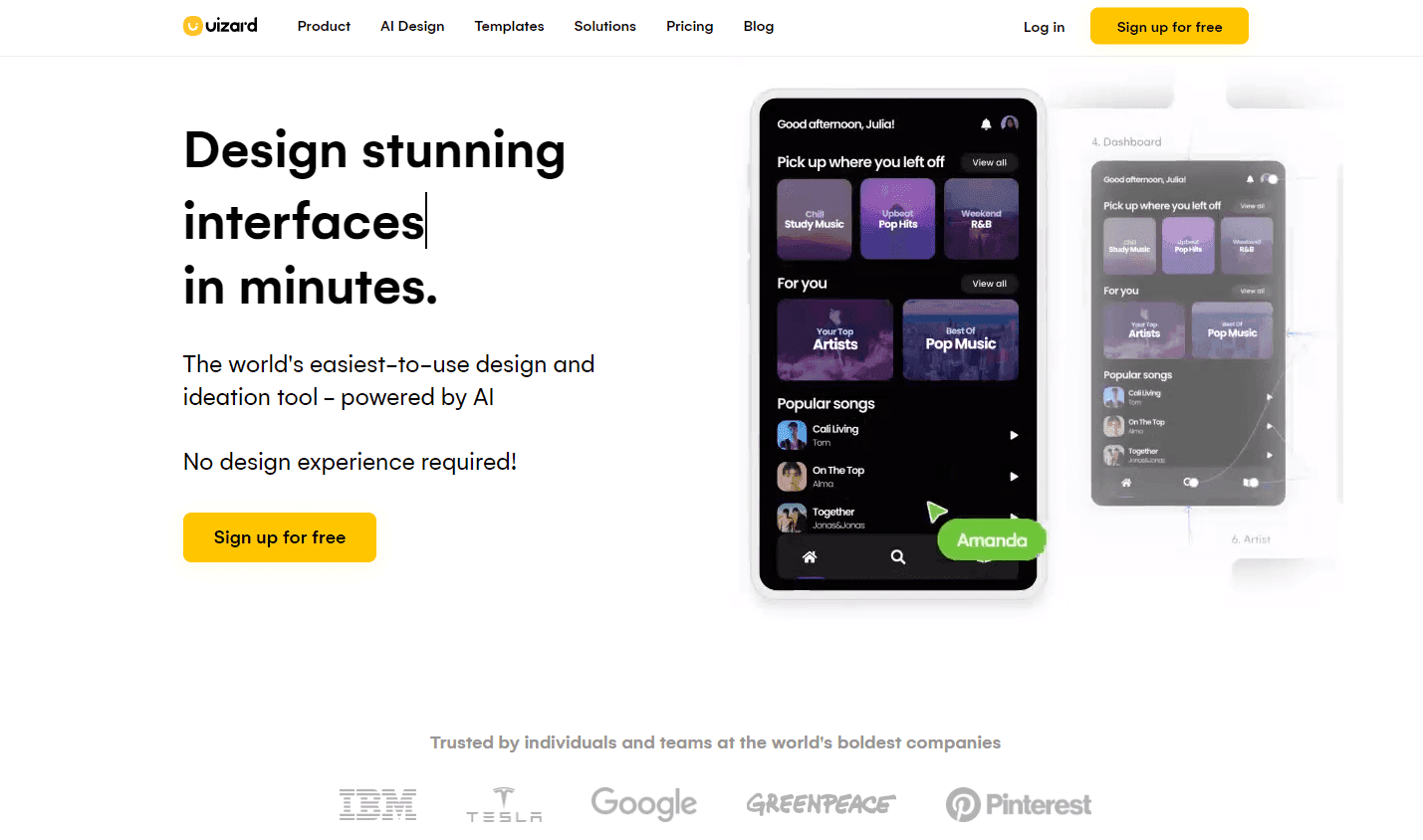
Uizard offers an AI-enhanced UI design experience, enabling rapid creation of wireframes, mockups, and prototypes.
Acquired Uizard
Acquired · May 2024
Uizard pioneered AI-assisted UI design — turning sketches, screenshots, and text prompts into editable mockups years before “prompt-to-app” was a category. Miro acquired the company in May 2024 to power its AI prototyping ambitions. Uizard keeps running as a standalone product while its technology seeds Miro’s design tooling.
Acquired by Miro.
Last known pricing: Free tier + Pro $12/mo + Business $39/mo
Is Uizard shut down?
No — Uizard is still operating. Its acquisition by Miro was announced on May 27, 2024, and the product continues to ship. We list it in the ToolDirectory.AI graveyard's acquired-but-operating section and watch for post-acquisition changes.




Overview
Uizard: AI-Powered UI Design Tool for Rapid Prototyping
Uizard stands out as a revolutionary AI-powered UI design tool that enables users to craft wireframes, mockups, and prototypes in mere minutes. With its unique AI capabilities, Uizard can generate UI designs from text prompts, convert hand-drawn sketches into wireframes, and even transform screenshots into editable designs. This platform offers a plethora of pre-made design templates and UI components, facilitating swift and collaborative design ideation and iteration.
Acquisition note (May 2024): Miro acquired Uizard in May 2024. Uizard continues to operate as a standalone product, and its AI design technology is being integrated into Miro’s platform.
Key Features:
- AI-Driven Design Generation: Create UI designs using simple text prompts.
- Sketch to Wireframe: Convert hand-drawn sketches into digital wireframes effortlessly.
- Screenshot Transformation: Turn screenshots into editable designs.
- Pre-Made Templates: Access a vast library of design templates and UI components.
- Design Assistant: Instantly transform hand-drawn wireframes into digital designs.
Ideal Use Case:
Uizard is a versatile tool catering to both non-designers and seasoned designers. It's perfect for founders aiming to conceptualize their app or web design, marketing agencies, and product managers who value Uizard's intuitive functionality to convey designs to diverse stakeholders.
Why use Uizard:
- Rapid Prototyping: Speed up the design process with AI-driven tools.
- Collaborative Design: Work seamlessly with team members and stakeholders.
- Versatile Templates: Choose from a wide range of pre-made templates suitable for various projects.
- User-Friendly: Designed for both novices and professionals, ensuring an easy design process.
FAQ
What does Uizard help you create? Uizard is an AI-powered design tool that lets you quickly build wireframes, mockups, and prototypes without needing advanced design skills. It's built for teams and individuals who want to speed up their UI design workflow.
Who should use Uizard? Uizard works well for product managers, developers, and designers who need to move fast from concept to interactive designs. It's especially useful if you want to reduce the time spent on initial design iterations and get feedback from stakeholders quickly.
How much does Uizard cost? Uizard operates on a paid subscription model. Visit the Uizard pricing page for current plans and to see which tier fits your team's needs.
How does Uizard compare to other design and development tools? Uizard focuses specifically on rapid UI design with AI assistance, while alternatives like Softr, Replit Agent, and Webflow each take different approaches—some emphasizing no-code app building, coding assistance, or full website design. Your choice depends on whether you prioritize speed in wireframing and prototyping versus broader development capabilities.
Q: Who owns Uizard? A: Miro, which acquired Uizard in May 2024. Uizard continues to operate as a standalone AI UI-design product while its technology is integrated into Miro.
tl;dr:
Uizard is a transformative AI-powered UI design platform, streamlining the process of creating wireframes, mockups, and prototypes. With its intuitive features and vast template library, Uizard is the go-to tool for rapid and collaborative design.
Related
Looking for more options? Browse the No-Code / Low-Code directory or read our best no-code AI tools listicle. Uizard is also tracked on Crunchbase.
Why Use Uizard
Editorial Review
Our take on Uizard.

AI-powered design tool that trades polish for speed—good if you need wireframes fast, less polished if you need production-ready output.
What works
- Fast sketch-to-digital and AI generation for early-stage layouts
- Accessible entry price with straightforward no-code output
- Miro-owned since 2024 and still shipping as Uizard by Miro Labs
What doesn't
- Generated designs often need manual refinement; not production-ready
- Generic aesthetic; limited personality or brand customization
Uizard positions itself as the sketchy-to-digital shortcut: photograph a hand-drawn wireframe, describe what you want, and it'll generate a mockup. That appeal is real for people in the early ideation phase or those who don't think in Figma. The AI acceleration on repetitive layout tasks—buttons, grids, spacing—saves real time. Where it gets fuzzy: the output often needs cleanup. Generated designs can feel generic, and if your brand voice is specific or your component library is nonstandard, you'll spend time correcting rather than accelerating. The no-code framing means less code export friction than some competitors, which matters if you're handing mockups to a developer without translating layers. Just don't expect to throw a vague prompt at it and ship the result unchanged.