Diagram
Futuristic design utilities enhancing Figma workflows.
Acquired Diagram
Acquired · June 2022
Acquired by Figma in June 2022; Diagram's AI design utilities folded into Figma's product.
Acquired by Figma.
Is Diagram shut down?
Effectively, yes. Diagram was acquired by Figma and the standalone product was sunset on June 21, 2022. Its record is preserved in the ToolDirectory.AI graveyard, our hand-reviewed registry of AI tools that shut down or were acquired.
What to use instead




Overview
Diagram: Revolutionizing Design with AI-Powered Tools
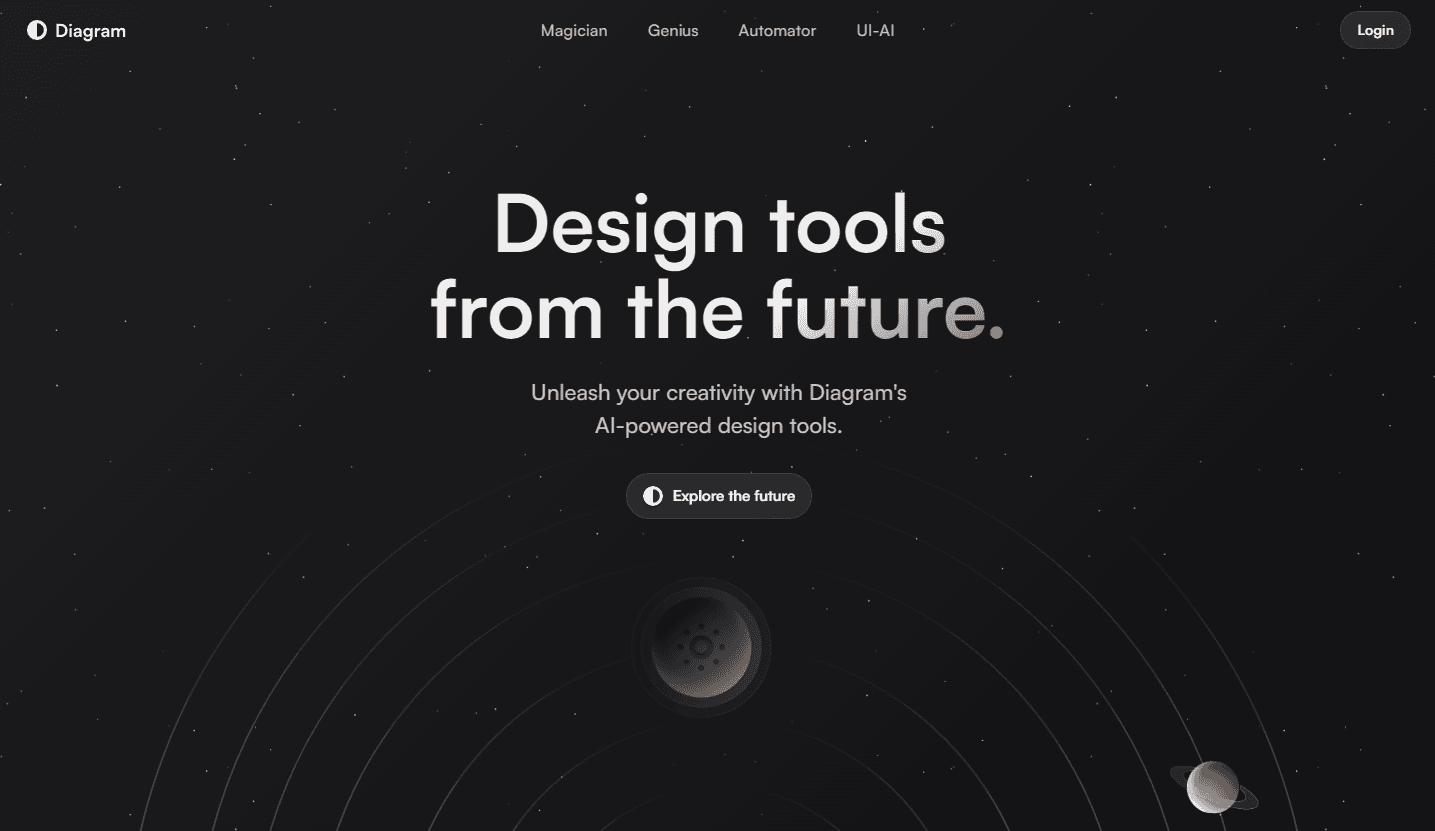
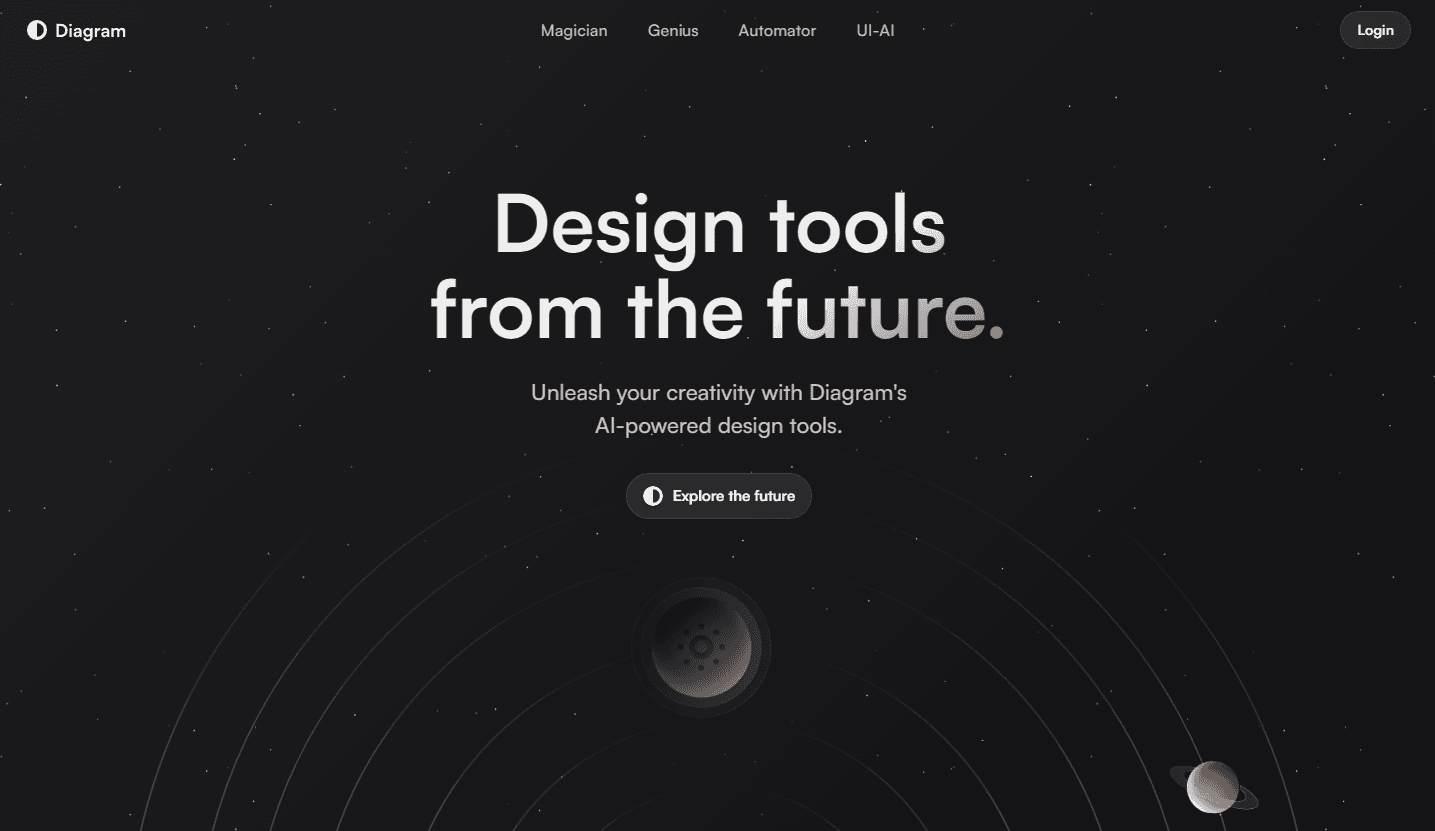
Diagram offers a suite of futuristic design tools powered by artificial intelligence. Aimed at enhancing the design process, these tools seamlessly integrate with popular platforms like Figma, transforming the way designers conceptualize and execute their ideas.
Key Features:
- Magician: Casts a spell on Figma designs, offering AI-powered design utilities like generating SVG icons, visuals, and real copy.
- Genius: An AI design companion in Figma that transforms ideas into fully-editable UI designs based on simple product descriptions.
- Automator: Enables designers to automate tedious tasks in Figma, turning hours of work into a single click.
- UI-AI: AI models specifically crafted for designers, offering the latest advancements in AI combined with creative prompting to generate design assets.
Ideal Use Case:
Designers and developers looking to enhance their workflow in Figma will find Diagram's tools invaluable. Whether it's automating repetitive tasks, generating design assets, or seeking AI-powered design recommendations, Diagram offers a solution.
Why use Diagram:
- Efficiency: Automate repetitive design tasks, saving hours of work.
- Innovation: Leverage AI to generate design assets and recommendations.
- Integration: Works seamlessly with popular design platforms like Figma.
- Future-Ready: Stay ahead with design tools from the future.
tl;dr:
Diagram offers a range of AI-powered design tools that integrate with Figma, enhancing the design process by automating tasks, generating assets, and providing AI-driven recommendations.
FAQ
Q: What is Diagram? A: Futuristic design utilities enhancing Figma workflows.
Q: How is Diagram priced? A: Pricing varies by plan. Visit the Diagram pricing page for current tiers and details.
Q: Who is Diagram for? A: Diagram is commonly used by developers and engineering teams.
Q: What are alternatives to Diagram? A: Top alternatives to Diagram include GitHub Copilot, Cursor, and v0. See our directory for in-depth comparisons.
Related
Looking for more options? Browse the Developer Tools directory or read our best AI coding tools listicle. Diagram is also tracked on Crunchbase.
Why Use Diagram